


'%3e%3cpath%20id='Rectangle%20995'%20d='M0%200H24C26.2091%200%2028%201.79086%2028%204V52C28%2054.2091%2026.2091%2056%2024%2056H0V0Z'%20fill='black'%20fill-opacity='0.2'/%3e%3cpath%20id='Vector'%20d='M17%2022L11%2028L17%2034'%20stroke='white'%20stroke-opacity='0.85'%20stroke-width='1.5'%20stroke-linecap='round'%20stroke-linejoin='round'/%3e%3c/g%3e%3cdefs%3e%3cclipPath%20id='clip0_1639_4805'%3e%3crect%20width='28'%20height='56'%20fill='white'/%3e%3c/clipPath%3e%3c/defs%3e%3c/svg%3e)
'%3e%3cpath%20id='Rectangle%20995'%20d='M0%204C0%201.79086%201.79086%200%204%200H28V56H4C1.79086%2056%200%2054.2091%200%2052V4Z'%20fill='black'%20fill-opacity='0.2'/%3e%3cpath%20id='Vector'%20d='M11%2022L17%2028L11%2034'%20stroke='white'%20stroke-opacity='0.85'%20stroke-width='1.5'%20stroke-linecap='round'%20stroke-linejoin='round'/%3e%3c/g%3e%3cdefs%3e%3cclipPath%20id='clip0_1639_4802'%3e%3crect%20width='28'%20height='56'%20fill='white'/%3e%3c/clipPath%3e%3c/defs%3e%3c/svg%3e)
Easter 3D Printing Fest
parametric
no supports
easter
building blocks
no ams
egg
no mmu
building toy
danish blocks
calibrix

- 0.2mm layer, 6 walls, 25% infill
'%20fill='%23B3B3B3'/%3e%3crect%20id='Rectangle%201051'%20x='8'%20y='2'%20width='12'%20height='0.5'%20transform='rotate(90%208%202)'%20fill='%23D9D9D9'/%3e%3crect%20id='Rectangle%201052'%20x='11'%20y='2'%20width='12'%20height='0.5'%20transform='rotate(90%2011%202)'%20fill='%23B3B3B3'/%3e%3cpath%20id='Rectangle%201048'%20d='M2%202H14V14H11L10.5%2014.5H8H5.5L5%2014H2V2Z'%20stroke='%23828282'%20stroke-linejoin='round'/%3e%3c/g%3e%3c/g%3e%3c/svg%3e)
1-disc
TPU
Designer - 0.2mm layer, 6 walls, 25% infill
4-disc
PLA
Designer

4

1

Calibrix: Easter Eggs
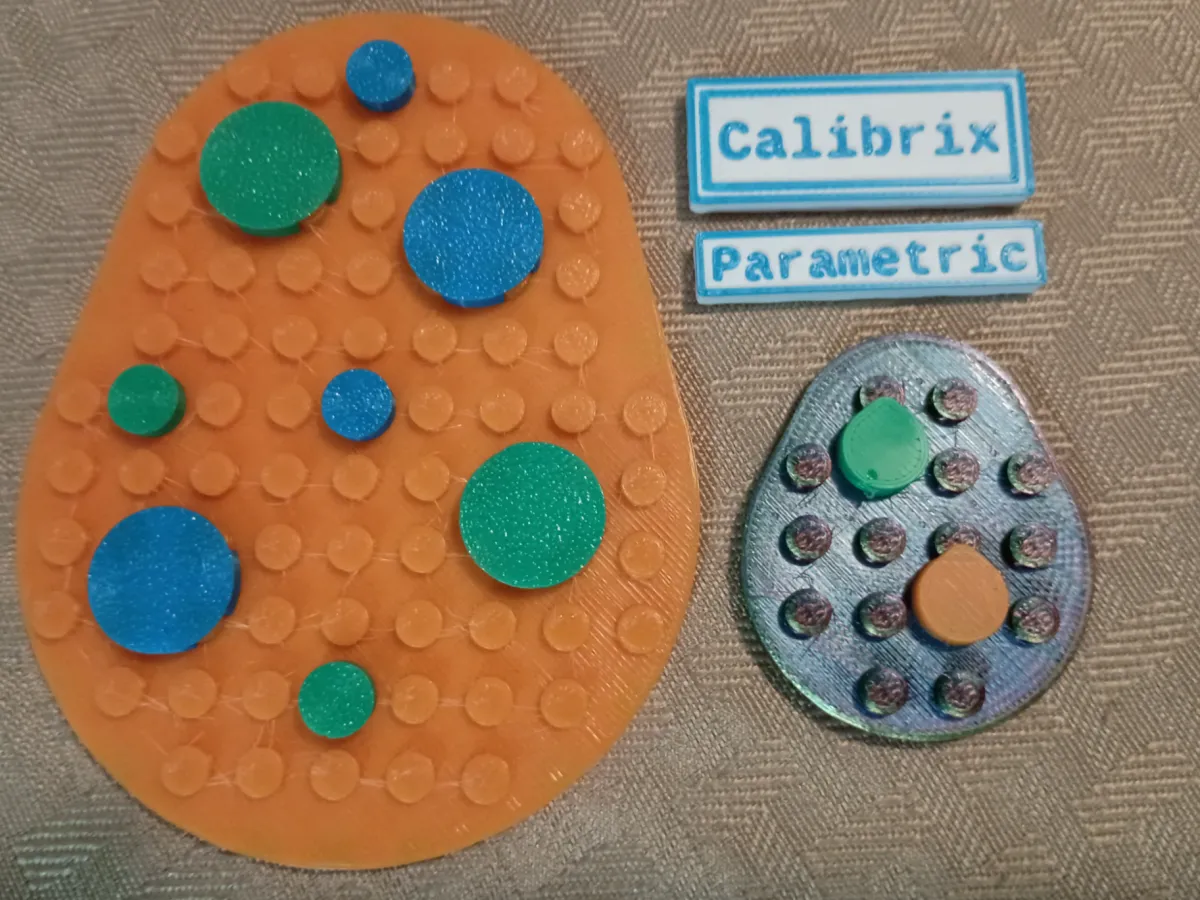
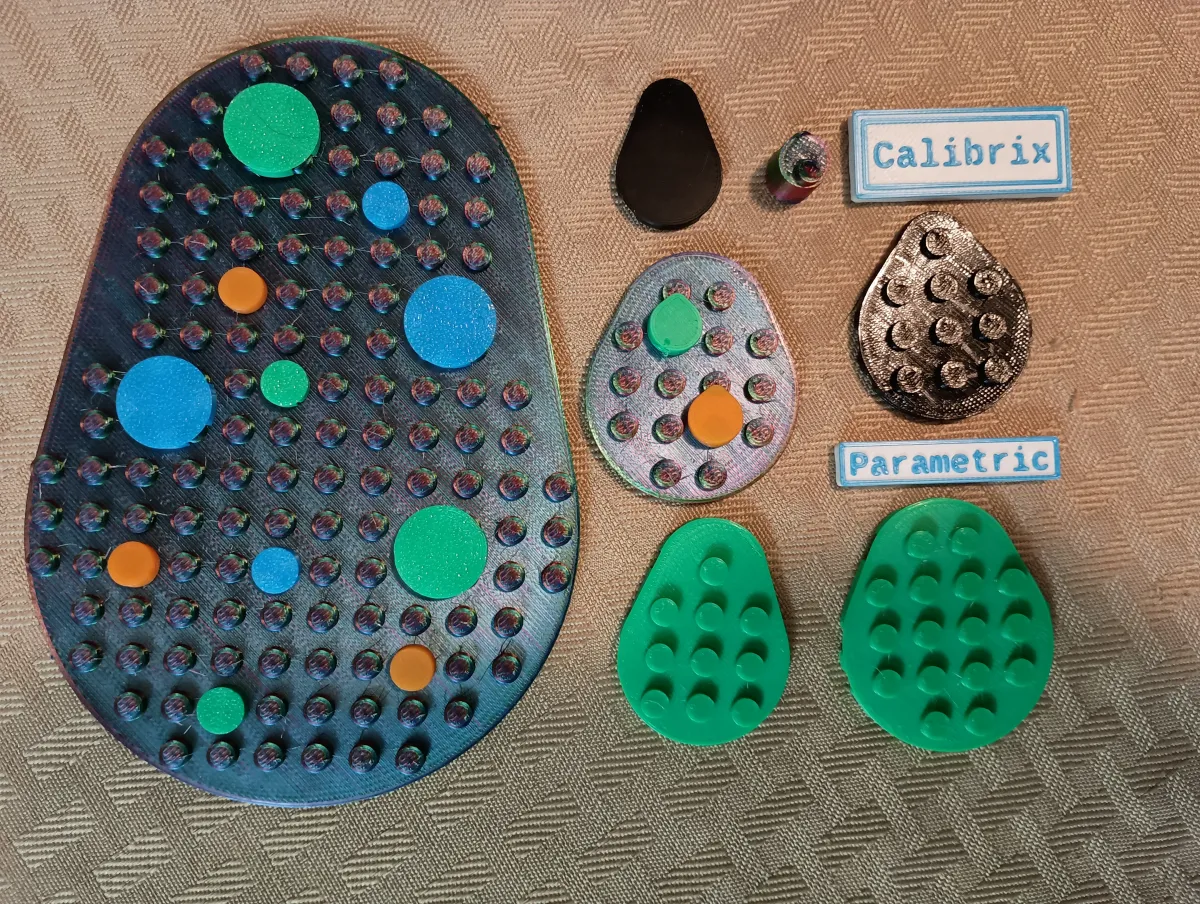
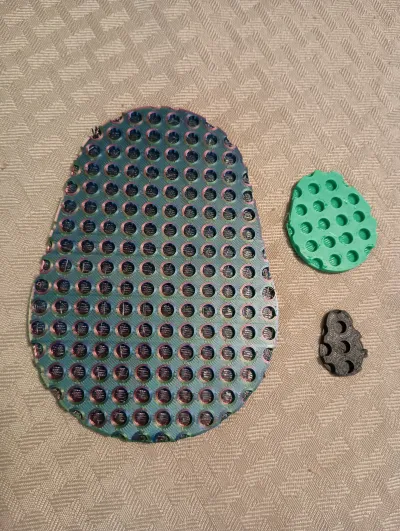
The Calibrix Egg Generator is a parametric design tool created to bridge the gap between organic shapes and grid-based building systems. Using a unique "Two-Circle Hull" logic, this generator allows you to design perfect ovoid plates and bricks that snap flawlessly onto standard stud grids.
Whether you need a subtle oval or a sharp, bird-like egg shape, the sliders give you total control over the "shoulders," "hips," and "taper" of your parts. Every piece is engineered with "Plate-Depth" underside sockets to ensure maximum clutch and a professional, solid feel.
About Calibrix
Calibrix is a system of parts engineered to fit well together and work alongside Danish blocks. It involves calibrating your models to the perfect fit using the calibration tools (see my other projects) and then dialing those tolerances into the SCAD file.
Decoration Ideas
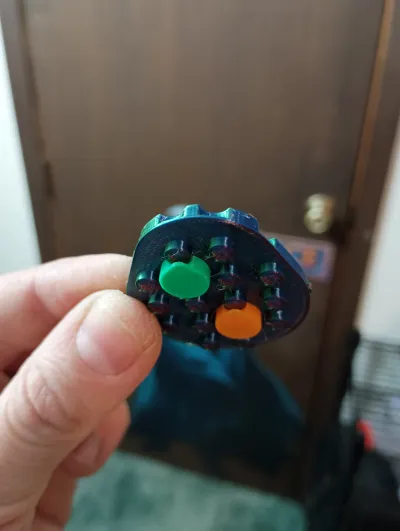
You can use elements from Calibrix and/or Danish blocks to make your Easter Egg plates look their very best. Within this project, I provided a couple printable round shapes to help you decorate your egg, but those are actually a part of Calibrix: Rounds, a different library that will be available by April 2026. I recommend decorating an egg and applying an adhesive magnet to the back to hang it on a fridge or use command strips to hang it on your wall. You can use blocks to give it a wider base and stand it on your desk. Or if you really want to be unique, you can generate a stack of these in various sizes to make a topographic map effect in your build.
How to use the tool?
The SCAD file is the most complicated Calibrix one I've made so far. Egg shapes are "mathy", so if this intimidates you, I recommend using the provided models instead of trying to make your own.
But if you still want to use the tool, you begin by defining an imaginary grid around the part using length studs and width studs. You have to slide the egg stretch slider and the two for egg fill in a way to make an egg shape within your grid. By playing around with these sliders, you will eventually arrive at an egg shape that fits your needs. Keep in mind: No egg stretch between the circles will give you concentric circles, so you end up with a round plate. Also, you need a good amount of variation between your top and bottom, so make sure your length and width have a good difference, and make sure your egg fill for top and bottom have a good amount of variation. You can ignore this advice to make custom shapes, but for eggs, this is the best way to go.
Special Printing Instructions
This model has been tested in PLA and TPU. PLA is the general recommendation, but TPU can make a larger plate into an interesting fidget. You will definitely want to dry your TPU if you use it. Additionally, any custom TPU prints should have settings enabled in the slicer to prevent crossing walls. I use Sunlu TPU for my gcode, so be aware that other TPU's may have different temperature requirements for TPU as Sunlu recommends running their's cooler than some other brands. My gcode has supports painted around the exterior antistud holes, and this is important to help prevent the edge from collapsing due to the curved bridges it would have to make in order to print this. I highly recommend painting in supports for any plates and blocks you create with the SCAD file if you are not confident with your printer's bridging abilities. Tiles do not need supports because you can print them upside down. Printing them upside down allows you to use cool print plates with holographic or carbon fiber (or whatever) designs.
Core Library
Basic parts and pieces
https://www.nexprint.com/en/models/G3353439?printConfigId=G6678136
Calibration
Calibration tools
https://www.nexprint.com/en/models/G6688048?component=UserHome&printConfigId=G8457262
https://www.nexprint.com/en/models/G5021615?component=UserHome&printConfigId=G1680118
AI Disclaimer
I use an AI coding assistant to assist with SCAD file creation. The AI helps to get the correct math for complex geometry and helps streamline the initial code to increase my productivity. However my models are not "AI Generated". SCAD files create my models, and SCAD files are deterministic by nature. There are no weird "crazy AI hallucinations" here because the models are created by SCAD, not AI.
Originality of the Model
The author declares that this work is their personally original model
This model is licensed under the following terms:
Credit must be given to the creator
Models(15)
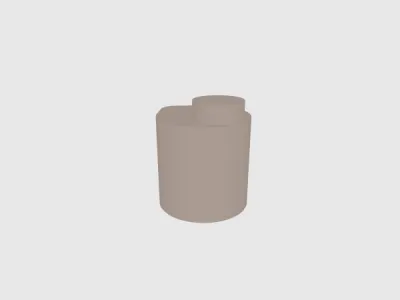 Egg Block 1 x 1 Studs.stlDesigner
'%3e%3cpath%20id='Vector'%20d='M13.6663%201.33331H2.33301C1.78072%201.33331%201.33301%201.78103%201.33301%202.33331V13.6666C1.33301%2014.2189%201.78072%2014.6666%202.33301%2014.6666H13.6663C14.2186%2014.6666%2014.6663%2014.2189%2014.6663%2013.6666V2.33331C14.6663%201.78103%2014.2186%201.33331%2013.6663%201.33331Z'%20stroke='%23808080'%20stroke-linejoin='round'/%3e%3cpath%20id='Vector_2'%20d='M11.3333%201.33331V7.33331H5V1.33331H11.3333Z'%20stroke='%23808080'%20stroke-linejoin='round'/%3e%3cpath%20id='Vector_3'%20d='M9.66699%203.66669V5.00002'%20stroke='%23808080'%20stroke-linejoin='round'/%3e%3c/g%3e%3cdefs%3e%3cclipPath%20id='clip0_3212_168684'%3e%3crect%20width='16'%20height='16'%20fill='white'/%3e%3c/clipPath%3e%3c/defs%3e%3c/svg%3e)
48.91 KB
'%3e%3cpath%20id='Vector'%20d='M7.99967%2014.6666C11.6816%2014.6666%2014.6663%2011.6819%2014.6663%207.99998C14.6663%204.31808%2011.6816%201.33331%207.99967%201.33331C4.31777%201.33331%201.33301%204.31808%201.33301%207.99998C1.33301%2011.6819%204.31777%2014.6666%207.99967%2014.6666Z'%20stroke='black'%20stroke-opacity='0.49'%20stroke-linejoin='round'/%3e%3cpath%20id='Vector_2'%20d='M8.00235%204.00006L8.00195%208.00299L10.8284%2010.8295'%20stroke='black'%20stroke-opacity='0.49'%20stroke-linecap='round'%20stroke-linejoin='round'/%3e%3c/g%3e%3cdefs%3e%3cclipPath%20id='clip0_1890_13189'%3e%3crect%20width='16'%20height='16'%20fill='white'/%3e%3c/clipPath%3e%3c/defs%3e%3c/svg%3e)
2026-04-08
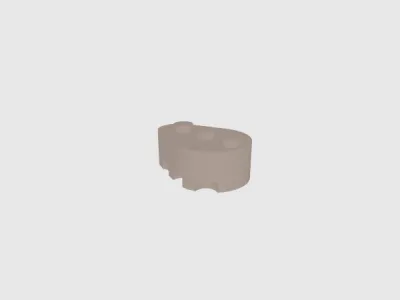 Egg Block 1 x 3 Studs.stlDesigner
136.02 KB
2026-04-08
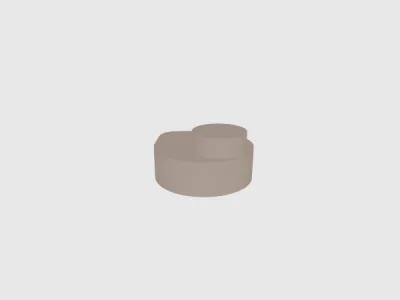 Egg Plate 1 x 1 Studs.stlDesigner
48.91 KB
2026-04-08
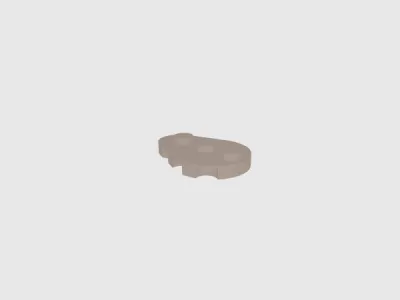 Egg Plate 1 x 3 Studs.stlDesigner
136.02 KB
2026-04-08
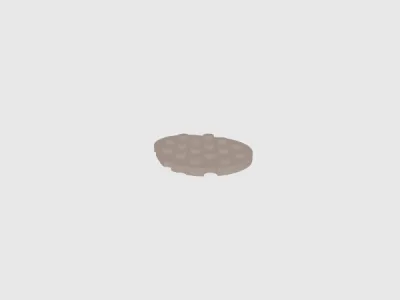 Egg Plate 4 x 5 Studs.stlDesigner
477.62 KB
2026-04-08
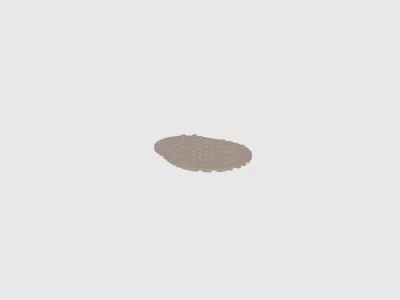 Egg Plate 9 x 11 Studs.stlDesigner
2.15 MB
2026-04-08
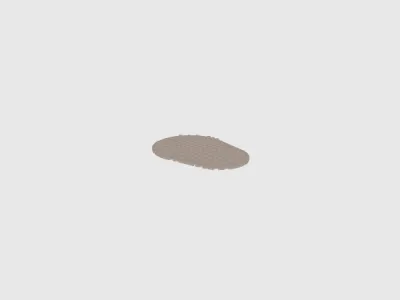 Egg Plate 12 x 16 Studs.stlDesigner
3.68 MB
2026-04-08
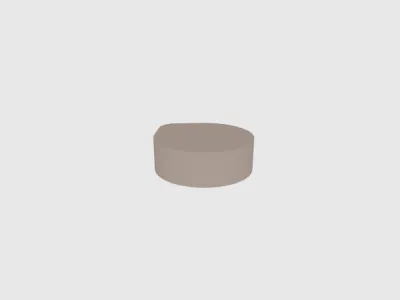 Egg Tile 1 x 1 Studs.stlDesigner
36.41 KB
2026-04-08
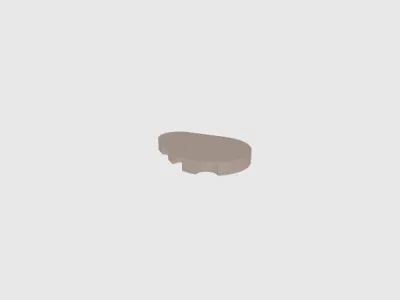 Egg Tile 1 x 3 Studs.stlDesigner
98.52 KB
2026-04-08
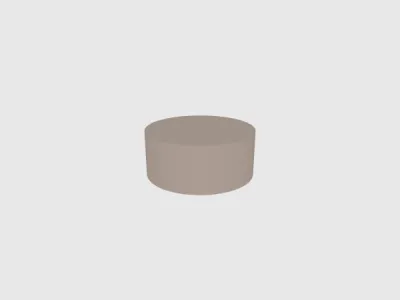 1 x 1 Round Tile.stlDesigner
31.92 KB
2026-04-08
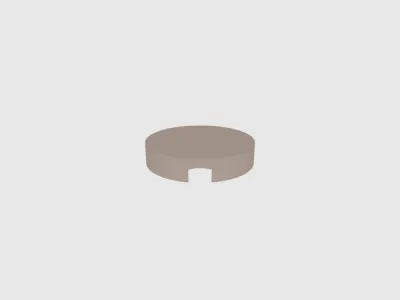 2 x 2 Round Tile.stlDesigner
106.92 KB
2026-04-08
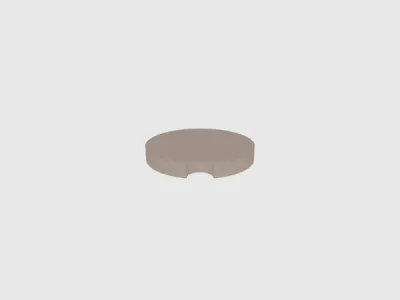 3 x 3 Round Tile.stlDesigner
205.36 KB
2026-04-08
 Egg Plate Generator.scadDesigner
2.70 KB
2026-04-08
- Egg Fidget Plates.3mfDesigner
1.20 MB
2026-03-24
- Calibrix Eggs.3mfDesigner
1.40 MB
2026-03-24
View all(15)


