










tuya
zigbee
button
- 0.12mm layer, 3 walls, 15% infill

1-disc
PLA
Designer

24

1
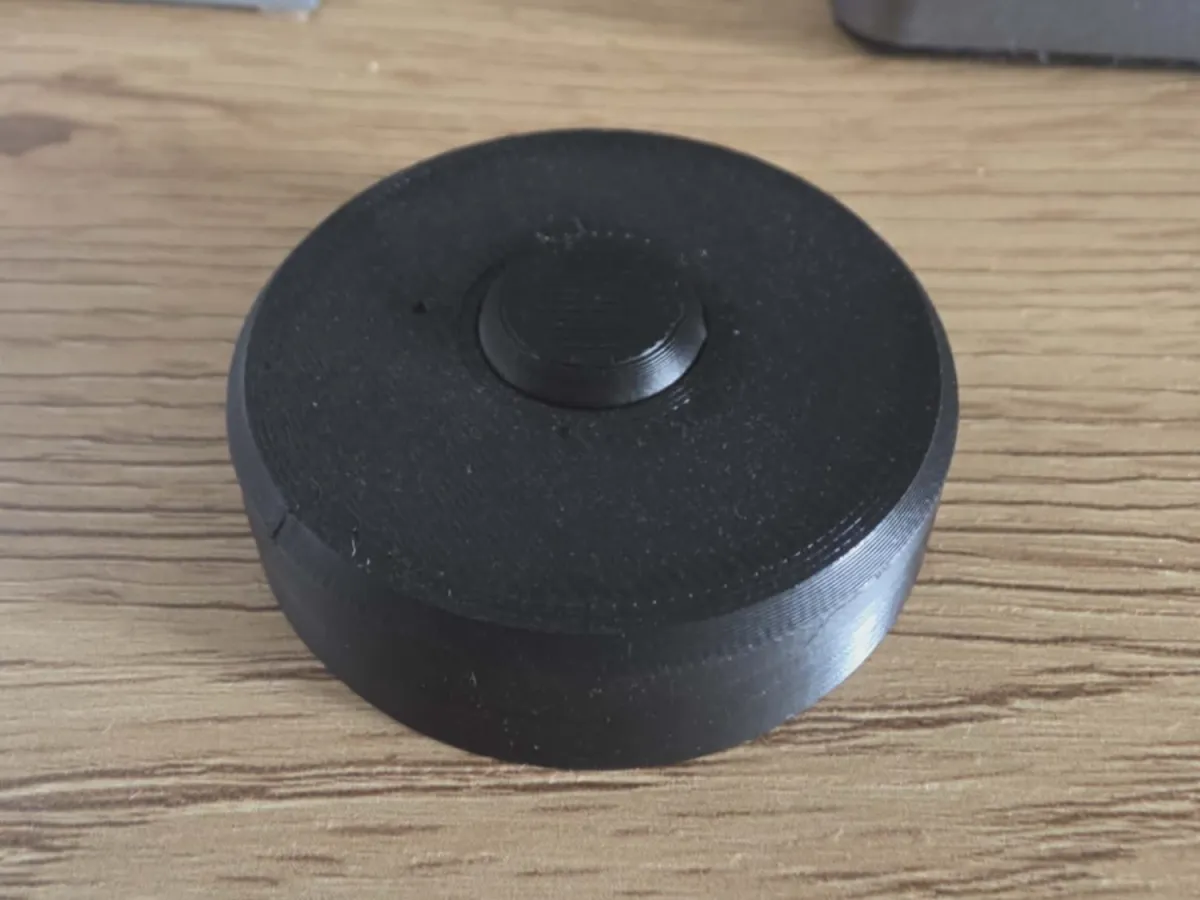
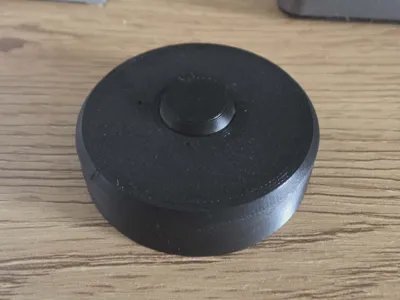
A simple replacement cover designed for the Tuya Smart Button.
This cover is intended to solve a common issue where the original button cap becomes difficult to press or gets stuck during use. The replacement design restores smooth and reliable button operation.
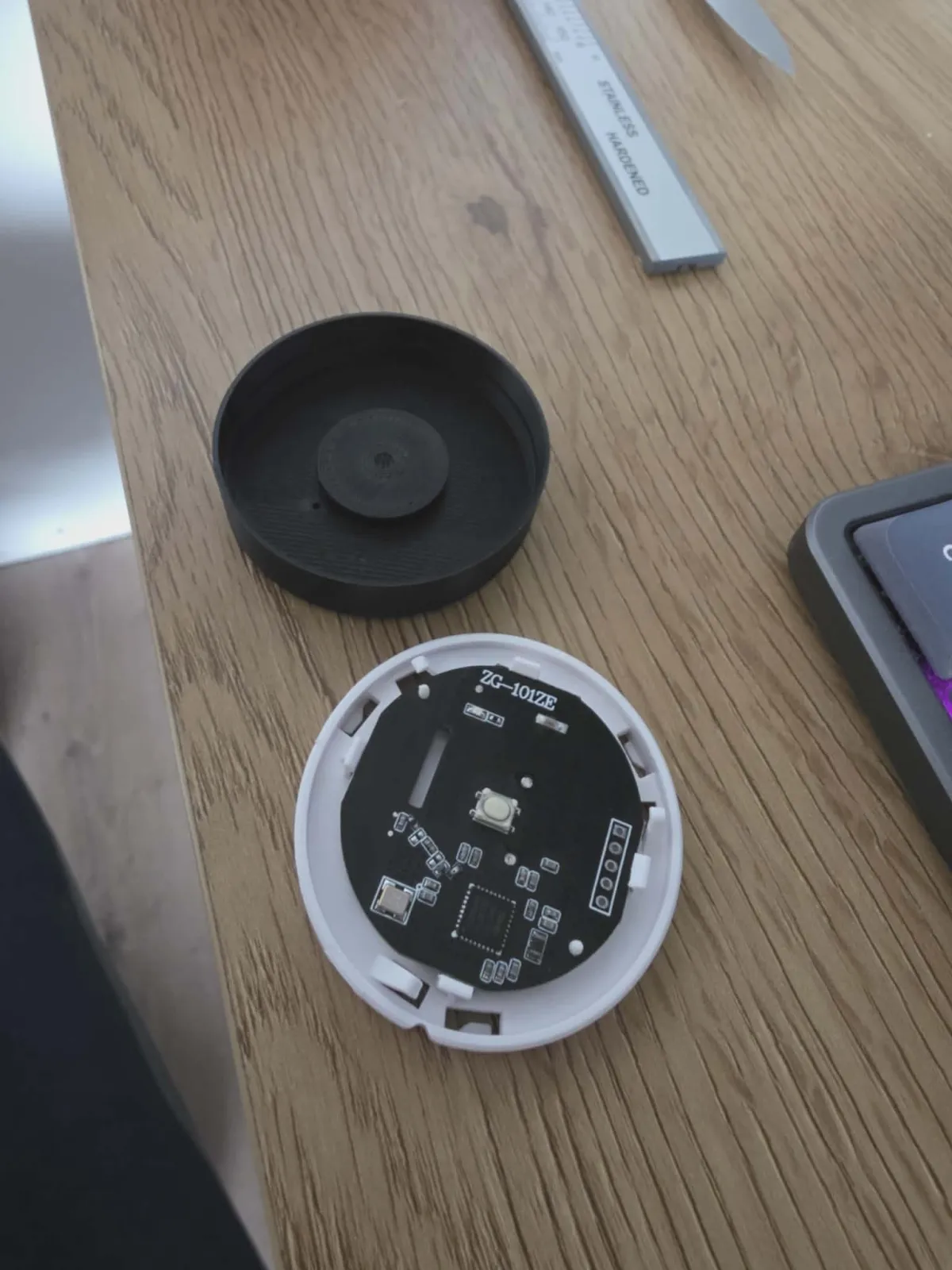
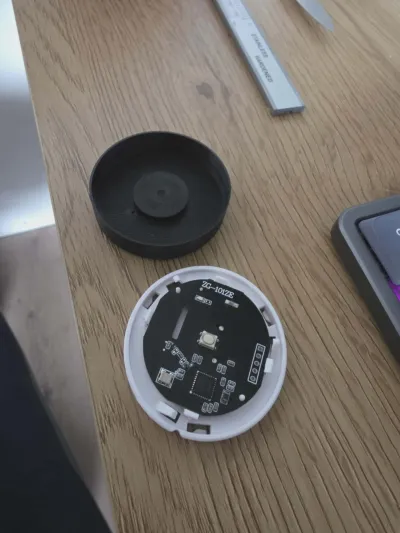
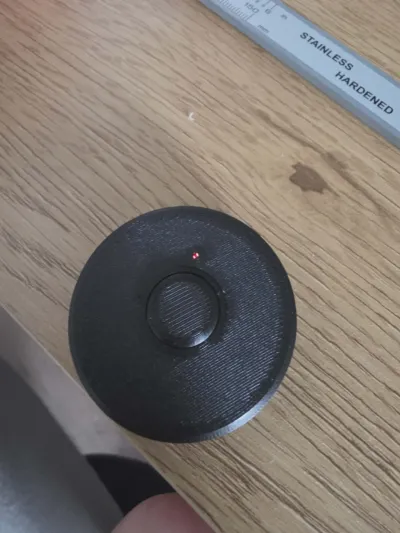
Installation is quick and requires no modifications to the device. Simply remove the original cover and slide the new one into place. When installing, make sure the LED indicator aligns with the opening in the cover before fully seating it.
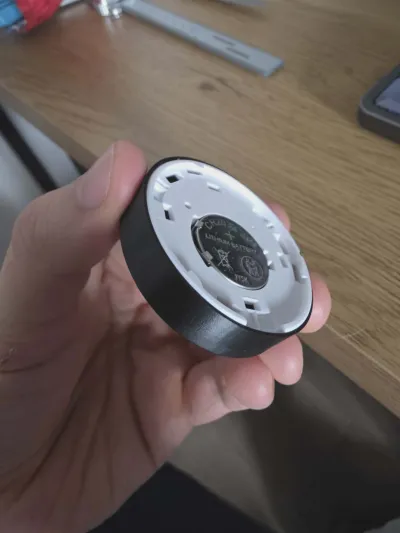
This modification does not alter the original mounting mechanism and uses the factory attachment points.
Features:
Compatible with Tuya Smart Button
Helps resolve issues with sticking or hard-to-press buttons
Quick and easy installation
No tools or modifications required
Uses the original mounting system
Direct replacement for the original cover
Optimized for 3D printing
Installation:
Remove the original button cover.
Align the LED indicator with the opening in the replacement cover.
Slide the new cover into place until fully seated.
Originality of the Model
The author declares that this work is their personally original model
This model is licensed under the following terms:
Credit must be given to the creator
Only noncommercial uses of the work are permitted
Remixes must be shared under the same license
Models(3)
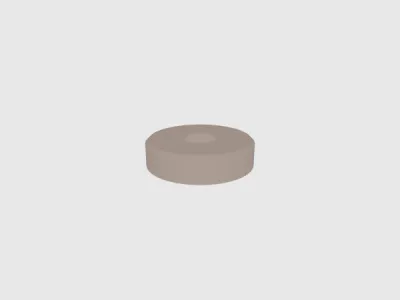 cover.stlDesigner
152.62 KB

2026-06-01
- button.3mfDesigner
146.36 KB
2026-06-01
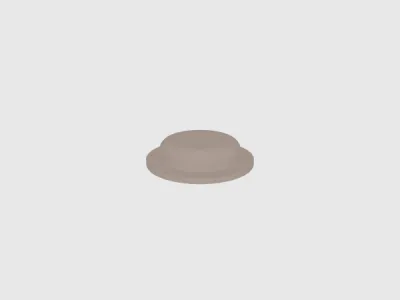 button.stlDesigner
409.46 KB
2026-06-01
View all(3)


