




World Cup Model Design Challenge Ⅱ
football clicker
fidget toy
goal keychain
soccer ball
mechanical switch
world cup
desk toy
soccer
soccerball
worldcup2026
football
clicker
fidget
fidgetclicker
keycap
keychain
free
easy to print

- Football Clicker: Clean & Fast Print - Multiple Options

3-disc
PLA
Designer - Football Clicker: Keychain - Clean & Fast Print - Multiple Options
3-disc
PLA
Designer

18

9
Football Clicker
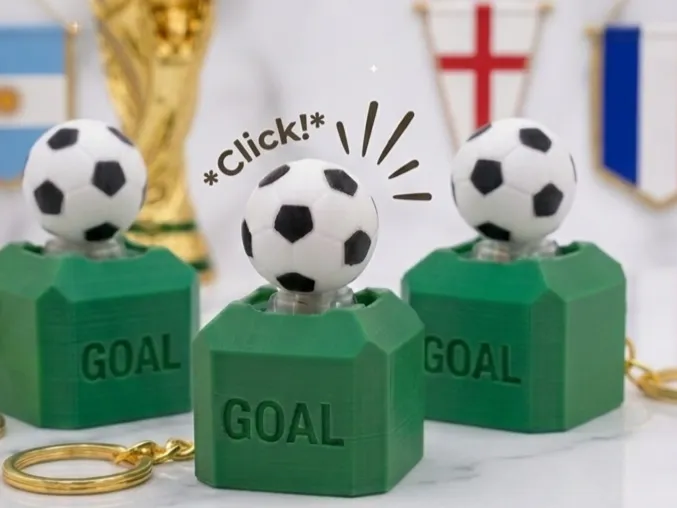

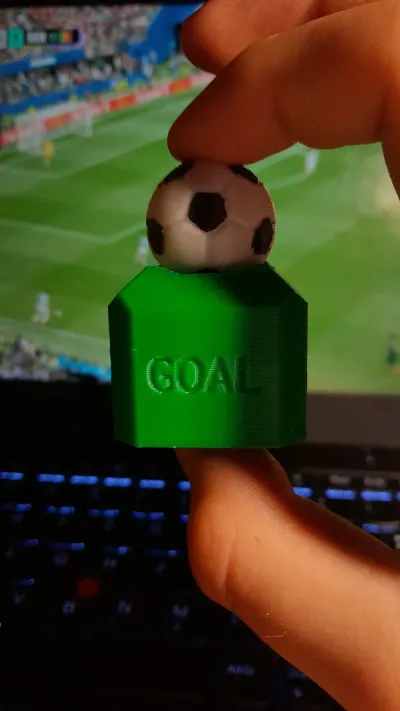
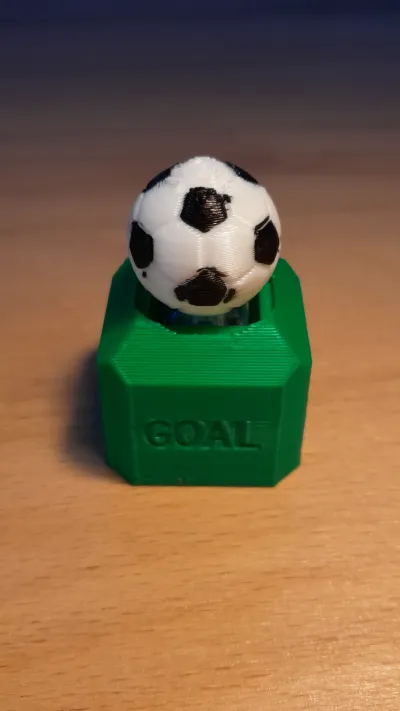
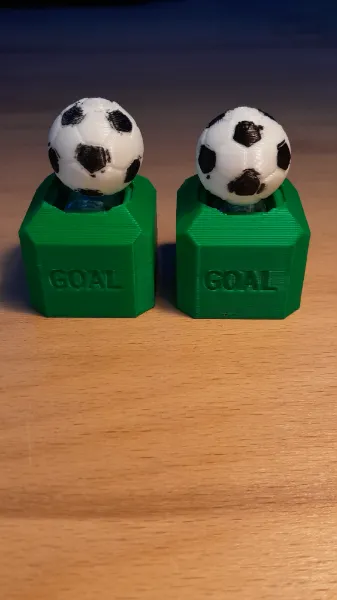
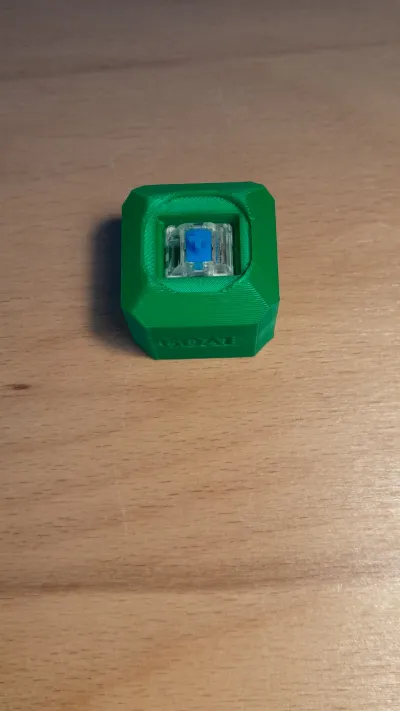
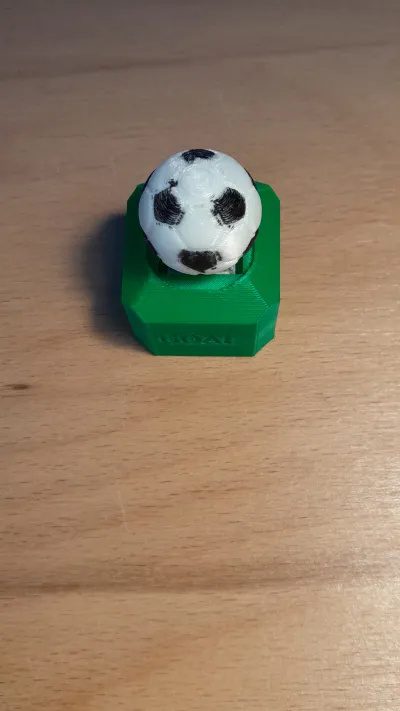
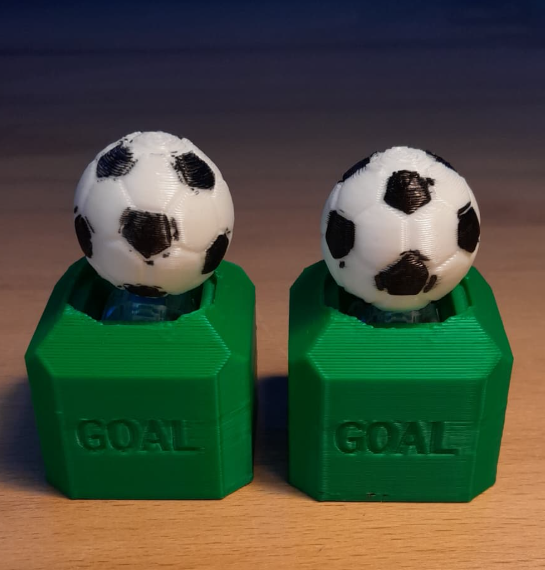
I made this cool Football Clicker Fidget! It's super satisfying to spam during stressful football matches for example. I used Cherry MX Blue Mechanical Switches.
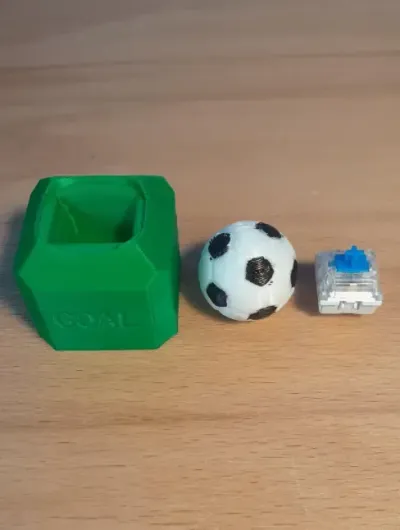
The model consists of a base and a football that fits onto a standard mechanical keyboard switch. Theres also a keychain version.
Design Concept
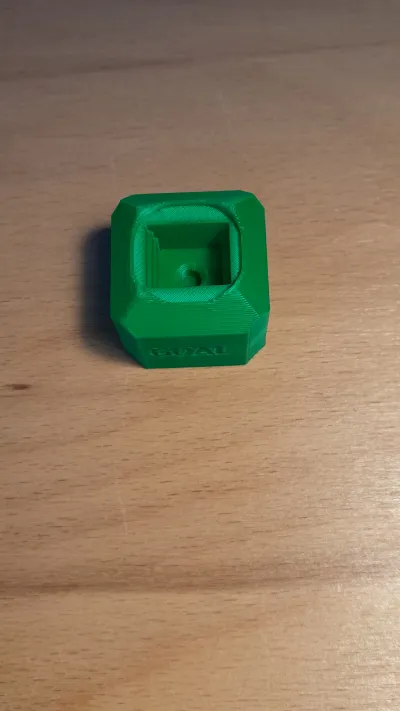
1. The podium-shaped base: Features a square slot inside to securely hold standard mechanical switches. The top of the base has a custom circular cutout so it fits well with the football. This allows the ball to dive into the base when pressed, ensuring a smooth and satisfying result. On the front face, "GOAL" is written as text.
2. The Football Keycap: A soccerball that features a cutout (that should be facing up when printing) that fits perfectly onto the switch. You can print it in multi-color or single-color and paint it after printing.
Assembly
There are following model files you can print:
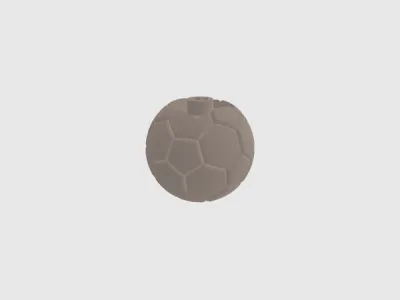
Soccerball_Keycap: The soccerball/football that goes on top of the switch
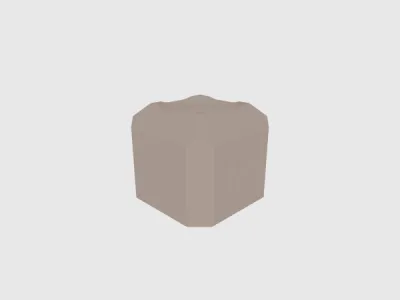
Clicker_Base_Normal: The normal clicker base
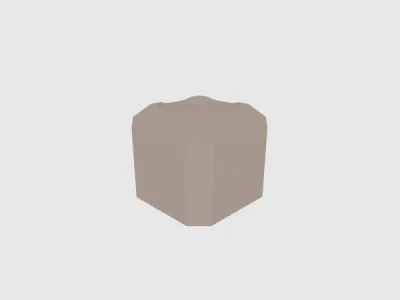
Clicker_Base_Keychain: The clicker base, but with an attachement for using it as a keychain.
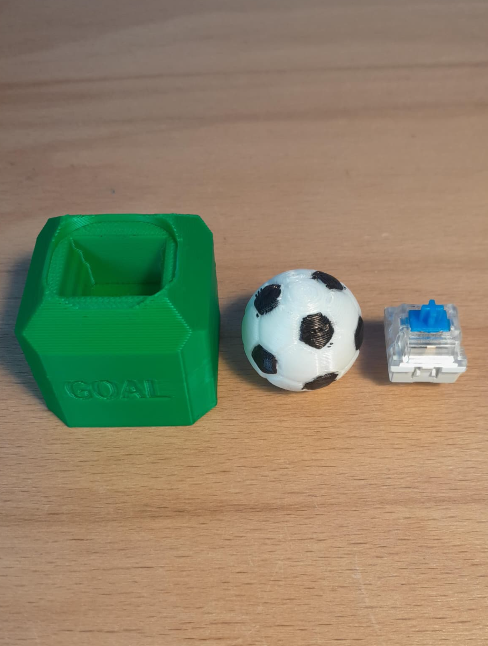
Assembly Instructions:
Insert a standard mechanical keyboard switch into the square hole inside the pedestal base. (make sure you fit it in correctly; there is a shorter and a longer side)
Align the cross stem on the bottom of the football with the switch.
Press the football down onto the switch until it sits firmly.
Printing Tips and Settings
Printing Tips:
Supports: I'd recommend printing the soccer ball so the cutout for the switch faces up, and to add supports at the bottom of the football; supports, not brim.
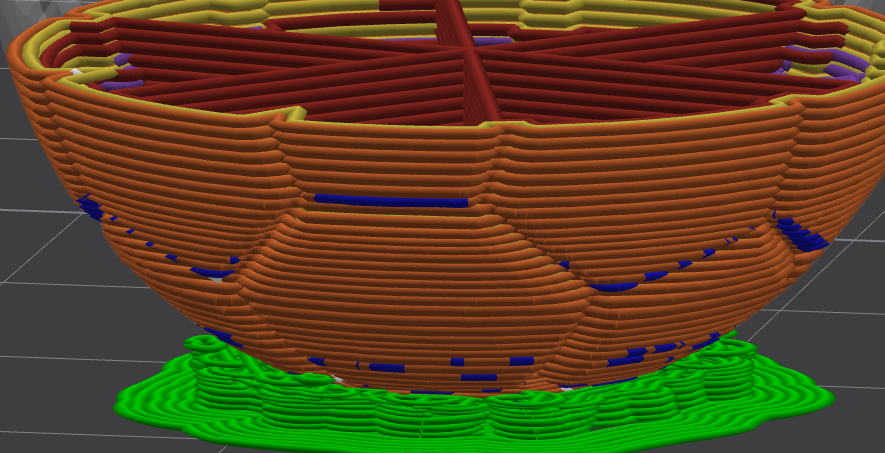
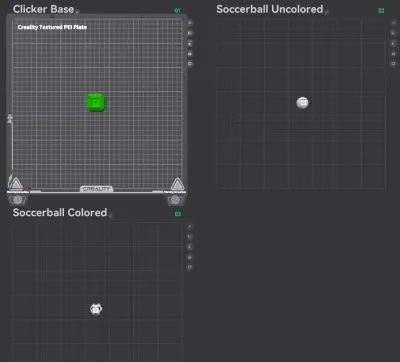
Multicolor: In the Printsettings I uploaded, you can choose between printing the soccerball in multicolor (black/white) or single color (white). If you don't have a zero-waste multicolor 3D-printer, I'd recommend printing the soccerball in white and painting it black-white to save a lot of time and filament.
Printing Settings:
Infill: 10% to 20%
Wall Loops: 2-3 are enough
Supports: Yes; Tree(auto) (only at the bottom of the soccerball as shown on the picture upwards)
I'd recommend printing the soccerball in white and painting the 12 pentagons black after printing to save time & filament.
I uploaded Printsettings with multiple options that should ensure a clean & fast print ;)
I learned a lot while creating this model, it took me much work, but it's definetely worth the result! If you want to support me & my work, I'd be really really glad about something like a Make, Like, Favourite, a Follow, or even a Boost!
Also check out my Social Media and Follow/Subscribe to my Accounts, if you want! :)
My Linktree: The links to my social media accounts & more.
[linktr.ee/steve3dprint]
Thank you! <3
Happy printing! :)
Originality of the Model
The author declares that this work is their personally original model
This model is licensed under the following terms:
This work is licensed under a Standard Digital File License. Digital files have a strict non-commercial, personal use only license.
You shall not share, sub-license, sell, rent, host, transfer, or distribute in any way the digital file or 3D printed versions of this object, nor any other derivative work of this object in its digital or physical format (including remixes of this object). You can not host these files on other digital platforms, web stores or cloud repositories. The objects may not be used in any way whatsoever in which you charge money, collect fees.
Models(5)
 Soccerball_Keycap.stlDesigner
645.10 KB

2026-07-10
 Clicker_Base_Normal.stlDesigner
121.76 KB
2026-07-10
 Clicker_Base_Keychain.stlDesigner
173.23 KB
2026-07-10
- Soccerball_Clicker_keychain.3mfDesigner
474.98 KB
2026-07-10
- Soccerball_Clicker_normal.3mfDesigner
461.25 KB
2026-07-10
View all(5)


