










calibration
Flow Calibration Tiles

Print Profile(0)

177

32
Released 2025-12-12
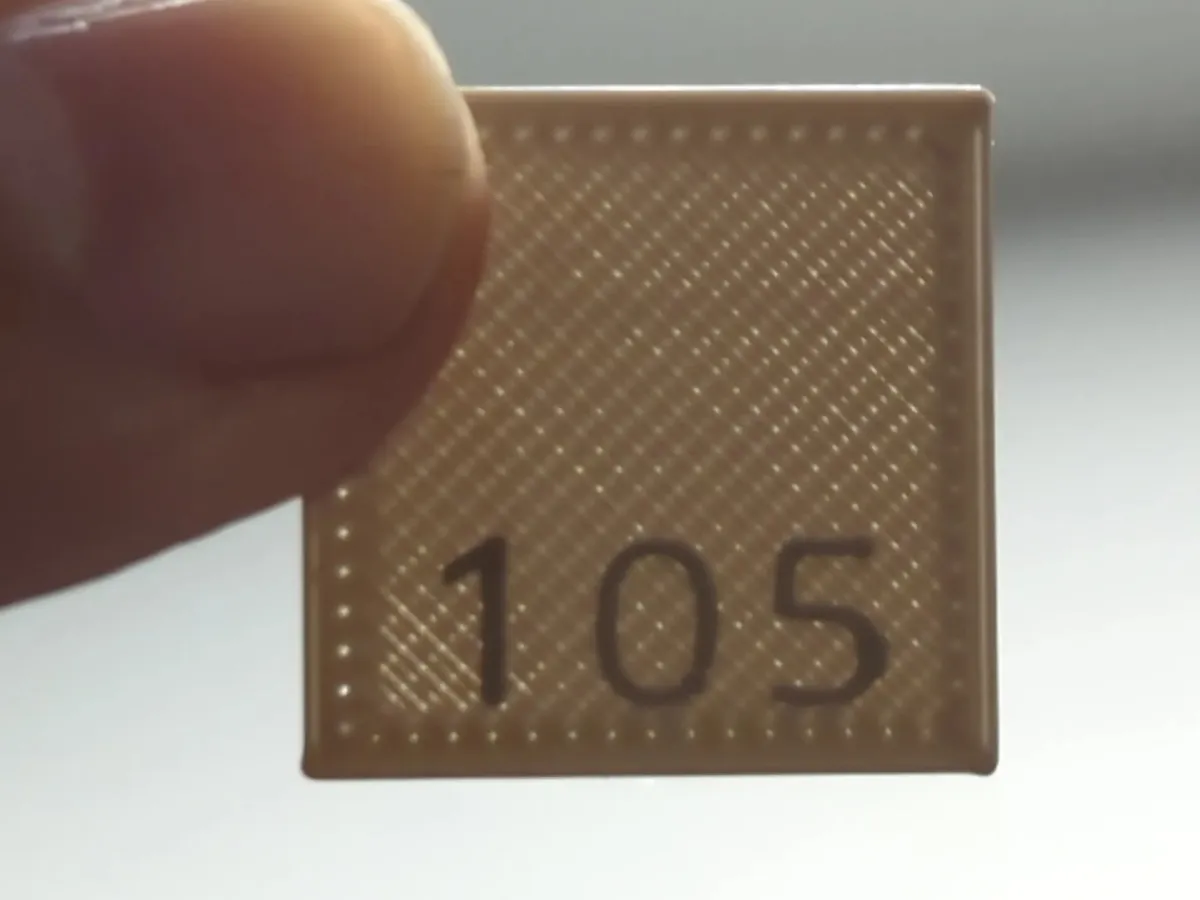
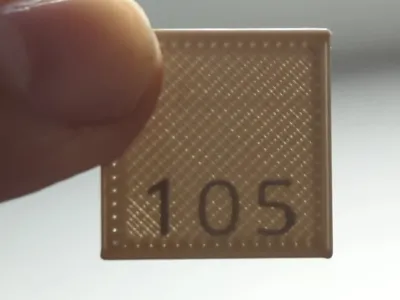
Flow calibration squares to test different flow rates.
You should do an extruder calibration first before tuning flow.
I use these flow calibration squares to find the best flow and layer height combination.
Slicing with Cura
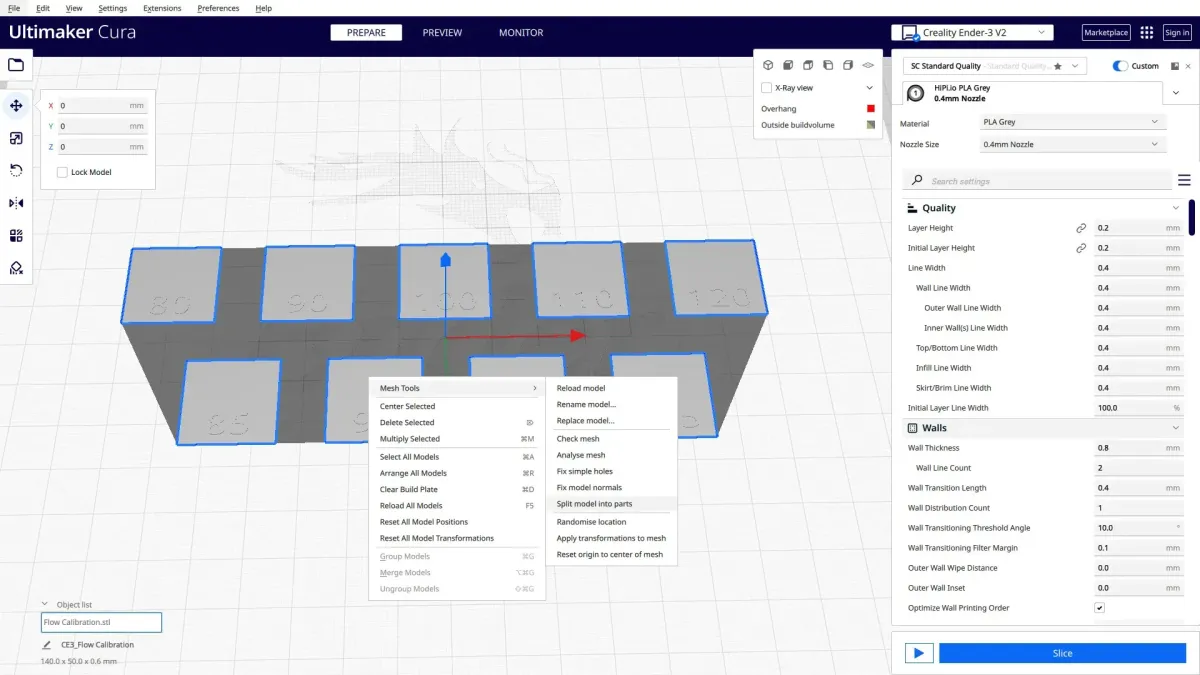
To slice the .stl in Cura 5 with custom flow settings per tile:
- have the Mesh Tools plugin installed
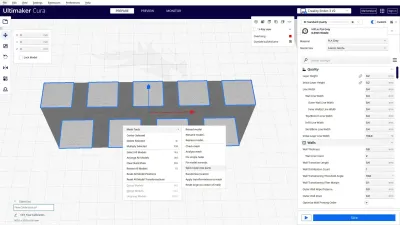
- load the Flow Calibration.stl
- select the model, right client and select Mesh Tools > Split model into parts
- delete any tiles you don't need
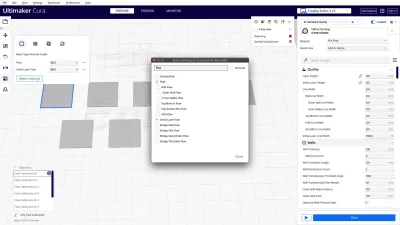
- select a tile and click the Per Model Settings option
- choose Select Settings, filter for the Flow setting and select “Flow” and “Initial Layer Flow”
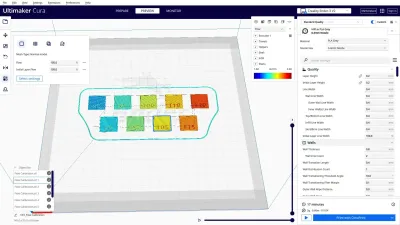
- adjust the flow values to match the number on the tile
- repeat for each tile.
Slice with a 0.2mm layer hight
Try to get the 100% flow to be the best by adjusting the Z-offset to reduce or increase squish.
Originality of the Model
The author declares that this work is their personally shared model
Original creator:

scross01
This model is licensed under the following terms:
Credit must be given to the creator
Models(2)
 Flow Calibration.3mfDesigner
190.62 KB

2025-12-12
- Flow Calibration.stlDesigner
207.89 KB
2025-12-12


