




calibration
first layer calibration
flow calibration
flow rate
first layer flow
bottom surface flow
flow ratio
extrusion calibration
bed adhesion
print quality
layer adhesion
surface finish
under extrusion
over extrusion
elephant foot
calibration test
calibration tool
calibration block
test print
printer tuning
slicer settings
print profile
maker tool
utility
functional

- 0.2mm layer, 2 walls, 15% infill

2-disc
PLA
Designer

286

85
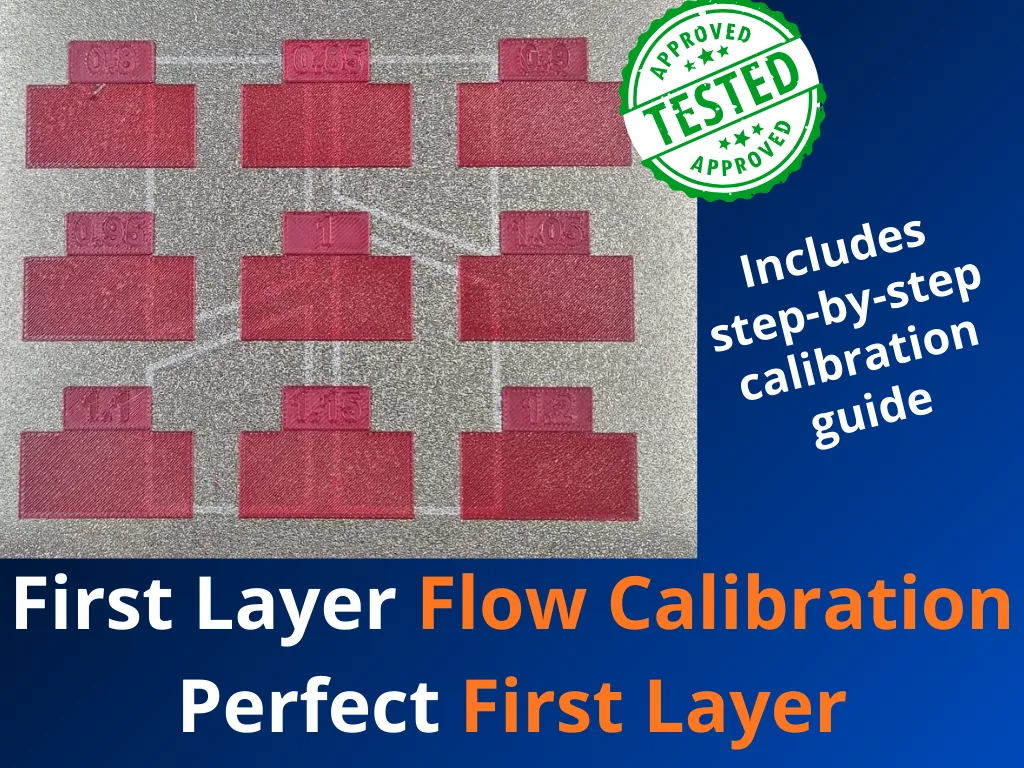
🎯 First Layer Flow Calibration Kit — Perfect First Layer Every Time
Achieving a flawless first layer is the foundation of every successful print. This calibration kit gives you a fast, reliable, and visual method to dial in the optimal flow rate for your first layer, eliminating the guesswork that leads to failed prints, poor bed adhesion, and uneven surfaces.
What's Included
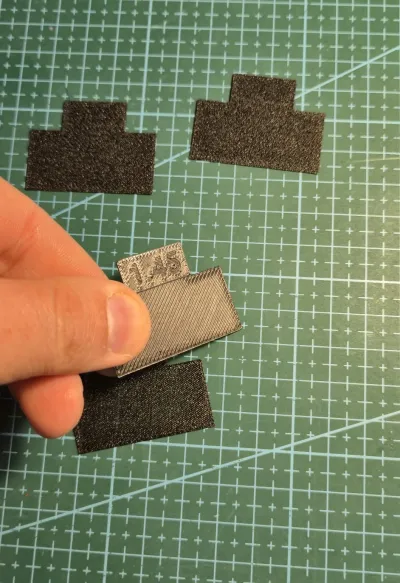
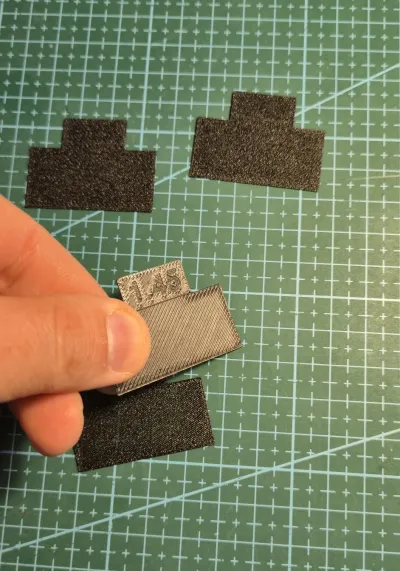
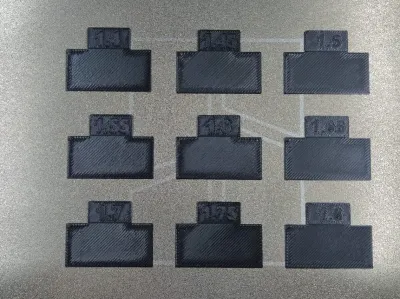
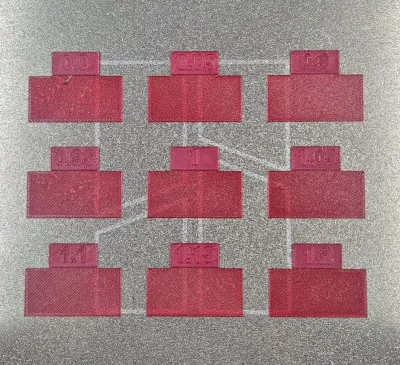
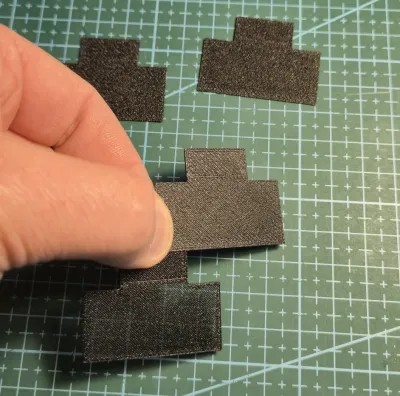
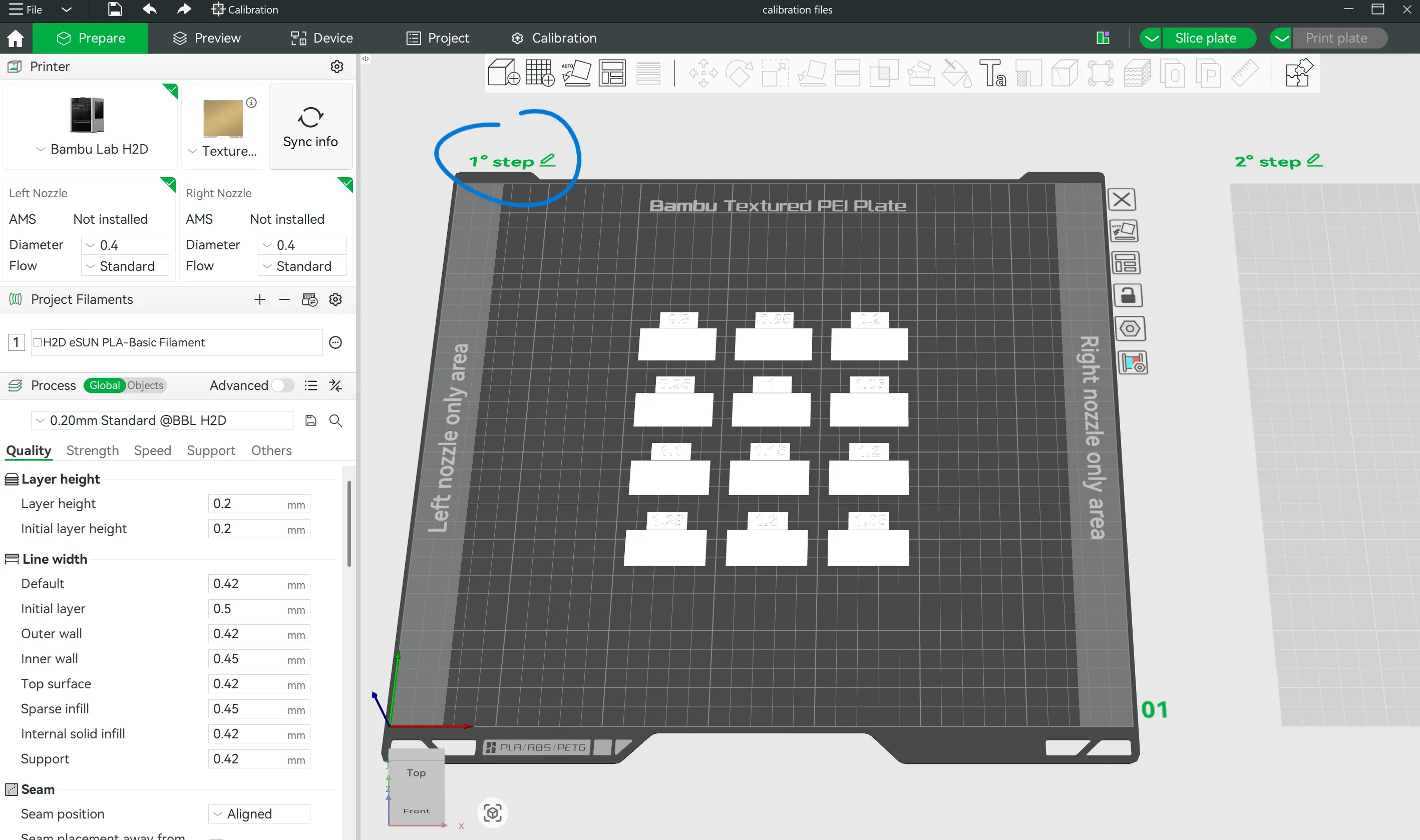
The kit consists of 12+9 small calibration blocks, each printed with a different first-layer flow rate value. By comparing the results side by side, you can instantly identify the ideal setting for your specific filament, bed surface, and printer — no more trial and error across full prints.
🛠️ How to Use It
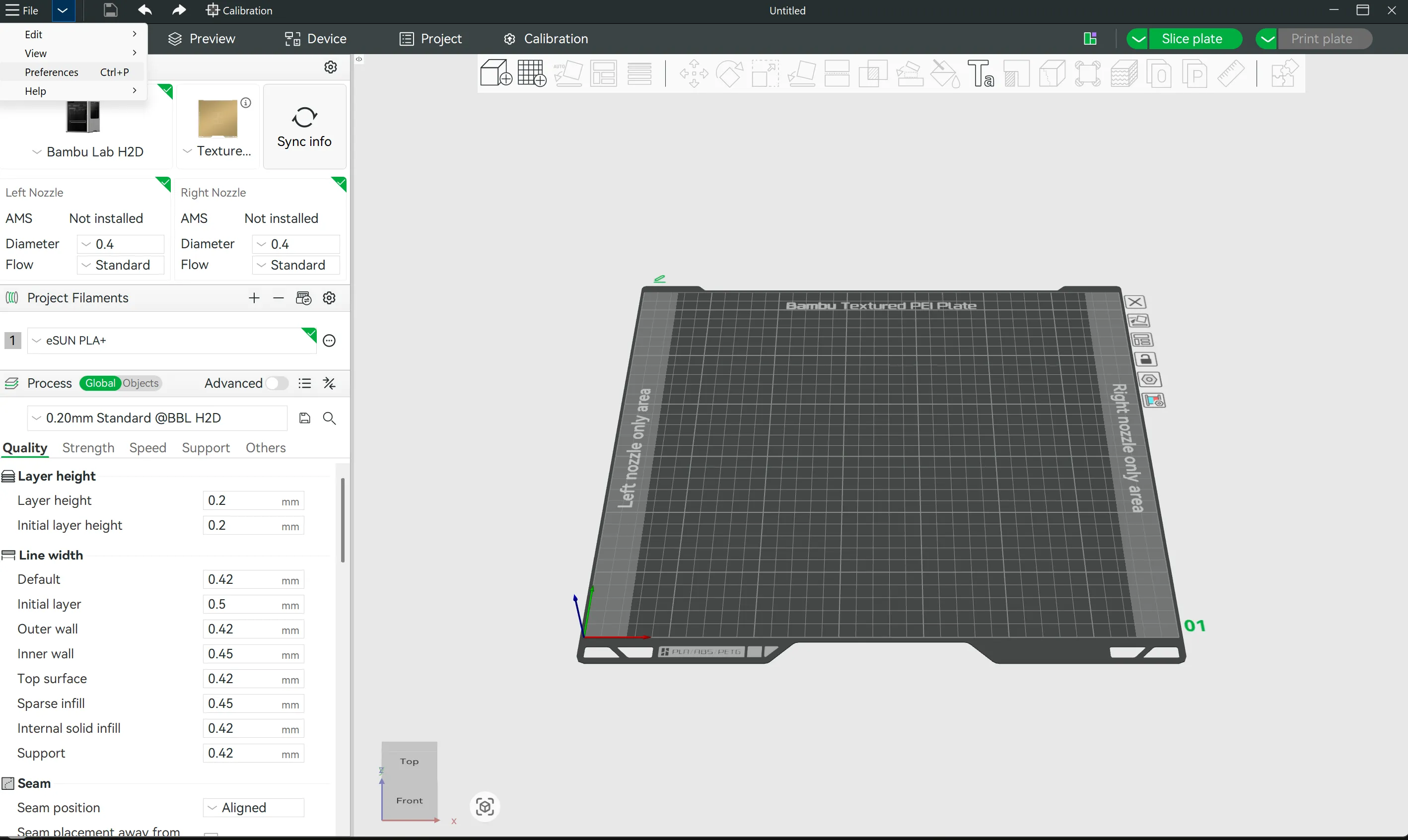
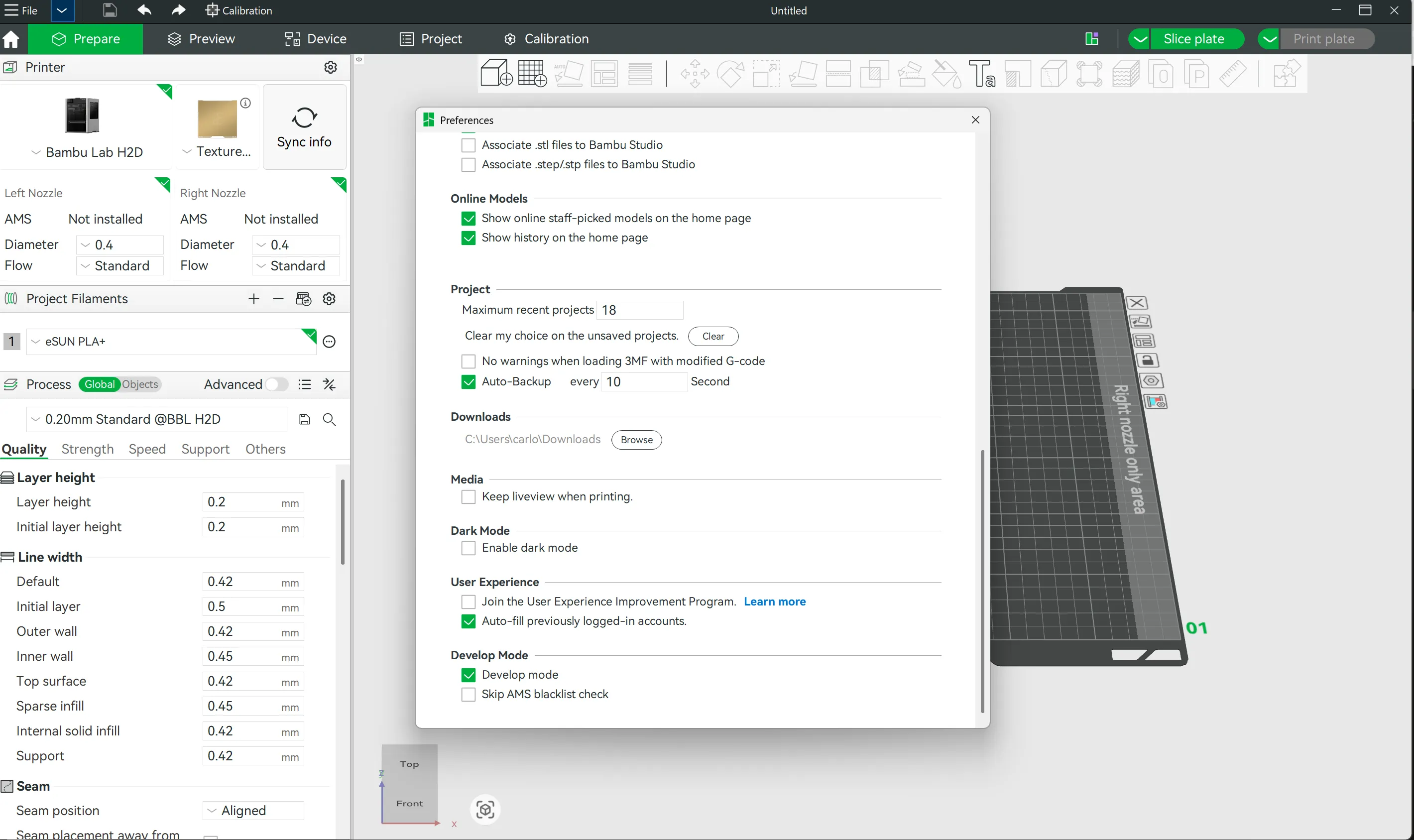
1. Enable Developer Mode
Open Bambu Studio, go to Preferences → Developer Mode and enable it. This unlocks the per-block flow rate settings in the slicer.
2. Print the Calibration Kit
Import the model and print it (1° step) with the exact filament you want to calibrate.
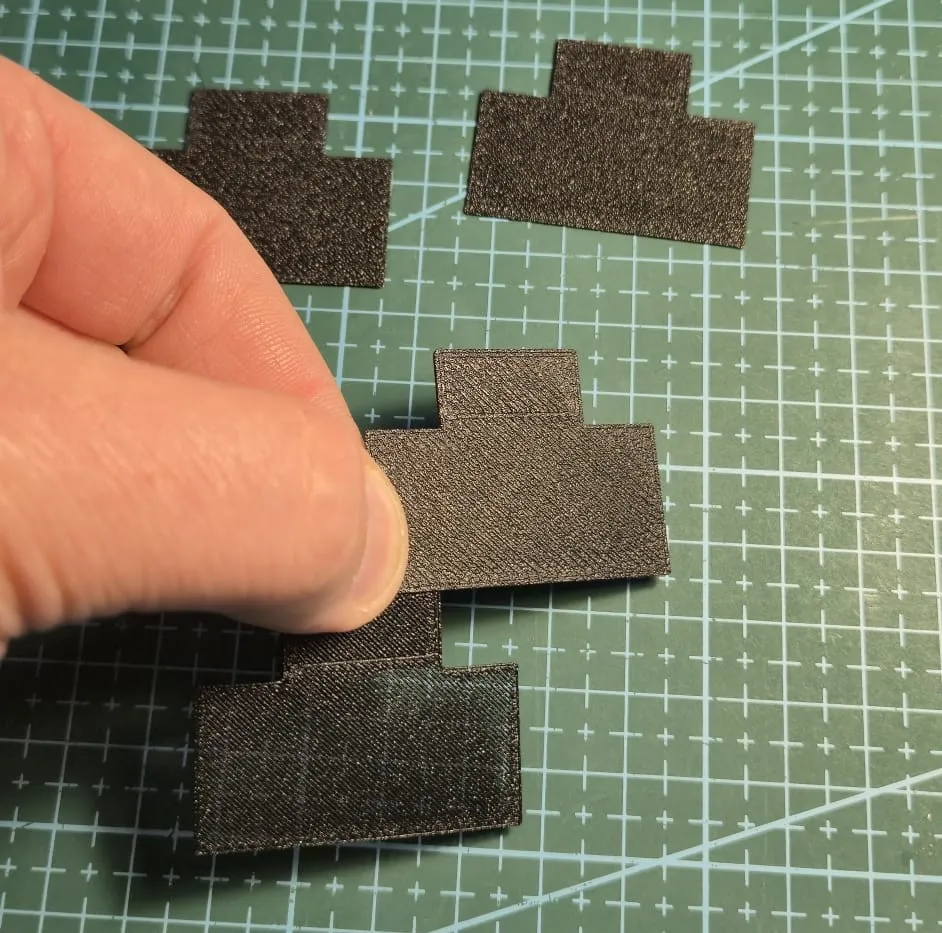
3. Inspect the Results
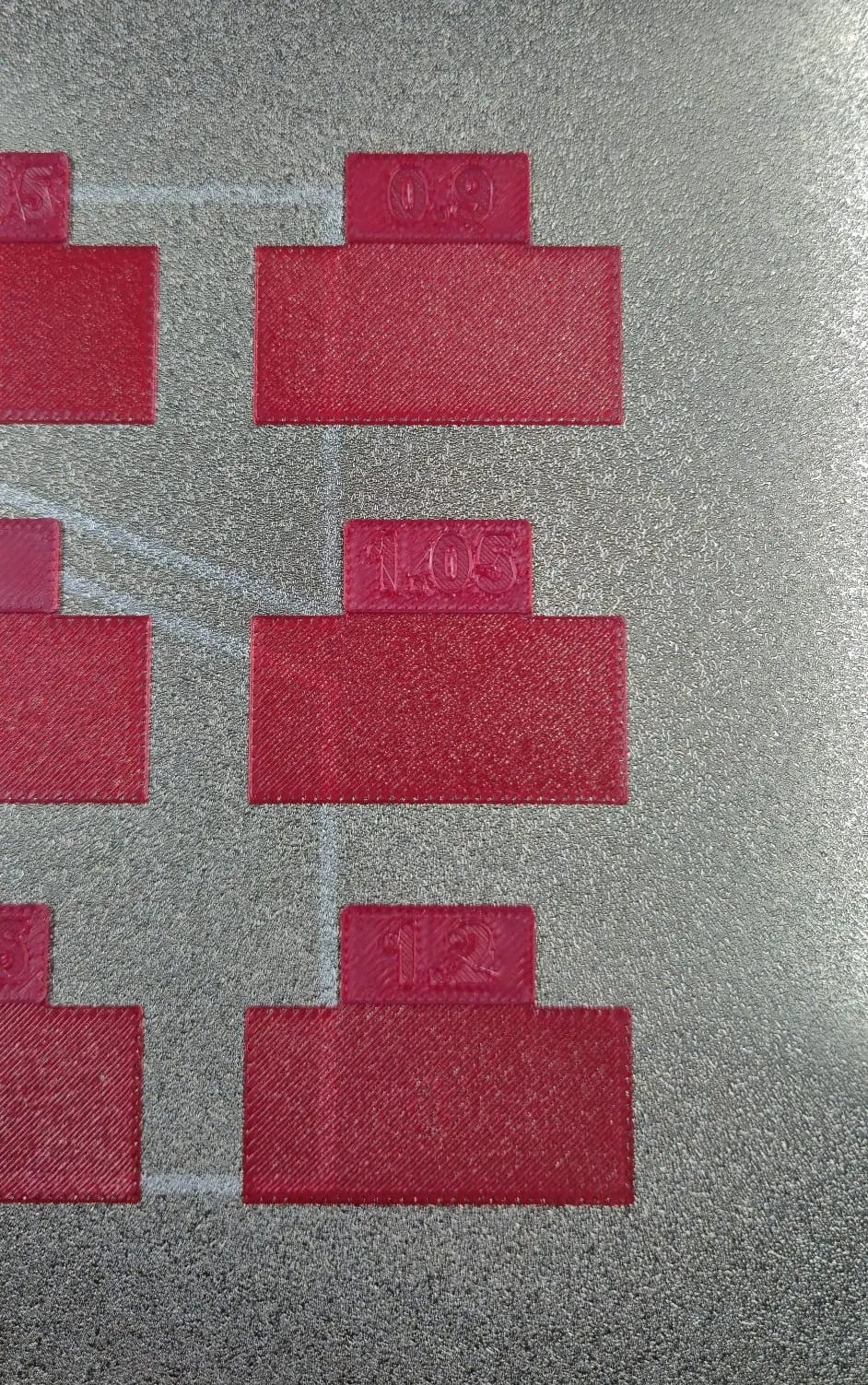
Examine each block carefully, both visually and by touch:
- Look for the smoothest and most uniform bottom surface
- Check for proper layer fusion without gaps or over-squishing
- The best block is the one with the flattest, most consistent surface finish
If you are not satisfied, print the 2° step and re-analyze the obtained blocks.
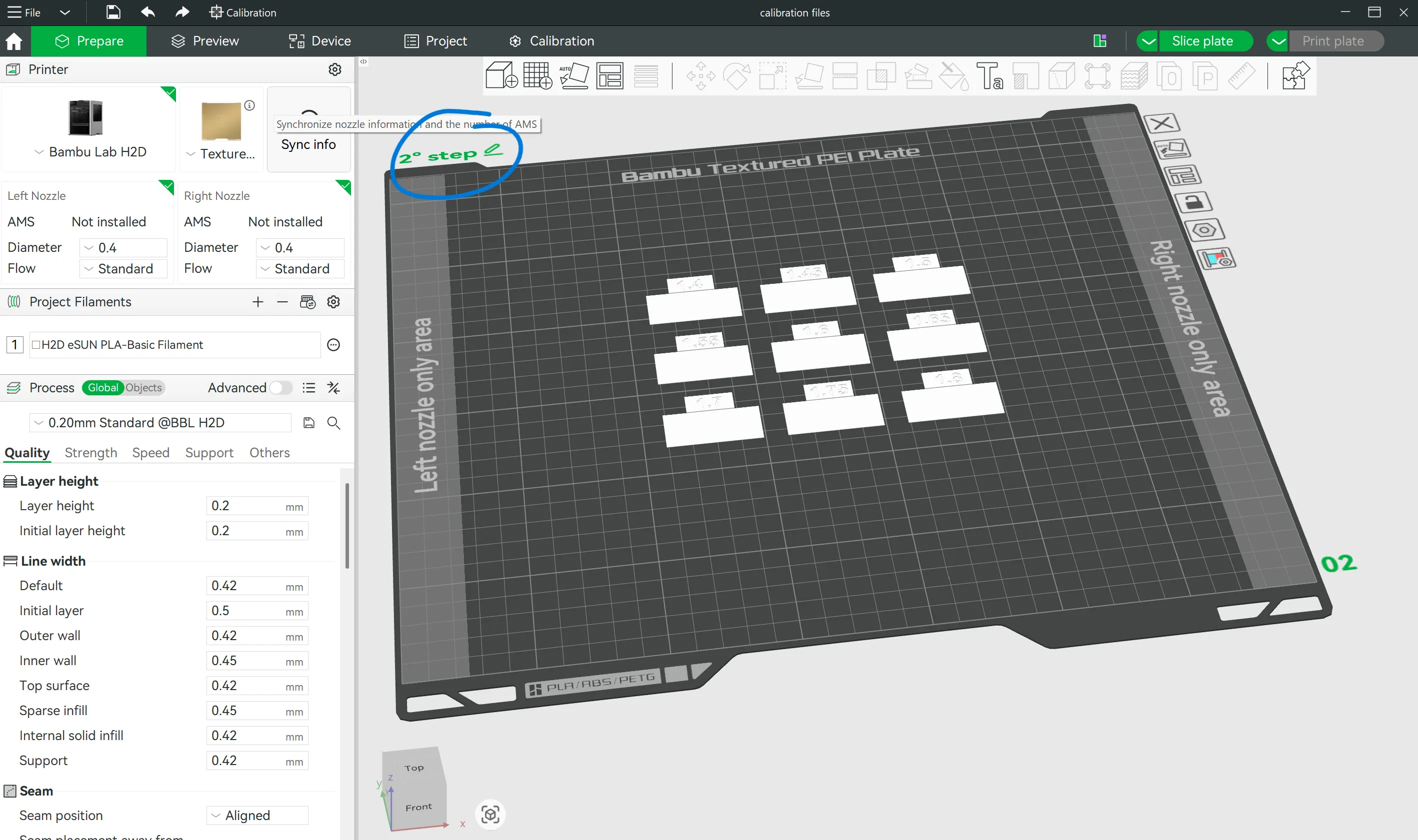
4. Apply Your Value
Load your actual model in Bambu Studio and set the "Initial Layer Flow Rate" to the value of your winning block. That's it — your first layer is now perfectly dialed in.
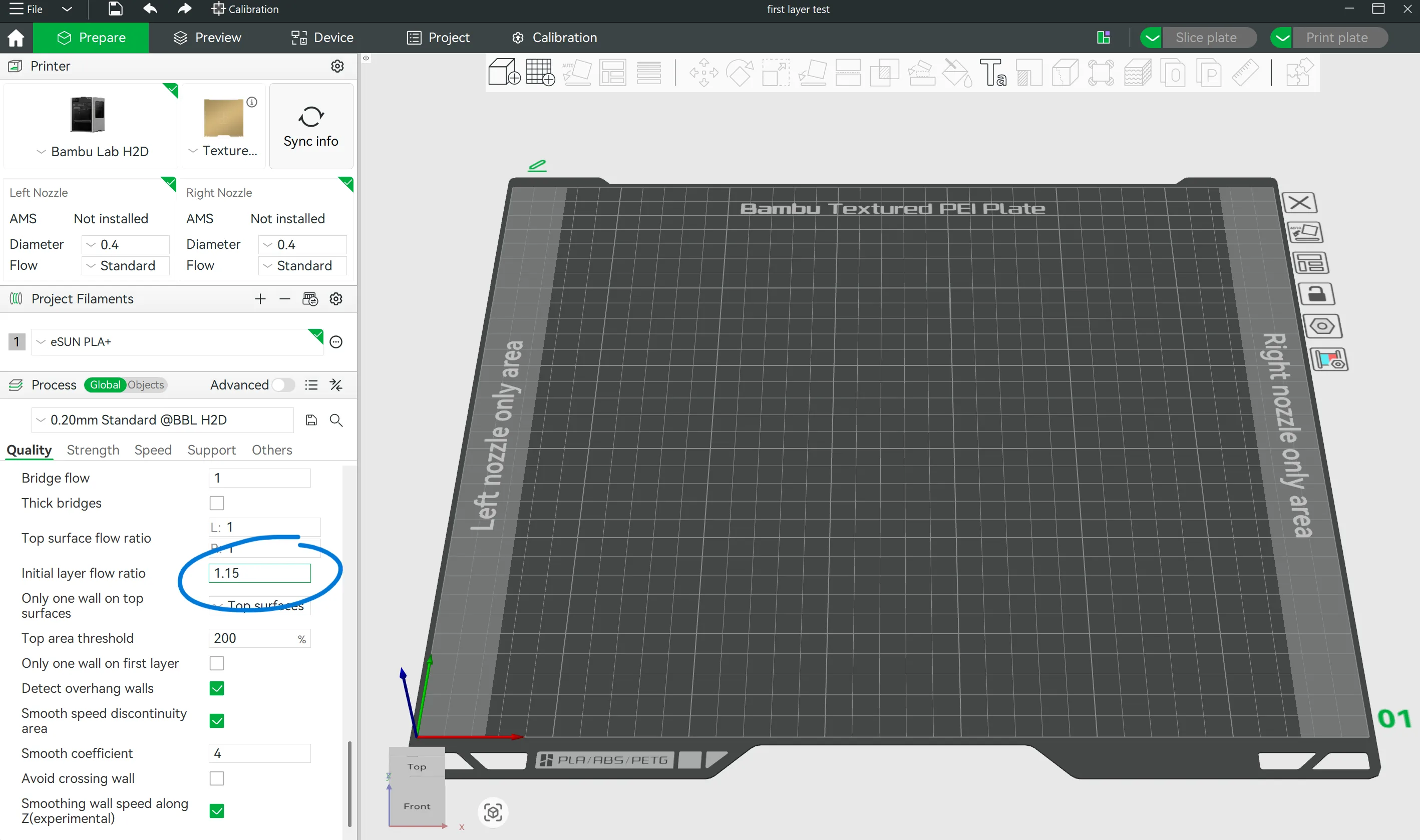
⚠️ Important — Flow Calibration Order Matters
If you also run a standard flow calibration to improve your top surface finish, keep in mind that changing the global flow rate will affect the first layer too. Always re-run this calibration after any flow rate adjustment to make sure your first layer stays perfectly tuned.
Originality of the Model
The author declares that this work is their personally original model
This model is licensed under the following terms:
Credit must be given to the creator
Remixes must be shared under the same license
Models(1)
- calibration files.3mfDesigner

249.74 KB

2026-02-27


