




conveyor
tile
holo
disney
omni
omnidirectional
treadmill

- 0.2mm layer, 2 walls, 15% infill

9-disc
PLA
Designer

15

0
Description
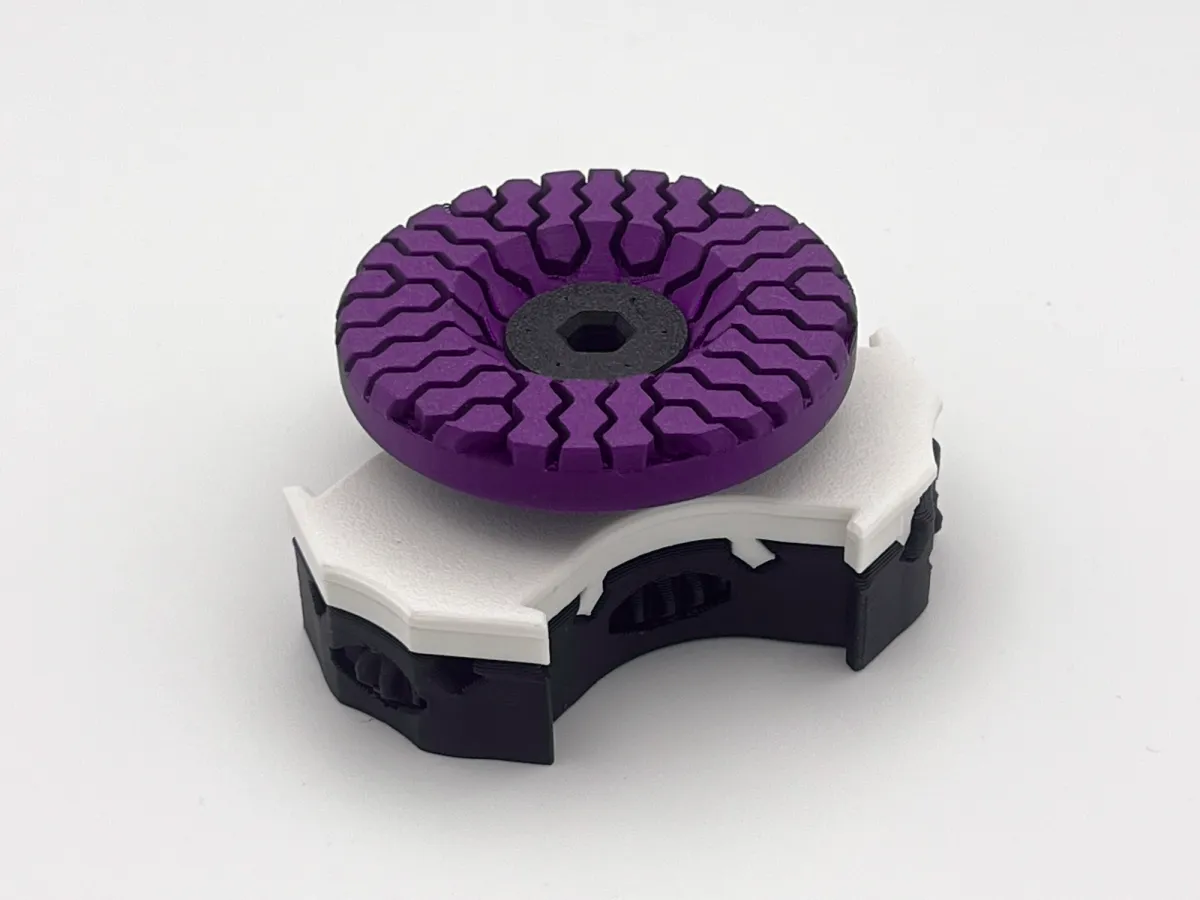
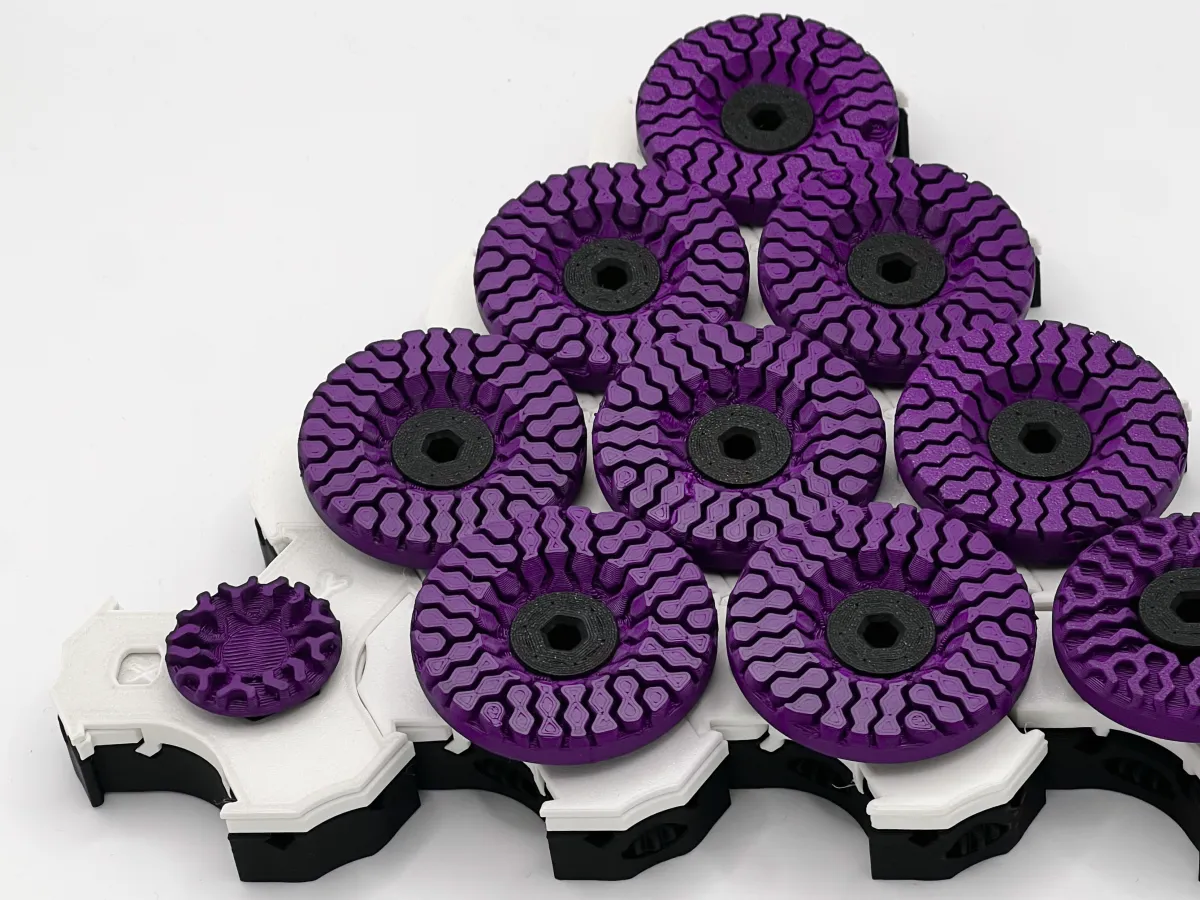
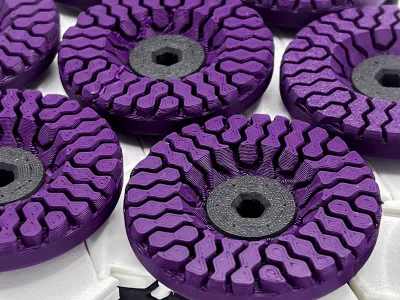
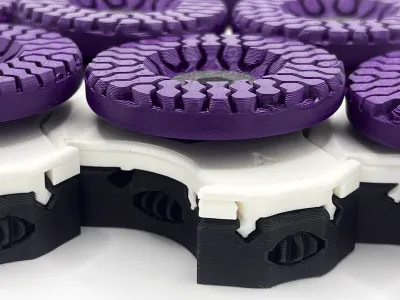
Some months ago I first saw Disney's Holo Tile treadmill. I was intrigued by the concept and wanted to make my own, purely mechanical version (without all these fancy electronics and magnets).
The use cases for my current, manual design are a bit limited since it must be controlled by hand and can't support heavy objects. Adding motors and a control might even make this useful for real applications. Please feel free to share your ideas or remixes for this model, it would be great to see this system improve even further.
Assembly
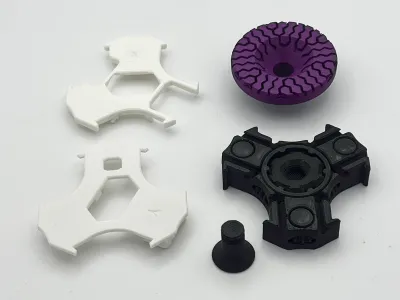
Standart Tile
- Make sure the gears in the Base are all moving without causing much friction.
- Take the Base and slide in the x-Axis onto it. Make sure to insert the longer side first and bend the part up slightly so it can engage with the Base both at the front and the back.
- Now, take the y-Axis and slide that onto the Base as well. Again, make sure to avoid breaking off the smaller pins at the back.
Steering Tile
- Take the Steering Base and attach the Steering Axis to the Steering Base just like on the Standart Tile.
- Counter the treaded section of the Steering Base at the bottom with your screwdriver while screwing in the Steering Disc from the top by hand.
Drive Tile
Here, you've got two options:
Manual Drive
- Put the Cover onto the Drive Base in the correct orientation.
- Insert the Drive Disc from the top and screw in the screw.
For manual drive, you won't need any additional tools, but if you add a lot of Tiles to your system it might be very hard to turn by hand.
Screwdriver Drive
- Take the Adapter and put it on top of the Drive Base.
- Now you can power the mechanism either with an allen key (the same that can be used to screw in the screws) or a cordless screwdriver. You can also connect your screwdriver directly to the Base if you have the correct hex nut bit.
Final
Every Tile can be placed next to any other Tile, there are a few things to keep in mind though.
- The Axis must point in the same direction, otherwise the steering won't work.
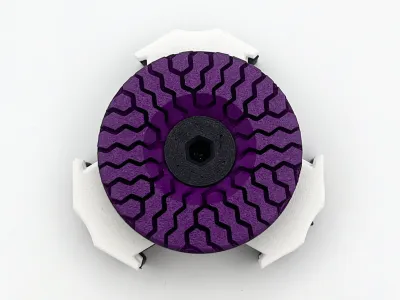
- The Discs must be screwed in after placing the tiles next to each other. In order to do that, put the Discinto the hole at the top and gently screw in the Screw. It is very important that you don't over tighten the Screw since it may break and destroy the thread of the Base.
- In some cases the gears might run smoothly anymore after assembly, while they worked ok individually. If that happens, disassemble the tiles and put them back together again. Check the mechanism after every connection to find out which Tile causes the problem
- If you still encounter high friction, use an non-matte filament (unlike me 🤦♀️) or apply some lubricant.
Originality of the Model
The author declares that this work is their personally original model
This model is licensed under the following terms:
Credit must be given to the creator
Only noncommercial uses of the work are permitted
Models(1)
- Omni Base Drive Harmonic.3mfDesigner

2.11 MB

2025-11-17


