




Mazda
ReverseCamera
Mazda3
FirstGenMazda3
MazdaMods
BKHatchback
Mazda3BK
BackupCamera
CameraMount
TrunkMount
Mazda3Hatchback
RearViewCamera
3DPrintedCarParts

- 0.2mm layer, 3 walls, 10% infill

1-disc
PA
Designer

30

2
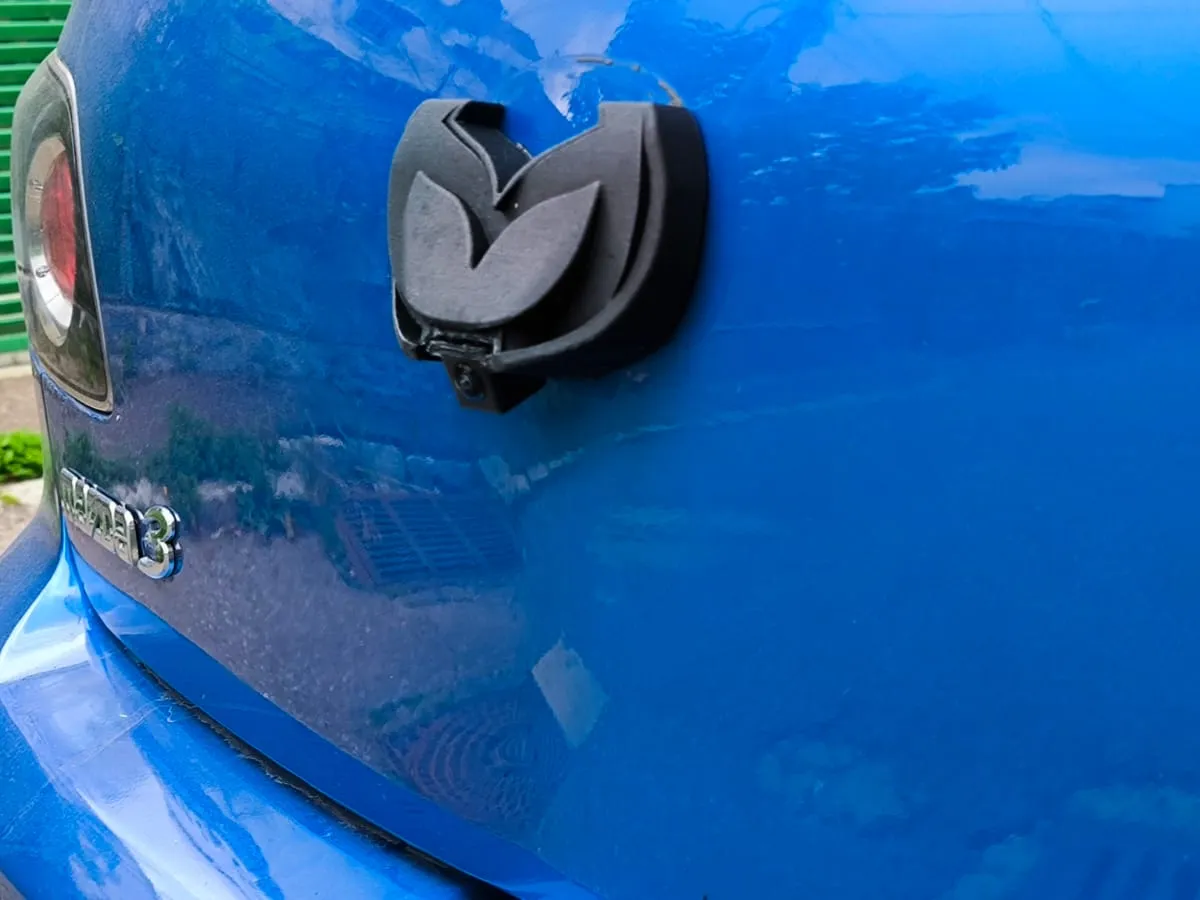
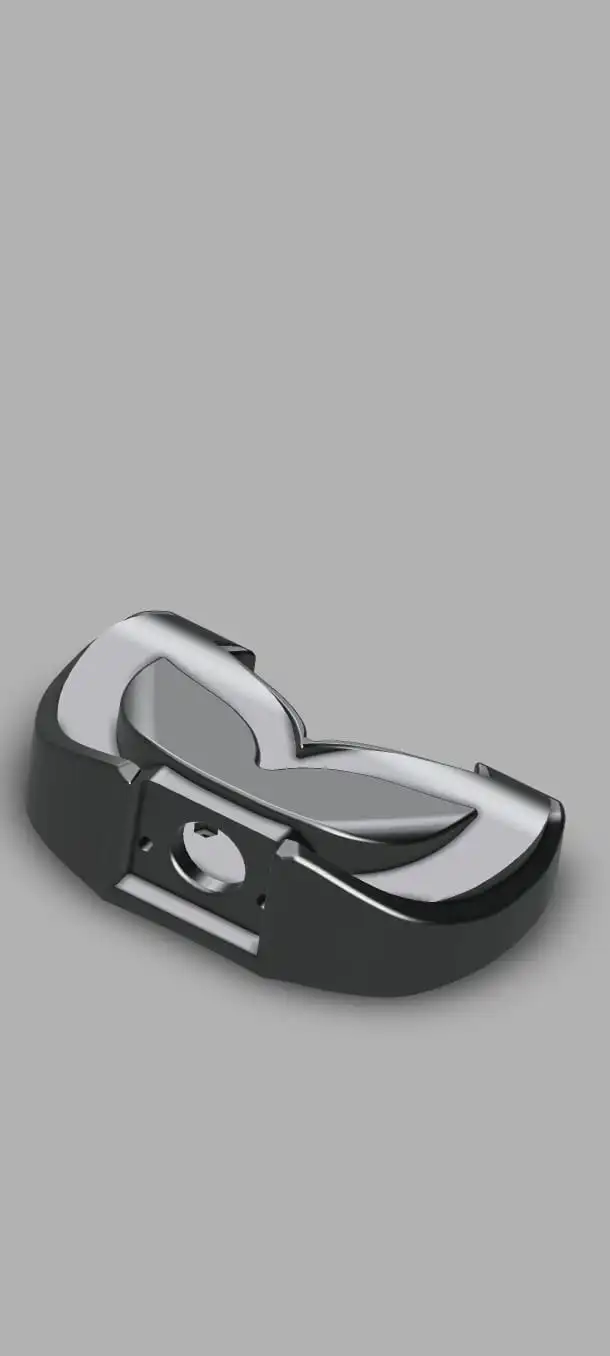
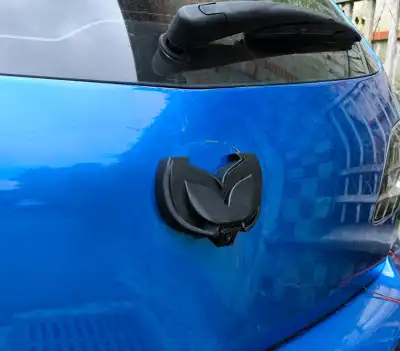
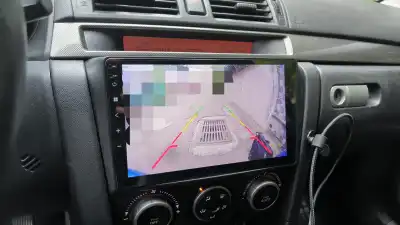
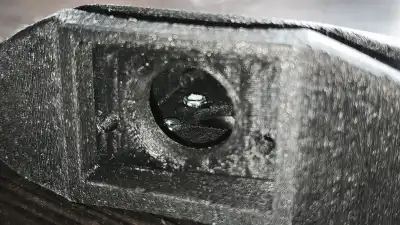
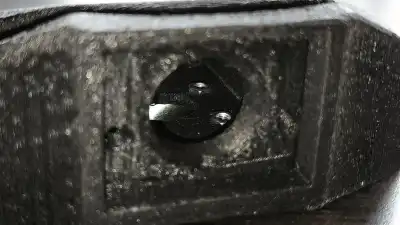
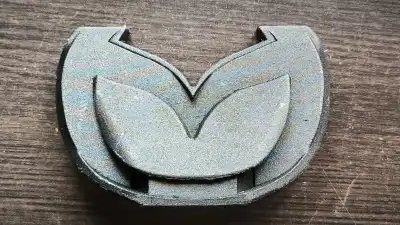
I have loved my first-generation Mazda 3 hatchback for the last 7 years, and I wanted to share a unique modification I designed for it! This is a custom 3D-printed mounting model for a backup camera that replaces the rear trunk badge for a clean, factory-like look.
3D Printing Specifications
To ensure durability against automotive weather conditions, it is recommended to use a tough, heat-resistant material. I used Elegoo PAHT-CF for my prototype.
- Print Orientation: Print the model with the camera hole facing downward.
- Settings: 0.4 mm nozzle and standard presets.
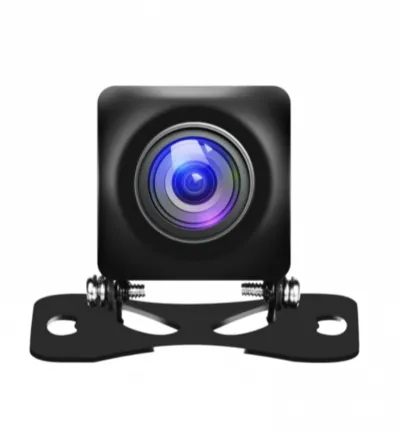
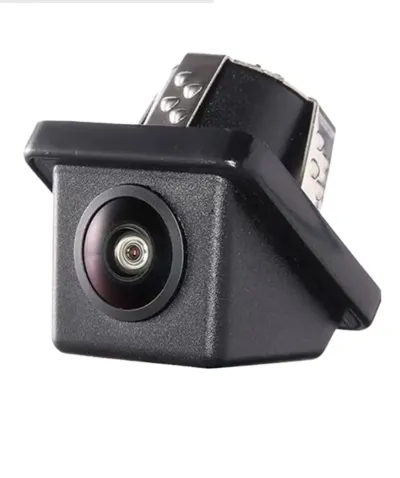
- Camera Compatibility: This design includes two different mounts to support two camera types:
- Hinge-style cameras.
- 20 mm press-fit cameras.
Preparation and Hardware
Before installing the housing on the vehicle, you must prepare the internal fasteners:
- Insert Hardware: Place four M3 nuts into the designated slots inside the printed model.
- Note: This process can be a tight fit, so take your patience.
- Secure Nuts: Once the nuts are seated, apply a small drop of super glue to fix them in place. This will make the final mounting process onto the trunk significantly easier.
Installation Guide
The housing is designed to align precisely with the curve of the trunk, matching the original badge dimensions. Follow these steps for a clean install:
- Remove Existing Badge: Carefully remove the factory Mazda badge from the rear trunk.
- Use Alignment Template: Print the provided alignment template on A4 paper. Use adhesive or masking tape to secure the template to the area where the badge was removed. Because the model is designed using the original badge dimensions, this template ensures the mount follows the correct trunk curvature perfectly.
- Trunk Preparation: Remove the interior plastic trim of the trunk to access the internal metal cavity.
- Cable Routing: Route the camera cable through the right pillar and feed it up through the inside of the top rubber gasket.
- Caution: Be extremely careful when working around the top gasket, as the rear window washer fluid tubing is routed through there.
- Drilling:
- Drill four 4 mm holes for the mounting screws.
- Drill a center hole for the camera cable (adjust the diameter of this hole based on your specific camera's cable connector; a 4 mm drill is recommended for many standard models).
- Mounting the Housing:
- Secure the housing using four M3 screws.
- Use two 15–16 mm long screws for the left side and two 35 mm long screws for the right side.
- Tip: This step can be difficult; work slowly to ensure all screws bite correctly into the M3 nuts you previously glued into the housing.
- Weatherproofing: Once the mount is securely fixed in place, apply a bead of black or transparent silicone around the outer perimeter of the model to prevent water ingress into the trunk
- I am currently developing several new custom interior and exterior modifications for the first-generation Mazda 3. Since I design and test these parts alongside my regular full-time job, the process will take some time—but I am dedicated to making them perfect! Make sure to follow my https://cults3d.com/en/3d-model/tool/custom-backup-camera-mount-for-mazda-3-bk-hatchback-first-ge
Originality of the Model
The author declares that this work is their personally original model
This model is licensed under the following terms:
This work is licensed under a Standard Digital File License. Digital files have a strict non-commercial, personal use only license.
You shall not share, sub-license, sell, rent, host, transfer, or distribute in any way the digital file or 3D printed versions of this object, nor any other derivative work of this object in its digital or physical format (including remixes of this object). You can not host these files on other digital platforms, web stores or cloud repositories. The objects may not be used in any way whatsoever in which you charge money, collect fees.
Models(2)
 rear mazda 3.stlDesigner
822.84 KB

2026-06-20
- rear mazda 3.3mfDesigner
283.51 KB
2026-06-13
Attachments(1)
pdf
Sheet1 (1).pdf
16.19 KB
2026-06-20


