


'%3e%3cpath%20id='Rectangle%20995'%20d='M0%200H24C26.2091%200%2028%201.79086%2028%204V52C28%2054.2091%2026.2091%2056%2024%2056H0V0Z'%20fill='black'%20fill-opacity='0.2'/%3e%3cpath%20id='Vector'%20d='M17%2022L11%2028L17%2034'%20stroke='white'%20stroke-opacity='0.85'%20stroke-width='1.5'%20stroke-linecap='round'%20stroke-linejoin='round'/%3e%3c/g%3e%3cdefs%3e%3cclipPath%20id='clip0_1639_4805'%3e%3crect%20width='28'%20height='56'%20fill='white'/%3e%3c/clipPath%3e%3c/defs%3e%3c/svg%3e)
'%3e%3cpath%20id='Rectangle%20995'%20d='M0%204C0%201.79086%201.79086%200%204%200H28V56H4C1.79086%2056%200%2054.2091%200%2052V4Z'%20fill='black'%20fill-opacity='0.2'/%3e%3cpath%20id='Vector'%20d='M11%2022L17%2028L11%2034'%20stroke='white'%20stroke-opacity='0.85'%20stroke-width='1.5'%20stroke-linecap='round'%20stroke-linejoin='round'/%3e%3c/g%3e%3cdefs%3e%3cclipPath%20id='clip0_1639_4802'%3e%3crect%20width='28'%20height='56'%20fill='white'/%3e%3c/clipPath%3e%3c/defs%3e%3c/svg%3e)
anycubic
3
kobra3
kobra3combo
anycubickobra3combo
s1
max
Kobra
kobras1
kobras1combo
kobra3max
kobra3maxcombo
k3c
Combination


13

1
German description below.
V2:
EN:
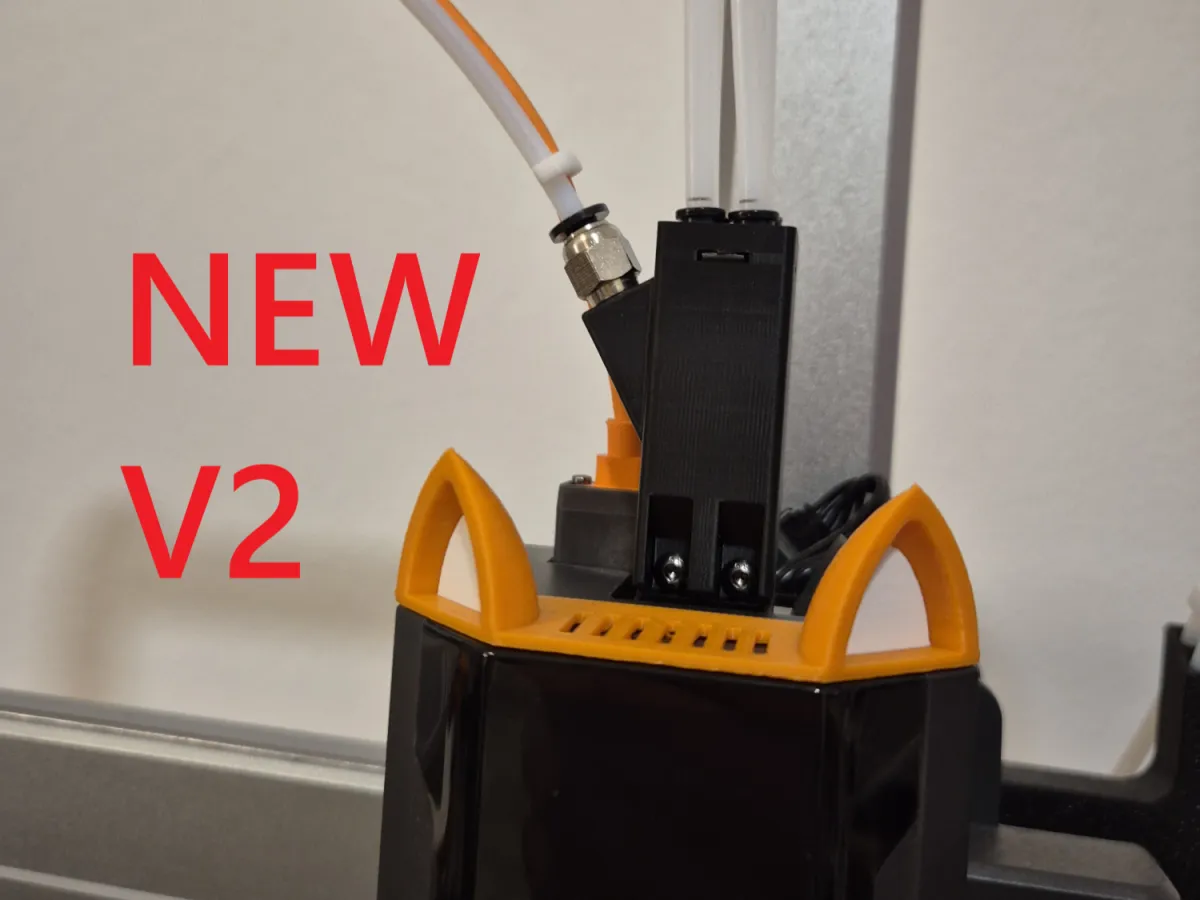
VERSION 2 IS HERE! FINALLY!
I apologize for taking so long. I really don’t know why I kept putting it off… Anyway, thank you for your patience and the countless downloads :)
V2 replaces the entire hub assembly instead of simply extending it, as in V1.
It comes in two versions: The first is identical to the previous version 1.1 and requires no additional hardware (the v2 files), while the second version is designed for use with a PC4-M6 tube connector, ensuring the tube stays securely in place and can no longer slip out. (The v2 (PC4-M6) files)
I’ve also included inverted versions for both designs, as I realized they’re necessary to ensure proper fitment on the Kobra 3 Max.
I recommend using the Arachne Wall generator with a layer thickness of 0.16 mm or lower for optimal detail resolution.
However, I’ve also tested the model with a 0.2 mm layer thickness and the classic wall generator—and it worked perfectly for me too. PLA or PETG makes no difference; both materials perform well. No supports are required, and I didn’t even need a brim!
DE:
VERSION 2 IS HERE! FINALLY!
I’d like to apologize for taking so long. Honestly, I have no idea why I kept delaying this… But anyway, thanks so much for your patience and all the downloads :)
V2 replaces the entire hub assembly rather than just extending it, unlike V1.
The design is available in two variants: One closely resembles the previous version 1.1 and doesn’t require any extra hardware (the v2 files), while the second variant is tailored for use with a PC4-M6 tube connector—guaranteeing that the tube fits snugly and won’t come loose. (The v2 (PC4-M6) files)
I’ve also included inverted versions for both designs, which are essential for compatibility with the Kobra 3 Max.
For printing, I suggest using the Arachne Wall generator with a layer height of 0.16 mm (or lower) for finer details. That said, I’ve also tested the model with a 0.2 mm layer height and the classic wall generator—and it worked great for me as well. PLA or PETG is entirely up to you; both materials print beautifully. No supports are needed, and I didn’t even require a brim!
V1.1:
EN:
It was pointed out to me that the model was slightly tilted, which caused a noticeable step when slicing. This issue has now been resolved.
DE:
I was informed that the model had a slight tilt, resulting in a visible step during slicing. This problem has been fixed.
Original description:
EN:
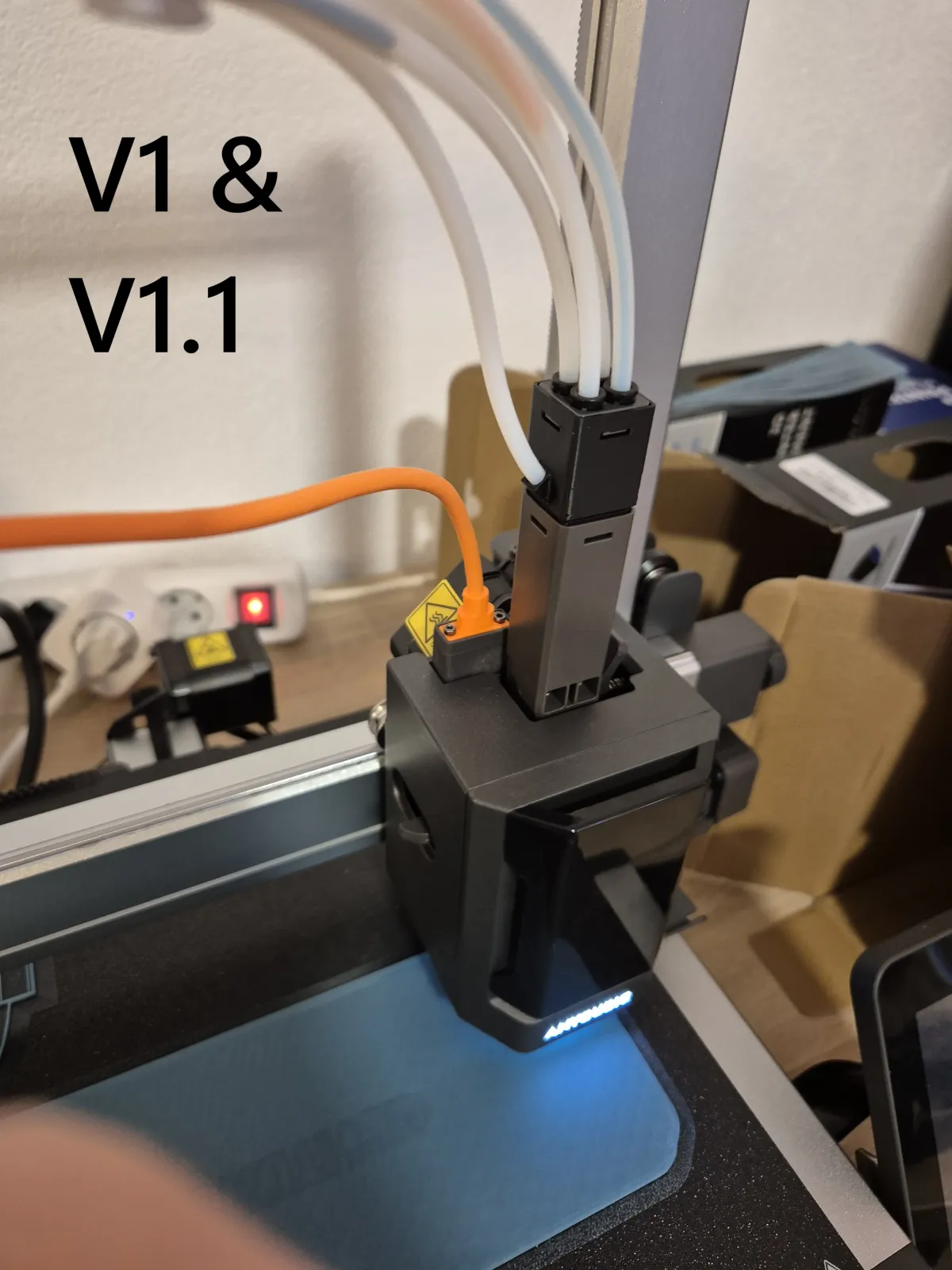
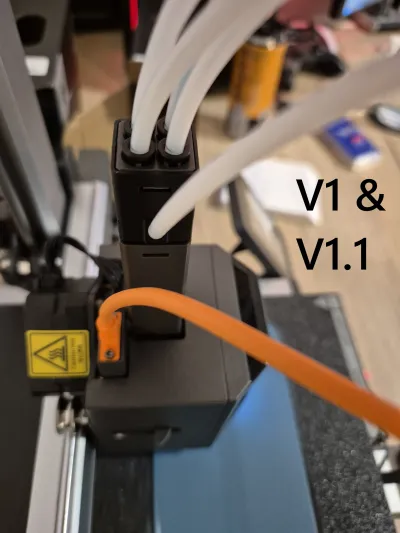
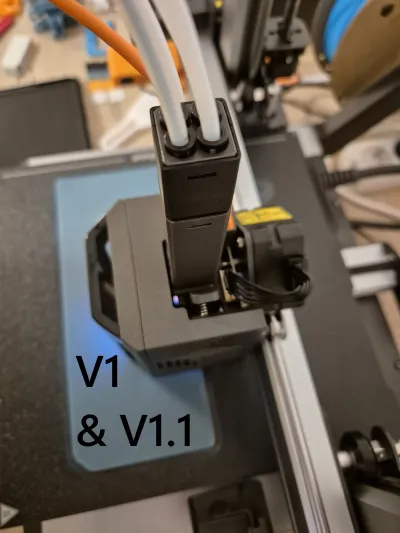
I was tired of constantly swapping tubes whenever I wanted to use the spool holder on my printer instead of the ACE PRO. So I decided to design a custom solution that keeps all five tubes connected at all times.
(For V1.1 only: I recommend a layer thickness of 0.16 mm (“QUALITY” in the Anycubic Slicer). I cannot guarantee that the part will fit properly with other layer thicknesses, as I haven’t tested them.)
THIS PART DOES NOT SUPPORT PRINTING WITH 5 COLORS!
It simply makes it easier to switch between the ACE PRO and the spool holder on the printer!
DE:
I was fed up with having to swap tubes every time I wanted to use the spool holder on my printer instead of the ACE PRO. So I designed a custom solution to keep all five tubes permanently connected.
(For V1.1 only: I recommend a layer thickness of 0.16 mm (“QUALITY” in the Anycubic Slicer), as I haven’t tested other layer thicknesses and can’t guarantee proper fit and performance otherwise.)
THIS PART DOES NOT ALLOW PRINTING WITH 5 COLORS!
It merely simplifies the process of switching between the ACE PRO and the spool holder on the printer!
Originality of the Model
The author declares that this work is their personally original model
This model is licensed under the following terms:
Credit must be given to the creator
Only noncommercial uses of the work are permitted
Models(7)
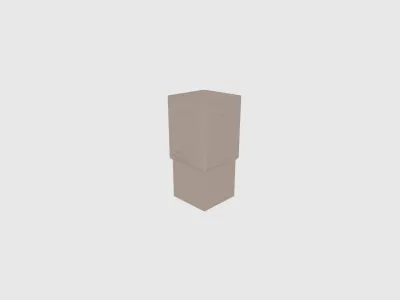 5 Port Filament Input Hub v1.1 (Tilt aligned).stlDesigner
'%3e%3cpath%20id='Vector'%20d='M13.6663%201.33331H2.33301C1.78072%201.33331%201.33301%201.78103%201.33301%202.33331V13.6666C1.33301%2014.2189%201.78072%2014.6666%202.33301%2014.6666H13.6663C14.2186%2014.6666%2014.6663%2014.2189%2014.6663%2013.6666V2.33331C14.6663%201.78103%2014.2186%201.33331%2013.6663%201.33331Z'%20stroke='%23808080'%20stroke-linejoin='round'/%3e%3cpath%20id='Vector_2'%20d='M11.3333%201.33331V7.33331H5V1.33331H11.3333Z'%20stroke='%23808080'%20stroke-linejoin='round'/%3e%3cpath%20id='Vector_3'%20d='M9.66699%203.66669V5.00002'%20stroke='%23808080'%20stroke-linejoin='round'/%3e%3c/g%3e%3cdefs%3e%3cclipPath%20id='clip0_3212_168684'%3e%3crect%20width='16'%20height='16'%20fill='white'/%3e%3c/clipPath%3e%3c/defs%3e%3c/svg%3e)
265.02 KB
'%3e%3cpath%20id='Vector'%20d='M7.99967%2014.6666C11.6816%2014.6666%2014.6663%2011.6819%2014.6663%207.99998C14.6663%204.31808%2011.6816%201.33331%207.99967%201.33331C4.31777%201.33331%201.33301%204.31808%201.33301%207.99998C1.33301%2011.6819%204.31777%2014.6666%207.99967%2014.6666Z'%20stroke='black'%20stroke-opacity='0.49'%20stroke-linejoin='round'/%3e%3cpath%20id='Vector_2'%20d='M8.00235%204.00006L8.00195%208.00299L10.8284%2010.8295'%20stroke='black'%20stroke-opacity='0.49'%20stroke-linecap='round'%20stroke-linejoin='round'/%3e%3c/g%3e%3cdefs%3e%3cclipPath%20id='clip0_1890_13189'%3e%3crect%20width='16'%20height='16'%20fill='white'/%3e%3c/clipPath%3e%3c/defs%3e%3c/svg%3e)
2026-02-16
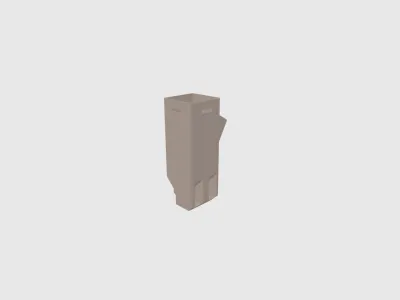 5 Port Filament Input Hub v2 (PC4-M6) inverted.stlDesigner
469.22 KB
2026-02-16
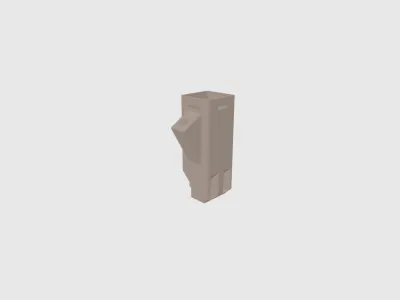 5 Port Filament Input Hub v2 (PC4-M6).stlDesigner
462.58 KB
2026-02-16
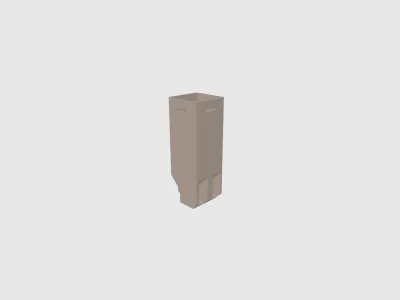 5 Port Filament Input Hub v2 inverted.stlDesigner
366.59 KB
2026-02-16
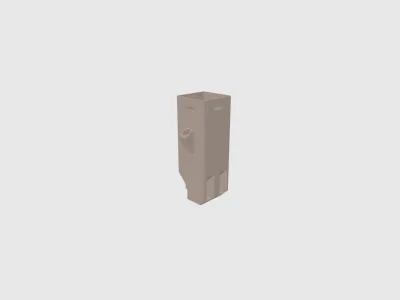 5 Port Filament Input Hub v2.stlDesigner
361.31 KB
2026-02-16
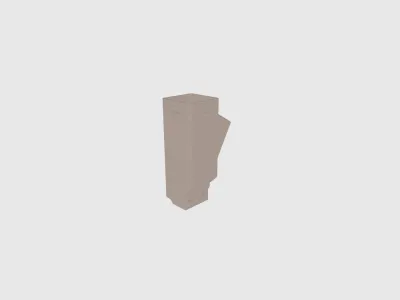 5 Filament Input Hub - M10.stlDesigner
688.75 KB
2026-02-16
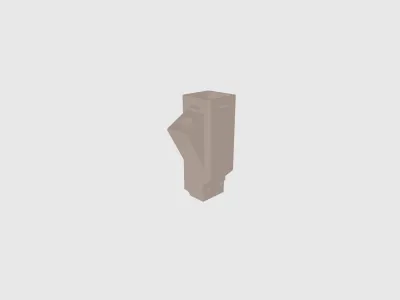 5 Filament Input Hub - M10 inverted.stlDesigner
695.69 KB
2026-02-16
View all(7)


