




macropad
pro micro
macropad keyboard
soldering
encoder knob
encoder
solder
button
macro keyboard
volume
multimedia
rotary encoder
arduino
DIY electronics
arduino pro micro
volume knob
programming


14

0
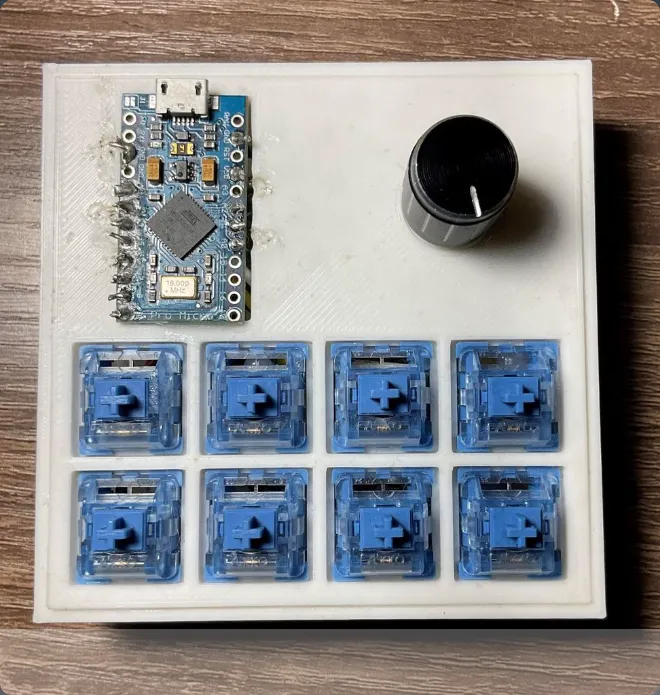
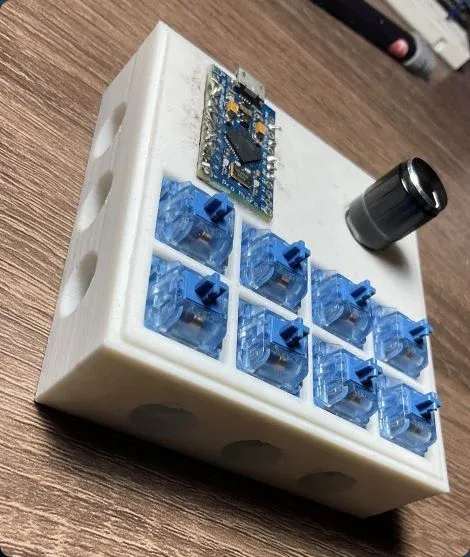
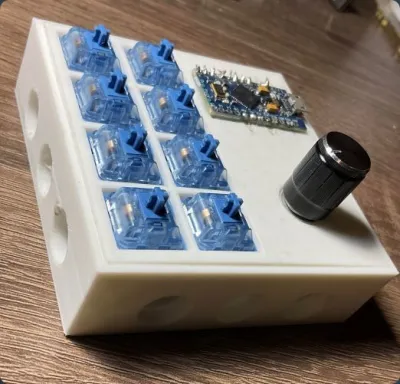
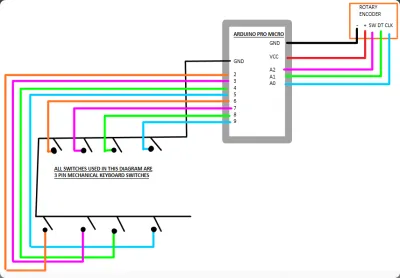
This is a small arduino pro micro based macropad intended to be a fun project for students wanting to become engineers. It is also a great project for people learning about DIY electronics and people who want a cheap, easy, DIY macropad. It is a simple project that at most requires base level soldering skills (this is actually a good project to practice soldering techniques), and some programming skills (also a good project for programming practice; rotary encoder teaches about timers, if statements, and downloading and using external libraries, while the button pad teaches about if statements, digital readings, delays, and how human interface devices send keystrokes). The code was written in the arduino IDE and has many comments explaining how it works. (If you want non-slip grip on your macropad spread a thin layer of hot glue on the bottom of the housing and let dry)
MATERIALS
-3D printer
-soldering iron (and solder)
-rotary encoder
-8, 3-pin mechanical keyboard switches (I used Akko blues from amazon)
-22 AWG wire
-super glue
Originality of the Model
The author declares that this work is their personally shared model

This model is licensed under the following terms:
No Copyright.
Models(4)
 INSTRUCTION_MANUAL_READ_ME.docx
360.23 KB

2025-07-05
- macropad.ino
5.32 KB
2025-07-05
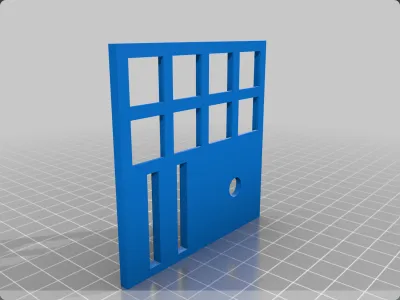
- macro_pad_face_plate.STL
71.96 KB
2025-07-05
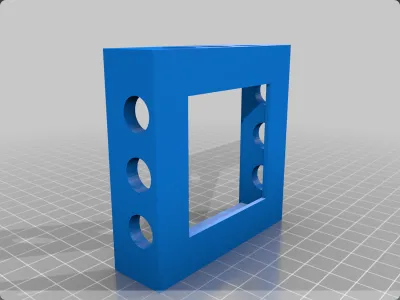
- macro_pad_housing.STL
116.68 KB
2025-07-05
View all(4)


