




Ender 3
bed leveling


42

12
Summary
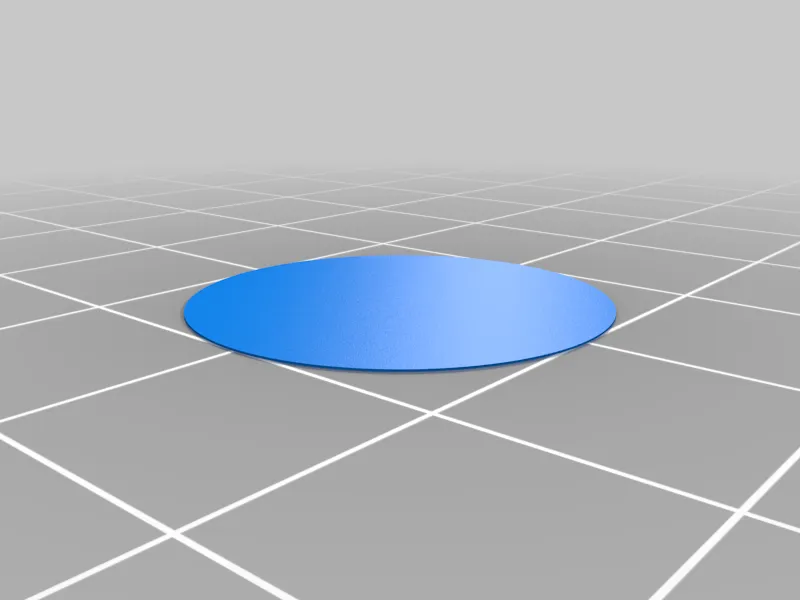
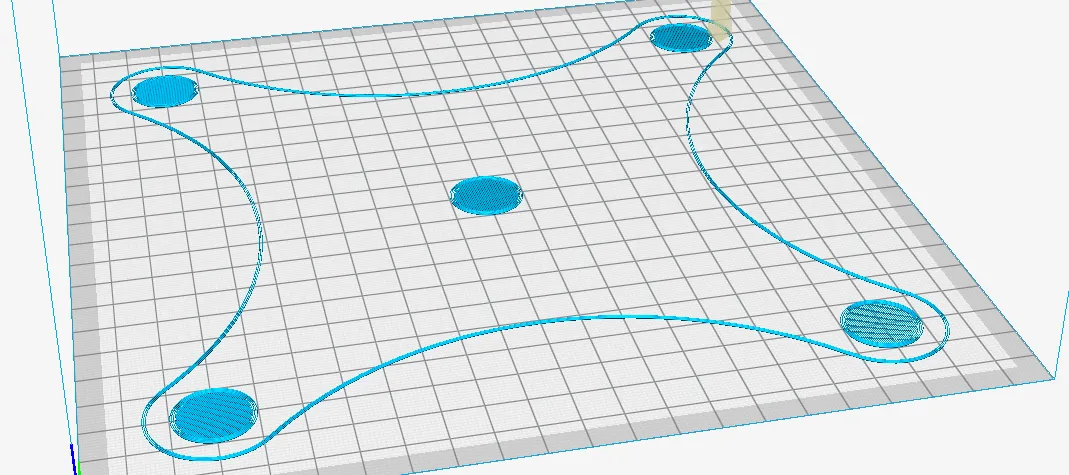
Borrowed Jfearnside's code to stop at each corner (twice) so you can check the bed level, and injected it into my test of printing five single-layer 20mm discs.
Stick the GCODE on the SD card and have a sheet of paper ready. The GCODE will stop at each corner, pausing so you can adjust the leveling knobs. Push the button on the printer after testing each corner (the printer says something like "waiting for user") to go on to the next corner. After stopping at each corner twice, it will print several skirts around the bed (you can continue to adjust height as needed as the skirts print), then a disc in each corner and a disc in the middle to check adhesion.
This could probably work for any 220x220 printer, using PLA.
UPDATE:
Ender3_Bed_Leveling.gcode: Original for a 220 x 220 bed.
Ender3_Level_Calibration_v2.gcode: Takes into account the Ender's actual 235 x 235 bed size to center the pattern more.
Ender3_Level_Test_v2.gcode: Just prints the test pattern without leveling so you can check if your bed has shifted, or if you want to insert and test with your own auto-leveling code. Edit the "G28" on line 18 to perform auto-leveling.
Originality of the Model
The author declares that this work is their personally shared model

This model is licensed under the following terms:
Credit must be given to the creator
Models(4)
 Single_Layer_Disc.stl
36.41 KB

2025-03-18
- Ender3_Level_Calibration_v2.gcode
163.69 KB
2025-03-18
- Ender3_Level_Test_v2.gcode
163.04 KB
2025-03-18
- Ender3_Bed_Leveling.gcode
147.77 KB
2025-03-18
View all(4)


