




diy
elegoo
mod
modification
display mount
power switch
modify
elegoo centauri
elegoo centauri carbon
diy electronics
elegoocentauricarbon
elegoocenaturi
elegoo cc
fused 240v

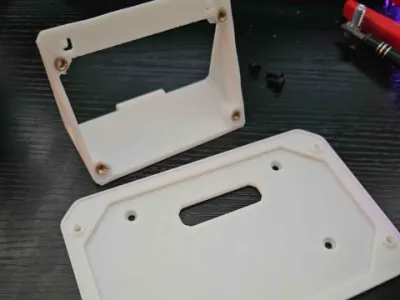 FM Power Switch (threaded inserts)
1-disc
PLA
Designer5(2)
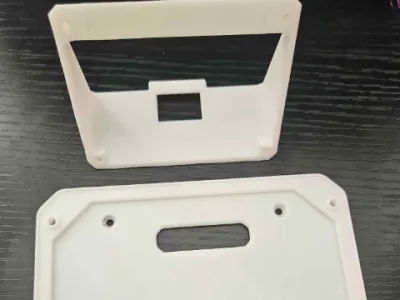 FM Power Switch Plastic Thread
1-disc
PLA
Designer5(1)

2.7k

159
!DISCLAIMER!
240V CAN BE DEADLY!
Only Build this if you know what your doing and at your own risk.
Or get someone to help you who knows what he is doing.
!DISCLAIMER!
Front Mounted Power switch by N-Works
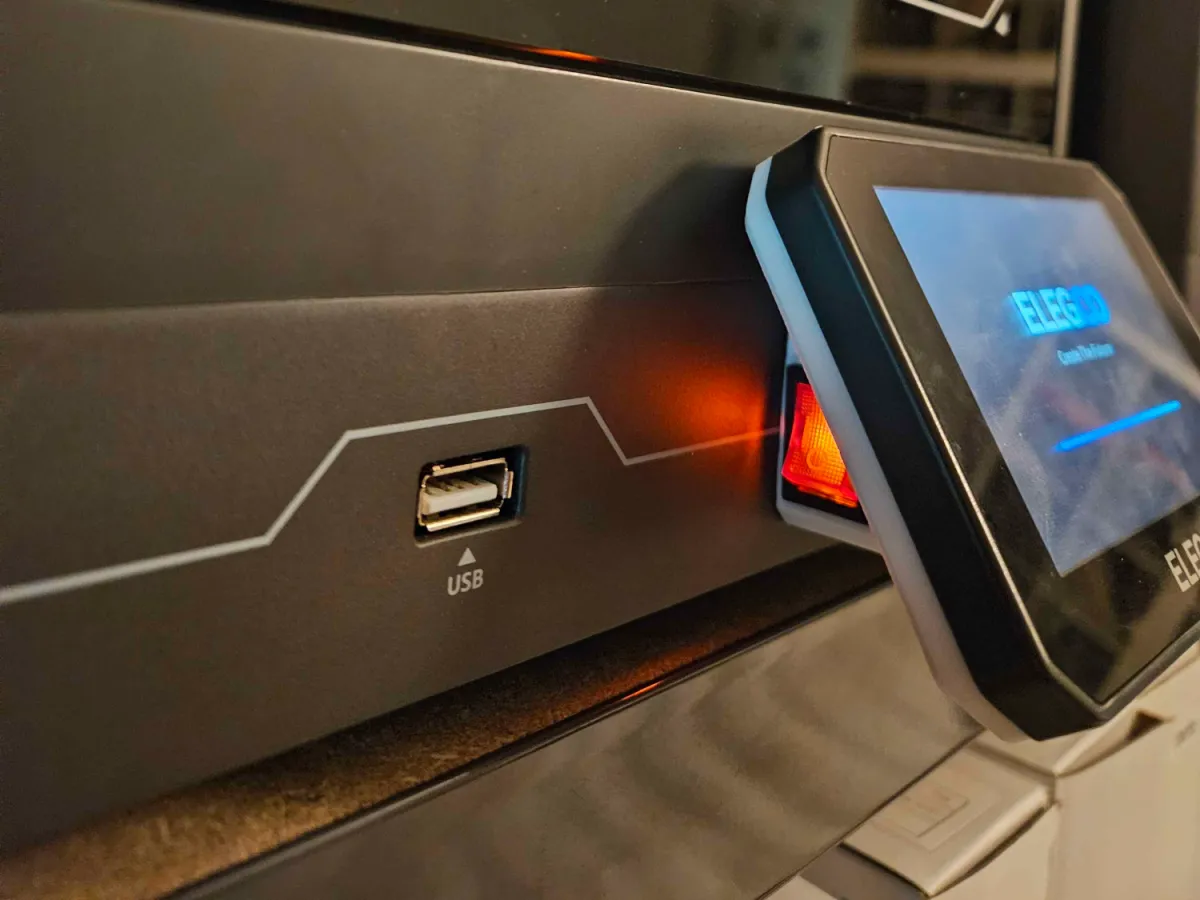
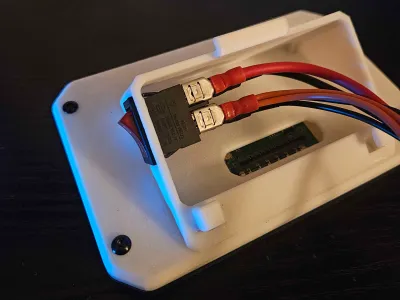
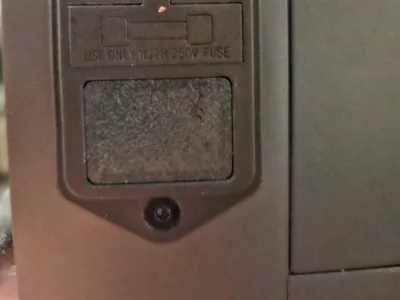
This modification for the Elegoo CC, switches the position of the power switch from the back of the unit to the front for easier access.
For CC2:
If you have a CC2 you will need another "Display plate" since the displays are different.
You can find a Display plate for the CC2 here: Designed by @dezlgoat
Parts needed:
Printed Parts: | ||
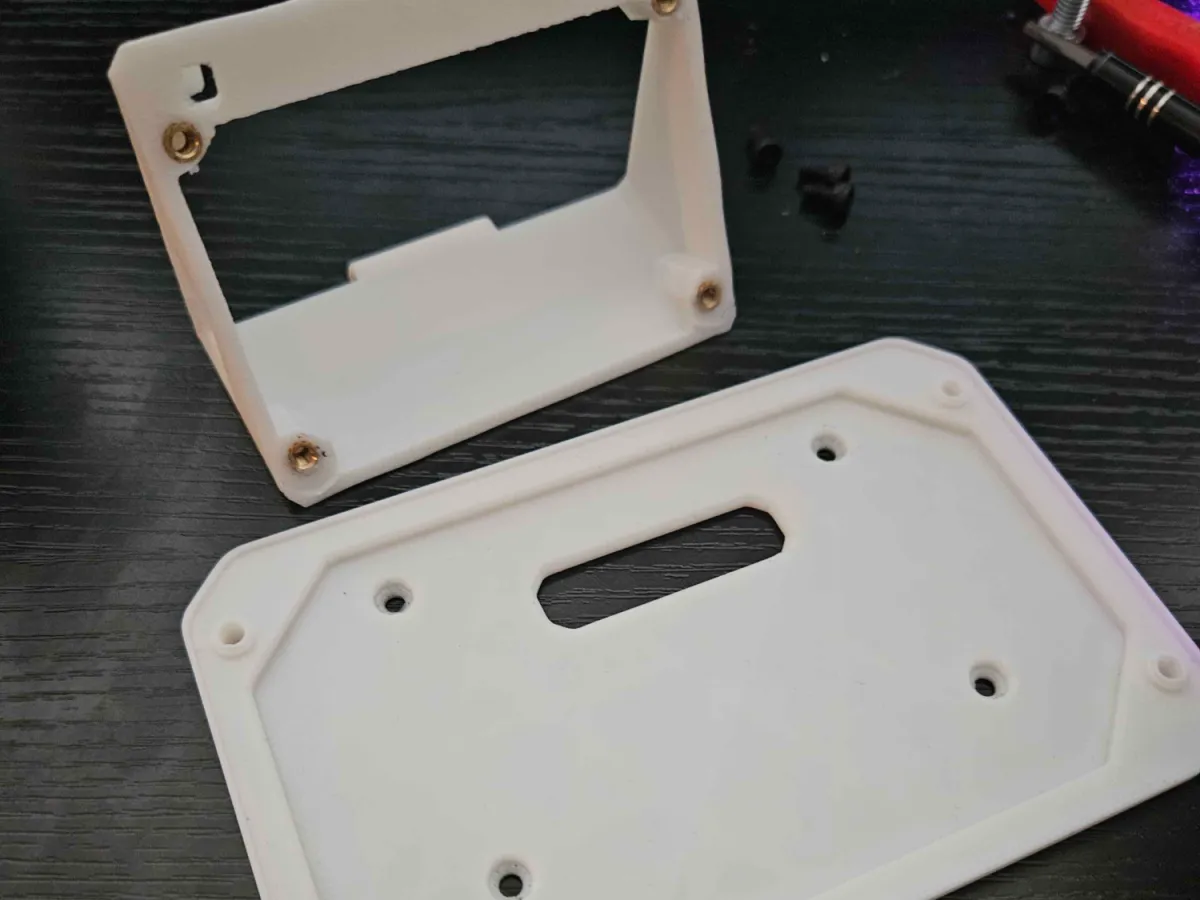
1 | X | "Display plate" |
1 | X | "Switch holder" or "Switch holder Heat insert" |
1 | X | “Back plug” |
Additional parts needed: | ||
4 | X | Screw M3X6mm |
4 | X | Threaded Inserts M3 (Optional) |
2 | X | Cable Black 18AWG 58cm |
2 | X | Cable Red 18AWG 58cm |
1 | X | Cable Black 16AWG 58cm |
1 | X | Cable Red 16AWG 58cm |
6 | X | Female Spade Connector16-14AWG |
2 | X | Fork Connector Black SV1,25-4 |
2 | X | Fork Connector Red SV1,25-4 |
3 | X | Zip tie |
Install Instructions:
1. Screw the "Display plate" on the "Switch holder" or "Switch holder Heat insert"

2. Detach the display and unscrew the back oh it.

3. Screw the display on the "Display plate"

4. Unscrew the Bottom plate of the Printer.

5. Detach the L,N and PE cables from the two terminals and the ground screw.

6. Unscrew the Power inlet and power switch assembly at the back of the printer and pull it out.

7. Unplug the red and black cables. (The yellow one stays)

Tip: Use something pointy to push inside the hole for easier removal.

8. Rebuild the cables with the crimps and longer cables.

9. Push out the power switch. Use something flat to push in the clamps on the side.

10. Plug new cables in the power switch.

11. Route cables through the hole of the Display assembly and push in the power switch.

12. Route Cables through the hole of the display cable and attach the display.

13. Route the cables like shown in the picture and connect the 18AWG cables to the terminals.

14. Plug in the 16AWG cables in the power inlet and reinstall it.

15. Reconnect the yellow cables to the terminals and the ground screw.

16. Push in the "Back plug".

17. Screw on the bottom plate of the printer.

18. Enjoy your easy accessible power switch.

Bill of materials
- NameQuantityNotes
- 1Screw M3X6mm4M3X6mm
- 2Threaded Inserts M34Optional
- 3Cable Black 18AWG258cm
- 4Cable Red 18AWG258cm
- 5Cable Black 16AWG158cm
- 6Cable Red 16AWG158cm
- 7Female Spade Connector16-14AWG6
- 8Fork Connector Black SV1,25-42
- 9Fork Connector Red SV1,25-42
- 10Zip tie3
Originality of the Model
The author declares that this work is their personally original model
This model is licensed under the following terms:
Credit must be given to the creator
Only noncommercial uses of the work are permitted
Remixes must be shared under the same license
Models(6)
 Switch holder Heat insert.stlDesigner
57.70 KB

2026-05-01
 Switch Holder.stlDesigner
48.13 KB
2026-05-01
 Back plug.stlDesigner
12.78 KB
2026-05-01
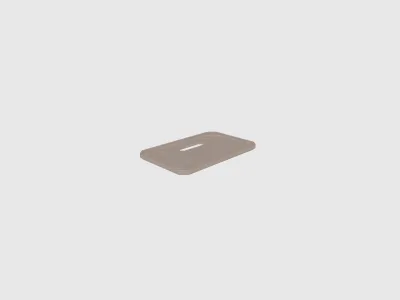 Display plate.stlDesigner
182.11 KB
2026-05-01
- FM Power Switch (heatinsert).3mfDesigner
83.26 KB
2026-01-21
- FM Power Switch.3mfDesigner
81.01 KB
2026-01-21
View all(6)


