




School
Compass
Ruler
Circle
Blind
Vision
Impared
Tactile
Arts
Crafts

- 0.2mm layer, 2 walls, 15% infill

2-disc
PLA
Designer

18

5
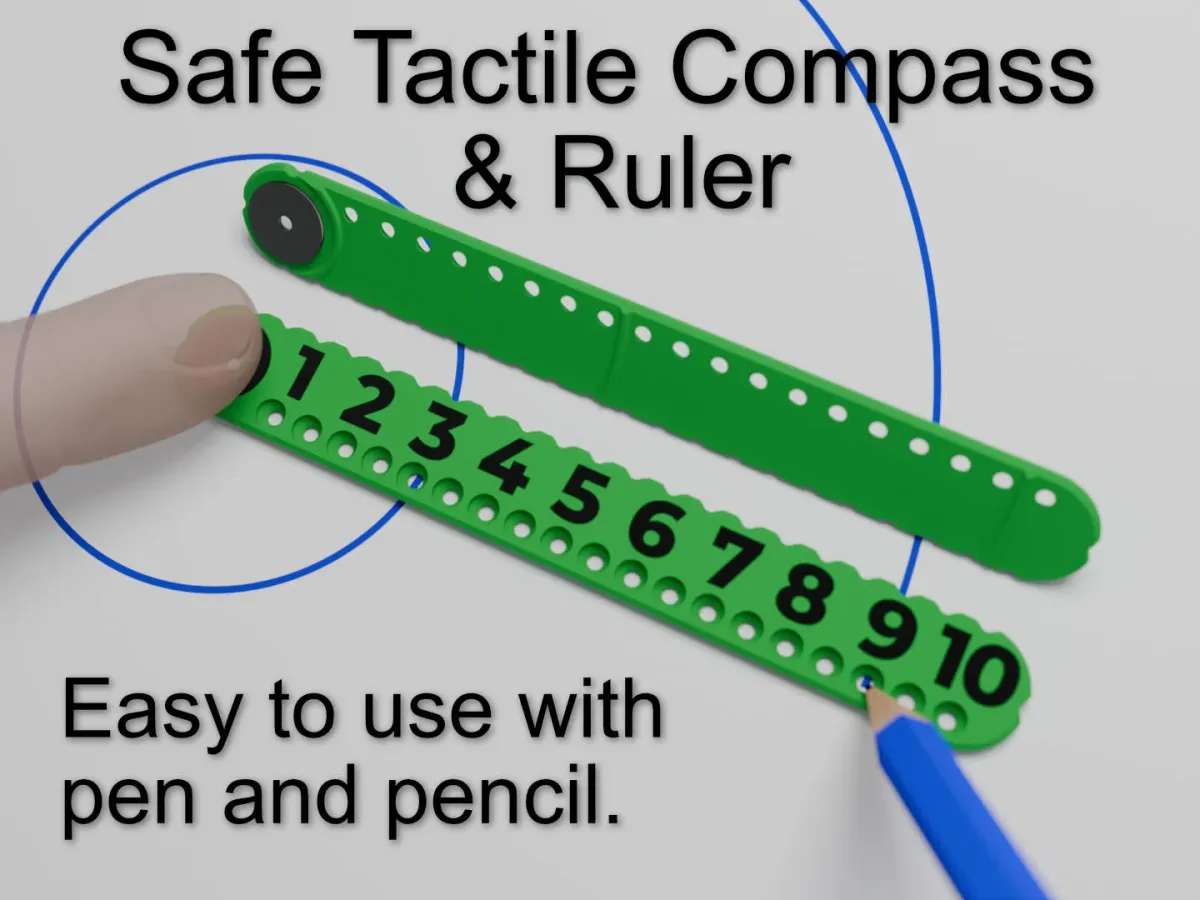
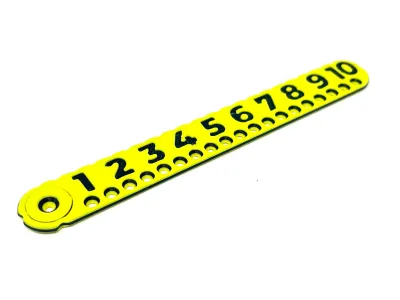
This compass is easy to use, compact and has no sharp point. Simply place the pivot hole where you want the centre and place your finger on it. Then insert a pen or pencil at your desired radius and rotate. No screws to tighten or points to stab. It's actually quicker to use than a traditional compass as no adjustments are necessary.
Great for school or crafting.
It's deceptively simple design has many features
Raised from the paper to avoid smudges when used with ink
Alignment notches vertically and horizontally aligned with centre hole
Large numbers
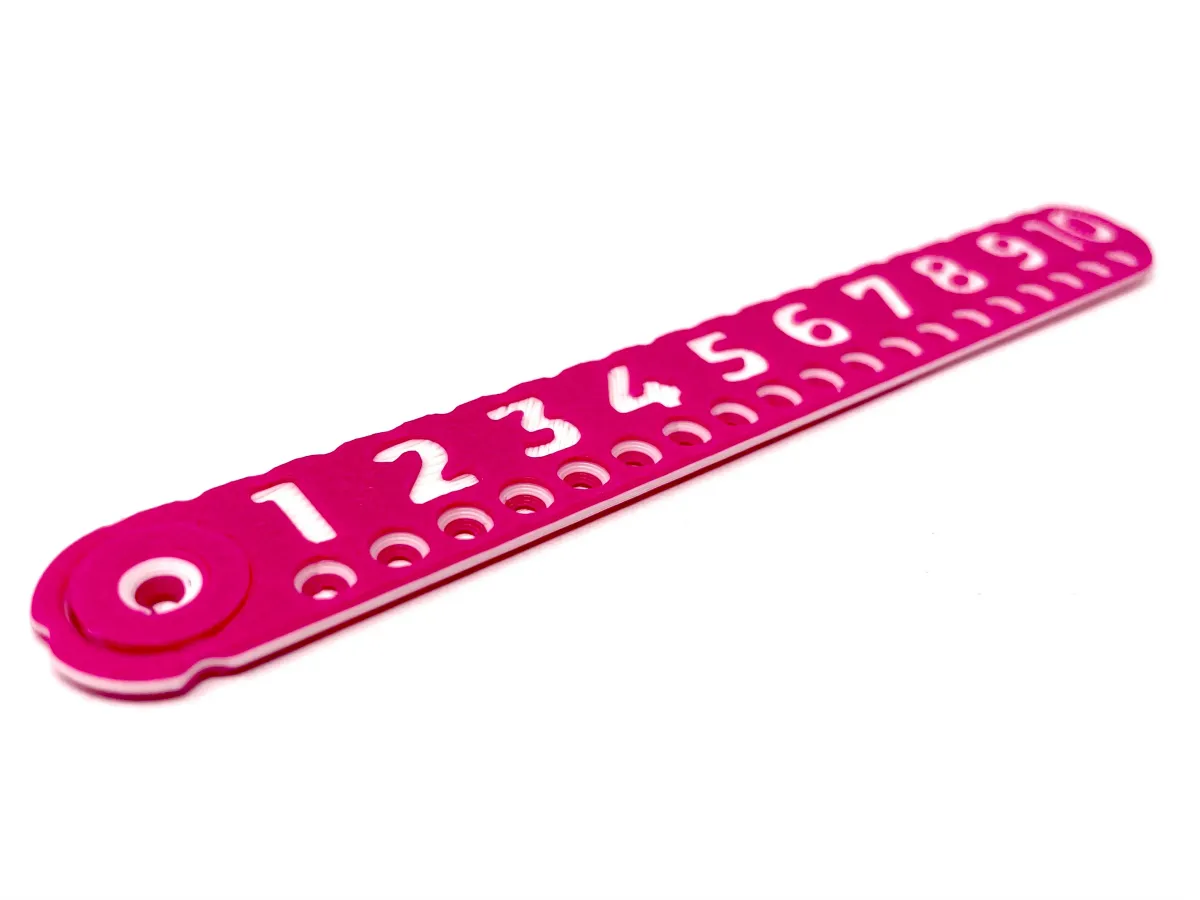
Indented number version for additional tactility
0.5mm indents along one edge allow the visually impaired to mark a distance
Flat raised edge for use as a ruler
As always your constructive criticism and ideas for improvement are welcome, let's make things better together. Want a change or another model based off this? Send me a message and I'll see what I can do.
Printing
It's quick and easy! But here are some tips if you want them:
The print has a 0.2mm tolerance and has worked on my printers. Occasionally I'll get a print that takes a bit of persuasion to free the pivot but usually it's free after cooling down and popping off the bed by it's self. Patience is a virtue, if you rip it off the bed while warm then this can warp the ruler.
Please don't complain if the numbers come out poorly, they shouldn't but this greatly depends on the cleanness of the print bed which over time loses it's adhesion but can be refreshed with cleaning.
The print profiles print the first layer slowly to help with adhesion but this will not overcome a bed that needs cleaning. I rarely clean my bed but occasionally I will get an issue with adhesion and that's when I give it a good wash with soap and water.
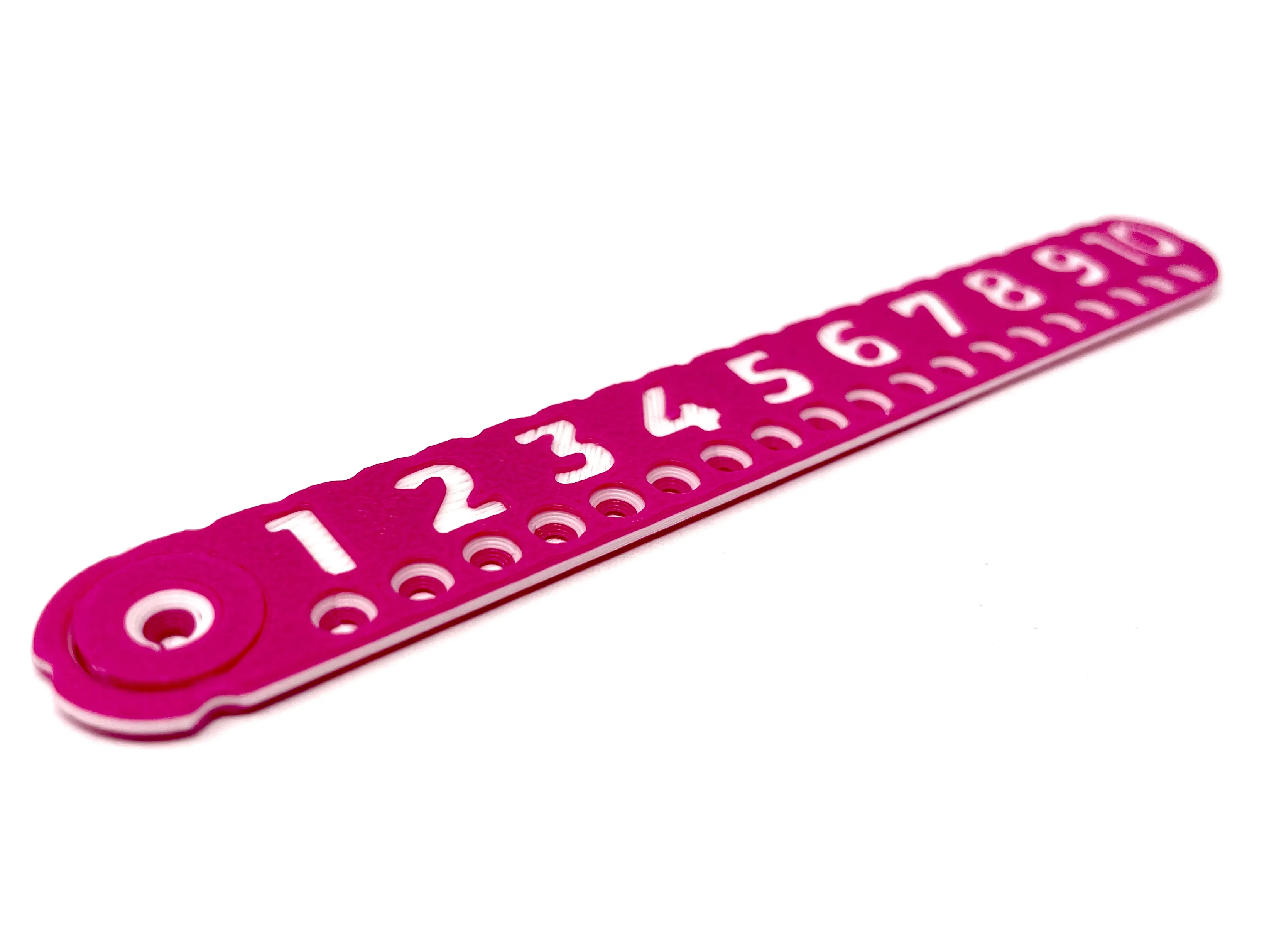
Plate 1 pauses the print after 3 layers allowing you to use the menus to swap the filament to a different colour and continue the print. It then pauses again later on for you to switch the filament back to the original colour. The result is the centre in a different colour which shows through the indented numbers and provides a nice ring in the holes.
Interesting?
The holes are not evenly spaced, their position is determined by the intersection of the line they are on and a circle of the specified radius going through the pivot point. My original design had the holes in the centre of the ruler but this left little space for the numbers, hopefully offsetting them like this was the right move.
Originality of the Model
The author declares that this work is their personally original model
This model is licensed under the following terms:
This work is licensed under a Standard Digital File License. Digital files have a strict non-commercial, personal use only license.
You shall not share, sub-license, sell, rent, host, transfer, or distribute in any way the digital file or 3D printed versions of this object, nor any other derivative work of this object in its digital or physical format (including remixes of this object). You can not host these files on other digital platforms, web stores or cloud repositories. The objects may not be used in any way whatsoever in which you charge money, collect fees.
Models(1)
- SafeCompassOffsetIndentedEGPause.3mfDesigner

243.12 KB

2026-01-03


