











Made to Make — Smart Workshop Design Contest
Toolbox
Part Box
Storage Box
Mechanical Style
Cyberpunk
Infinite stacking
Custom Editing

- Non-spacer tool box configuration

8-disc
PETG
Designer5(1)
- Editable inner slot toolbox configuration
5-disc
PETG
Designer5(1)

2.9k

431
Name(名称):
Push-pull mech style toolbox (customized infinite overlay)
推拉式机甲风格工具盒(自定义无限叠加)
Introduced(简述):
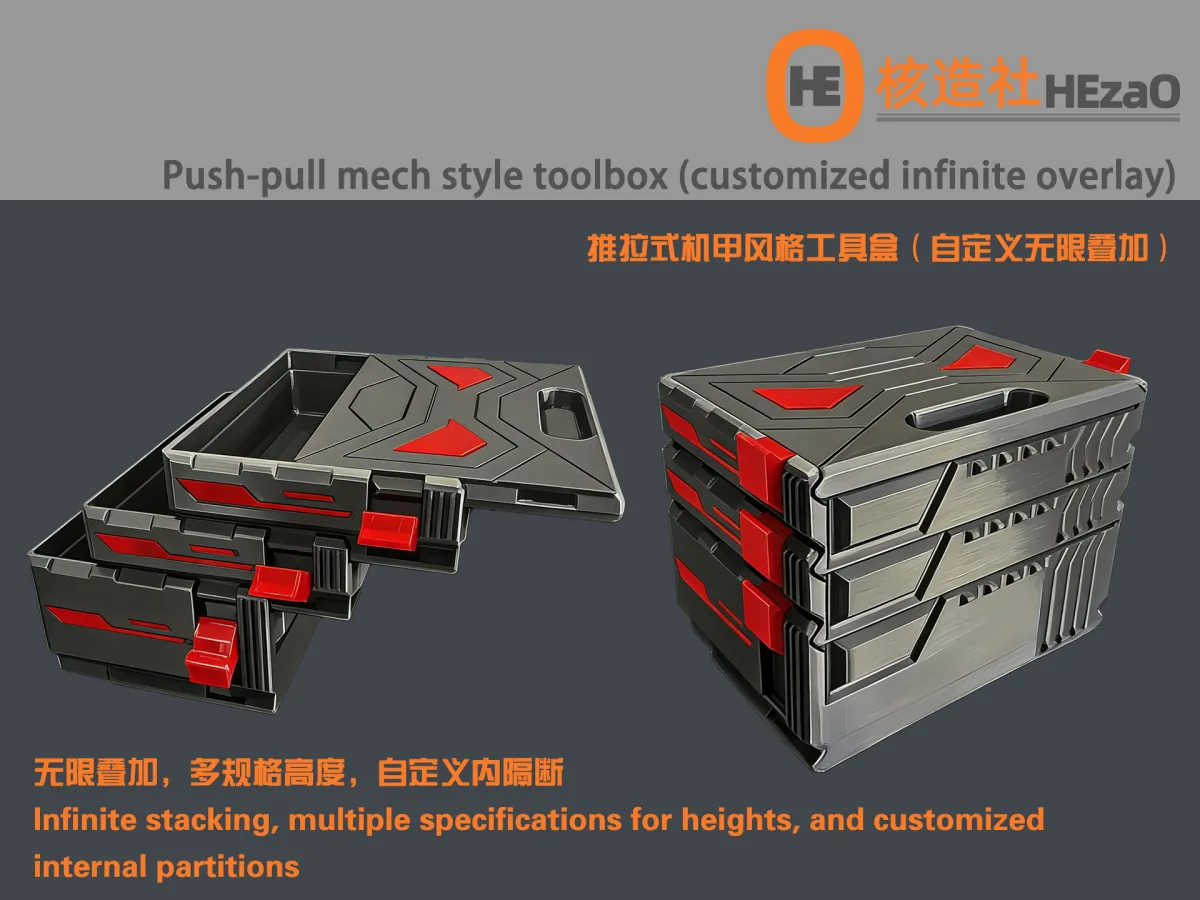
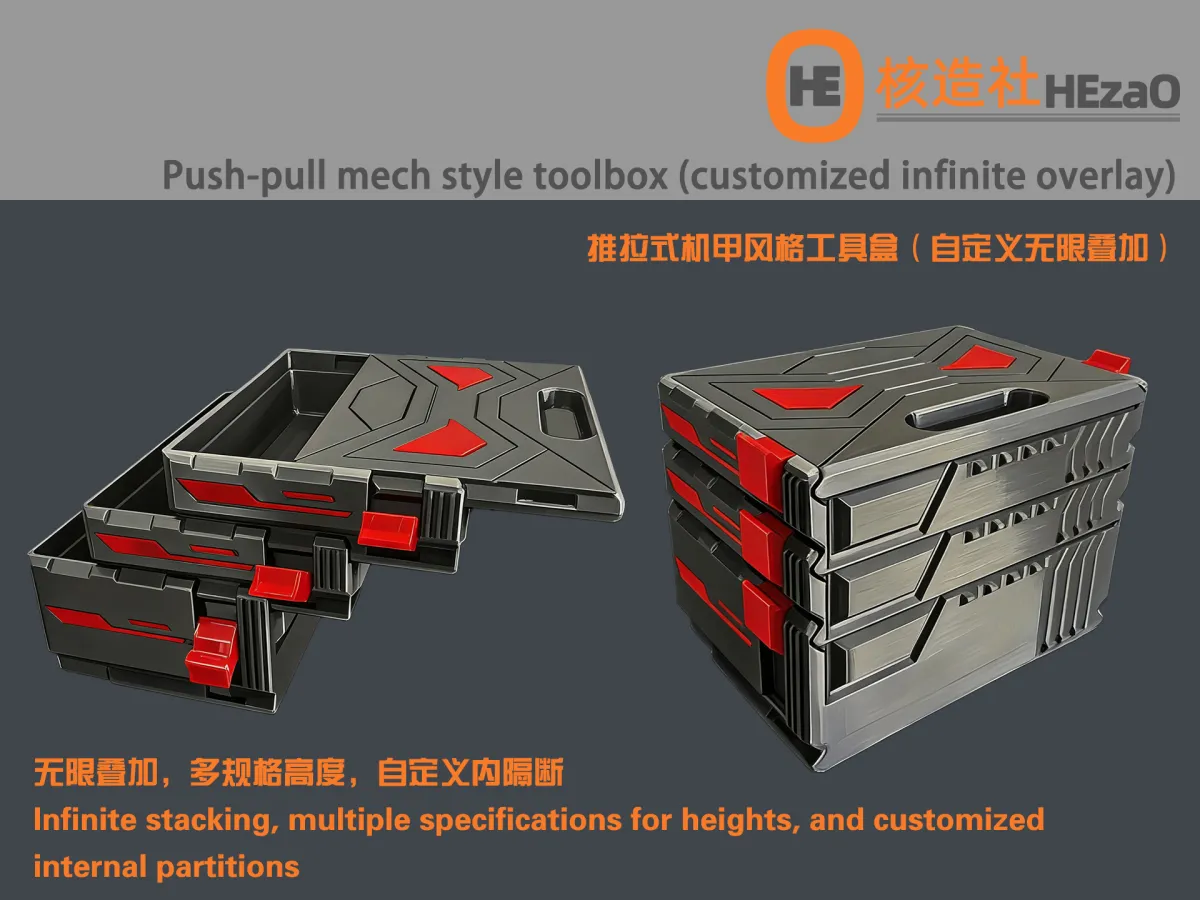
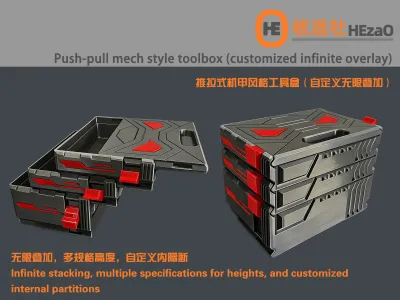
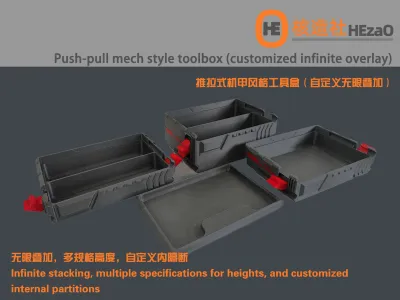
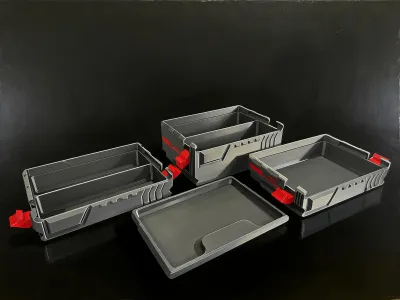
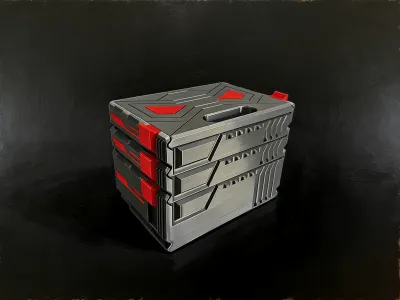
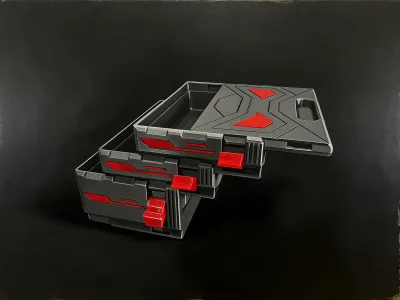
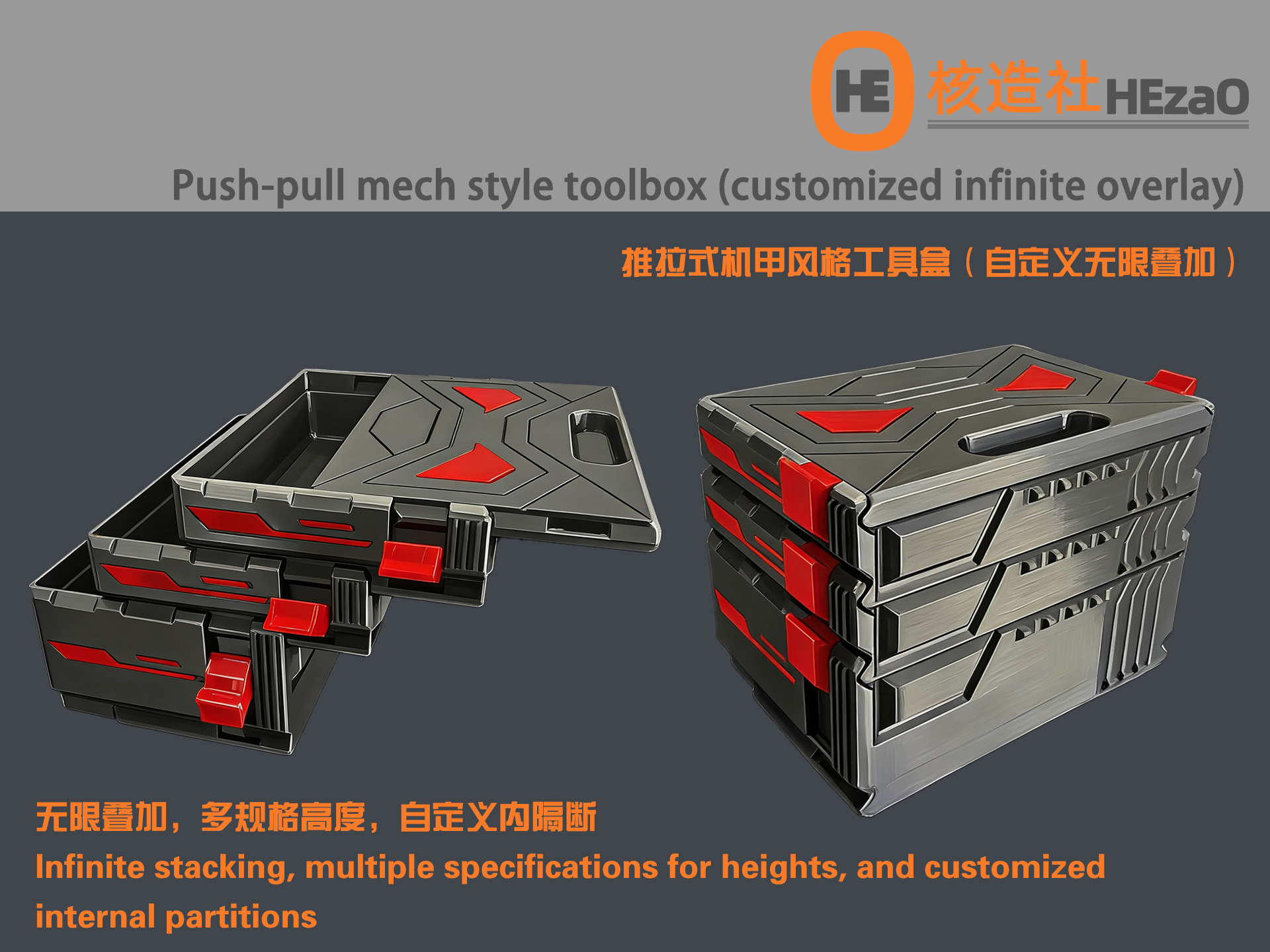
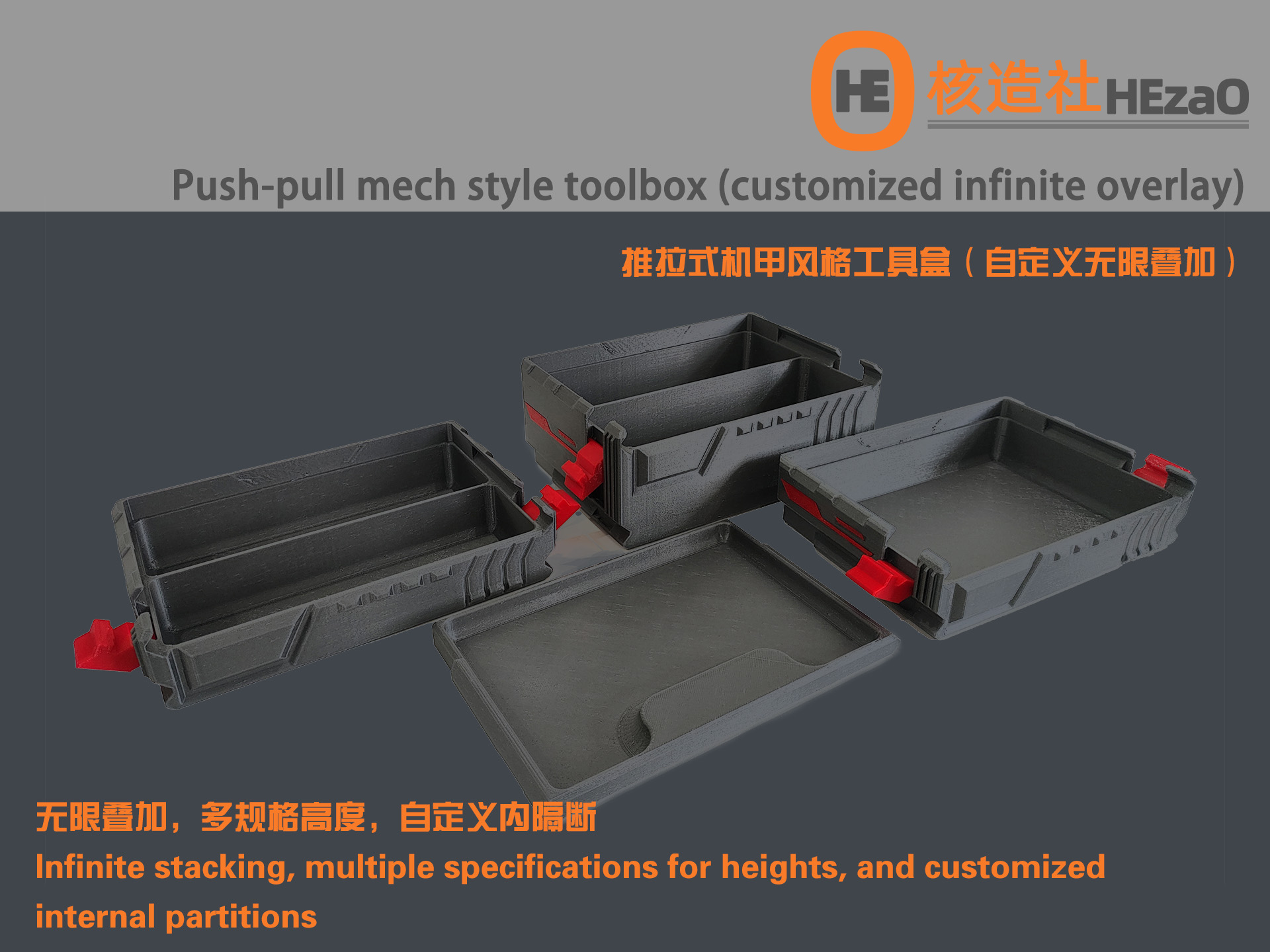
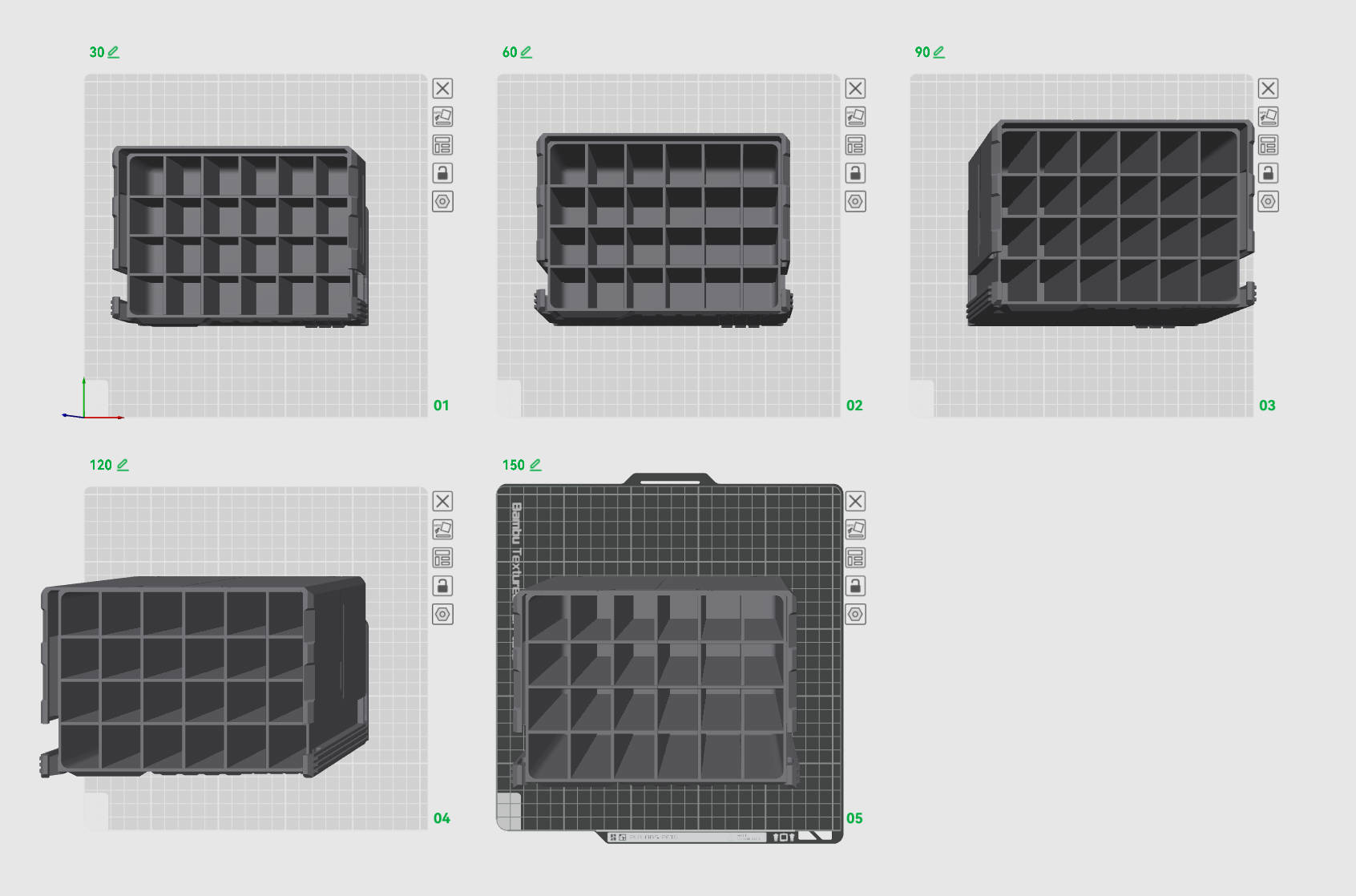
This is a push-pull stacking toolbox that I have carefully designed. The appearance is in a mecha style, can be stacked infinitely, and is snap-locked. It has various internal heights in specifications: 30cm, 60cm, 90cm, 120cm, and 150cm. At the same time, it also designs an editable internal partition to achieve a customized layout of the interior space. This model adopts a unsupported design and eliminates the need for multi-color printing equipment. I hope everyone can like and support it.
这是一款我精心设计的推拉式堆叠工具盒,外观采用机甲风格,可以无限叠加,卡扣锁紧,设计了多种规格内部高度:30cm、60cm、90cm、120cm、150cm,同时还设计了可编辑内隔断,可实现自定义内部空间的布局。
本模型采用无支撑设计,无需多色打印设备。希望大家能够喜欢并且支持。
Picture(图片):
Characteristics(特性):
▶ Mecha style
▶ push-pull design
▶ Snap locking device
▶ Multiple specifications height size
▶ Customize internal partitions
▶ Can be stacked infinitely
▶ No need to buy other accessories
▶ unsupported design
▶ No need for multi-color printing equipment
▶ 机甲风格
▶ 推拉设计
▶ 卡扣锁紧装置
▶ 多规格高度尺寸
▶ 自定义内部隔断
▶ 可以无限叠加
▶ 无需购买其他配件
▶ 无支撑设计
▶ 无需多色打印设备
About Accessories(关于配件):
No additional accessories required
无需其它配件
About print configuration(关于打印配置):
Two print configuration files are provided:
- Non-spacer tool box configuration
If you don't need partitions inside the box, you can print directly
- Editable inner slot toolbox configuration
If you need to edit internal partitions, please download this file and perform custom editing in the slicing software You can hold down alt+ left mouse button and select the partition to delete to achieve the layout you need
提供两个打印配置文件:
1、无隔片工具盒配置
如果你不需要盒子内部有隔断,可直接打印
2、可编辑内槽工具盒配置
如果你需要编辑内部隔断,请下载此文件,在切片软件中进行自定义编辑
你可以按住alt+鼠标左键,选择要删除的隔断进行删除,以达到自己需要的布局
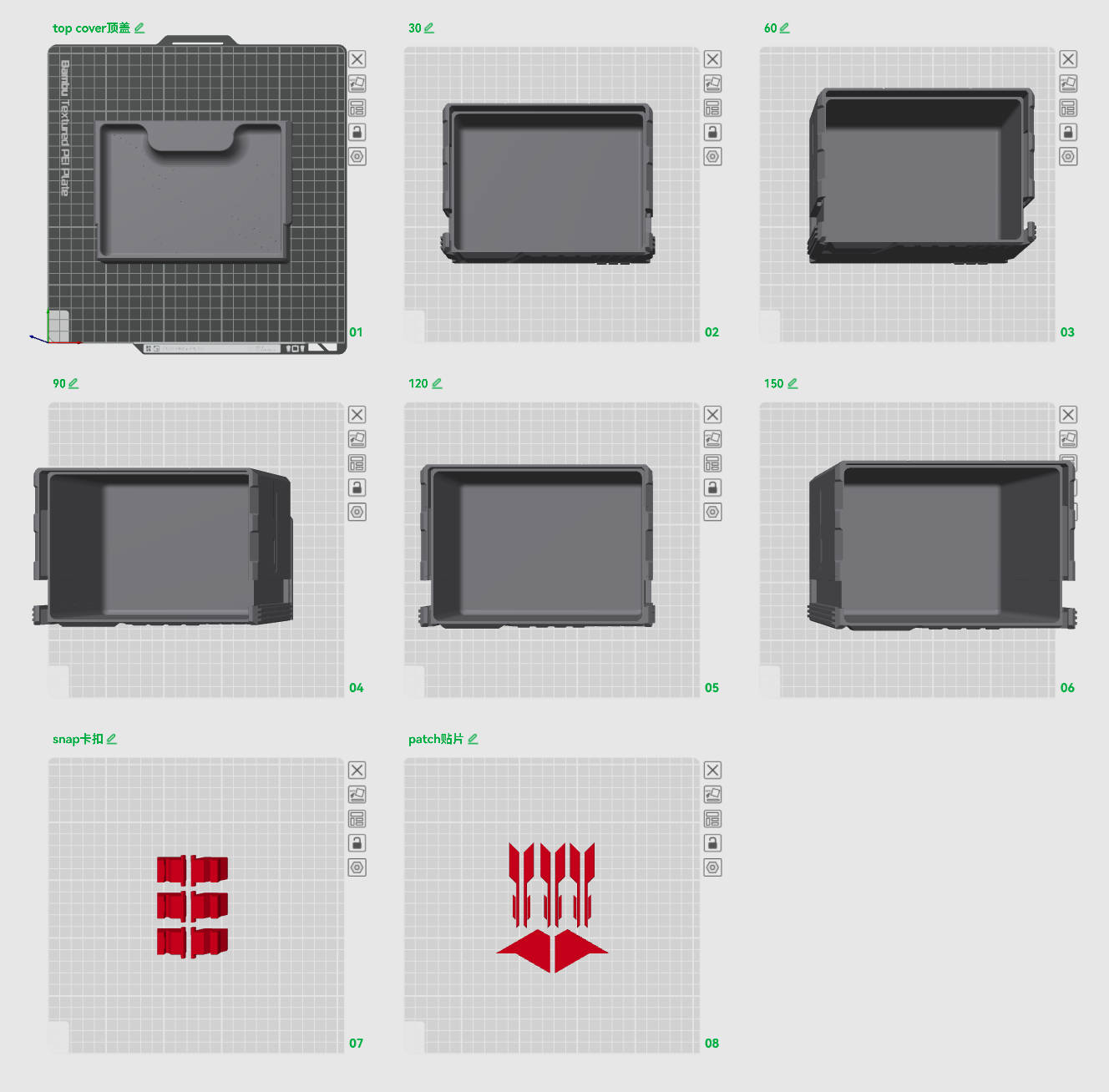
About assembled(关于组装):
Installation of the buckle: Insert the latch on one side and then press the other side in with force Use of the buckle: When you want to open it, lift it up first and then open it, which will be easier
卡扣的安装:现将一侧的插销插入后再将另外一侧用力压入
卡扣的使用:要打开的时候先往上提起后再拉开,这样会比较简单
About consumables(关于耗材):
耗材类型/Type | 颜色/Color | 推荐品牌/Brand |
PETG | 灰色 | |
PETG | 红色 |
Remarks(备注):
If the feedback is good later, it is impossible to find time to design an upper cover with a handle
后期如果反馈不错,无可能会找个时间设计一个有提手的上盖
Originality of the Model
The author declares that this work is their personally original model
This model is licensed under the following terms:
This work is licensed under a Standard Digital File License. Digital files have a strict non-commercial, personal use only license.
You shall not share, sub-license, sell, rent, host, transfer, or distribute in any way the digital file or 3D printed versions of this object, nor any other derivative work of this object in its digital or physical format (including remixes of this object). You can not host these files on other digital platforms, web stores or cloud repositories. The objects may not be used in any way whatsoever in which you charge money, collect fees.
Models(4)
- EG-Spaceless toolbox configuration file 无隔片工具盒配置.3mfDesigner

536.94 KB

2026-03-30
- EG-Editable inner slot toolbox configuration file 可编辑内槽工具盒配置文件.3mfDesigner
371.75 KB
2026-03-30
 1.stlDesigner
1.54 MB
2026-03-30
 2.stlDesigner
914.34 KB
2026-03-30
View all(4)


