



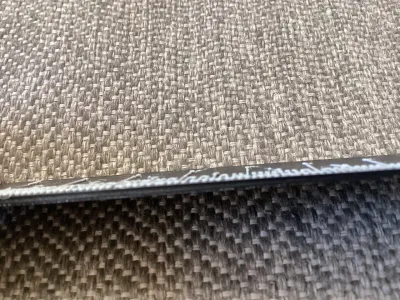

Ruler

63

13
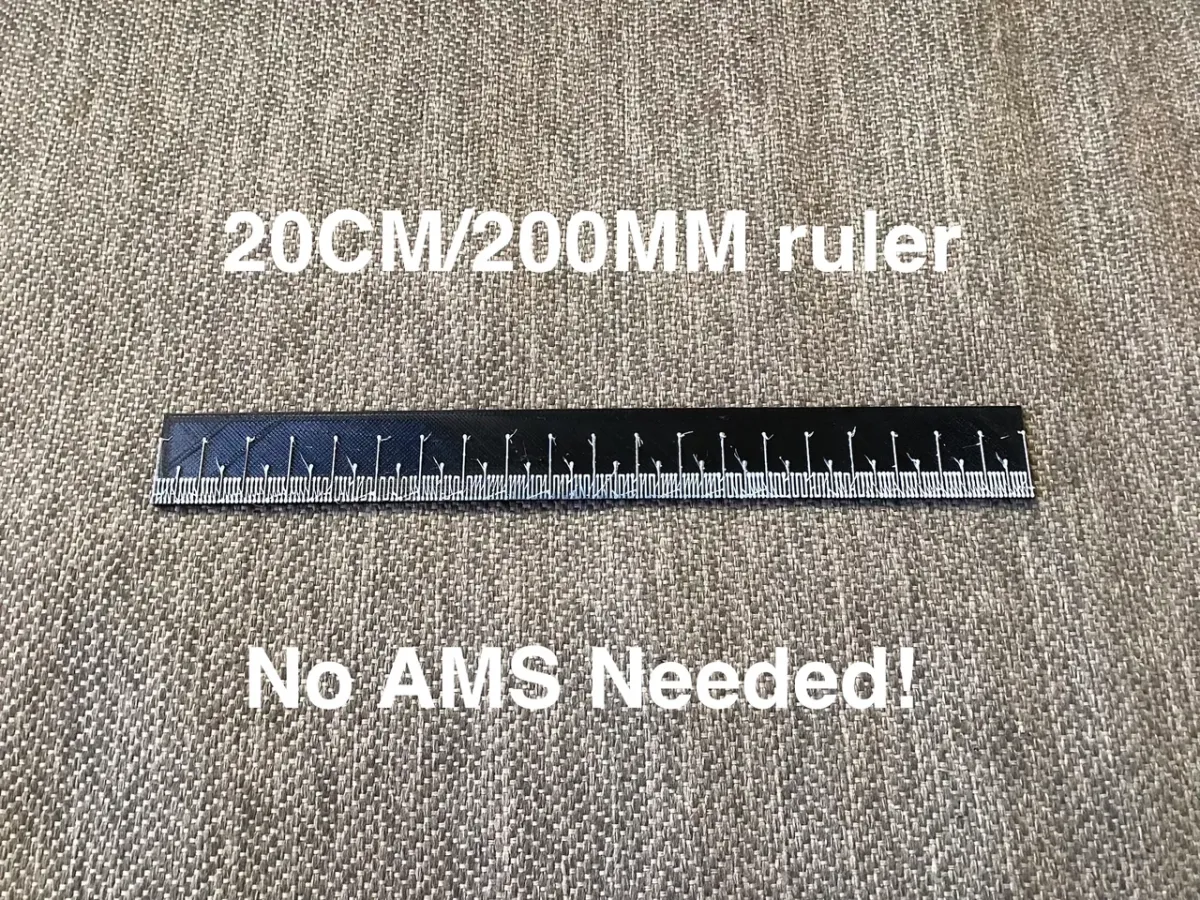
A fast to print ruler that is 200mm, or 20cm long. Check out my other models!
No AMS or other multicolor options required!
How to print: In Bambu Studio or other slicers, slice the plate with the ruler, in the preview on the right side, go to the layer that the lines/marks start printing (not the last layer of the base), right click the slider, and select add pause, when the printer reaches that layer and pauses, change the color and resume, the marks will then be a different color than the base.
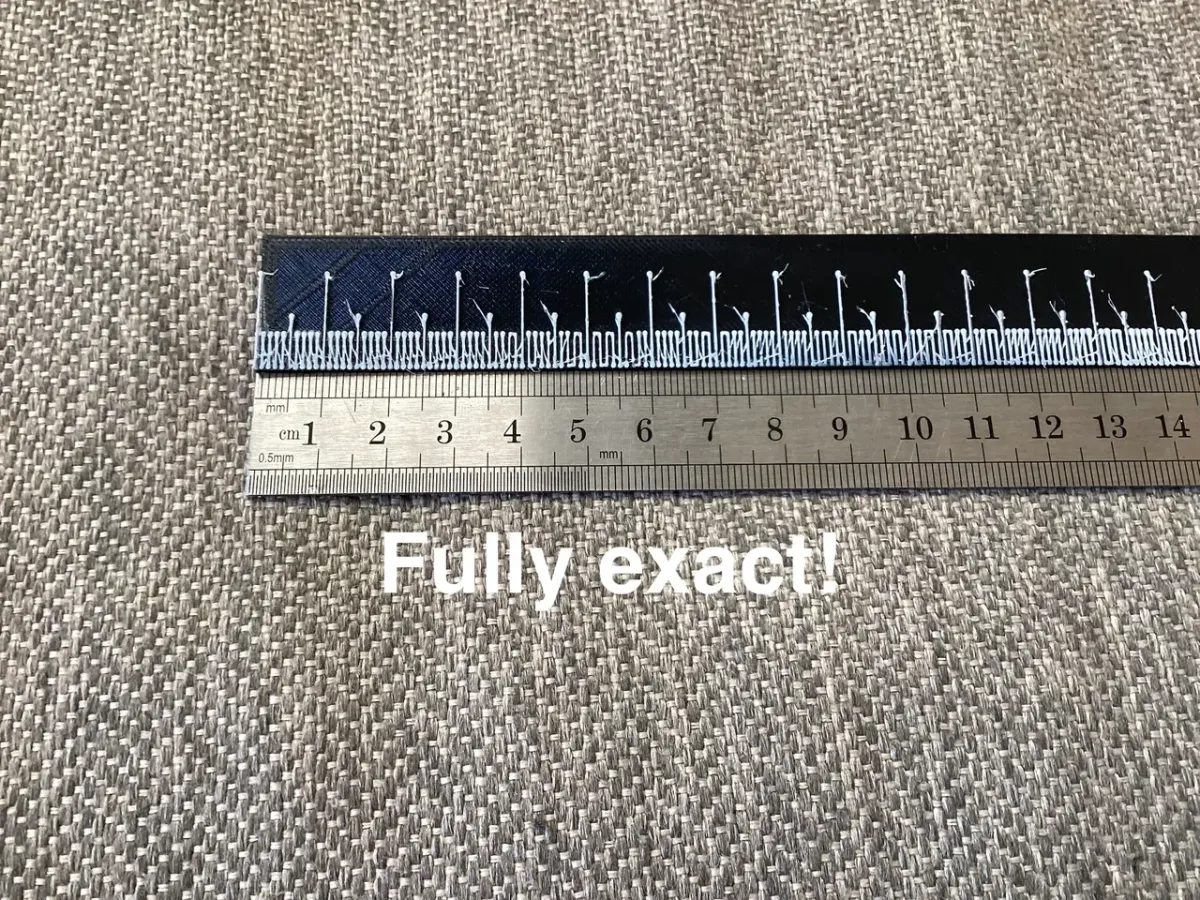
The model is fully accurate, if your printer is not fully calibrated, you should check if the rulers marks are exact before using it.
On smaller printer, like an A1 Mini, rotate the ruler 45 degrees.
Originality of the Model
The author declares that this work is their personally original model
This model is licensed under the following terms:
Credit must be given to the creator
Models(1)
 Ruler MM CM.stlDesigner
186.90 KB

2026-04-01


