












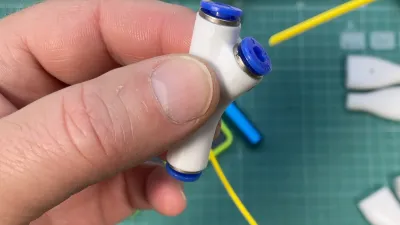

dual input filament
Bambu Lab AMS
AMS hub connection
external spool integration

- 0.08mm layer, 2 walls, 40% infill

1-disc
PETG
Designer

441

48
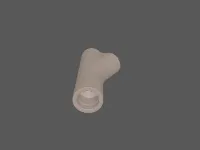
Filament Y-Adapter
Introduction
Sometimes a simple task can take months. I had been looking for a way to create an adapter that would allow filament to be fed both from the AMS hub (AMS2 Pro and/or AMS-HT) and an external spool. The goal was to keep it compact, efficient, and reliable.
The AMS system is quite sensitive: even a slight resistance in the feed path can trigger an error. So it was critical to ensure a smooth channel for the filament. I tried several designs, kept postponing the project, coming back to it... And finally, the adapter turned out just as I had envisioned it: small, geometrically optimized, and fully functional.
Material and Print Tips
The primary material is PETG. I recommend printing it with a fine nozzle (I used 0.2 mm) and minimal layer height. Why? Because every layer is essentially a step. The fewer the steps, the lower the resistance for the filament—especially when feeding from an external spool, where there’s no active drive from the AMS.
The file is available in .3mf format — fully preconfigured, but you can always tweak the settings in Bambu Studio to suit your needs.
Sure, you can print it with thicker layers and then run some abrasive filaments (like carbon or glass-filled types) through it — they’ll polish the channel after just a couple of prints. But if you care not just about functionality but also aesthetics, the fine layers are well worth it.
Assembly and Fittings
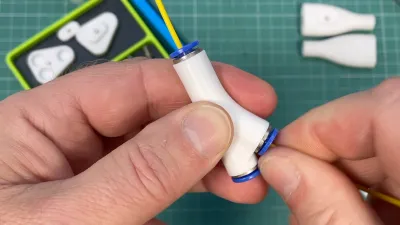
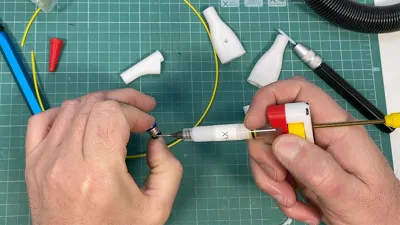
I used basic, inexpensive fittings to secure the tubes. Took them apart and removed the locking clips with their rubber seals. It’s all pretty straightforward, just don’t lose any parts. I’ve shown the process in earlier videos.
Unlike my previous builds, I decided not to press-fit the locks while cold. PETG behaves dynamically — it heats quickly, cools quickly, and contracts fast. So I gently heated the mounting holes with a hot air gun, applied a bit of XY-2 plastic lubricant, and the locks slipped right in without effort. No vice, no press — just careful hands. Once cooled, everything stays firmly in place.
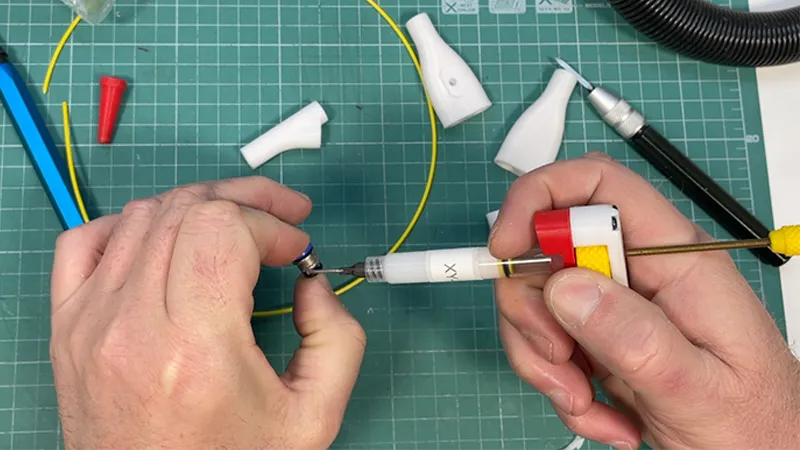
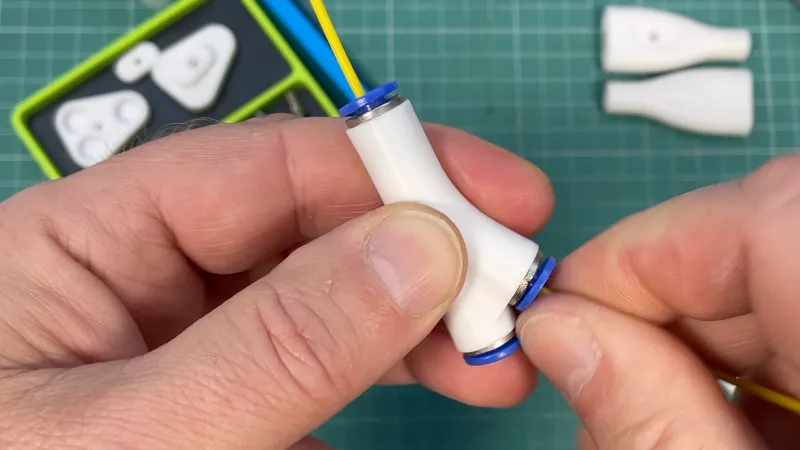
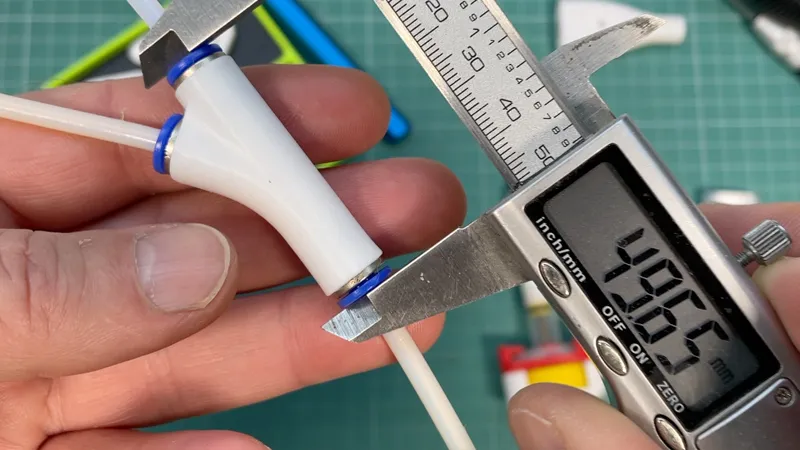
There’s a short video showing the assembly process — nothing complex, no magic tricks or quantum physics. Just basic, reliable technique.
Practical Use
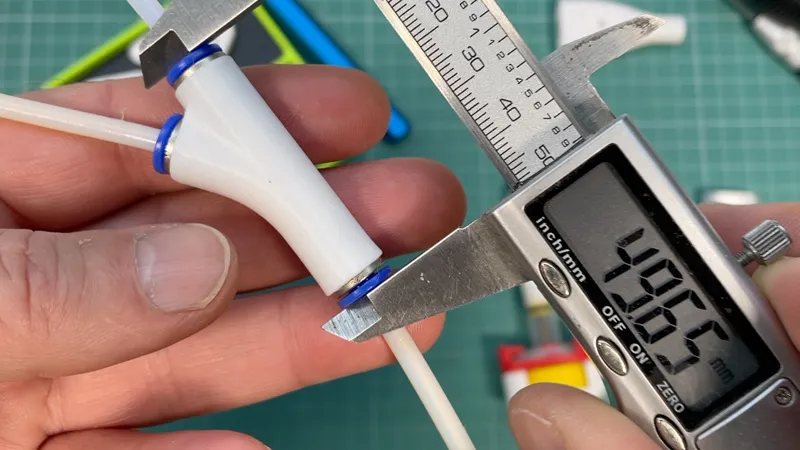
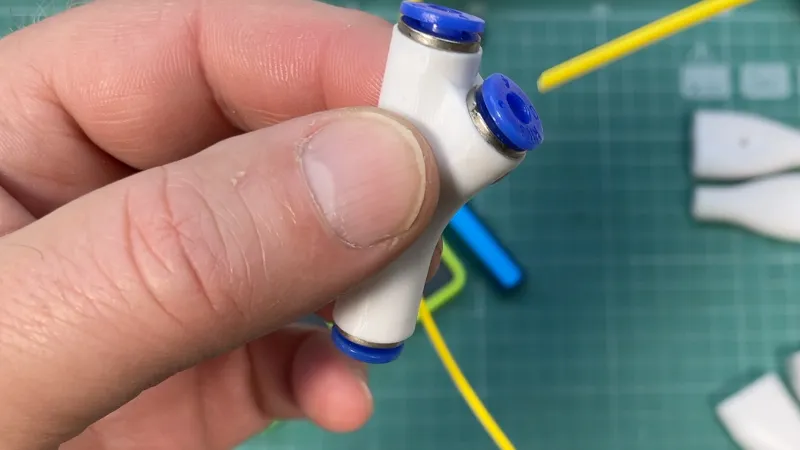
The adapter is just over 5 cm long. Initially, I considered making a magnetic bracket for mounting it to the printer frame, but I soon realized that a free-floating position allows the tubes to find their own natural path with the least resistance. Extra bends just make things worse — don’t add them.
In use, the adapter performs flawlessly. The AMS gets a straight channel — filament flows through like it’s moving inside a clean tube, no snags or friction. The external input joins from the side with an optimal radius and merges seamlessly into the same feed line.
It turned out exactly the way I wanted. And now I’m sharing it with you. No magic — just good geometry, smart design, and a bit of precision. Give it a try — it doesn’t take long to make, and once you try it in action, I think you’ll appreciate what it brings to the table.
See the video for details:

If you liked this thing - let me know by putting like!
Parts links below:
Links to used tools:
My new machine:

My favorites:
Thank you for every tip or donation,
it means great recognition for me and helps a lot to keep going!

BTC:bc1qplpzq36ghw84hty4nn2zzu4ps4sdh4th0v93j8
ETH:0xc766ebbeAa76aaf629788c8F99C33A8d80d48977
My some other things:

Originality of the Model
The author declares that this work is their personally original model
This model is licensed under the following terms:
Credit must be given to the creator
Models(2)
- Filament Y-Adapter.3mfDesigner

609.08 KB

2025-06-21
 Filament Y-Adapter.STLDesigner
2.42 MB
2025-06-21


