


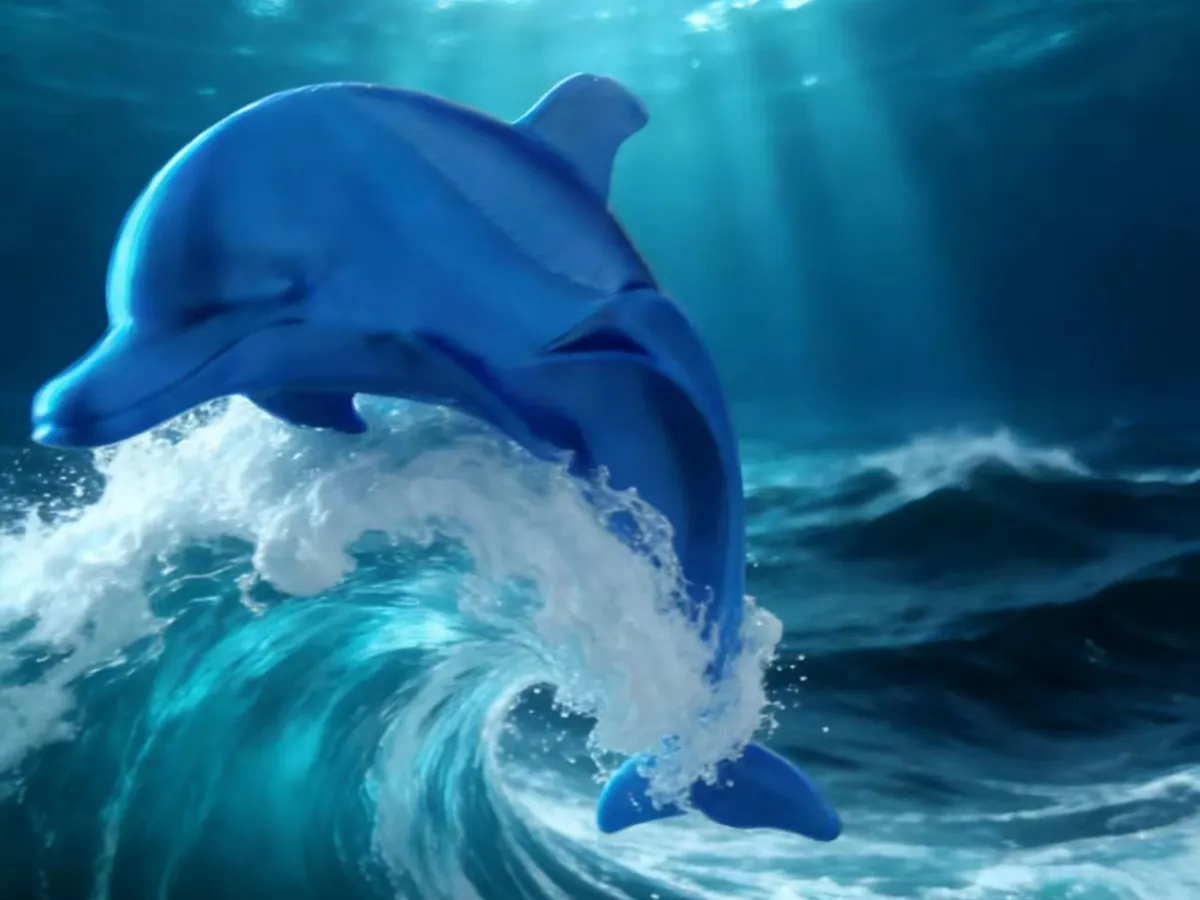
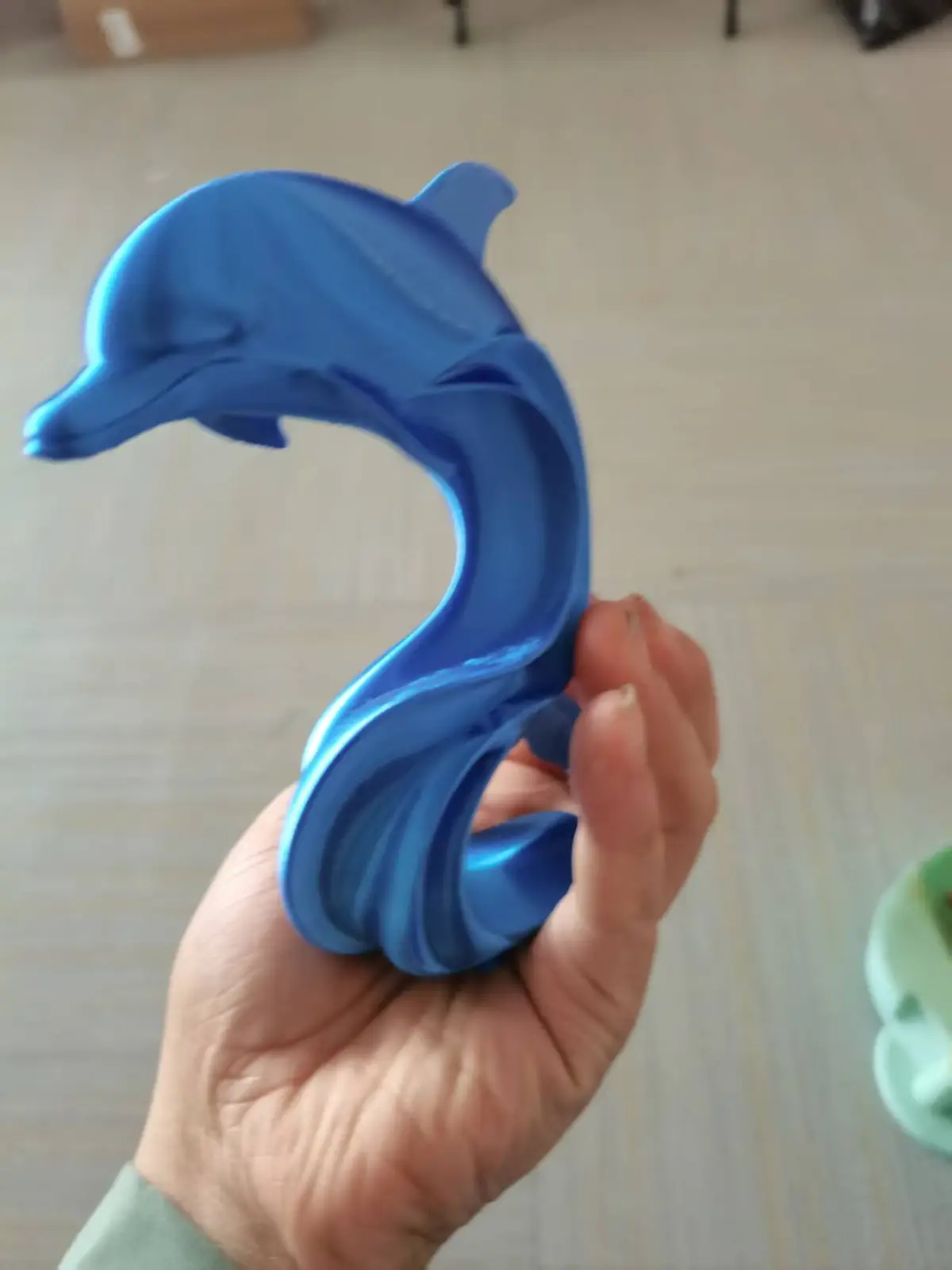


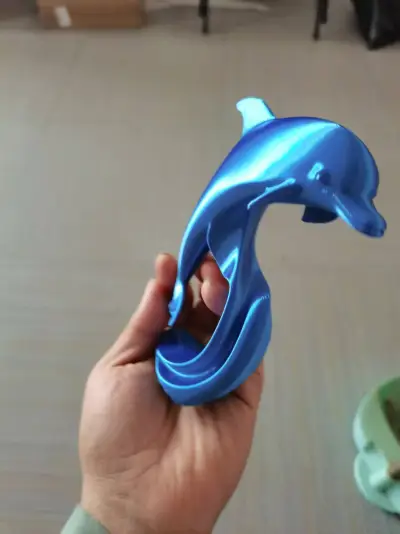
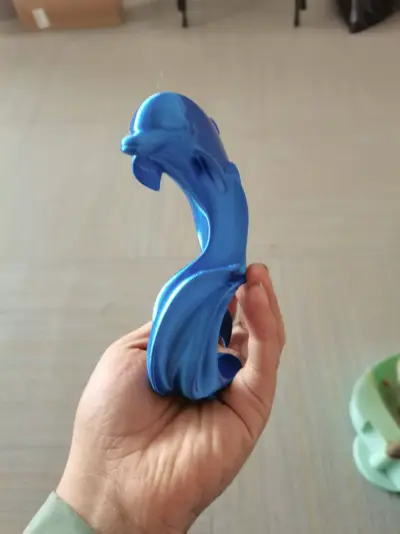
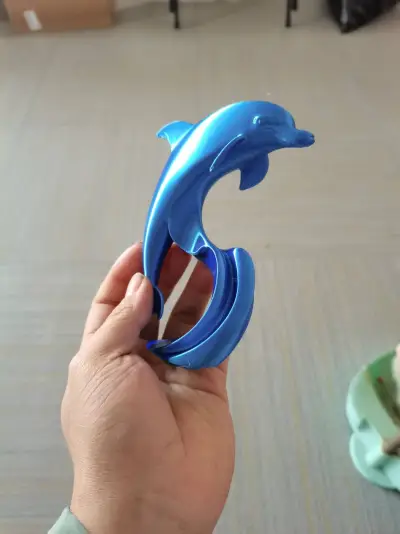

Rising like waves crashing against the deep sea.
3D printed creations
Fluid Curves
3D‑printed dolphin
Study Room Decor
A Perfect Gift
Cultural and Creative Merchandise
A Must-Have for Ocean Enthusiasts
Marine Organisms
Leaping Dolphin
Maximizing the level of detail
Anti‑Fracture Design
Ocean-themed gifts
Creative Decorative Objects
A touch of understated luxury

- 0.2mm layer, 3 walls, 15% infill

1-disc
PLA
Designer

7

1
1. Inspiration Behind the Print
The inspiration for this “Waves Soaring to the Abyss” dolphin model comes from the graceful fluidity of marine life and the powerful, dynamic energy of ocean waves. I sought to capture the smooth, flowing contours of a dolphin leaping out of the surf, using the lustrous sheen of silk‑blue PLA to evoke a sense of boundless freedom—“the vast sea where fish can leap with abandon.”
This piece is not just a decorative tabletop accent; it symbolizes the indomitable vitality that surges forth against the tide and reaches ever upward. It makes an ideal gift for those who cherish oceanic motifs or who value the finer details that elevate everyday life.
2. Print Configuration Overview
(Optimized for Silk‑Blue PLA and a Tail That’s Prone to Breaking)
- Filament: Silk‑Blue PLA (1.75 mm), offering both exceptional gloss and robust base strength
- Nozzle Temperature: 205–210°C, ensuring thorough melting while maintaining strong interlayer adhesion
- Bed Temperature: 55°C, preventing warping at the base of the print
- Print Speed: 45 mm/s overall, with the tail detail area slowed to 30–35 mm/s
- Layer Height: 0.18 mm, striking a balance between precision and interlayer integrity
- Wall Thickness: 1.4 mm, enhancing the structural stability of the entire model
- Infill Density: 28%, reinforcing the tail’s resistance to fracture
- Support Settings: Tree‑like supports (only in areas where the belly hangs freely), with a support density of 12% and contact point diameters of 0.3 mm; add localized micro‑supports at the tail’s base
- Raft Settings: A 6 mm wide, 1‑layer raft, positioned 2 mm from the model’s edge, with solid glue applied to the bed surface to boost adhesion
- Cooling Fan: Turn off the fan for the first 3 layers, then maintain a 40% fan speed for the remainder of the print; reduce the fan speed to 30% when printing the tail
3. Assembly Instructions
1. Cooling and Removal: After printing, allow the build plate to cool to room temperature (approximately 15 minutes) before gently peeling off the raft.
2. Support Removal: Use needle‑nosed pliers to carefully snip the supports at their base; for the micro‑supports on the tail, delicately lift them away with soft tweezers to avoid any direct pulling or tugging.
3. Surface Finishing (Optional): If there are residual support marks, lightly sand them down with 2000‑grit sandpaper, then wipe the surface clean with a cotton cloth to restore the silk‑like luster.
4. Final Placement: The model features an integrated design—no additional assembly is required, making it ready to display as a stunning desktop ornament.
4. Important Notes
1. During Printing:
- Monitor the tail’s print progress in real time; if stringing occurs or interlayer gaps appear, increase the nozzle temperature by 2–3°C as needed.
- Avoid pausing the print mid‑process, as cooling between layers can lead to insufficient adhesion in the tail region.
2. During Post‑Processing:
- Never forcibly bend or pull the tail; when removing supports, always start at the base and work your way outward.
- If minor cracks appear on the tail, apply a small dot of PLA‑specific adhesive to reinforce the affected areas, let it dry completely before handling again.
3. Everyday Care:
- Keep the model away from high temperatures and direct sunlight to prevent deformation of the PLA material.
- When moving the model, support the main body rather than grasping the tail directly.
Originality of the Model
The author declares that this work is their personally original model
This model is licensed under the following terms:
Credit must be given to the creator
Models(1)
- 海豚g.3mfDesigner

1.32 MB

2026-02-05


