




book
book mark
custom
tool

- 0.2mm layer, 2 walls, 15% infill

1-disc
PLA
Designer

22

14
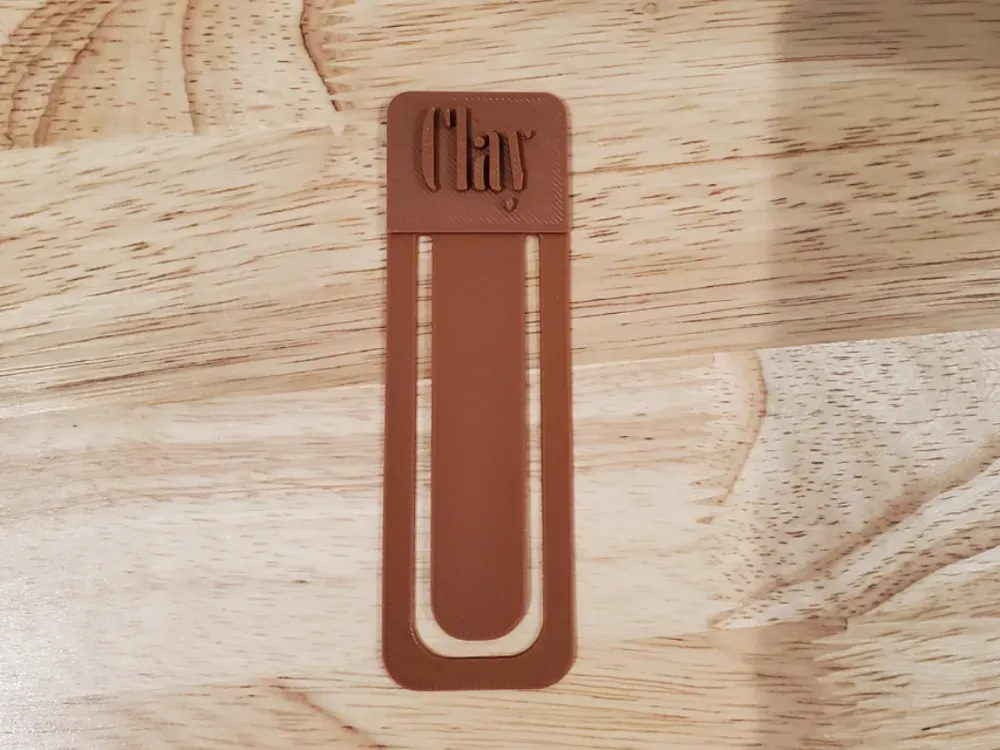
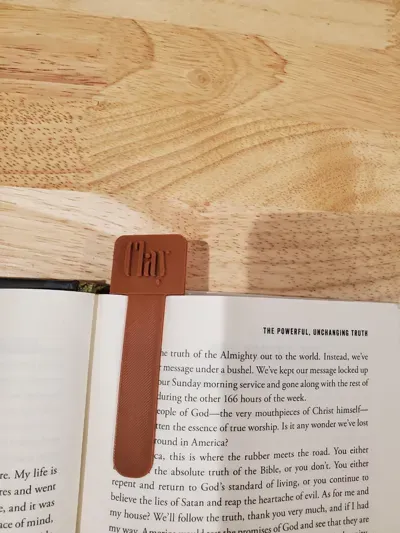
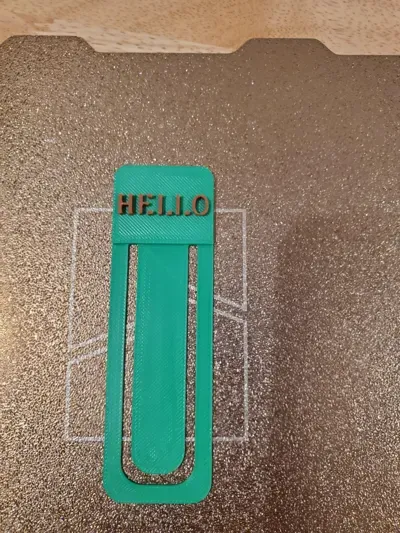
A customizable bookmark, to customize the bookmark you need to download and customize in your slicer by selecting “add text” and then adding the text to the flat spot on the top of the bookmark.
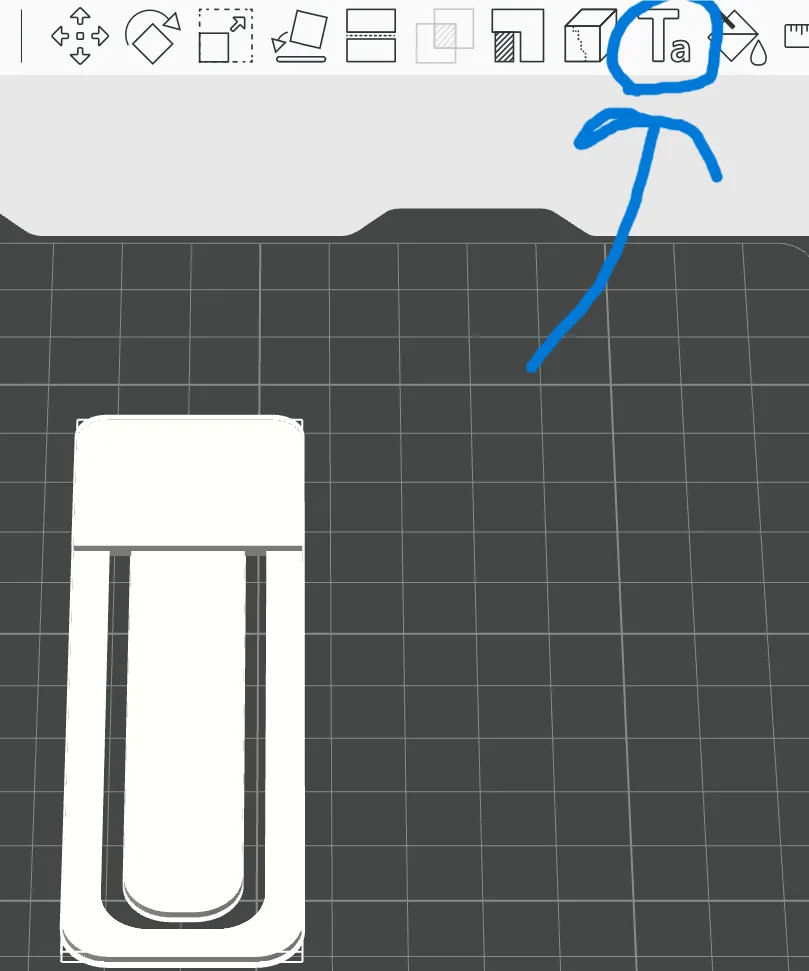
ON bambu slicer this is where you select.
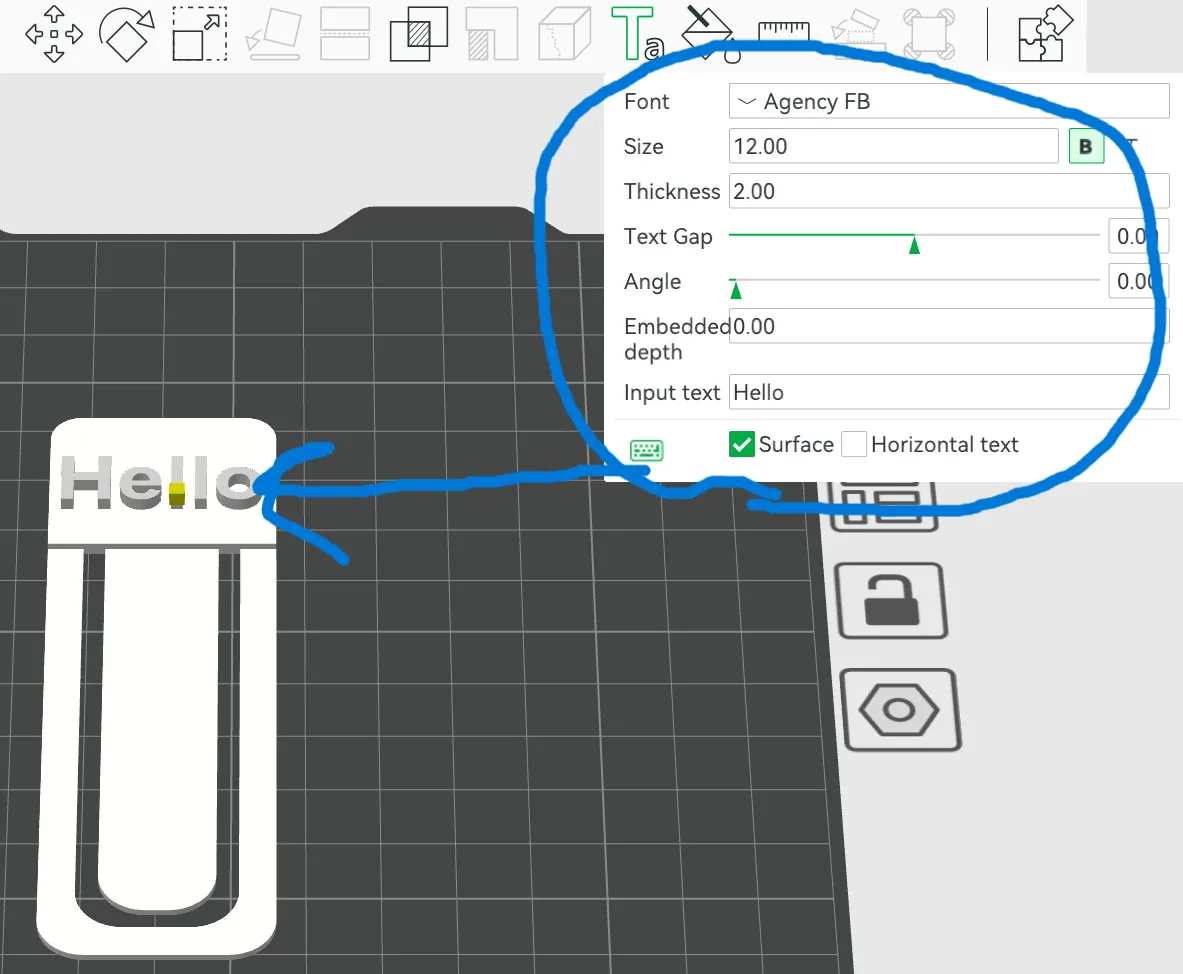
Then you type you desired text and pick your desired fount (you might have to size down certain text) then you drag the text to the middle of the blank space on the top of the bookmark and click then you can print the bookmark. You can do single color or multi color. You do not need an ams though all you need to do is pause the print right before the text starts and print and change the filament and unpause the print. If you have any questions, please ask and happy printing!!
Originality of the Model
The author declares that this work is their personally original model
This model is licensed under the following terms:
Credit must be given to the creator
Models(1)
- Part+Studio+1+(2).3mfDesigner

1.12 MB

2026-02-01


