




nas
server
zimaboard
home server
network attached storage
magmabow
zimaspace


39

2
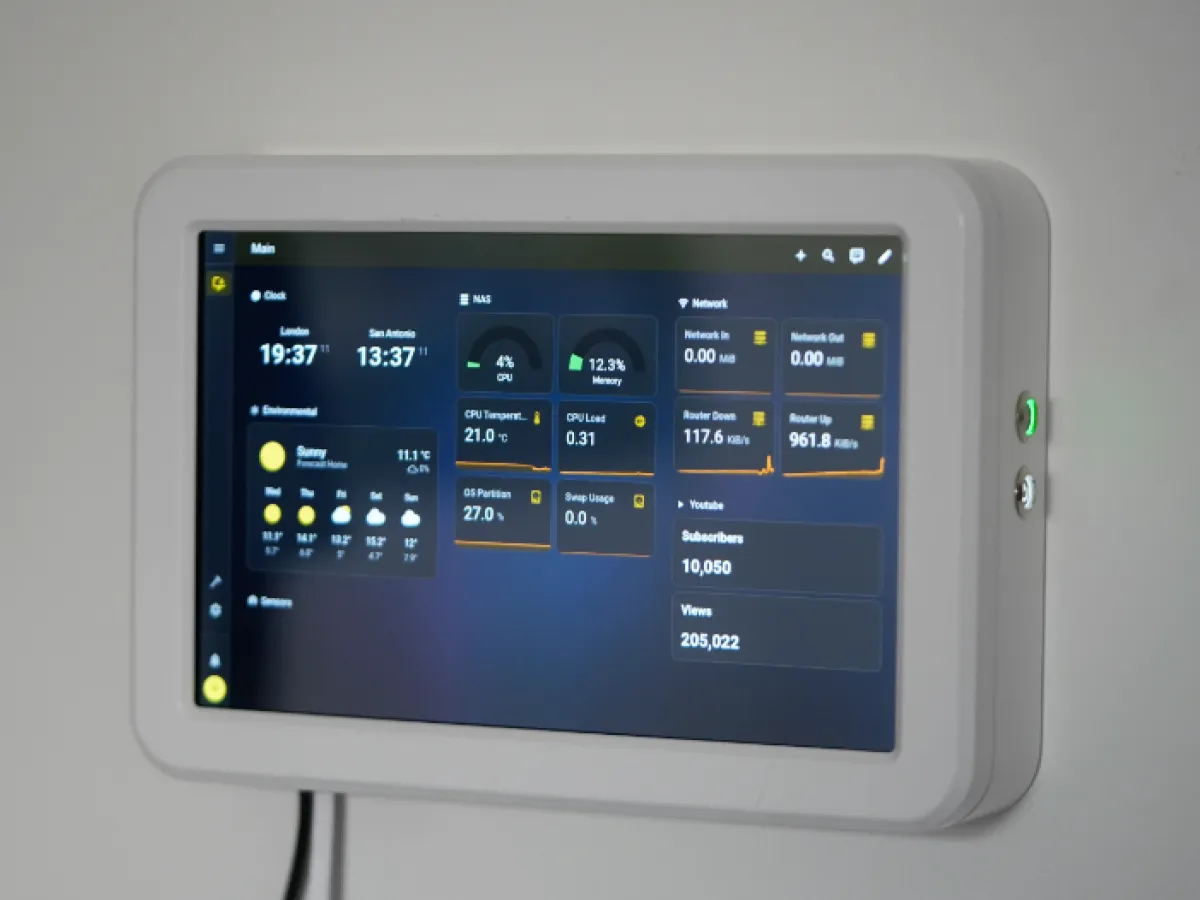
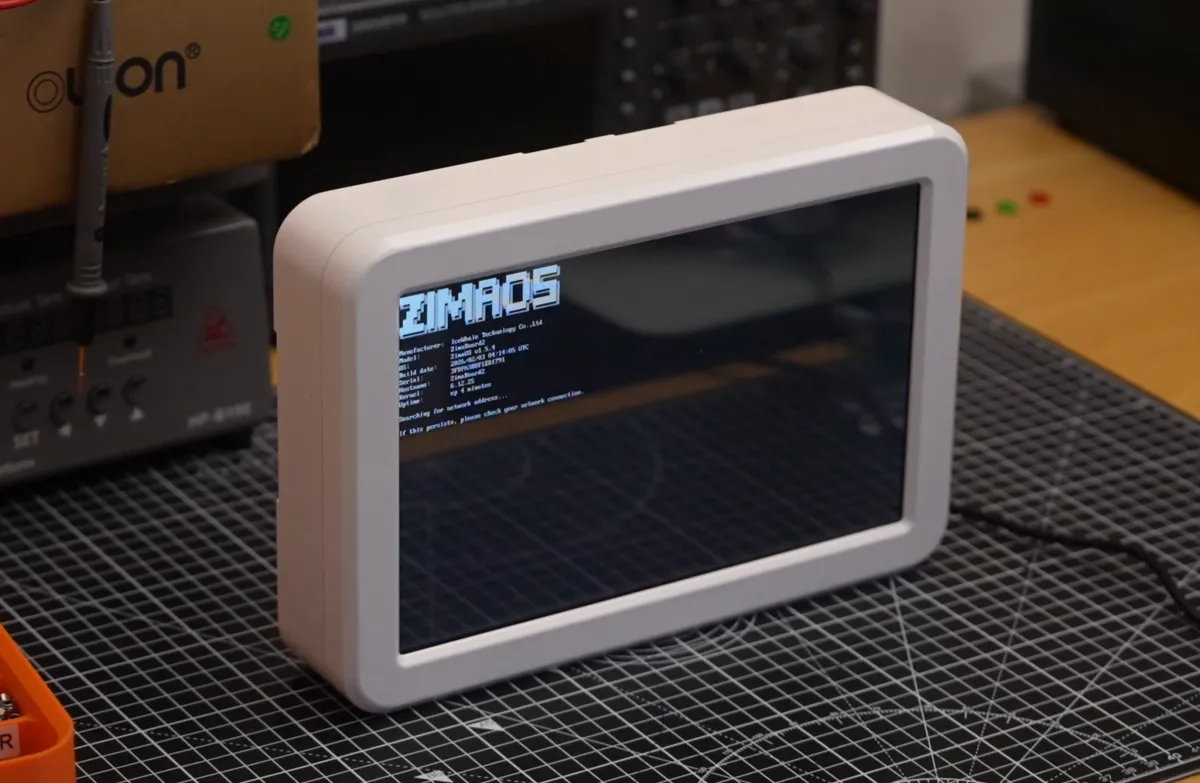
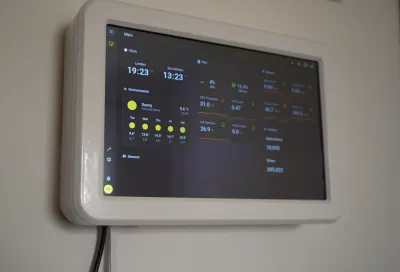
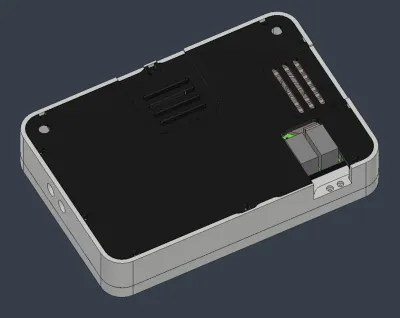
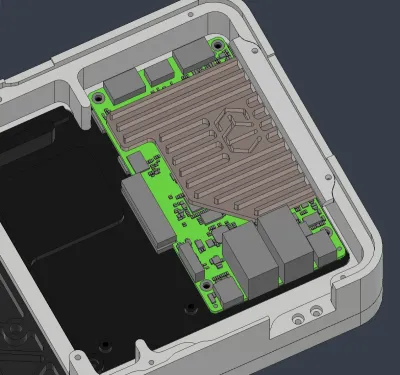
These are the CAD models for the Zimaboard enclosure, featured on the Magmabow youtube channel.
Manufacturing details
Bezel: CNCed 6061 Aluminum, powder coated white
Body: CNCed 6061 Aluminum, powder coated white
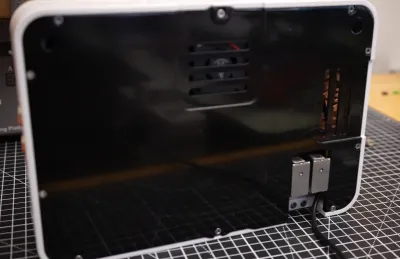
Back plate: CNCed 6061 Aluminum, powder coated black
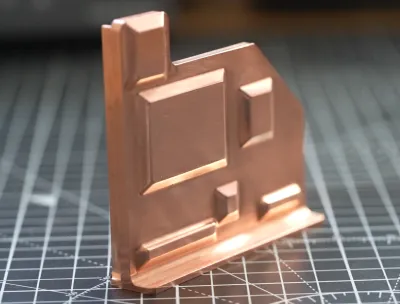
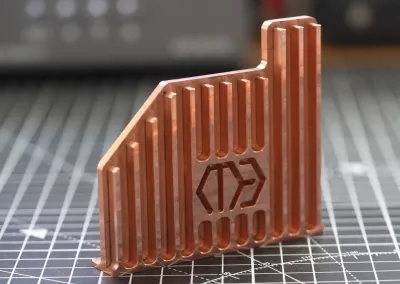
Heatsink: CNCed Copper (chosen for its high thermal conductivity)
Heatsink holder: 3D Printed AlSi10Mg Aluminum (3D Printed as CNCing is needlessly expensive for a part like this)
Internal PCB Mount: Yellow PLA
Internal Monitor Mount: Yellow PLA
Hardware
1x 10.1in Display: https://amzn.eu/d/08bejXkZ (remember to set the brightness before inserting in the bezel)
1x Zimaboard 2: https://bit.ly/47fNgxA
1x PCIE to M.2 Adapter: https://shop.zimaspace.com/collections/zima-accessories/products/pcie-3-0-x4-to-dual-nvme-m-2-ssd-adapter-card
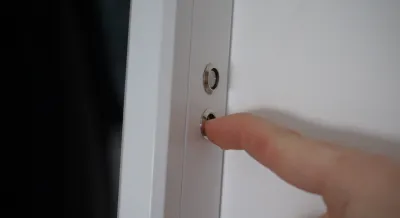
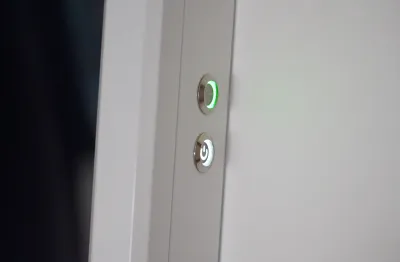
1x 12mm latching white button (with power icon)
1x 12mm latching green button (no icons)
1x mini male displayport right angle ---> regular male displayport adapter
1x female displayport to --->male hdmi adapter
1x spare microusb cable (type-A end not needed)
+ assorted M3 hex socket machine screws (and 4x m3 nuts)
+ wires, heatshrink
Disclaimers
- Modifying the Zimaboard like this is not recommended, especially disassembling the metal enclosure. After opening the shell and tampering with soldering, it is almost guaranteed that any damage will result in a denial of free repairs. Please ues the board as intended. There is no real reason for disassembly except for making the enclosure smaller. This project can still be created almost identically without taking the pcb out of its shell.
- If making this project for yourself, please do not use a plastic heatsink. The only way I can guarantee that it works is by having the heatsink be made of copper, and the body being made from aluminum (with thermal paste coupling the two metals). Making the heatsink out of aluminum may be okay, but I advise against it, as I have not done any thermal simulations with the heatsink being aluminum.
Software
- Download Homeassistant and the Chromium app using ZimaOS on your NAS (can be installed with a few clicks with their UI)
- Configure and customize Homeassistant
- Add a custom app using the yaml file attached below. REMOVE THE .TXT APPENDIX. This app makes it possible for the display to show the UI. Make sure to set the starting URL to your home assistant dashboard IP (e.g I have mine set to http://192.168.0.xx:xxxx/hdmi-monitor/0 , but this will be different for you)
- Feel free to install other apps in whatever stack you'd like
Exclusive Justway discount ($10 USD off from a $30+ order): Justway@magmabow-10
• Find Justway here: https://justway.com/g/q5G5zP
Exclusive Zimaboard 2 discount ($15 USD off): MagmaBow15
• Purchase link for ZimaBoard 2: https://bit.ly/47fNgxA
Originality of the Model
The author declares that this work is their personally original model
This model is licensed under the following terms:
Credit must be given to the creator
Models(3)
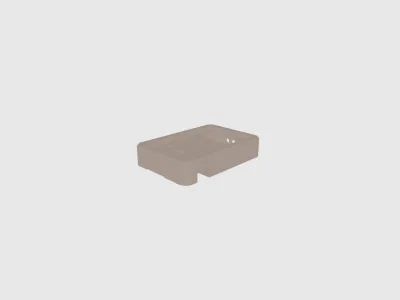 manufacturing_cad_files_zimaboard2server.stlDesigner
2.40 MB

2026-04-26
 full_cad_files_zimaboard2server.stepDesigner
76.13 MB
2026-04-26
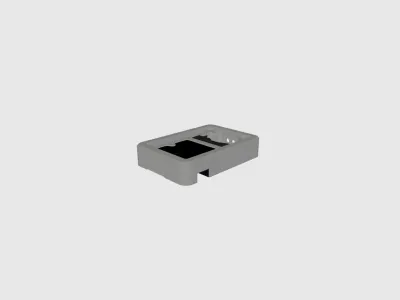 manufacturing_cad_files_zimaboard2server.stepDesigner
3.52 MB
2026-04-26
View all(3)
Attachments(1)
txt
Display-to-screen-with-input.yaml.txt
1.30 KB
2026-04-26


