




Aircraft Model
Sci‑Fi Warship
Aircraft
Aerospace fighter
Xuan Nu
Toys

- 0.28 mm layer height, 2-wall structure, 15% infill density

1-disc
PLA
Designer

2

0
South Heaven Gate Project: “Xuan Nu” Aerospace Fighter—One-Piece White Coating Printed
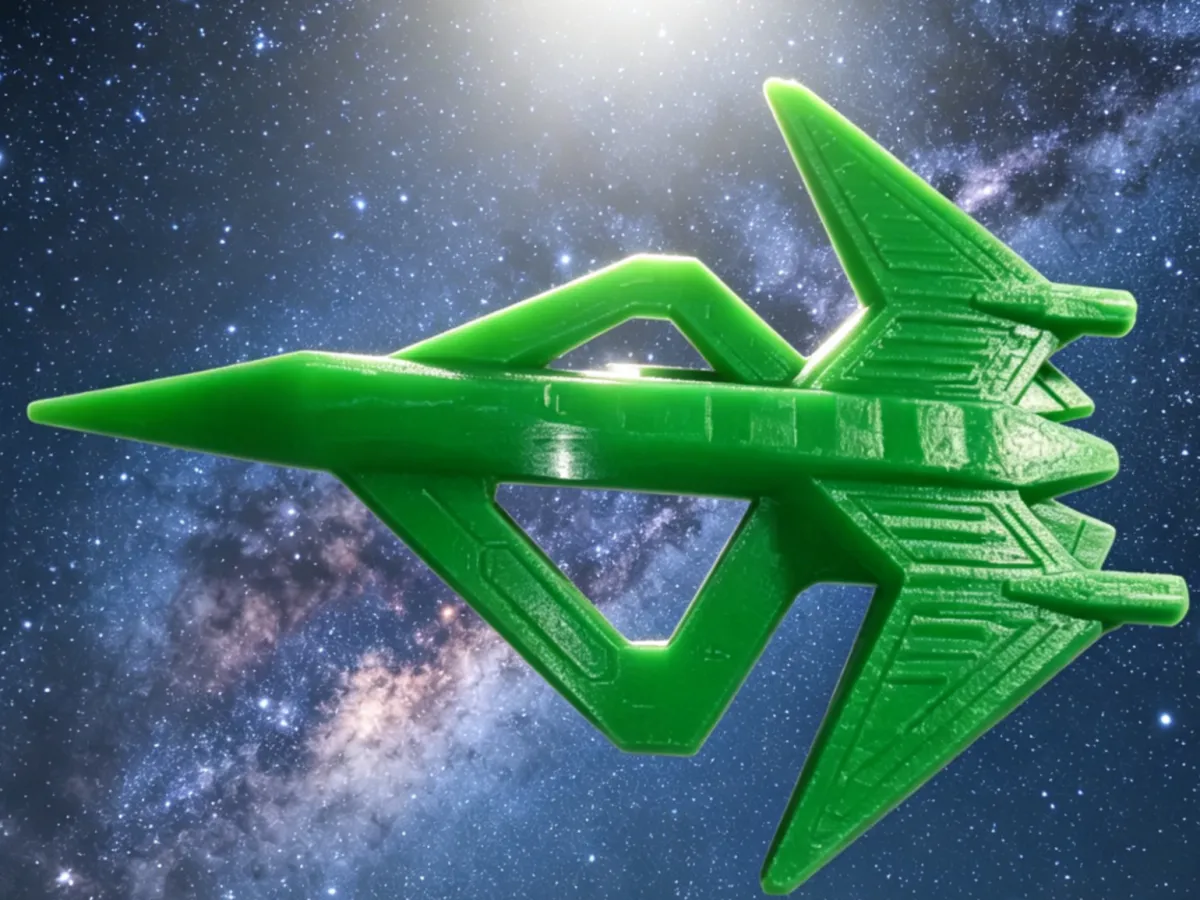
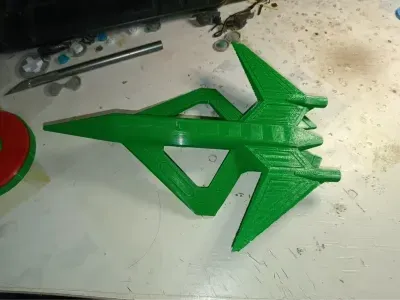
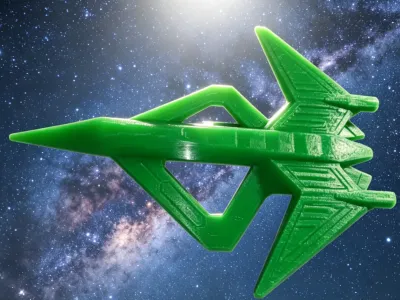
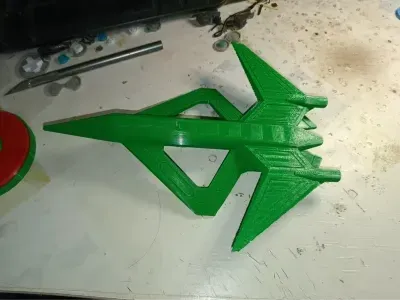
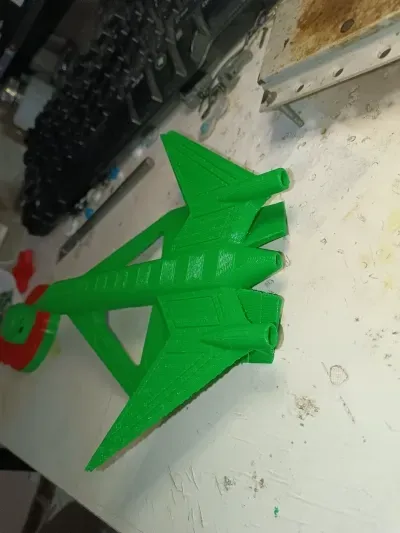
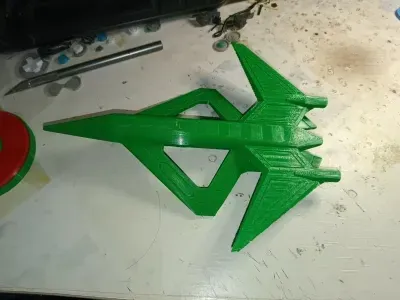
The “Xuan Nu” aerospace fighter, as the core combat unit of the South Heaven Gate Project, is a stealthy aerospace platform designed for penetration strikes and information sensing-. Its appearance is strikingly futuristic, featuring a diamond-shaped blended wing-body configuration with edge-aligned stealth design, along with large, hollowed-out meson ring flow generators on both sides paired with forward-swept wings, creating a powerful visual impact-.
Now you can bring it to life with 3D printing. Even better, if your 3D printer supports multi-color material switching (such as AMS), you can directly print an all-white “Xuan Nu” with a perfect sci-fi aesthetic—no post-print painting required. The white coating best highlights its sleek, streamlined fuselage and futuristic look, and since it’s printed in one piece, there’s no need for time-consuming painting afterward.
🚀 Key Highlights
Faithful Reproduction with Maximum Tech Appeal: This model precisely replicates the sci-fi exterior of the “Xuan Nu” aerospace fighter, complete with its感应式力场驱动装置 and variable-cycle engine, enabling it not only to operate within the atmosphere but also to carry out missions beyond the atmosphere-. The model perfectly captures this design, with sharp edges and a distinctly futuristic feel.
One-Piece Printing, No Assembly Required: The fuselage has been optimized for 3D printing, allowing it to be printed as a single, seamless part—no tedious assembly of individual components, so you can start playing right away.
Smart Supports, Easy Removal: The model is meticulously designed with minimal support structures. Some users have commented, “You can even print it without any supports,” and the designer recommends, “Just use the automatic tree-like support setting”-1. You no longer need “skillful hands” or “miraculous pliers” to wrestle with supports.
Efficient Printing, Quick to Master: Taking the common 0.28mm layer height as an example, a full print takes only about 4 hours, with low material consumption—making it a fun weekend project that can be completed in a single session-. Of course, you also have plenty of room to experiment with other settings.
🛠️ Printing Notes
Model Information: Fuselage length 300mm, fuselage width 190mm, and overall height (including base) 150mm-. We recommend using PETG material, as its toughness and precision better reproduce complex features like the fuselage edges.
Recommended Settings:
Default Setting: Layer height 0.28mm, 2 wall layers, 10% infill, no supports-9. Ideal for quick prototyping when speed is priority.
High-Quality Setting: Layer height 0.12mm, 3 wall layers, 15% infill, and select “automatic tree-like supports”-1. Perfect for static displays that demand extreme detail, fully showcasing the “Xuan Nu’s” sharp lines and futuristic vibe.
Estimated Print Time: About 4 hours at 0.28mm layer height, or 3.2 hours at 0.12mm layer height for a single-piece print--1.
Special Note on White Coating: If you want to achieve an all-white finish directly, there are two options:
Use White Filament: Simply print with white PLA or PETG filament, and the finished model will be completely white.
Suspend Filament Change: If you’d like to add white coloring to parts like the wings or missiles, set a filament-change pause point in your slicing software. When the print reaches that layer, switch to white filament to continue printing, achieving a localized two-tone effect.
⚡ Frequently Asked Questions and Optimization Tips
Parts Don’t Match or Assembly Is Too Tight: Different filaments have different shrinkage rates, which can lead to fitting tolerances-1. We recommend pre-assembling before applying adhesive; if it’s too tight, gently smooth the joints with a small knife or file.
Model Warping: If the bottom edge of the model lifts up, apply a thin layer of solid glue or anti-warping adhesive to the heated bed before printing to improve first-layer adhesion-71.
How to Optimize the White Finish: If the white filament doesn’t produce the desired result, consider following post-print painting techniques: first apply a light primer (light gray or white) to even out the base color, then apply the main color. This effectively prevents uneven coloring or color reversal-.
Enhance Overall Detail: Try the high-quality 0.12mm layer height setting combined with a moderate-to-low printing speed of around 150mm/s to better highlight intricate details like the fuselage edges.
Originality of the Model
The author declares that this work is their personally original model
This model is licensed under the following terms:
Credit must be given to the creator
Models(1)
- 空天战机-玄女.3mfDesigner

213.35 KB

2026-04-22


