




airpod
lace
sport
running
secure
music
iphone
apple

 [TPU] 0.2mm layer, 2 walls, 15% infill
1-disc
TPU
Designer

39

2
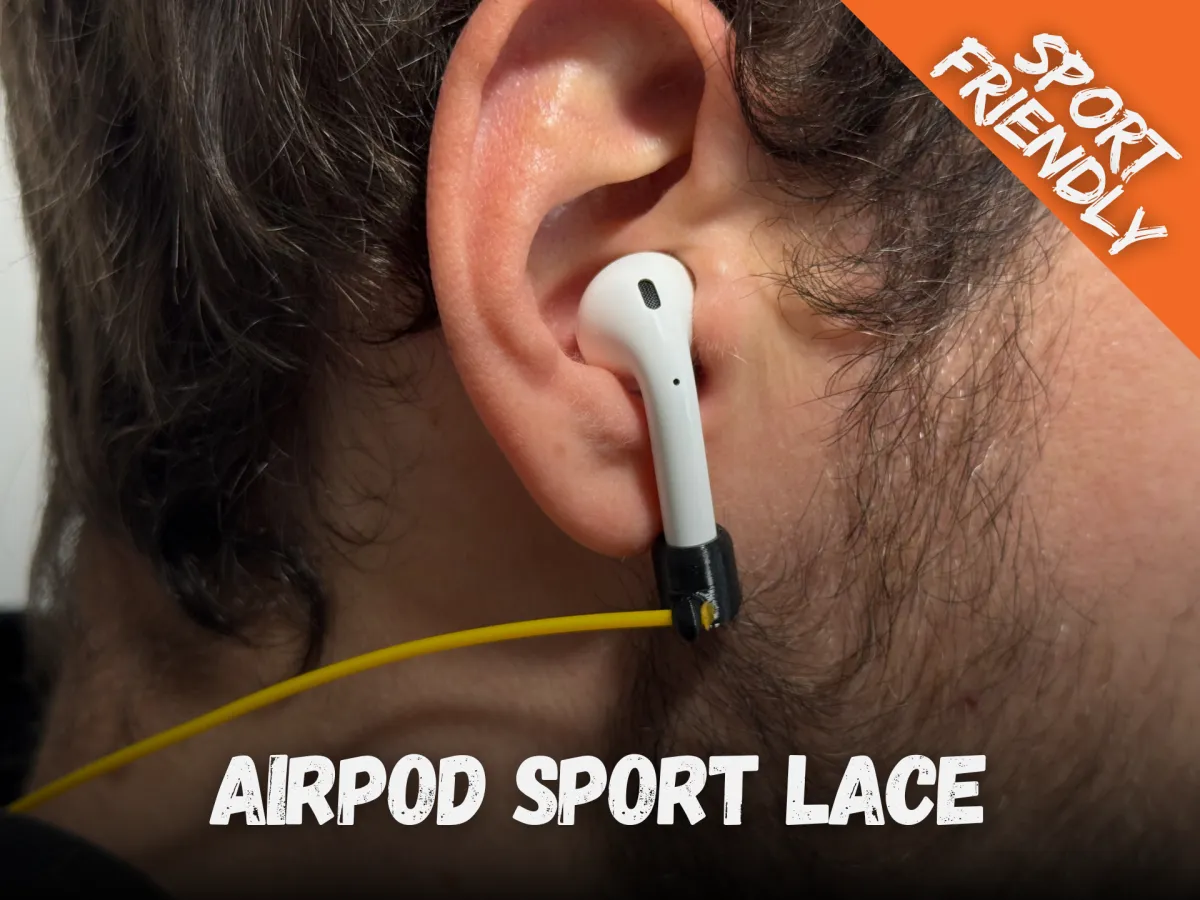
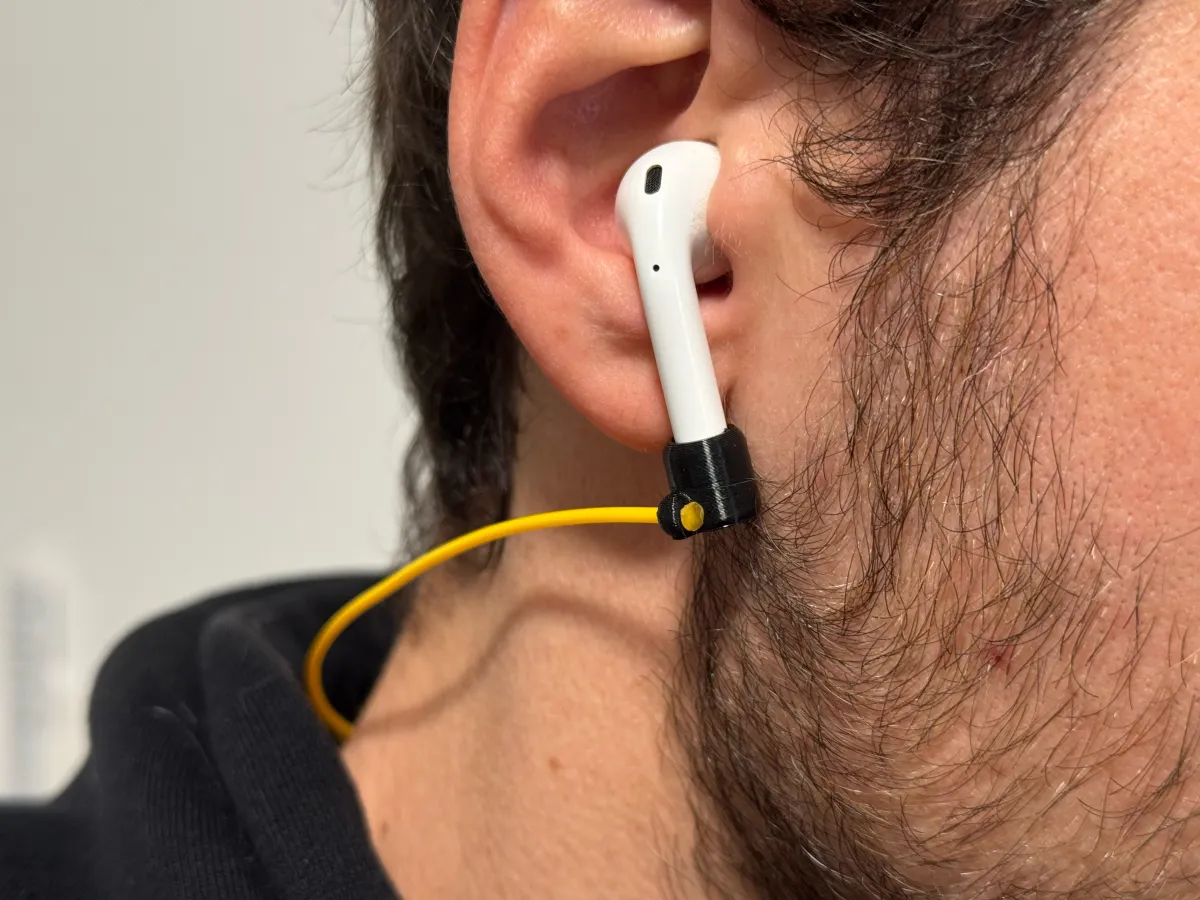
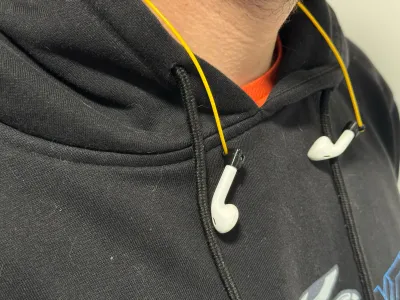
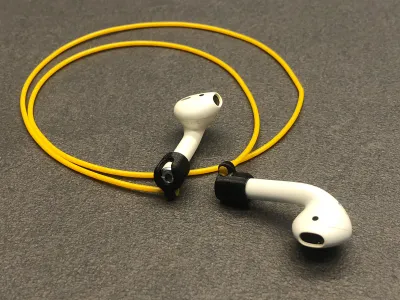
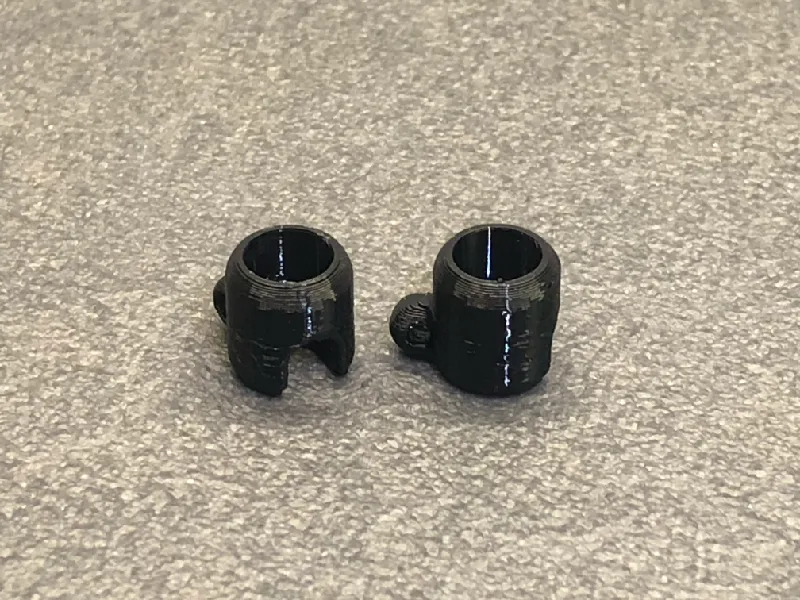
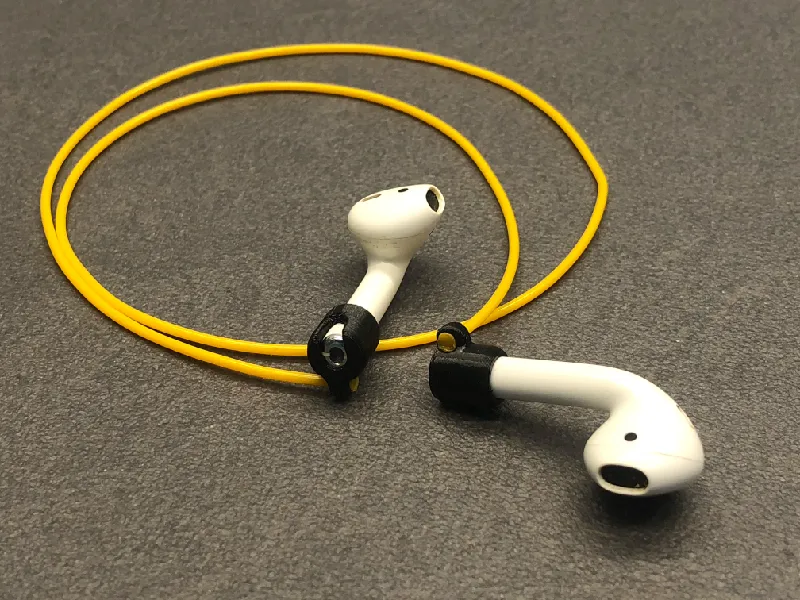
The AirPod Sport Lace is a must-have accessory for active AirPod users, designed specifically for the 1st and 2nd generation AirPods. Whether you’re running, cycling, or at the gym, this lace ensures your AirPods stay securely in place. If one slips out, it remains safely hanging by the lace, preventing loss during any physical activity.
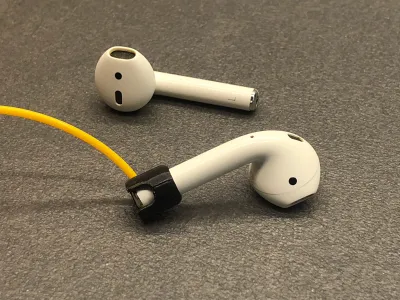
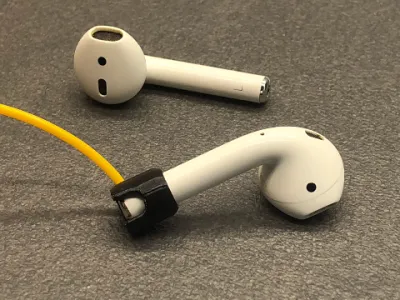
The simple design allows for easy use, just insert the TPU holder onto the stem of your AirPods, and you’re good to go. The lace orientation is optimized for comfort, positioned perpendicularly to the AirPod stem to avoid awkward placement near the face or interference with your hands. It routes directly toward the back of the neck, keeping it out of the way and ensuring minimal intrusion during use.
Printable Files:
• AirPod Left Holder
• AirPod Right Holder
Printing Instructions:
• Layer Height: 0.15 mm
• Infill: 100%
• Perimeters: 2
• Supports: Not required
• Material: TPU or similar flexible material
Object Purpose:
Designed for active individuals, the AirPod Sport Lace ensures that your AirPods stay securely in place during workouts or sports, reducing the risk of loss while maintaining comfort and freedom of movement.
Assembly Instructions:
1. Once the holders are printed, take approximately 36 cm of TPU filament and cut both ends to a point. (Note: The length of the lace is personal and may need adjustment based on individual physical characteristics.)
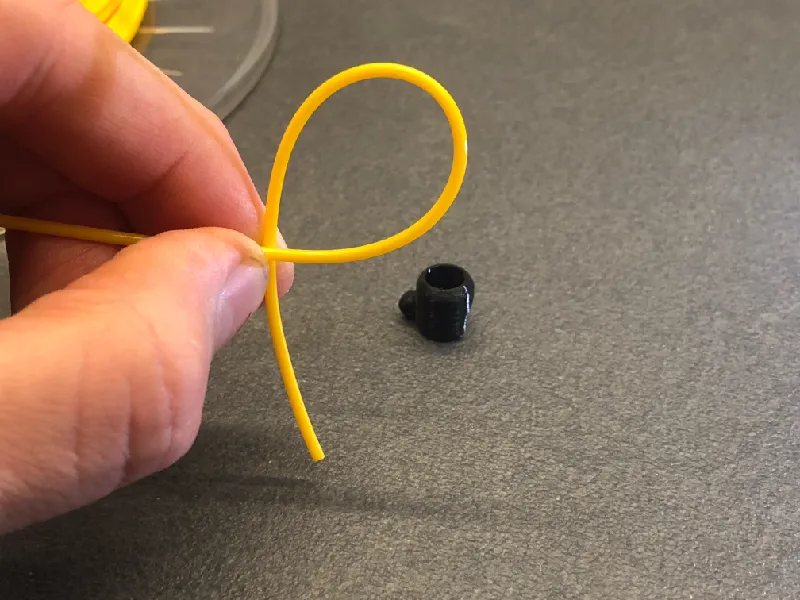
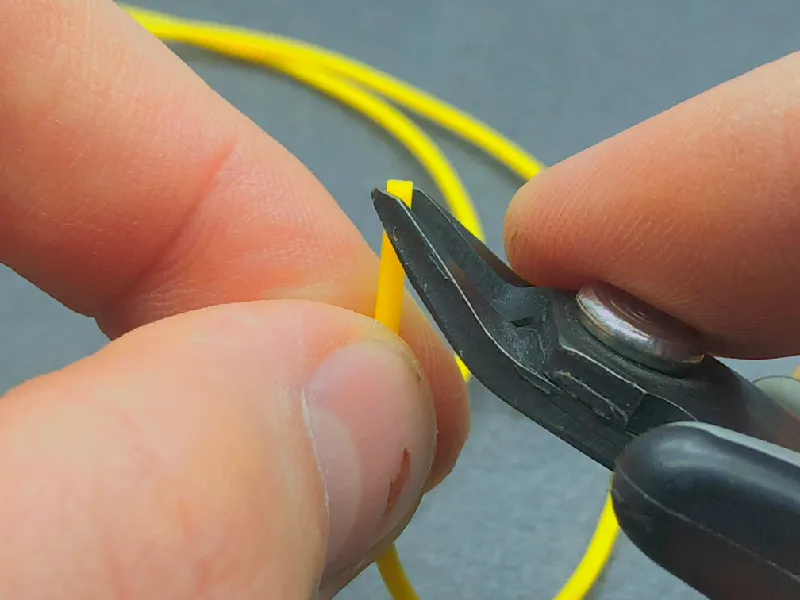

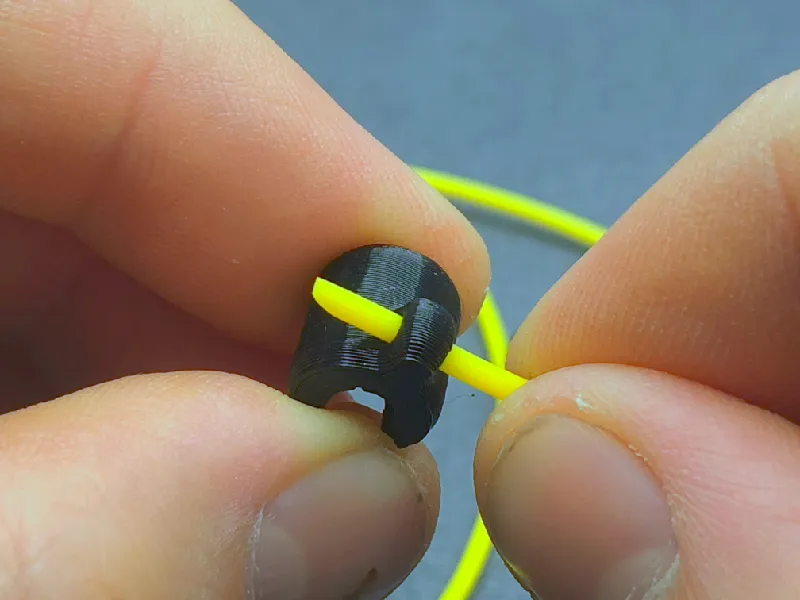
2. Insert the TPU filament into one of the holders, starting from the side with the wider opening, and pull the filament through slightly.
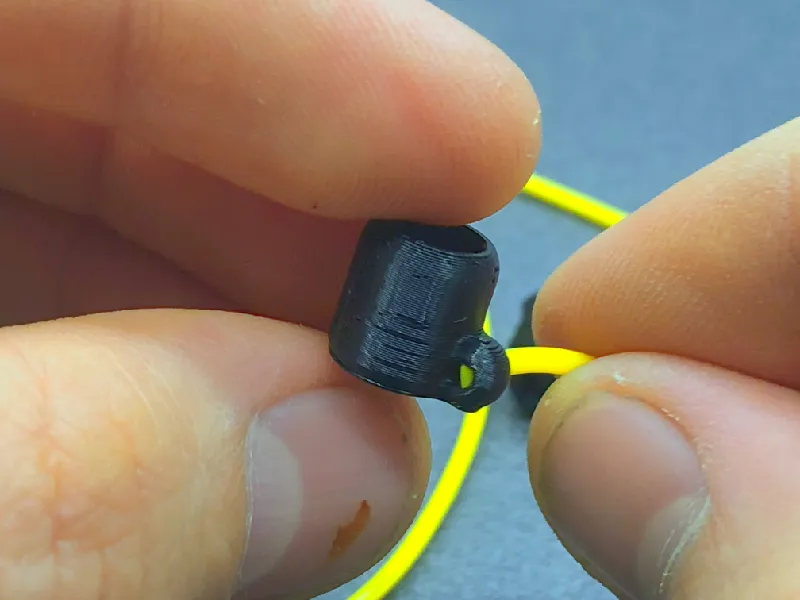
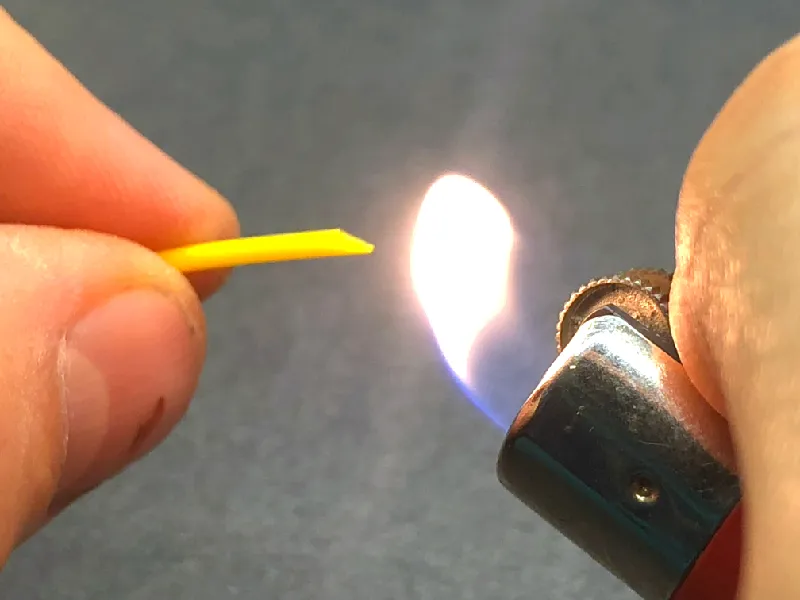
3. Carefully heat the tip of the filament with a flame, being cautious not to expose the filament directly to the flame. Once softened, press the tip onto a cold surface to flatten it and hold it in place until it solidifies. (Warning: TPU filament is highly flammable and can produce toxic fumes. Use appropriate respiratory protection and gloves, and perform this step in a controlled area to avoid fire risks. Alternatively, you can tie a knot at the end of the filament and pull it tight to secure it.)

4. After the end has cooled and solidified, pull the filament back into position. Repeat the process for the second holder.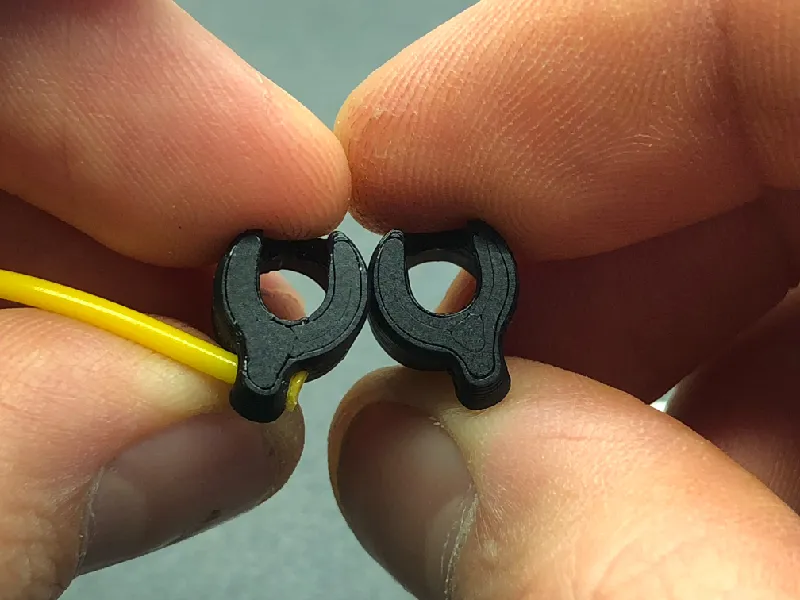
5. Once the lace is prepared, simply insert your AirPods, and you’re ready to go!
Thank you to PCBWay for reaching out and sponsoring this project:

Special thanks to PCBWay (www.pcbway.com), experts in PCB prototyping, CNC machining, and 3D printing, for helping us bring more exciting projects to life. Their support makes it easier for us to share innovative designs with the community!
Follow Us:
Don’t forget to follow 3D KIMBA for more exciting designs and to stay updated with our latest projects!
Originality of the Model
The author declares that this work is their personally original model
This model is licensed under the following terms:
This work is licensed under a Standard Digital File License. Digital files have a strict non-commercial, personal use only license.
You shall not share, sub-license, sell, rent, host, transfer, or distribute in any way the digital file or 3D printed versions of this object, nor any other derivative work of this object in its digital or physical format (including remixes of this object). You can not host these files on other digital platforms, web stores or cloud repositories. The objects may not be used in any way whatsoever in which you charge money, collect fees.
Models(1)
- [TPU]Airpods Lace_C.3mfDesigner

307.75 KB

2026-03-18


