





extruder
tpu
creality
spacer
tensioner
tension
relief
spacers
k2
reliever
printin
k2plus

 0.2mm layer, 2 walls, 15% infill
1-disc
PETG
Designer

10

0
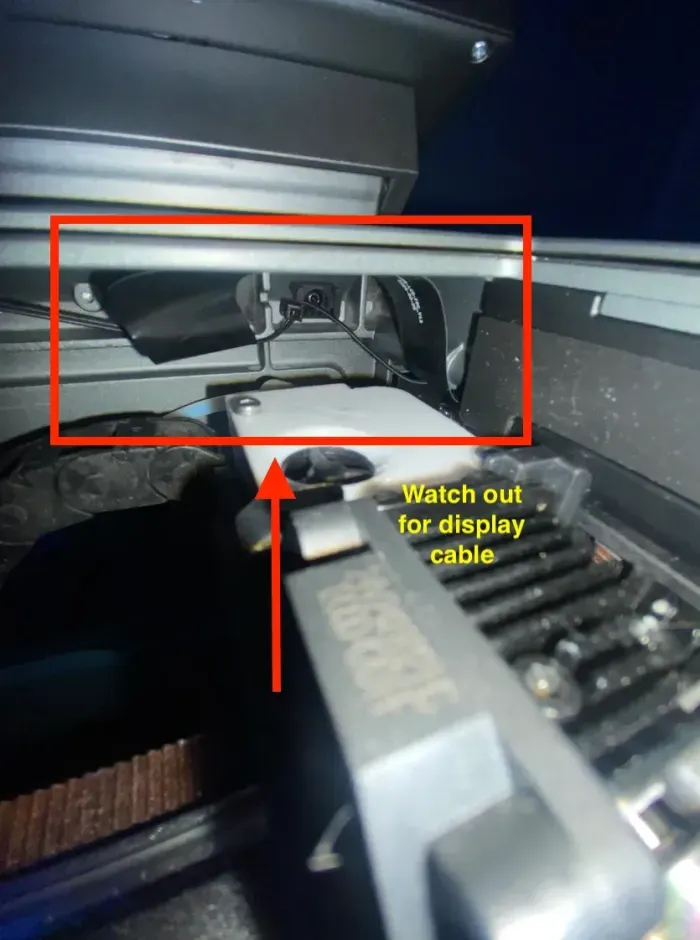
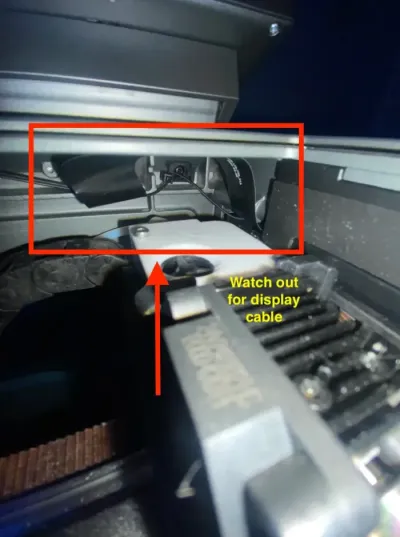
This has a little bit more protrusion to the front and may snag on to your display cable (for example when homing the print head) Before running a print check that the installed spacer does not scratch or touch the display cable in the front right corner(reference photo added). Best way to know is to move the print head manually to the corner and see underneath if the cable needs to be moved and/or adjusted.
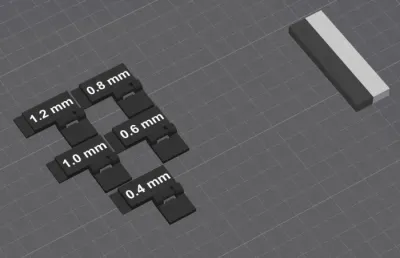
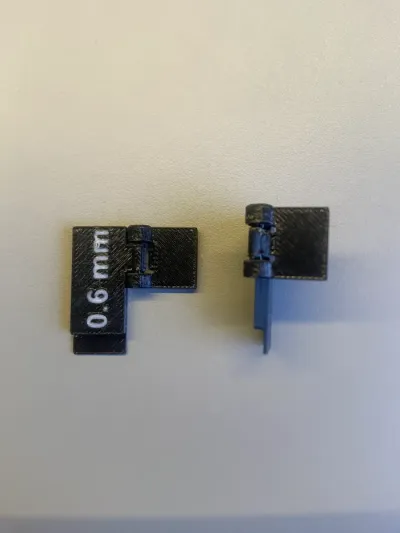
This mod was created for better ease-of-use to handle the tiny insert part as some user suggested it may be difficult to insert/remove it. It has a folding side that will fold to the side and click in place to prevent it from moving during printing when the print head is moving at fast speeds.6 spacers from 0.4 to 1.2mm thickness to loosen the extruder spring on the K2 Plus when printing with TPU filaments. Recommended to print in PETG, ASA or ABS due to being close to the hotend.
Just pull the extruder tab to the right and in the open cavity insert the needed the spacer.
Originality of the Model
The author declares that this work is their personally original model
This model is licensed under the following terms:
Credit must be given to the creator
Only noncommercial uses of the work are permitted
Remixes must be shared under the same license
Models(6)
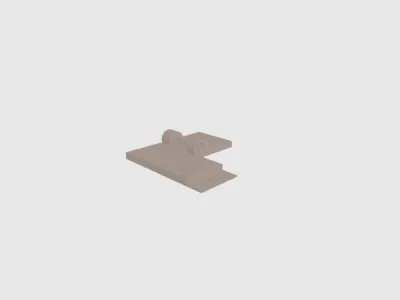 04-spacer-hinge-side.stlDesigner
368.88 KB

2026-03-10
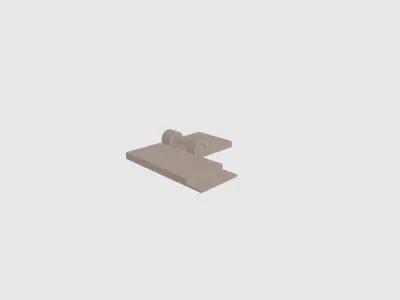 06-spacer-hinge-side.stlDesigner
488.80 KB
2026-03-10
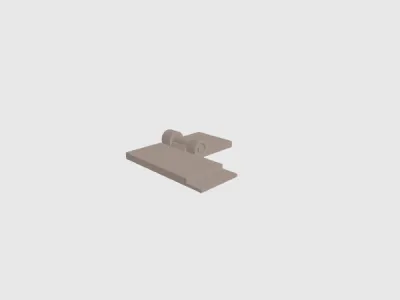 08-spacer-hinge-side.stlDesigner
518.29 KB
2026-03-10
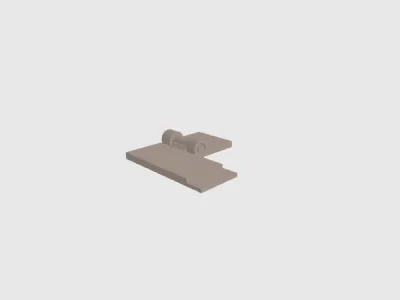 10-spacer-hinge-side.stlDesigner
379.23 KB
2026-03-10
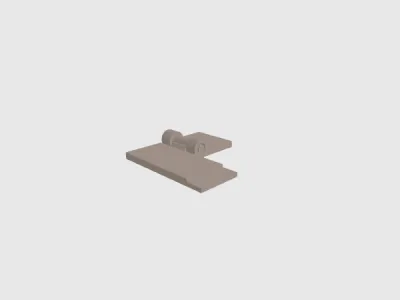 12-spacer-hinge-side.stlDesigner
352.47 KB
2026-03-10
- side-folding-tpu-spacers elegoo.3mfDesigner
477.53 KB
2026-03-10
View all(6)


