




backdrop
backsplash
display

- 0.16mm layer, 2 walls, 15% infill

1-disc
PLA
Designer

14

3
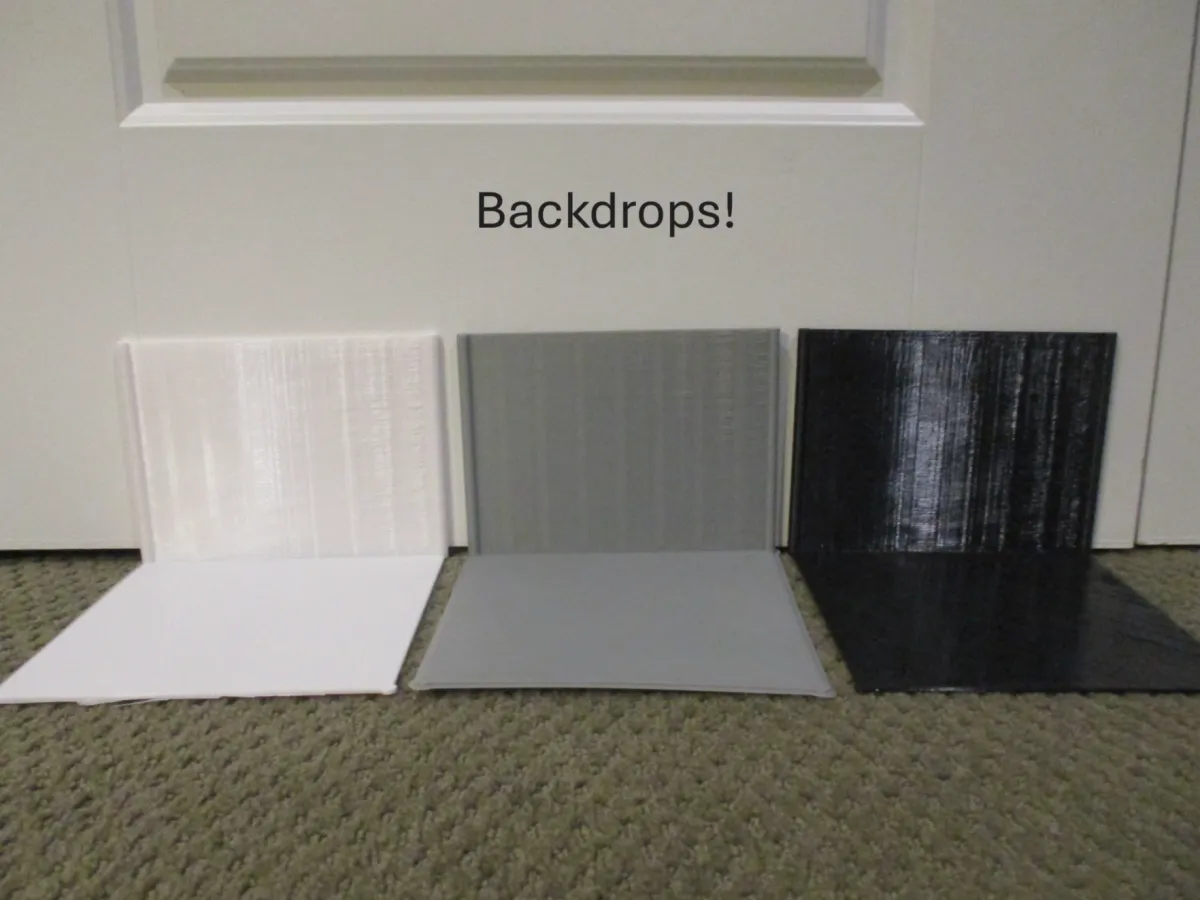
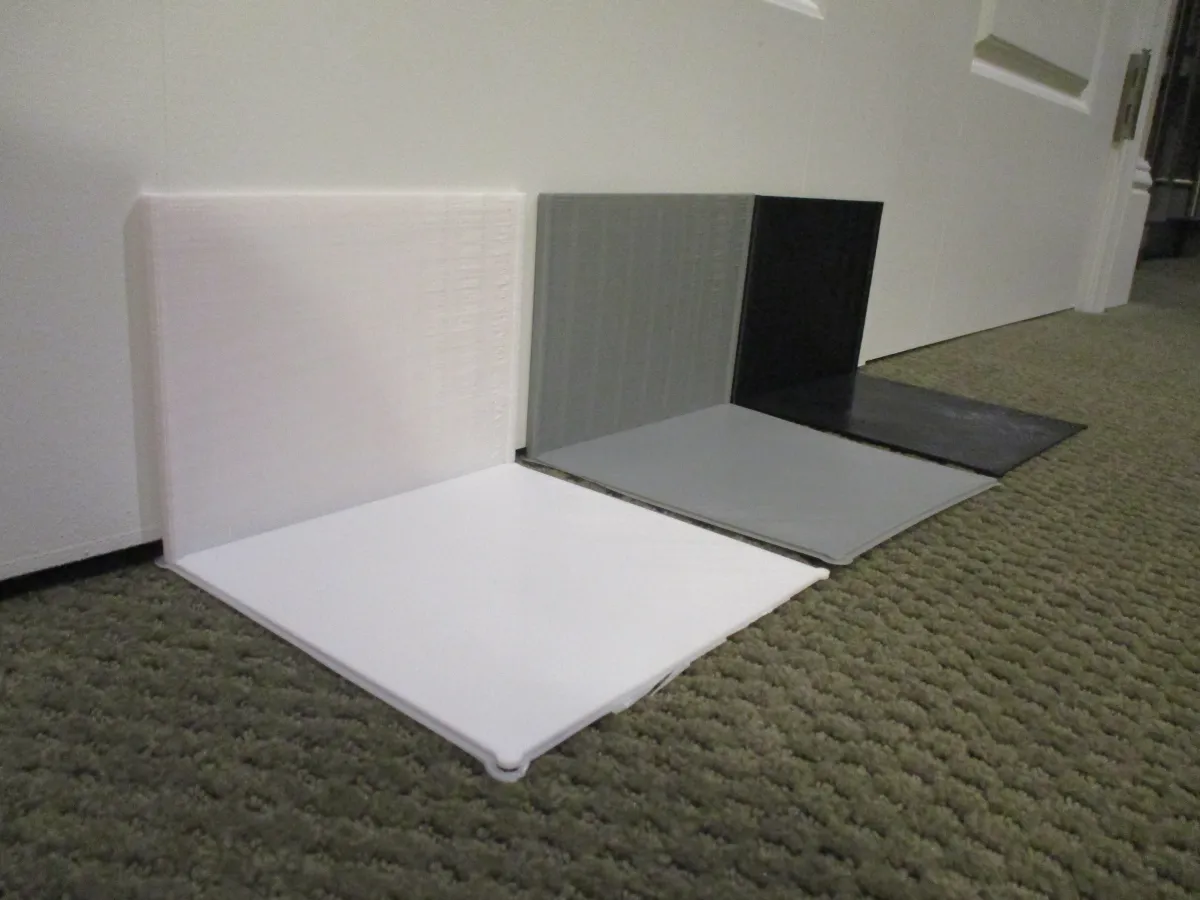
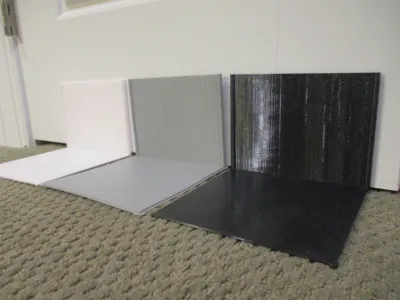
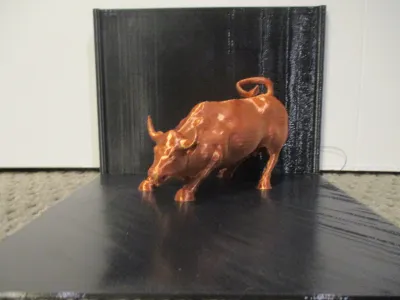
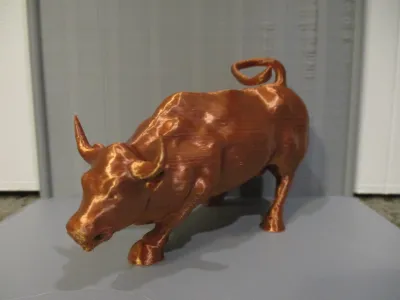
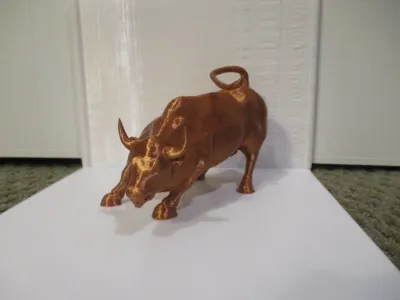
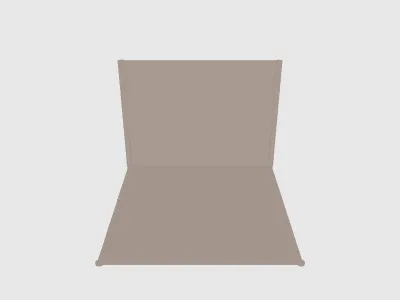
I wanted to professionally display my 3D models, so I made a nice little backdrop for the pictures. While this model may seems simple at first, there are a few nice touches that enhance the its quality and usability.
- It is proportioned for maximum efficiency, meaning every millimeter (and gram of filament!) can be used to its fullest extent.
- All edges are rounded off so that you don't cut yourself on sharp plastic. :)
- The sides of the top are circular for a professional look
For the best look in a photo, choose your color wisely. For an all-around professional appearance, choose grey filament. Most colors match it nicely, and it brings out all the angles of your design. If the model is lightly colored or your prefer a dramatic look, choose black filament. Finally, for a cheerful mood choose white filament, but be careful to make sure that it matches the color of the model.
Bill of materials
- NameQuantityNotes
- 1
Originality of the Model
The author declares that this work is their personally original model
This model is licensed under the following terms:
Credit must be given to the creator
Models(2)
 Backdrop.stlDesigner
39.73 KB

2025-10-06
- Backdrop.3mfDesigner
33.83 KB
2025-10-06


