






5

0
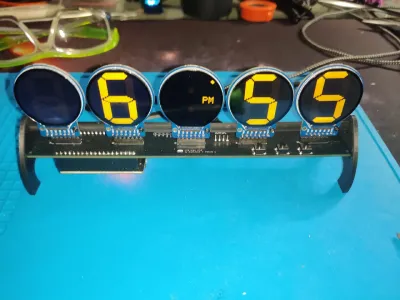
I got Brett.Tech's Info Orbs Dev Kit and quickly assembled it after watching the video. I got it working and I love it. What I wasn't happy with is the rather floppy manner in which the displays are mounted.
No problem, I thought, I'll just print me a mount. While there are mounts out there, they either cover up the bare electronics or require that you assembled the kit without the 90 degree headers (too late for that unless I want to de-solder everything).
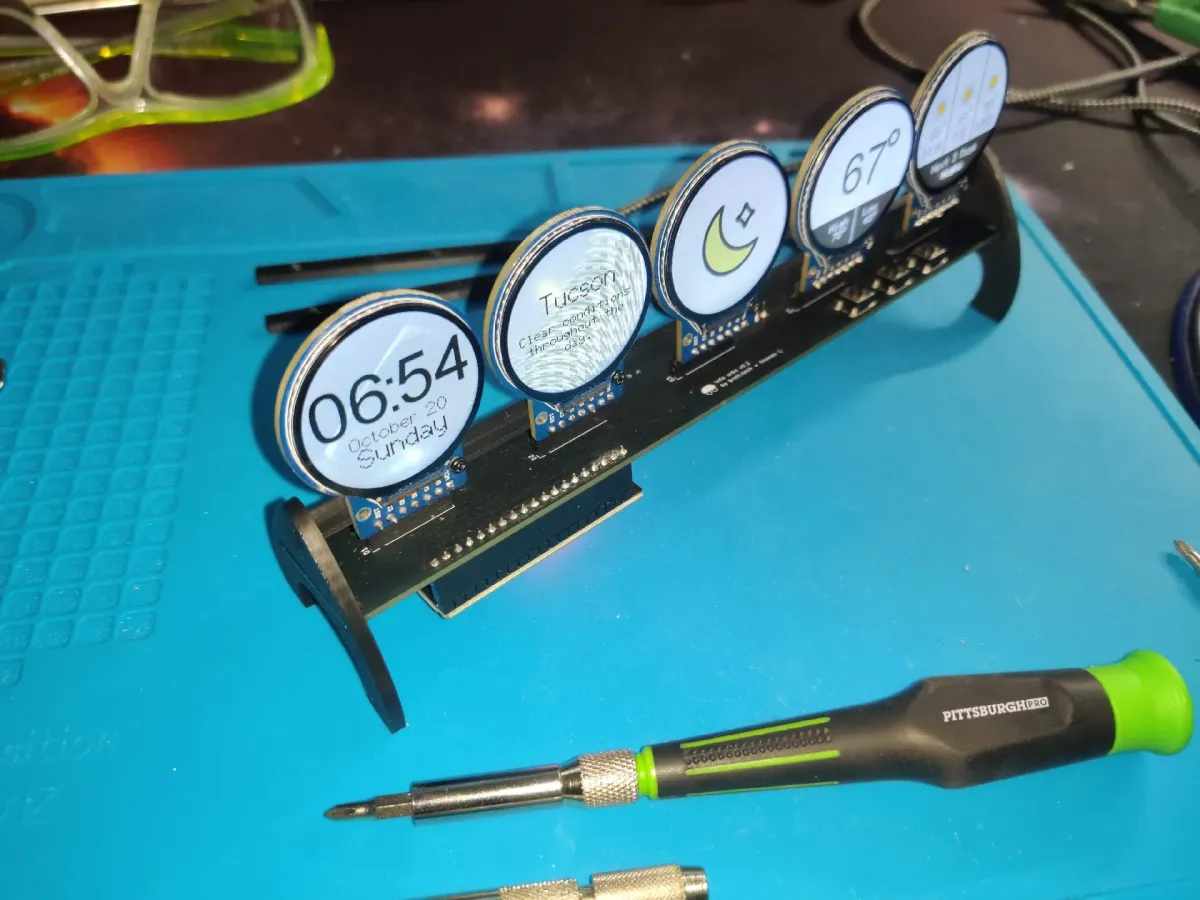
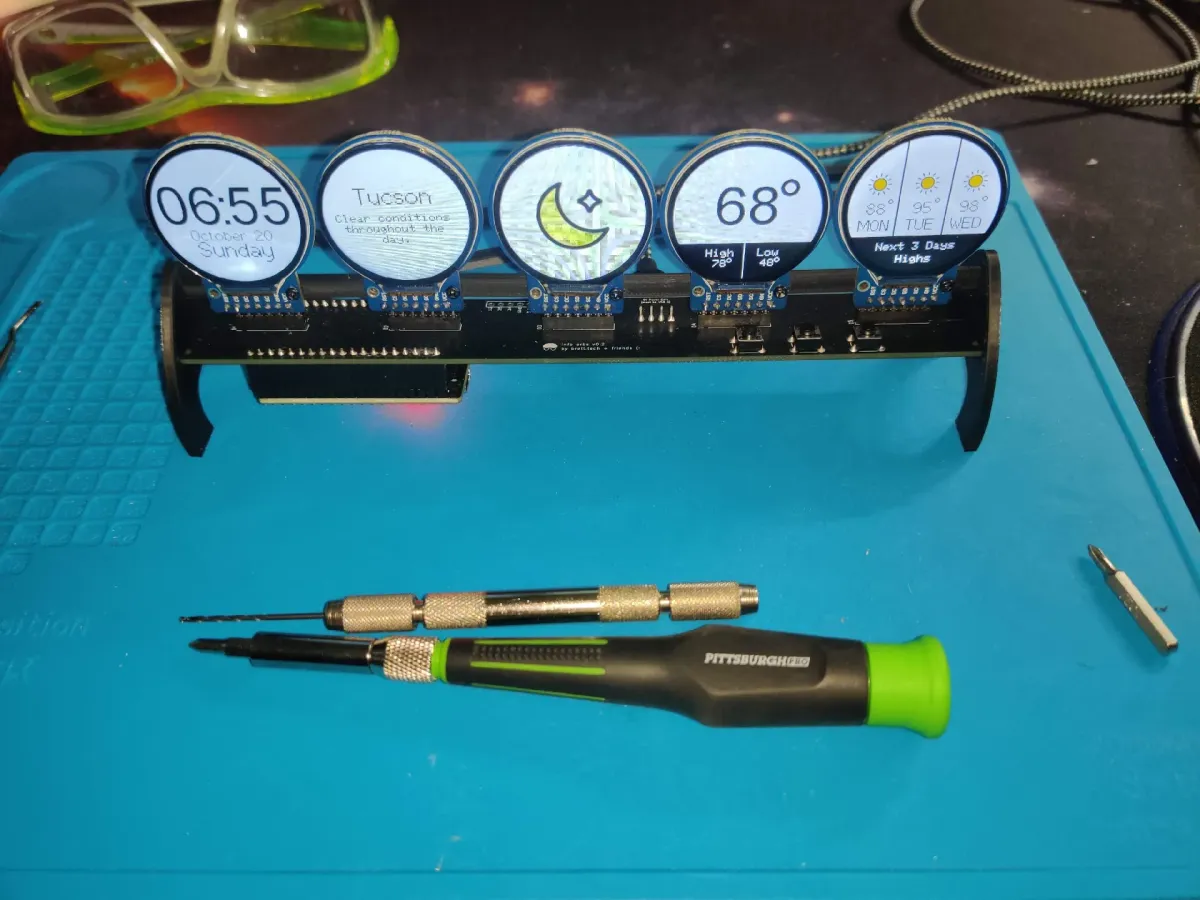
Anyways, I decided to make a mount for the ‘lollipop’ configuration that uses 90° headers as shown in Brett.Tech's assembly video. But I had to come up with a support for the displays. I went with a simple bar arrangement that takes advantage of the mounting holes already on the displays.
So, the mounting bar is attached to all five displays using two M2x5 screws (10 total). The the legs are slid onto both ends of the main PCB similar to the original legs with an additional hole to hold the mounting bar in place.
I wasn't real happy with version 1 of my design as it held the Info Orbs at 90° and was not the best for displaying on a desk. So, I created a version with a what ended up to be a 10.8° tilt). To echo the curves of the display I rounded my legs (any appearance similar to a Star Trek communicator badge was strictly un-intentional).
You don't need to mirror the second leg unless you are using a textured plate and want the texture to be on both of the outside (or inside) faces.
Bill of materials
- NameQuantityNotes
- 1M2x5 machine screw10
Originality of the Model
The author declares that this work is their personally original model
This model is licensed under the following terms:
Credit must be given to the creator
Only noncommercial uses of the work are permitted
Models(2)
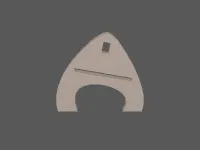 Info-orbs Mount tilted v3.stlDesigner
36.21 KB

2025-08-09
 Info-orbs mounting bar v3.stlDesigner
49.50 KB
2025-08-09


