










4040
squash
Ender 3


11

2
Update 17/07/18: Budget version! - see below.
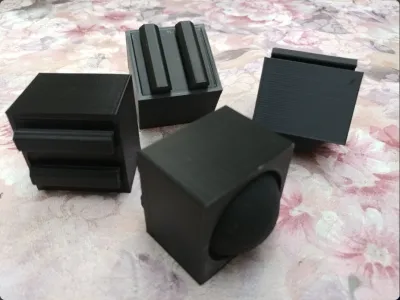
My take on squash ball feet for the Ender 3 (and other printers with 4040 legs).
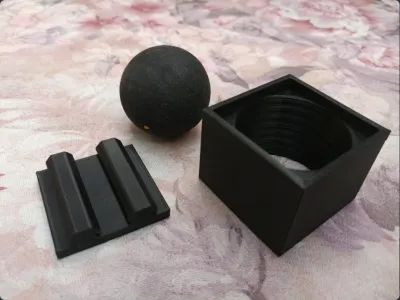
These are a simple 2 piece design and require no extra hardware.
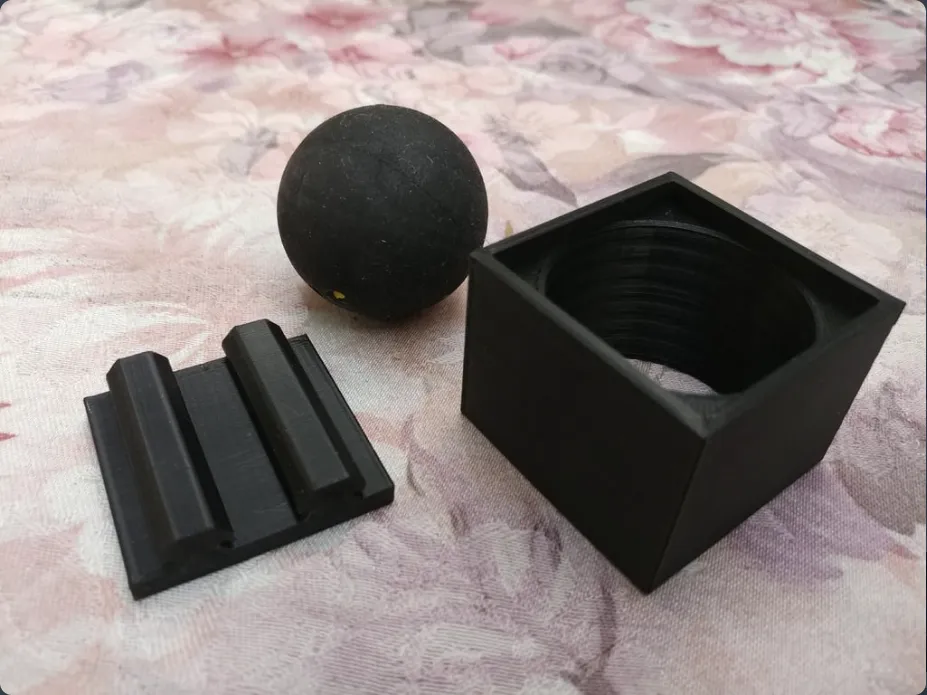
You will need 4 x 40mm squash balls. Popular theory says that "double yellow" balls are best because they rebound the least.
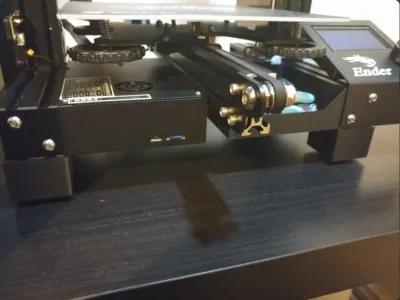
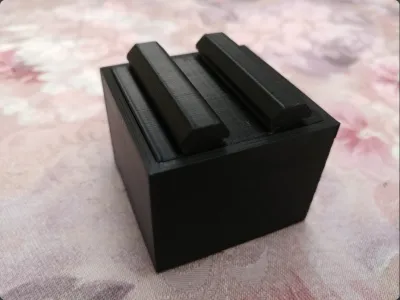
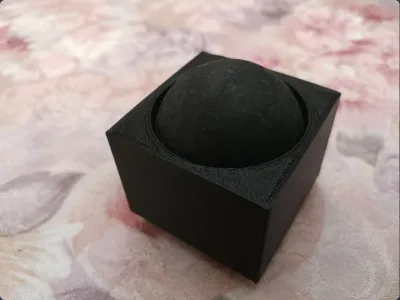
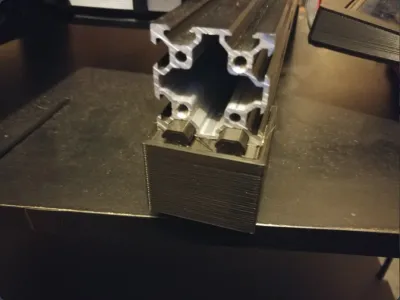
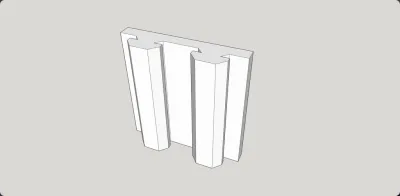
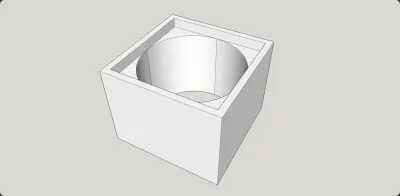
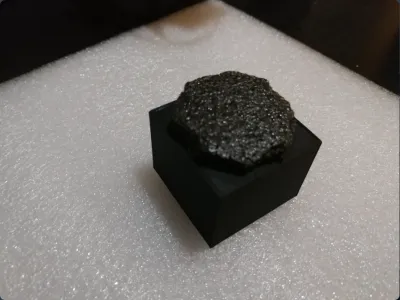
The top 4040 piece is a press fit into the cube and the squash ball slips into the bottom - the completed foot simply pushes into the extrusion (see photo).
Be sure to print the pieces as oriented in the STLs (cubes facing up, 4040s on their ends).
Installation:
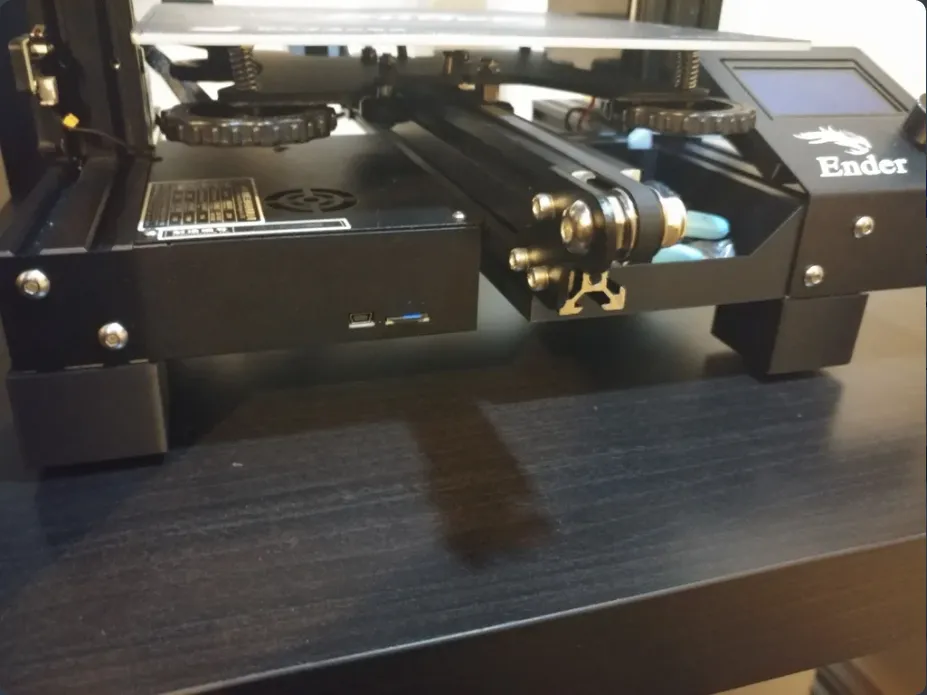
Peel off the original sticky back foam "feet" and pop out the bottom 2 plastic plugs from the legs at the back. You'll also need to temporarily remove the driver and LCD boxes to fit the front feet.
You may have to jiggle the feet a little to get them started in the extrusion but they do slide in no problem whilst being a tight enough fit.
I went with a basic square look to suit the lines of the Ender 3 but the Sketchup files are included if you wish to change anything (radius the corners etc).
UPDATE
Squash balls are relatively expensive, so instead:
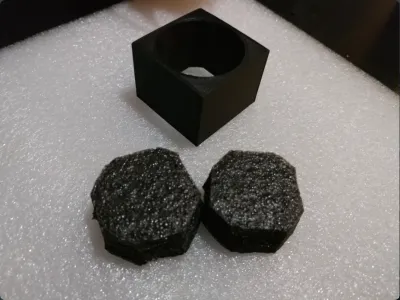
Grab the packing foam that came with your Ender 3 (you didn't throw it out did you..) and cut 8 x 40mm circles from it - they don't have to be perfect, squares with the corners cut off are fine. Push 2 pieces into each foot and that's it.
The closed cell foam is a surprisingly good insulator and maybe even works as well as squash balls.
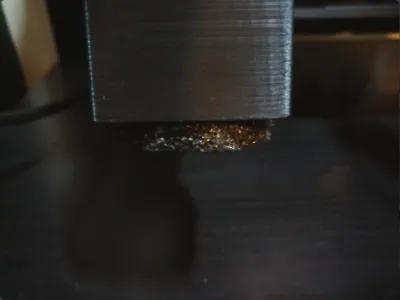
Added some photos as well.
Originality of the Model
The author declares that this work is their personally shared model

This model is licensed under the following terms:
Credit must be given to the creator
Models(4)
 squash-4040.skp
41.40 KB

2025-07-16
- squash-4040.stl
19.94 KB
2025-07-16
- squash-cube.stl
46.74 KB
2025-07-16
- squash-cube.skp
46.95 KB
2025-07-16
View all(4)


