




stacker
stacking game
geometry
shapes
kids

- Main - Full Set - Varying Configs (see notes)

9-disc
PLA
Designer

5

1
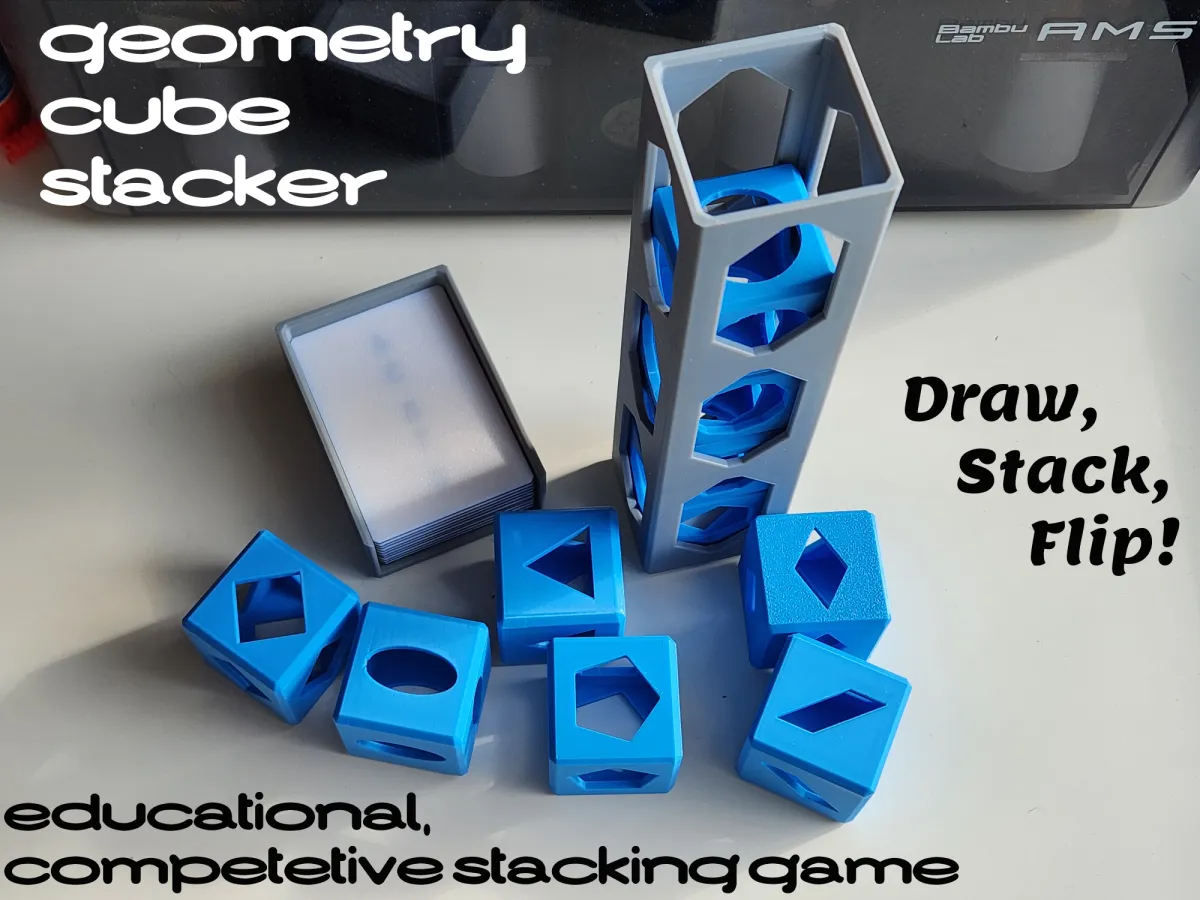
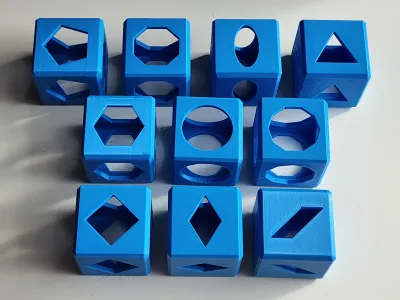
The Geometry Cube Stacking Game. A simple stacking game where players compete to see who knows their geometric shapes the best and who can stack the fastest.
Full details and information can be found in the Geometry Cube Stacker PDF.
Quick Game Guide:
To play the required parts are:
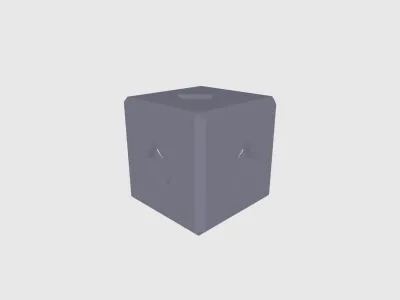
- Game Blocks (10 blocks per player)
- Circle, Oval, Triangle, Square, Parallelogram, Rhombus, Pentagon, Hexagon, Octagon, Decagon
- Playing Cards (5 + per player recommended)
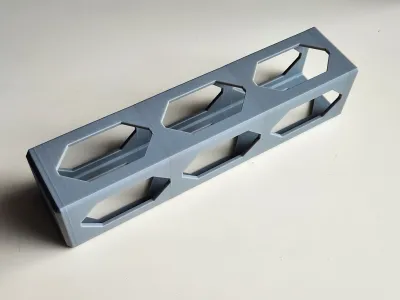
- Stacking Cage (1 per player)
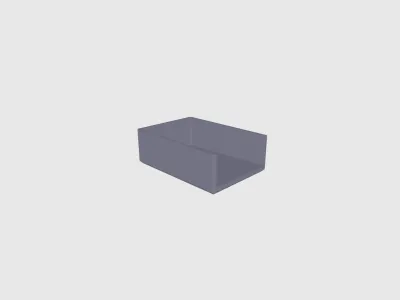
- Card Holder (1 per player)
- there are 3 variations,
- 10 card (default)
- 15 card
- 20 card
- there are 3 variations,
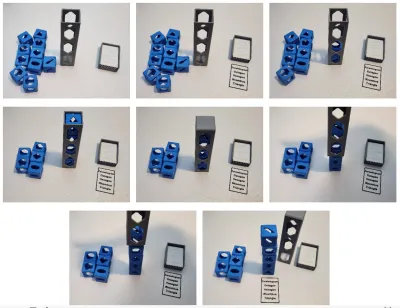
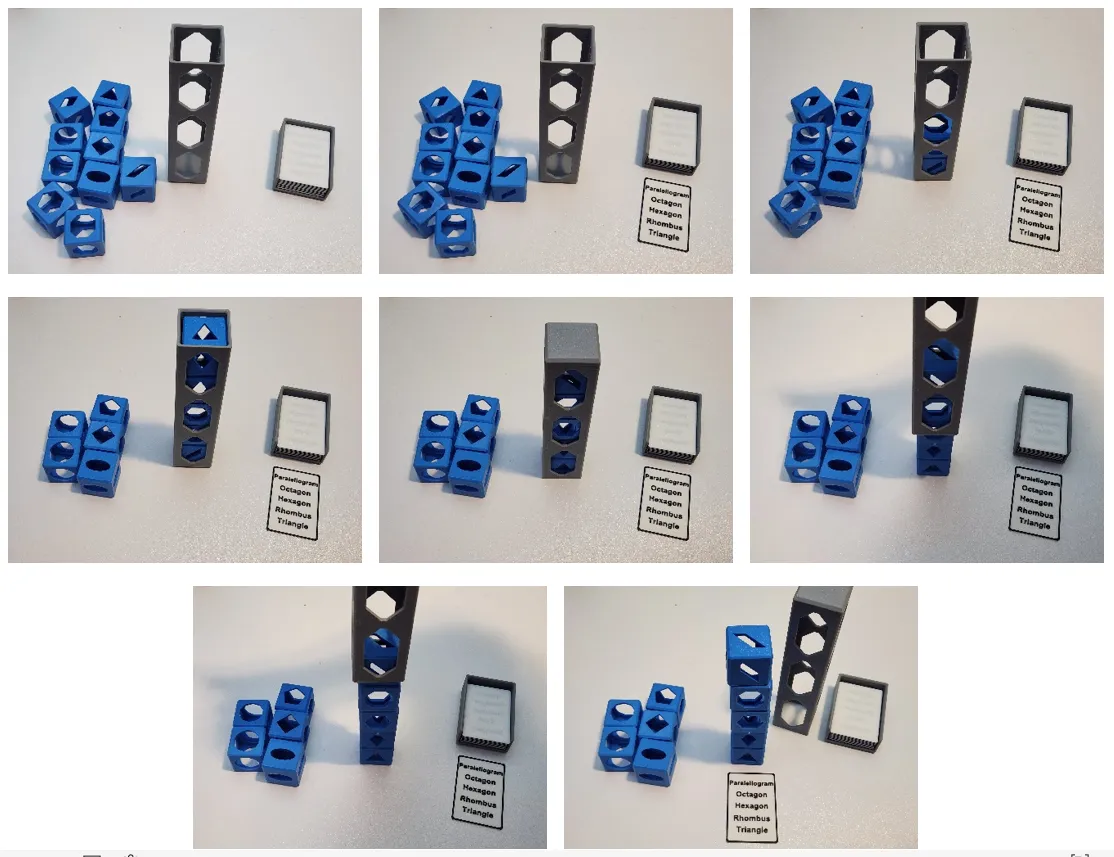
Each round all players:
- Draw a card - cards display which blocks to stack in which order
- Stack blocks in their cage based on the card drawn
- Flip the cage over
- Remove the cage without tipping over your stack.
- First one finished wins.
Variations/Optionals
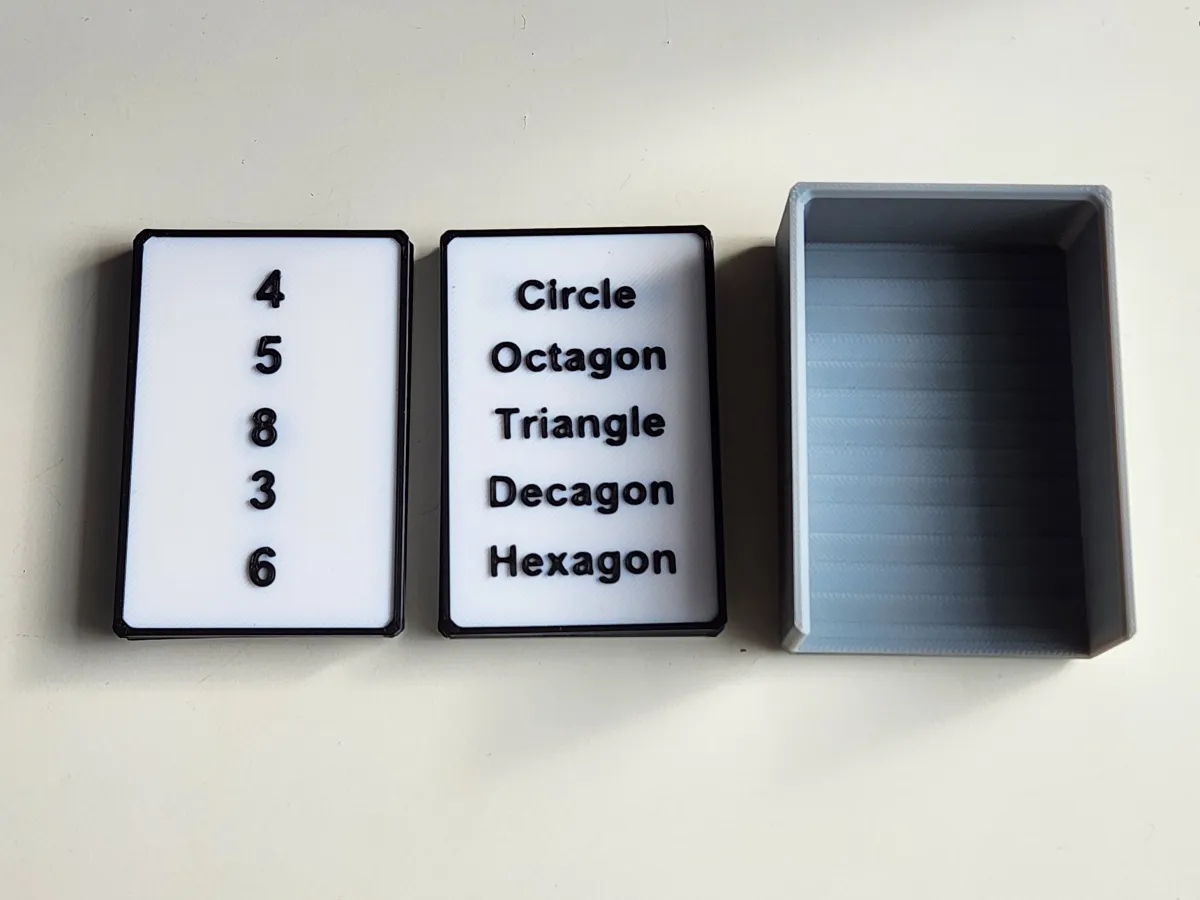
Playing Card Type - There are 2 types of Playing Cards. Reading and Numbers. The reading sets have the names of the shapes to be stacked. The number sets contain a number corresponding to the number of edges of the shapes to be stacked.
The game can be played with a single type of card or a mix of cards. It is really up to you. See Geometry Cube Stacker PDF for more info.
Features
- Fairly simple print.
- Easy game rules means anyone can play - or win
- Multiple aspects to the game, knowing the shapes, stacking the blocks, and then flipping the stack - helps even the playing field and lead to more fun game endings
- Multiple ways to play - described more in the Geometry Cube Stacker PDF
- Multiplayer - play with 2 or more players
- Disguised educational - it's a competition but you can't help but learn the basic geometric shapes better
Printing Info
The main profile contains:
- Game Blocks Plate (print plate once for each player)
- print with 0.2mm, 2 walls, 15% infill
- enable supports on build plate only
- the supports will be a bit of a pain to remove for a couple shapes with smaller openings. the blocks are built strong enough you shouldn't have to worry about them breaking while removing them though
- Stacking Cage Plate (print plate once, it contains 2 stackers)
- print with 0.2mm, 3 walls, 15% infill
- 3 walls helps prevent shaking while printing tall points
- slowed outter wall to avoid shaking at tall points
- no supports required
- print with 0.2mm, 3 walls, 15% infill
- Card Holder Plate (print plate once, it contains 2 holders)
- print with 0.2mm, 2 walls, 15% infill
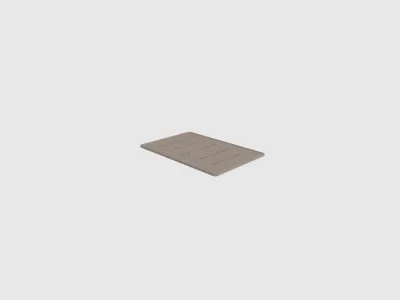
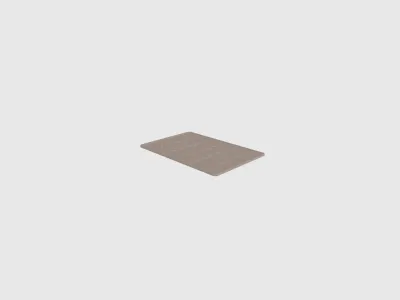
Playing Card plates - depending on how you want to play there are 2 types of cards split between 4 plates. In total there are 10 Reading cards and 10 Numbers cards. You can also make your own cards since there are tons of combinations
It is suggested to print at least 5 cards for each player (1 plate of cards for each player)
- print with 0.2mm, 2 walls, 15% infill
Stacking Cage Printing Info
The stacking cage sits just above the max height for the A1 Mini. It can still be printed but it must be positioned flat down on a diagonal. The longer bridging in this orientation requires supports to print cleanly.
I have provided a 3mf file specifically for the A1 Mini, but I have not posted it as a profile.
Custom Playing Cards
- Card Details:
- 50mm x 75mm x 1mm
- Text on top @ 0.6mm height
Originality of the Model
The author declares that this work is their personally original model
This model is licensed under the following terms:
Credit must be given to the creator
Only noncommercial uses of the work are permitted
Remixes must be shared under the same license
Models(24)
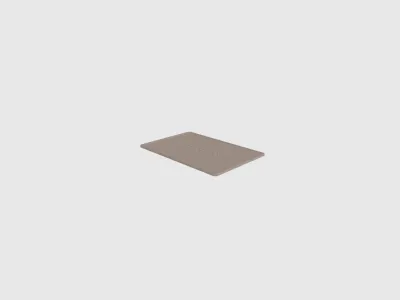 Geometry Stacker v1-playing-card.step(1).stlDesigner
117.76 KB

2026-02-16
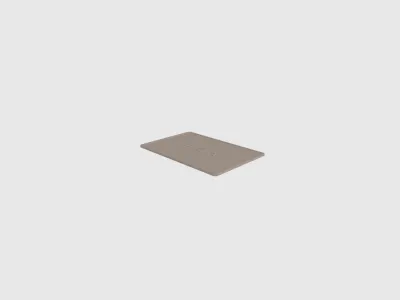 Geometry Stacker v1-playing-card.step(2).stlDesigner
157.60 KB
2026-02-16
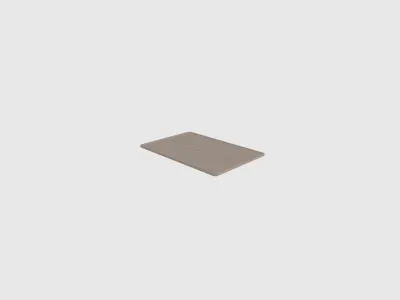 Geometry Stacker v1-playing-card.step(3).stlDesigner
147.05 KB
2026-02-16
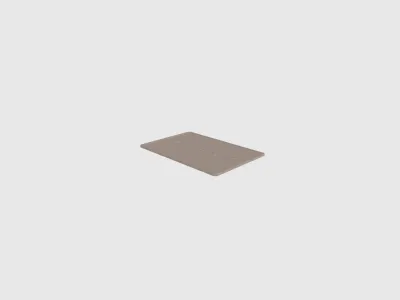 Geometry Stacker v1-playing-card.step(4).stlDesigner
125.86 KB
2026-02-16
 Geometry Stacker v1-playing-card.step(5).stlDesigner
127.33 KB
2026-02-16
 Geometry Stacker v1-playing-card.step(6).stlDesigner
145.88 KB
2026-02-16
 Geometry Stacker v1-playing-card.step(7).stlDesigner
127.91 KB
2026-02-16
 Geometry Stacker v1-playing-card.step(8).stlDesigner
127.91 KB
2026-02-16
 Geometry Stacker v1-playing-card.step(9).stlDesigner
145.88 KB
2026-02-16
 Geometry Stacker v1-playing-card.step(1).stlDesigner
707.70 KB
2026-02-16
 Geometry Stacker v1-playing-card.step(2).stlDesigner
664.63 KB
2026-02-16
 Geometry Stacker v1-playing-card.step(3).stlDesigner
673.13 KB
2026-02-16
 Geometry Stacker v1-playing-card.step(4).stlDesigner
664.63 KB
2026-02-16
 Geometry Stacker v1-playing-card.step(5).stlDesigner
571.76 KB
2026-02-16
 Geometry Stacker v1-playing-card.step(6).stlDesigner
731.43 KB
2026-02-16
 Geometry Stacker v1-playing-card.step(7).stlDesigner
676.25 KB
2026-02-16
 Geometry Stacker v1-playing-card.step(8).stlDesigner
797.64 KB
2026-02-16
 Geometry Stacker v1-playing-card.step(9).stlDesigner
787.00 KB
2026-02-16
 Geometry Stacker v1-block-parts-v1.1.stepDesigner
1.25 MB
2026-02-16
 Geometry Stacker v1-card-holder-v1.1-10card.stepDesigner
55.70 KB
2026-02-16
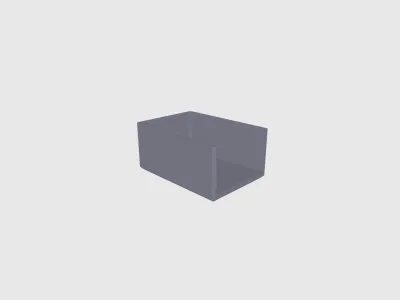 Geometry Stacker v1-card-holder-v1.1-15card.stepDesigner
55.70 KB
2026-02-16
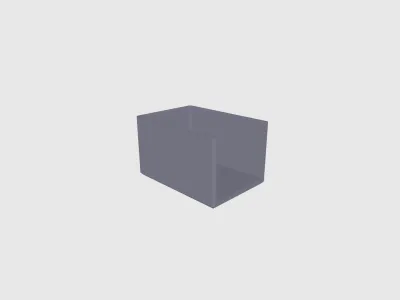 Geometry Stacker v1-card-holder-v1.1-20card.stepDesigner
55.70 KB
2026-02-16
 Geometry Stacker v1-stacker-v1.1.stepDesigner
192.44 KB
2026-02-16
- Geometry Stacker v1-Full Set.3mfDesigner
2.41 MB
2026-02-16
View all(24)
Attachments(1)
pdf
Geometry Cube Stacker.pdf
644.21 KB
2026-02-16


