




weather
display
arduino
esp32
electronics

- Case

1-disc
PLA
Designer

55

8
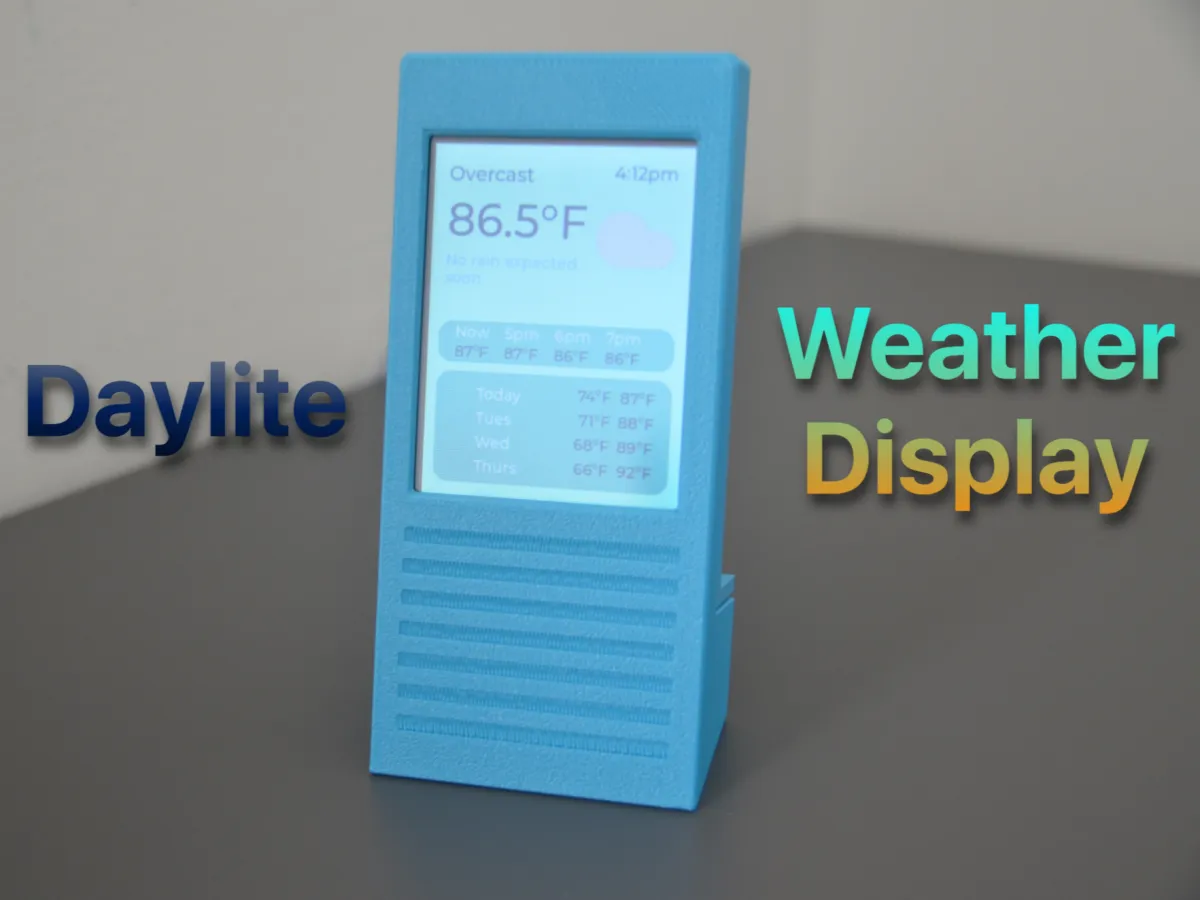
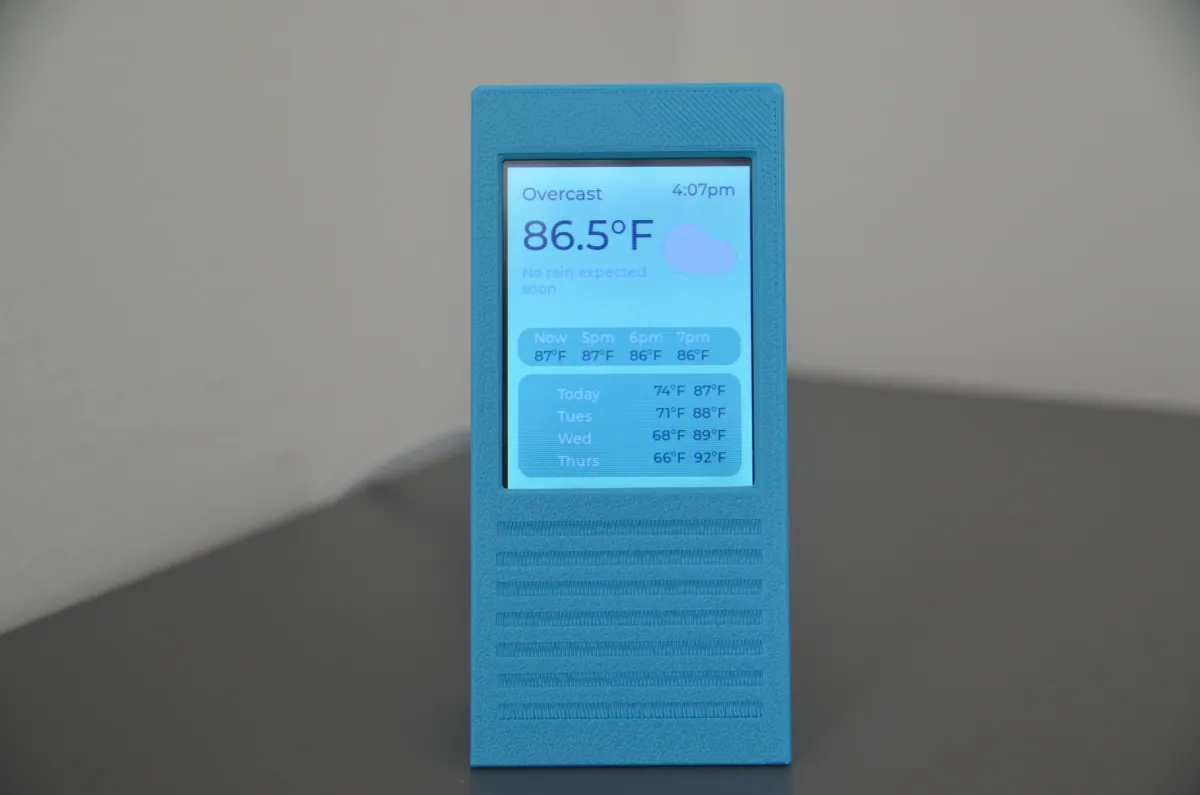
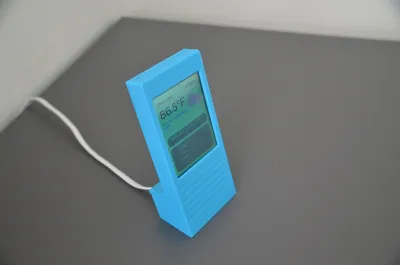
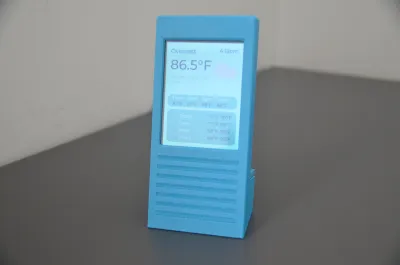
Daylite ESP32 Weather Display: Your Instant Weather Companion
Never step out unprepared again! Daylite delivers real-time forecasts at a glance with a sleek, minimalist design. Perfect for your desk, kitchen, or bedside, it’s the effortless way to stay ahead of the elements—rain or shine.
Why You Will Love Daylite
✅ 5-Minute Setup – No tools, wiring, or soldering!
✅ Budget-Friendly – Build for under $20 with widely available parts.
✅ Open Source & Free – Customize freely or contribute to the code.
✅ Beginner-Friendly – Ideal intro to ESP32, 3D printing, and IoT projects.
✅ Plug & Play – Powered via USB-C/micro-USB.
Parts List
ESP32-2432S028R Board – 2.8" ILI9341 display (240x320 TFT LCD).
Buy: Amazon US | AliExpress
Note: Ensure model ESP32-2432S028R ILI9341 2.8" – clones work if specs match!
Angled USB Adapter (90°):
USB-C or Micro-USB (match your board’s port):
USB Power Cable – Any standard 5V adapter (e.g., phone charger).
Setup in 3 Simple Steps
Step 1: Flash the Firmware
Plug your ESP32 board into your computer.
Visit the Daylite Web Installer:
🔗 https://shivam-hegadi.github.io/Daylite-Installation-Wizard/flash.html
Follow the on-screen guide to install firmware + connect to Wi-Fi.
Step 2: Assemble the Hardware
Attach the angled USB adapter to the board (facing away from the screen).
Insert the board into the 3D-printed case (display facing front).
Snap the back cover closed.
Step 3: Power & Customize
Plug in USB power – it initially displays a blank screen.
Connect to WeatherBoxAP on your phone or laptop.
Connect to your home WiFi from the portal. (if portal does not show up, go to http://192.168.4.1/ )
Swipe down from the top to open menu. From there, you can choose your location, adjust brightness, enable dark mode, and much more.
Key Features
🌦️ Local Forecasts – Pulls data from global weather APIs
🖍️ Clean UI – Sleek UI with Light and Dark Mode
⏰ Night Mode – Automatically Dims the Screen during the night.
🔄 One-Click Updates – Web installer handles all firmware upgrades
⚡ Low-Power Draw – Draws <0.5W.
FAQs
Q: What does Daylite access on WiFi?
A: Daylite only connects to the OpenMeteo Weather API. No tracking, accounts, or data logging. You can View source code to verify.
Q: Can I modify the design?
A: Yes! All 3D models and code are in the files!. Resize or remix!
Q: What if my board has a different pin layout?
A: Leave a comment down below and I will give you files with a pin layout customized to your board.
Q: Does it work without constant internet?
A: Yes! Shows cached data, however, it updates the weather every 15 minutes.
Like This Project?
Give it a like and share it with your maker friends!
Get Building Now:
🔧 GitHub Repository | 🔧 Installer
Crafted with ❤️ by Shivam Hegadi
Bill of materials
- NameQuantityNotes
- 1ESP32 Cheap Yellow Display (CYD)1
Originality of the Model
The author declares that this work is their personally original model
This model is licensed under the following terms:
This work is licensed under a Standard Digital File License. Digital files have a strict non-commercial, personal use only license.
You shall not share, sub-license, sell, rent, host, transfer, or distribute in any way the digital file or 3D printed versions of this object, nor any other derivative work of this object in its digital or physical format (including remixes of this object). You can not host these files on other digital platforms, web stores or cloud repositories. The objects may not be used in any way whatsoever in which you charge money, collect fees.
Models(1)
- kobra+s1.3mfDesigner

36.26 KB

2025-09-26


