




world of warcraft
warcraft
wow
alliance
banner
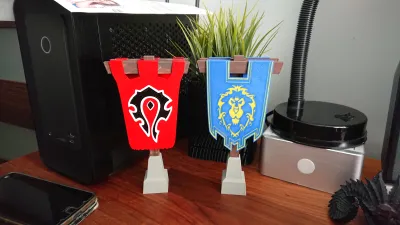
stand
lion
game
decoration
arathi
basin


26

5
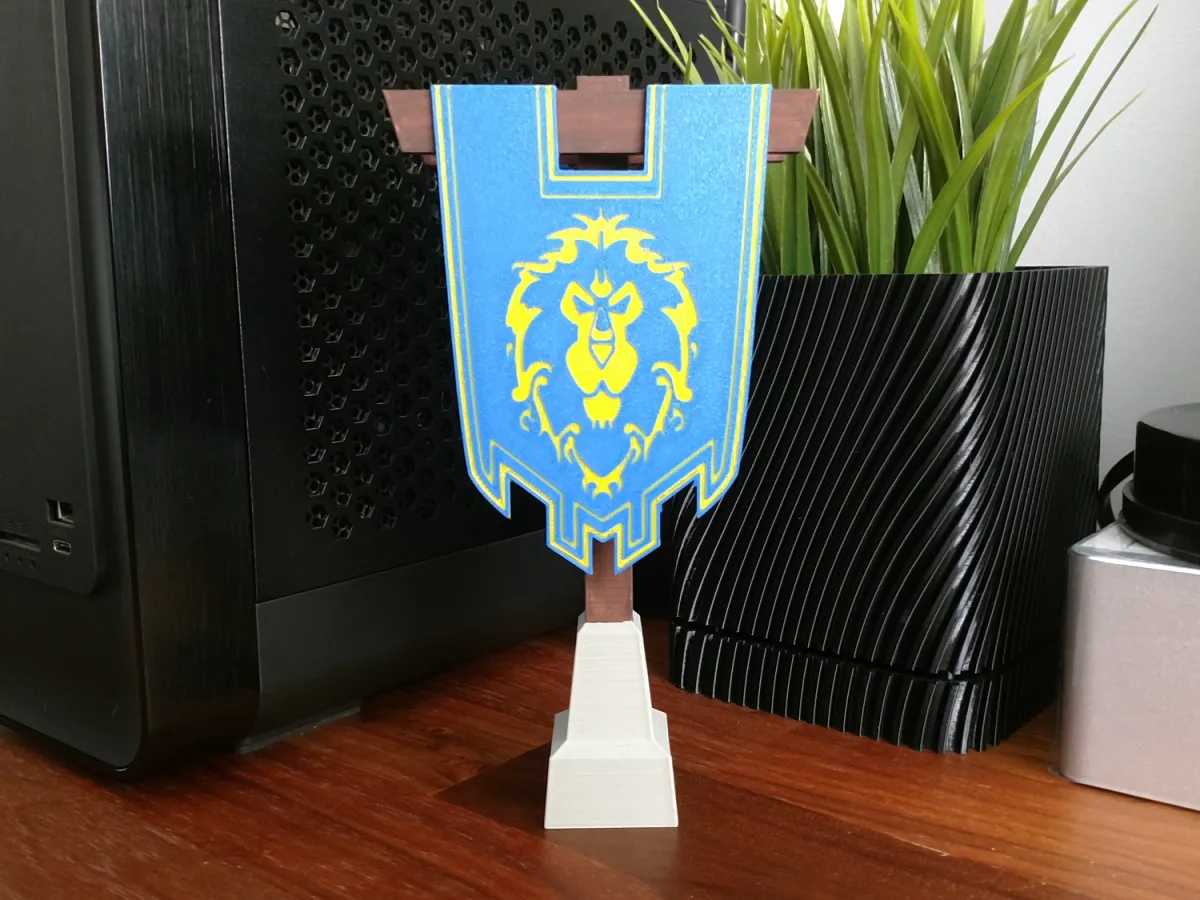
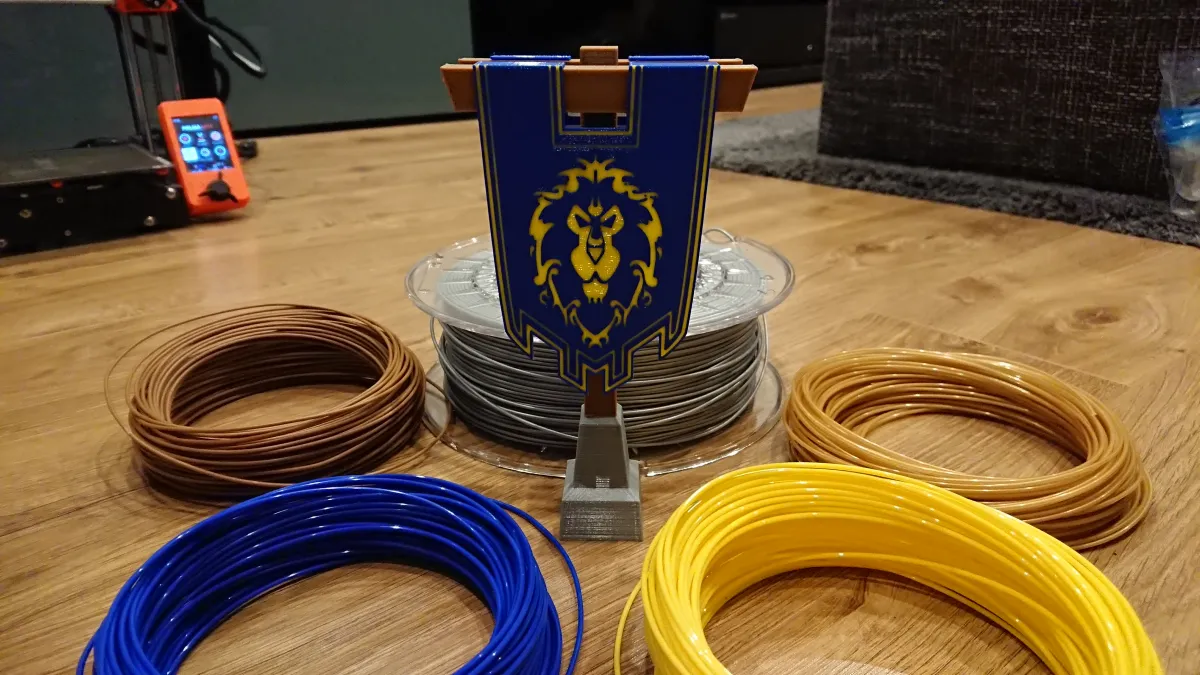
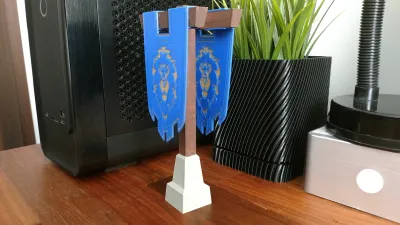
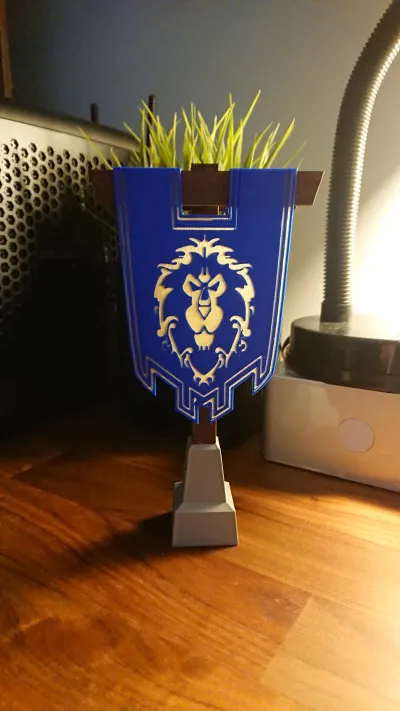
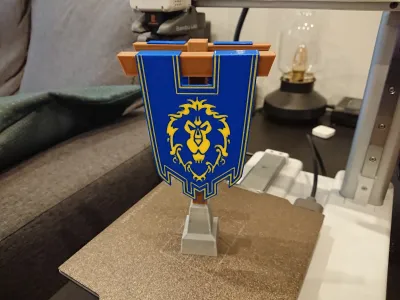
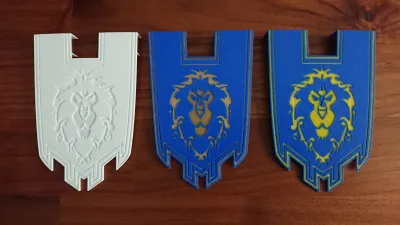
Arathi Basin Alliance Banner – for all those who wants to show their faction affiliation… and for those who want to hunt for the trophy. Oh, and I forgot about „Double Agent” achievement owners who just want to have them both :) Ready for you to download and print 18cm height, 9.7cm wide. Perfect desk size. No glue required and banners are interchangeable. You may use one stand for Alliance or Horde banners. Or put them both – one each side. Very easy to print in multicolor, even on printer without AMS/ACE/CFS!
Tips for printing:
First of all, this model was designed for 0.4mm nozzle and 0.2mm layer height. Don’t go for bigger nozzles or higher layers. If you want increase quality you may use 0.2mm nozzle and 0.1mm layer but it’s not necessary. Print it in single color if you want to hand paint it or print in multicolor. My tips are for multicolor printing without AMS. I’ve done it on Prusa MINI.
All files are standard (not Bambu Studio) 3mf files. Load them to slicer same as STL’s. I color them all for easier determining how to paint.
As each part of the model require just 2 colors (hangers are single color) you may change filament manually on certain layer and continue your print.
Banner:
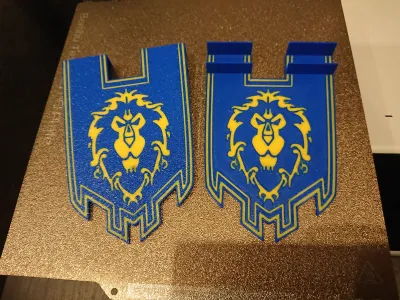
Prepare blue and gold/yellow/”golden brown”/transparent filament for the banner.
In Bambu Studio (or your favourite slicer), set pause at layer 3 and at layer 6. Filament change will not work for printers without AMS, Bambu Studio not adding M600 command to gcode. M601 is good enough, so we change our filaments after pause manually :)
Set the speed for 1st layer really low. Alliance logo is complicated, my printer likes to pull filament out of the heatbed on z-hop when printing too fast.
DO NOT USE Elephant Foot compensation. Some parts of the logo are 1-line wide so you can’t squeeze them.
Do not use any support.
During print start with blue filament, after pause at the beginning of layer 3 change it with gold/yellow/transparent, continue for 3 layers and at the beginning of layer 6 (after pause) change it back to blue.
Stand:
Prepare gray/silver/marble and brown/wooden filament for the stand. Set layer height at 0.2mm.
In Bambu Studio set pause at layer 244. During printing start with gray/silver/marble and after pause change it with brown/wooden filament and continue with it to the end.
Hangers:
Slice them without any filament change and print with brown/wooden filament. Use auto orient for easy print without support or place them in hanging orientation for stronger connector using support. I recommend 2nd option as I already snapped one connector after „auto orient” print.
Job done! I hope printing went well and you like the model :)
Tips for ACE / AMS / CFS users
In download section find banner file descibed as „AMS – Flat Alliance Banner”. Even if it looks completely flat in major STL viewers, it hase separate faces that let you paint them in different colors. Import model to Bambu Studio or other slicer with coloring function. In "Prepare" tab find "Color Painting" (shortcut key "N" in Bambu Studio) then in the option switch to "Fill". Now zoom over front or back of "flat" object to see what happen :) Use blue and yellow filament the way you see on the pictures.
Now to the print. For the Alliance! Or… nevermind ;)
World of Warcraft, Alliance, Arathi Basin and all trademarks belongs to Blizzard. I’m just a fan who created this model to share with others for free. No commercial use.
Originality of the Model
The author declares that this work is their personally original model
This model is licensed under the following terms:
Credit must be given to the creator
Only noncommercial uses of the work are permitted
Remixes must be shared under the same license
Models(4)
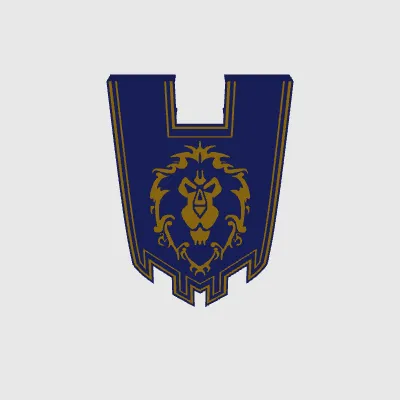 Alliance Banner - Painted.3mfDesigner
439.86 KB

2025-08-09
 Alliance Banner - Stand.3mfDesigner
63.07 KB
2025-08-09
 Alliance Banner - Hanger V2 3.10.stlDesigner
3.40 KB
2025-08-09
 AMS - Flat Alliance Banner.stlDesigner
1.32 MB
2025-08-09
View all(4)


