




Anet A8
Push button guide


5

1
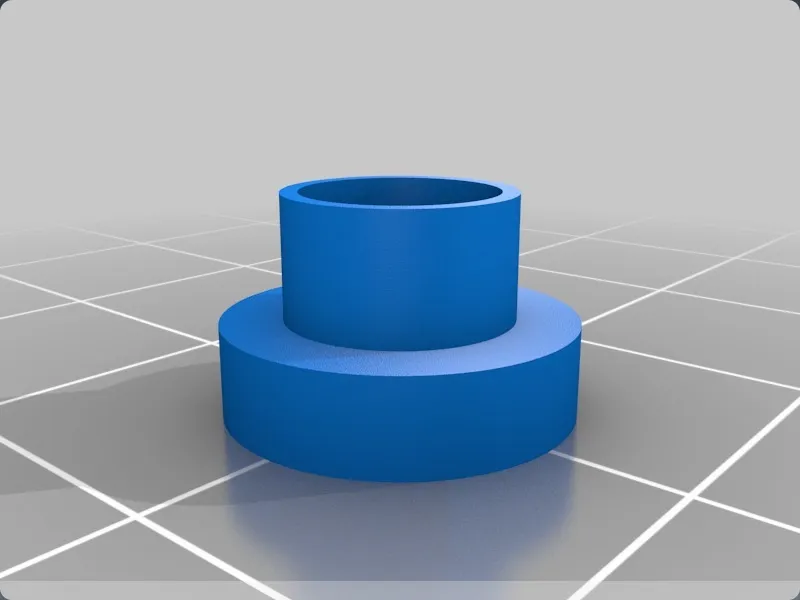
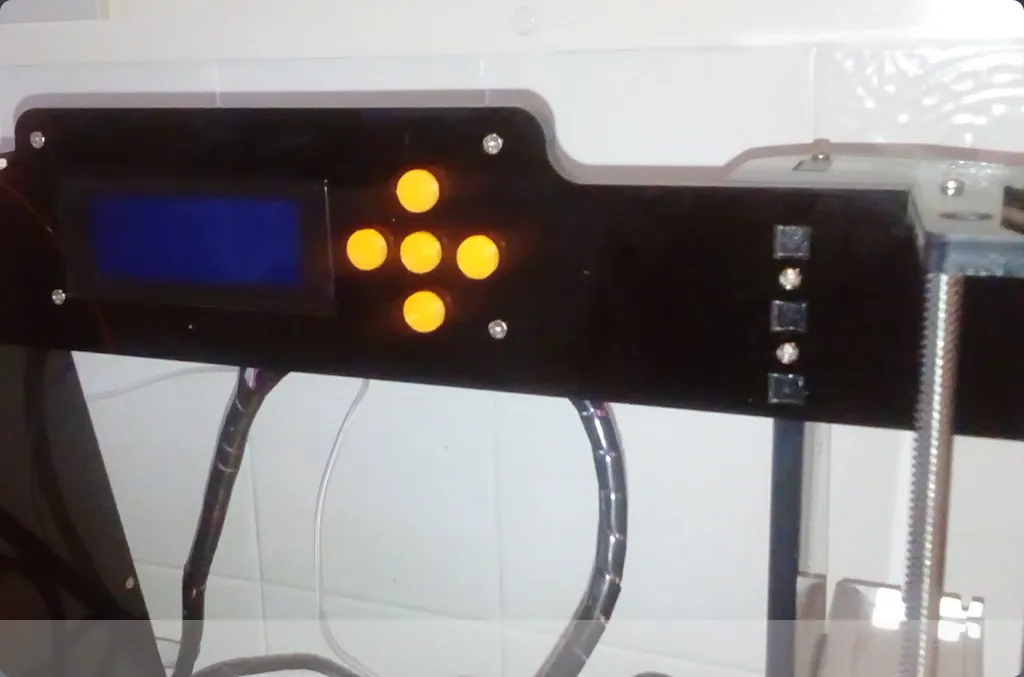
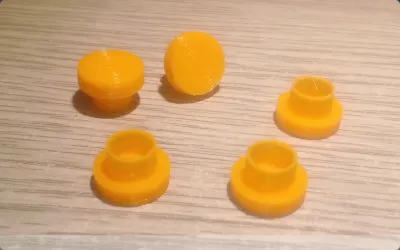
One of the minor issues with the A8 is that the 5 control push buttons wobble a little in the guide holes, sometimes resulting in a non functioning button press. A previous printable fix was made that you applied behind the acrylic face plate. Then in late 2016 / early 2017 Anet made the guide holes smaller, rendering the printed fix useless, whilst the smaller holes didn't actually fix the problem.
My solution effectively makes the buttons slightly thicker and eliminates the problem. The button caps rely on a friction fit. If like mine, one button is smaller by a fraction of a millimetre, I secured the button with a blob of Blu-tack (Tack-It, Plasti-tac, sticky-tac, presstik - the sticky blobby stuff you put posters up with as a kid).
Don't glue the button caps on, or you will never get the control circuit board off the acrylic face plate again.
The walls of the button are VERY thin and require a little finesse with the slicer. I used Cura 2.3.1 (settings below)
The nice thing about this solution is it's another mod you can use to customise the look your printer.
I have included the original 123D files if you need / want to experiment.
Originality of the Model
The author declares that this work is their personally shared model

This model is licensed under the following terms:
Credit must be given to the creator
Models(4)
 button_top.123dx
88.71 KB

2025-07-18
- button_top_x_5.123dx
55.16 KB
2025-07-18
- button_top.stl
49.89 KB
2025-07-18
- button_top_x_5.stl
249.11 KB
2025-07-18
View all(4)


