



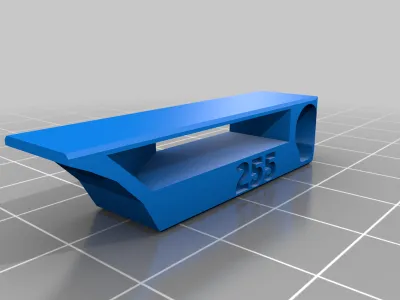
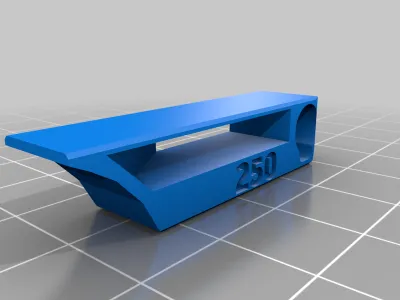
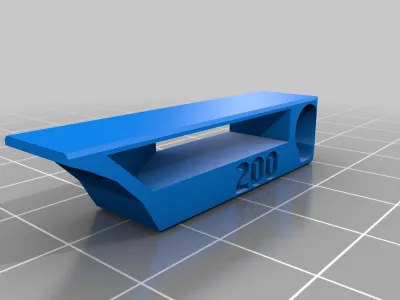
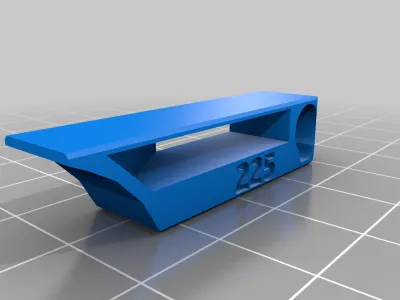

calibration
Heattower
Temperature Tower


390

83
Summary
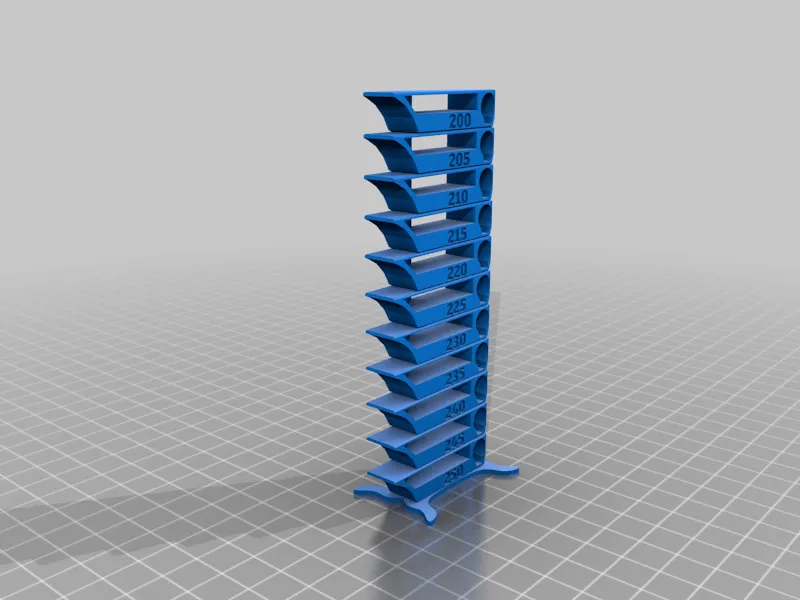
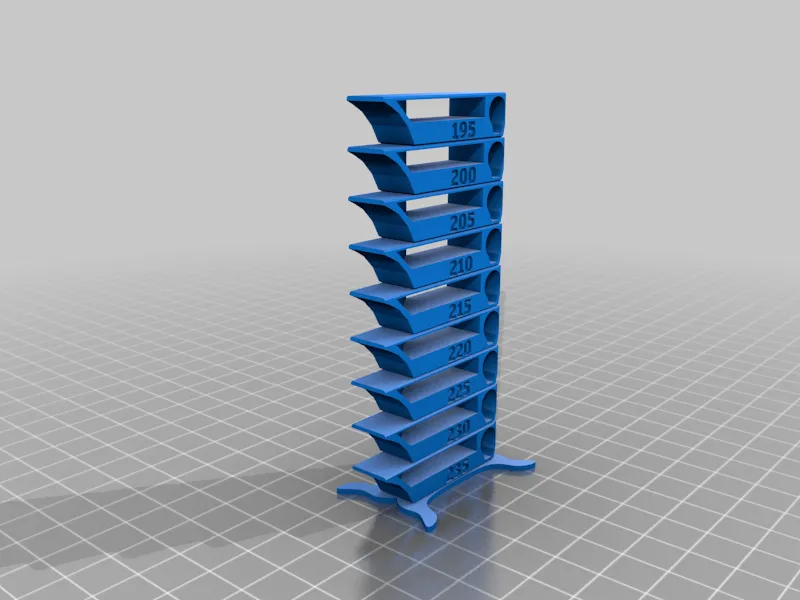
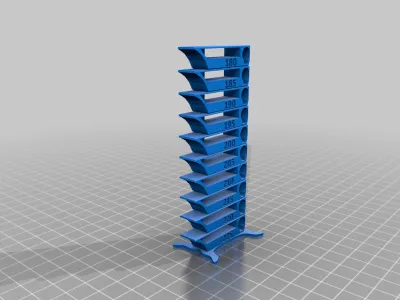
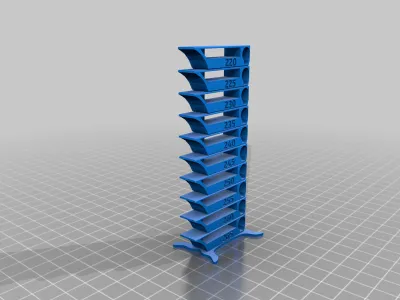
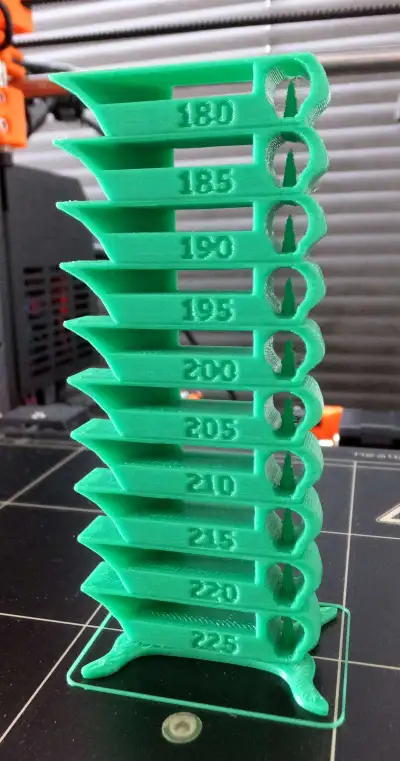
Yet another temperature calibration tower. It suppose to be smart, compact and fulfill several purposes.
- it is functioning as a regular temperature tower
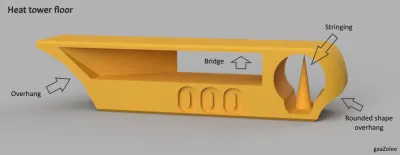
- it contains several test patterns like
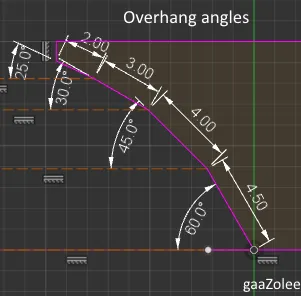
- overhangs from 60 deg to 25 deg
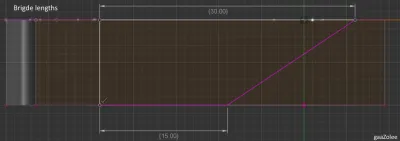
- bridges from 15 mm - 30 mm
- stringing test
- curvy shapes
One floor is exactly 10 mm and stand is 1.4 mm. Optimized for 0.2 mm layer height.
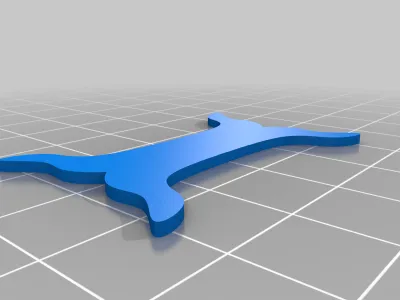
Note: STEP models have been added of a plain floor, 000 Floor and the stand.
Updates:
- 21-Dec-2021 - Added link to tutorial videos
- 10-Jun-2019 - Added single line script
- 19-Apr-2019 - Added scrips for PETG and PLA_Plus and a screen shot of the script setup
Print Settings
Printer Brand:
Prusa
Printer:
i3 MK2S
Supports:
No
Resolution:
0.2 mm
Infill:
15%
Notes:
Correct temperatures have to be setup in the generated gcode.
It can be easily done in Slicr3d Prusa edition min. v 1.38.5. linked version 1.41.3 still work just fine
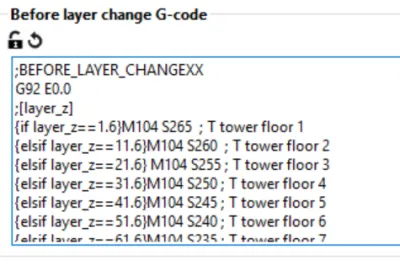
Printer Settings -> Custom G-code -> Before layer change G-code
correct macro needs to be setup. It should look like one of two options
1. If statement based script
{if layer_z==1.6}; T tower floor 1M104 S250{elsif layer_z==11.6} ...
It specifies different temperature for each temperature tower floor. You need as many elseif-s as many floors your tower has got.
There are 4 pre-created txt files included in the project with the macro of
- ABS_t_tower_before_layer_change_macro.txt
- PLA_t_tower_before_layer_change_macro.txt
- PLAPlus_t_tower_before_layer_change_macro.txt
- PETG_t_tower_before_layer_change_macro.txt
2. layer_num based script
It is an simpler way to achieve the same for 0.2mm layer height. It is just a single line of code you need to copy/paste and change the START_TEMP to the correct value:
M104 S{<START_TEMP> - (layer_num-7) / 50 * 5} {if layer_num > 7} ;T tower floor {(layer_num-7) / 50 * 5 + 1}{endif}
where START_TEMP is the temperature of the first floor. Example of a PETG script:
M104 S{265 - (layer_num-7) / 50 * 5} {if layer_num > 7} ;T tower floor {(layer_num-7) / 50 * 5 + 1}{endif}
It adds temperature change gcode to each layer unlike the verrsion with if statements It adds temp change gcode on at the first layer of a floor.
Content can be easily copy/pasted.
See the attached screenshot
How to use it?
There is 4 complete temperature towers
- PLA 180C - 225C
- PLA Plus 195C - 235C
- ABS 200C - 250C
- PETG 220C - 265C
These can be used as they are. Don't forget to setup correct temperatures. See the section above.
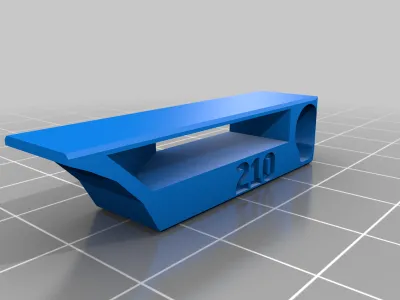
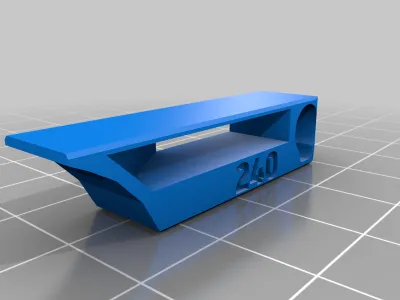
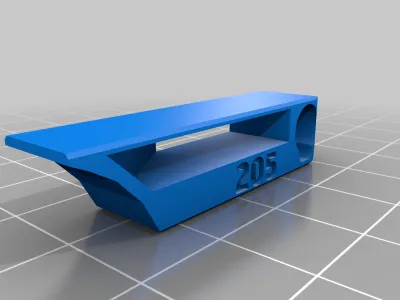
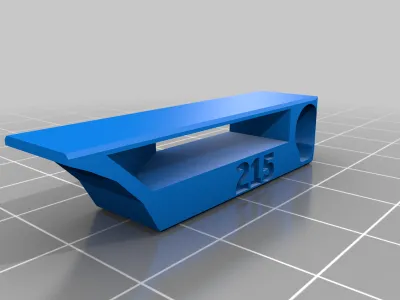
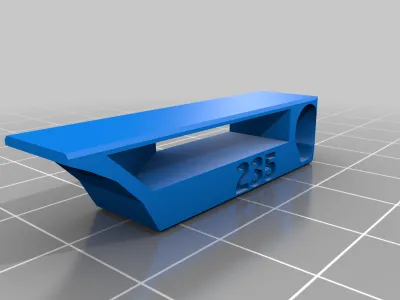
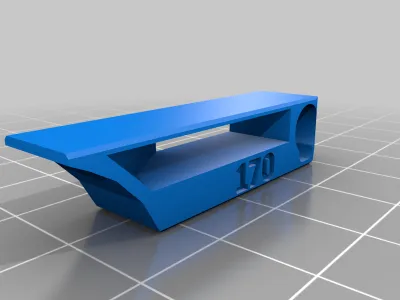
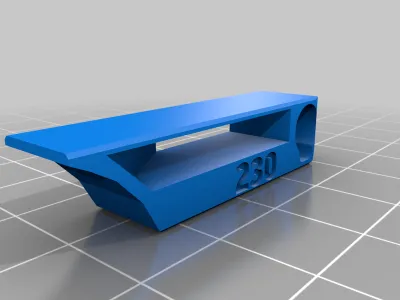
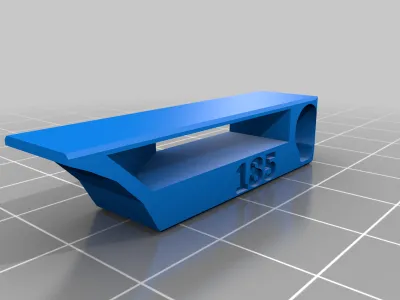
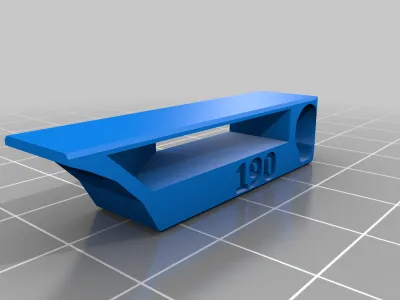
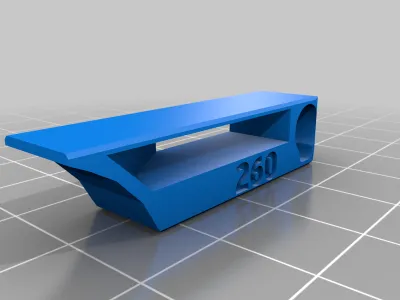
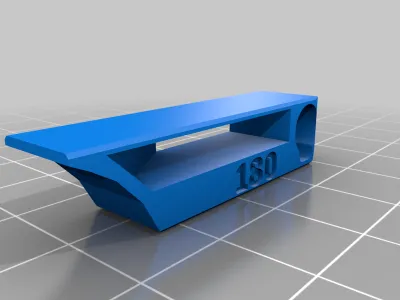
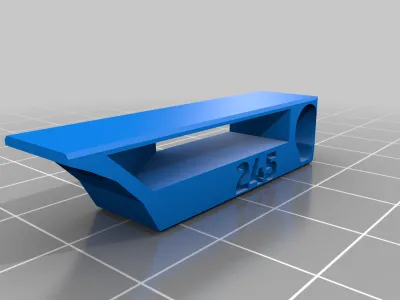
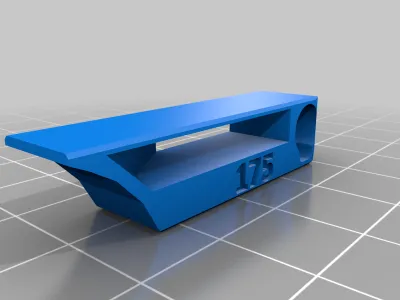
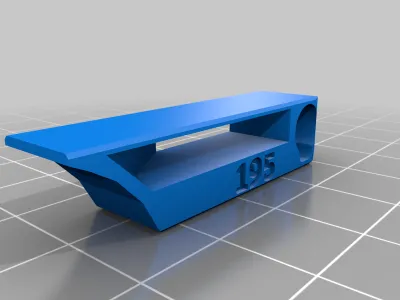
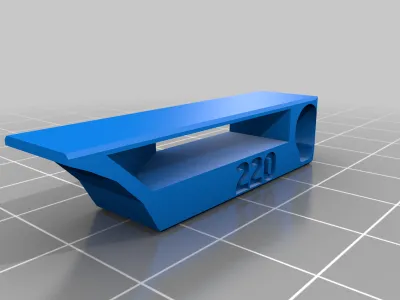
There are also separated modules for temp floors from 170C to 265C with 5C step and a stand. New heat tower can be easily combined out of them.
Why another new temperature tower?
I started with 3d printing by may of 2017. I wanted to learn as much as possible in the shortest possible time and speed up configuration of my printer as much as possible. Print out long lasting temperature towers and then other testing shapes was too long to me. So I decided to create a new heat tower which is as compact as possible, serves many basic quality test purposes too and printing take as short time as possible.
I am using it as a basic temperature setup guidance for different filaments. It sped up my setups at least 3 - 4 times. One print instead of 3 - 5.
Currently I am bringing it to you. Enjoy it and I am looking forward to reading any feedback.
Used by
OrcaSlicer picked this design as base for auto generated temp tower. BTW it would be nice to see there at least a mention about that somewhere in the list of credits ;-)
References and tutorials
This model is being referenced by
Some of the videos about this tower which can help you print it
- by BV3D: Bryan Vineshttps://www.youtube.com/watch?v=NEnVQKX-_N8
- by 3D Musketeers (12:01): https://www.youtube.com/watch?v=WR2tRwzFlq0
- by LenDizzle https://www.youtube.com/watch?v=SJGFdNAUFJE
- by Brian Hart: https://www.youtube.com/watch?v=_PNEjuiiqhg
- by Kersey Fabrications: https://www.youtube.com/watch?v=HKCGxeArGP4
- by Rick Makes: https://www.youtube.com/watch?v=C6kaEK_rUWQ
- by 3DPrinterGuides: https://www.youtube.com/watch?v=wcKEsNVuH68
Thank you for these videos !
Originality of the Model
The author declares that this work is their personally shared model

This model is licensed under the following terms:
Credit must be given to the creator
Remixes must be shared under the same license
Models(29)
 SmartTemperatureTower_PLA_180-225.stl
2.36 MB

2025-03-27
- PLA_t_tower_before_layer_change_macro.txt
0.52 KB
2025-03-27
- ABS_t_tower_before_layer_change_macro.txt
0.58 KB
2025-03-27
- SmartTemperatureTower_ABS_200-250.stl
2.56 MB
2025-03-27
- SmartTemperatureTower_PLA_Plus_195-235.stl
2.18 MB
2025-03-27
- SmartTemperatureTower_Stand.stl
287.39 KB
2025-03-27
- SmartTemperatureTower.stl
220.39 KB
2025-03-27
- SmartTemperatureTower_TempFloor_225.stl
208.48 KB
2025-03-27
- SmartTemperatureTower_TempFloor_245.stl
190.32 KB
2025-03-27
- SmartTemperatureTower_TempFloor_220.stl
216.29 KB
2025-03-27
- SmartTemperatureTower_TempFloor_250.stl
217.07 KB
2025-03-27
- SmartTemperatureTower_TempFloor_200.stl
224.89 KB
2025-03-27
- SmartTemperatureTower_TempFloor_255.stl
209.26 KB
2025-03-27
- SmartTemperatureTower_TempFloor_195.stl
201.45 KB
2025-03-27
- SmartTemperatureTower_TempFloor_190.stl
209.26 KB
2025-03-27
- SmartTemperatureTower_TempFloor_260.stl
228.01 KB
2025-03-27
- SmartTemperatureTower_TempFloor_185.stl
212.58 KB
2025-03-27
- SmartTemperatureTower_TempFloor_215.stl
189.54 KB
2025-03-27
- SmartTemperatureTower_TempFloor_175.stl
169.81 KB
2025-03-27
- SmartTemperatureTower_TempFloor_230.stl
229.96 KB
2025-03-27
- SmartTemperatureTower_TempFloor_170.stl
177.62 KB
2025-03-27
- SmartTemperatureTower_TempFloor_205.stl
217.07 KB
2025-03-27
- SmartTemperatureTower_TempFloor_235.stl
222.15 KB
2025-03-27
- SmartTemperatureTower_TempFloor_180.stl
220.39 KB
2025-03-27
- TempFloor_base.step
68.27 KB
2025-03-27
- SmartTemperatureTower_TempFloor_210.stl
197.35 KB
2025-03-27
- SmartTemperatureTower_TempFloor_240.stl
198.13 KB
2025-03-27
- SmartTemperatureTower_TempFloor_265.stl
220.20 KB
2025-03-27
- TempFloor_stand.step
485.67 KB
2025-03-27
View all(29)


