




Parametric Screw and Nut Generator
OpenSCAD screw
FDM printing screw
M3, M4, M5 screws
Adjustable gap screw
Mechanical components


1

0
Brief Introduction
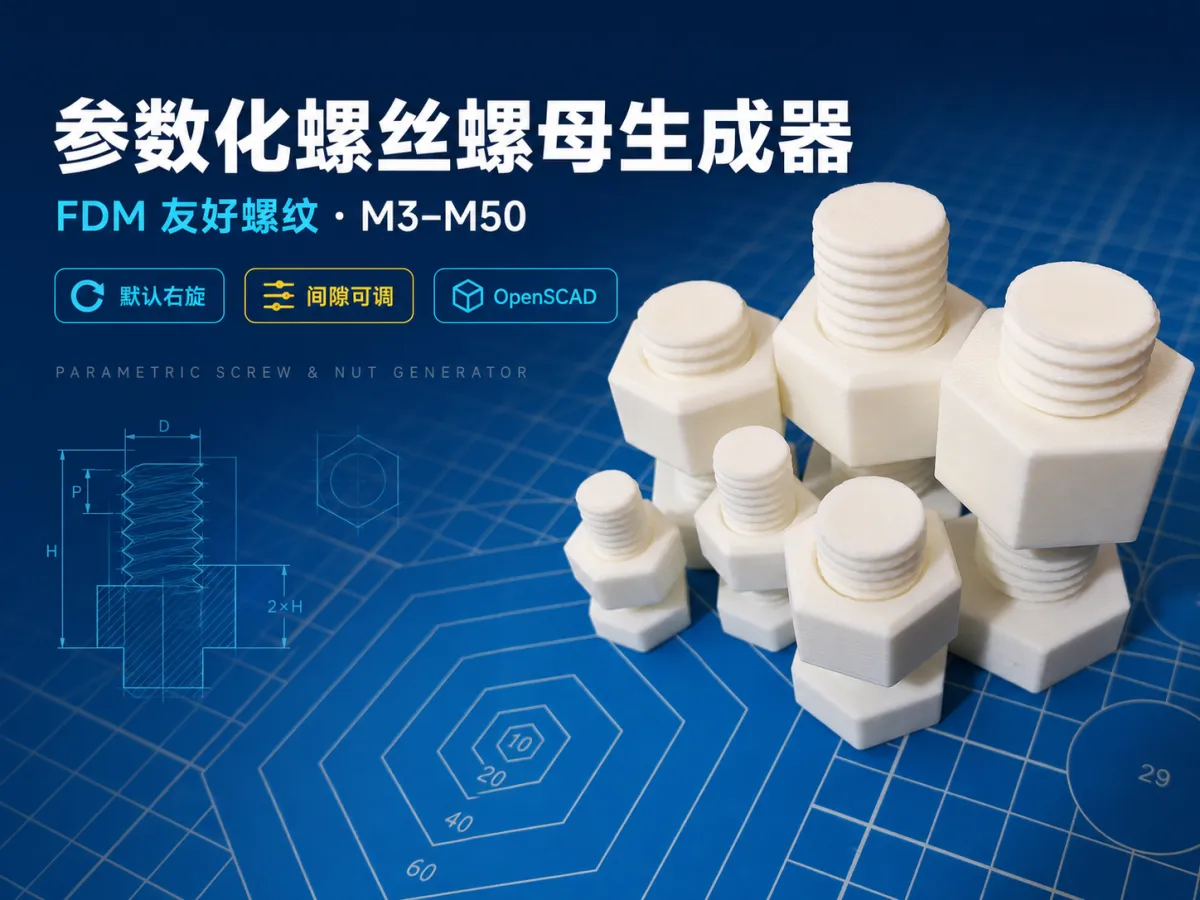
An OpenSCAD parametric screw and nut generator optimized for FDM/FFF 3D printing, supporting sizes from M3 to M50, multiple screw head and nut geometries, default right-hand threads, and adjustable thread clearance.
Detailed Description
This is not a fixed-size bolt set; rather, it is a parametric screw and nut generator in OpenSCAD that allows you to freely customize dimensions.
The thread profile does not directly replicate the sharp, pointed teeth typically used in metalworking. Instead, it employs a more robust, rounded‑top, rounded‑bottom design tailored for FDM/FFF printing, minimizing weak, sharp corners that can lead to print failures while also providing an adjustable fit between screws and nuts.
By default, the generator produces standard right-hand threads, making it ideal for creating storage structures, jigs, toys, mechanical components, rapid prototypes, and threaded‑fit test parts.
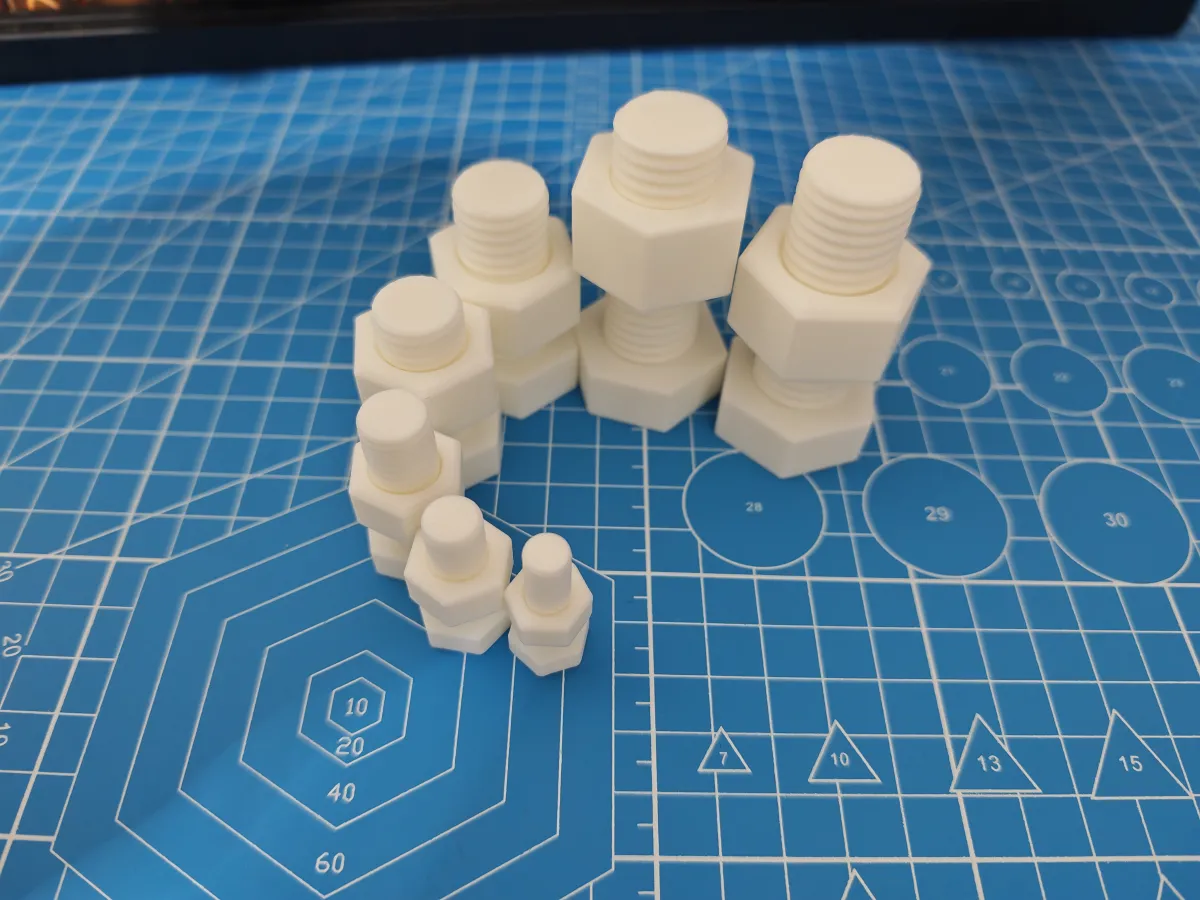
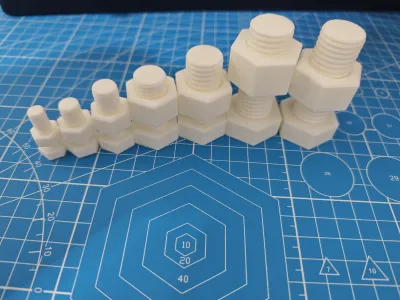
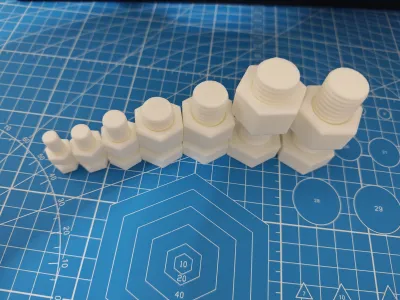
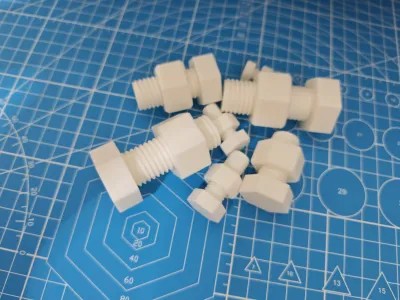
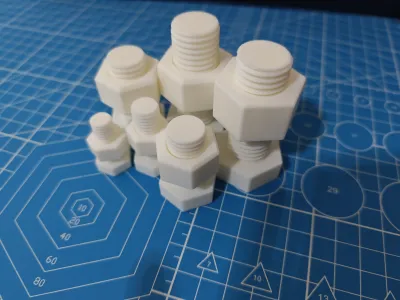
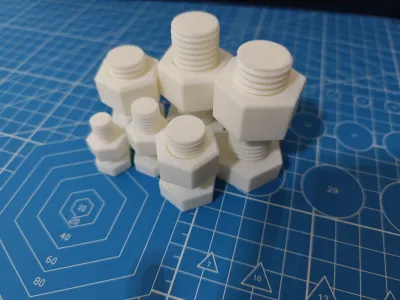
The cover photo showcases various size‑verification models generated and printed using this tool. Actual thread tightness may vary depending on the printer, material, nozzle type, and flow settings; we recommend printing a short test set of screws and nuts before your first full run.
Key Features
Generates screws, nuts, or matching test assemblies.
Offers preset sizes ranging from M3 to M50.
Allows manual adjustment of diameter, pitch, and length.
Primarily in Chinese, with bilingual Chinese–English parameter options.
Default generation of right-hand threads.
Thick, rounded tooth profiles optimized for FDM.
Adjustable thread clearance for nuts.
Supports cylindrical, hexagonal, and countersunk screw heads.
Optional slotted or Phillips drive types.
Nuts available in hexagonal, round, and square shapes.
Customizable chamfering, thread height, and model precision.
Does not rely on external OpenSCAD libraries.
Usage Instructions
Open the .scad file in OpenSCAD.
Select the desired generation mode and size preset in the custom parameters panel.
Adjust length, head type, nut shape, and print clearance.
Press F6 to perform a full render.
Export the STL file and proceed with slicing and printing.
Printing Recommendations
Recommended materials: PLA, PETG.
Recommended layer height: 0.16–0.20 mm.
For small‑size threads, consider using a 0.12 mm layer height.
Recommended wall count: 3–4 walls.
Recommended infill percentage: 20%–40%.
For PLA/PETG, initial nut clearance should be around 0.25 mm.
If threads are too tight, increase nut_clearance.
If threads are too loose, decrease nut_clearance.
For small FDM threads, avoid sizes smaller than M4.
For M3, use a 0.2 mm nozzle or higher‑precision settings.
Screws should be printed with their axis perpendicular to the heated bed, while nuts should be laid flat during printing.
This thread profile prioritizes reliable printing and smooth engagement but does not meet industrial metal fastener standards. It is not recommended for applications involving personal safety, lifting loads, or critical load‑bearing scenarios.
Originality of the Model
The author declares that this work is their personally original model
This model is licensed under the following terms:
Credit must be given to the creator
Models(1)
 fdm_parametric_screw_nut_generator.scadDesigner
36.57 KB

2026-07-14


