




tpu
print
test
parametric
openscad
calibration
pla
3d
benchmark
customizable
generator
tool
printer
petg
custom
abs
cube
workshop
customizer
extrusion
xyz
asa
emboss
flowrate


64

13
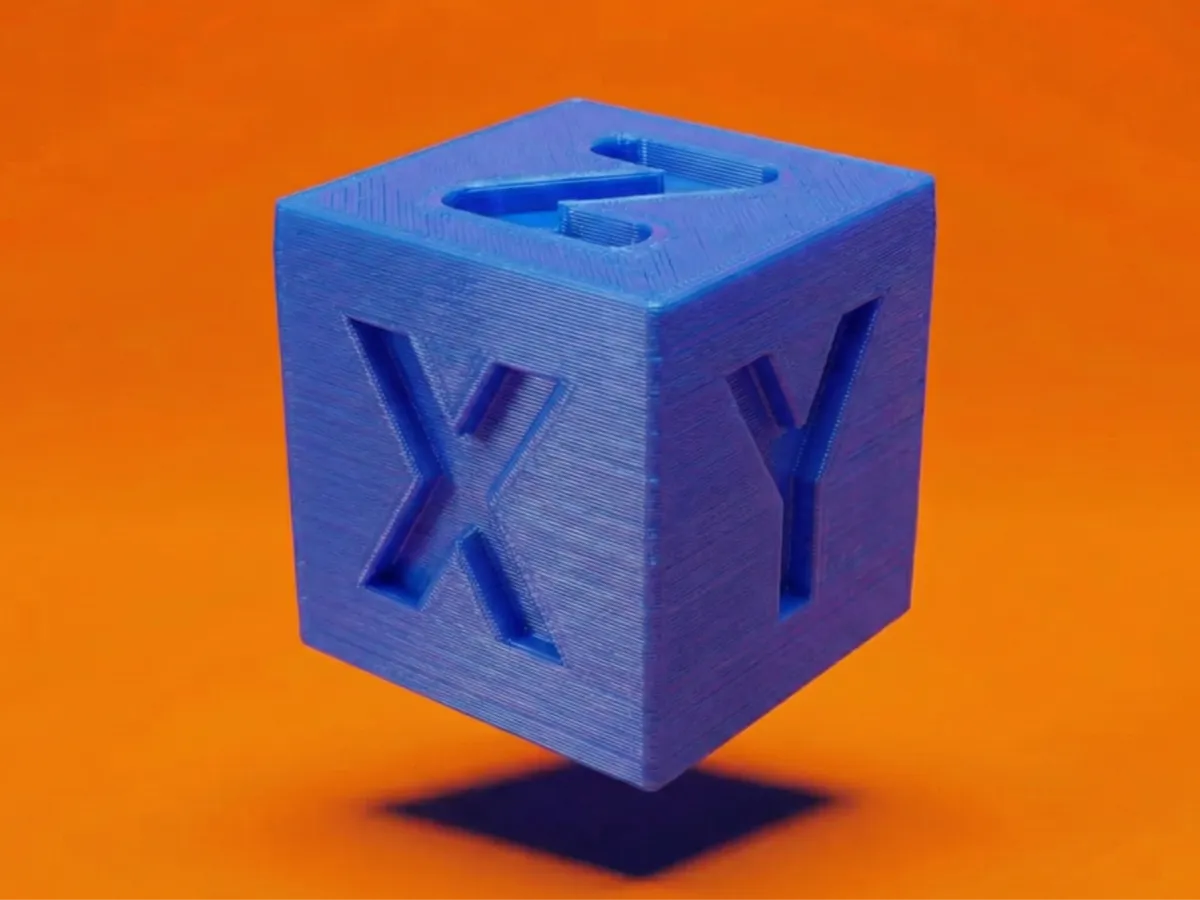
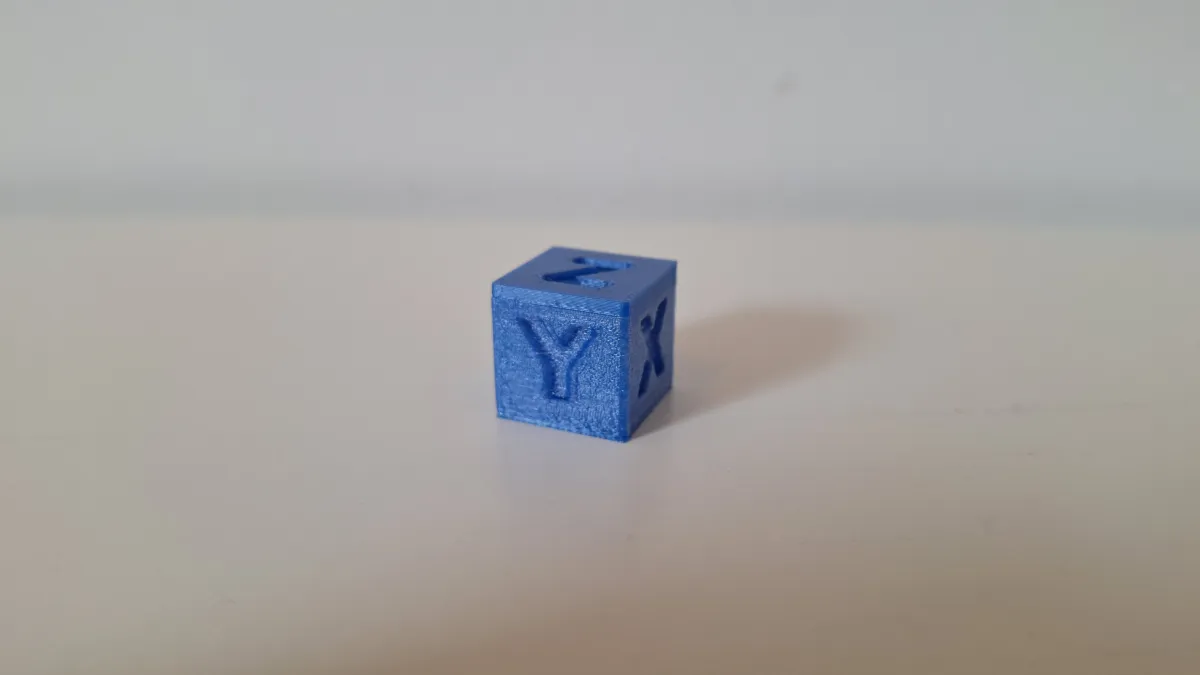
Say goodbye to the standard, one-size-fits-all test cube! This is a powerful, fully parametric calibration cube designed in OpenSCAD to help you diagnose and dial in your 3D printer with precision. Whether you need to check dimensional accuracy, ghosting, cooling, or how your printer handles specific features like sharp corners or fillets, this single model can be customized to do it all. Or you can just customize it for fun!
🛠 What can you customize?
This model puts you in the driver's seat with a huge range of options in the MakerWorld customizer. Create the exact test you need!
🖨 Print Settings
To get the most out of this cube, you should print it with your standard, everyday slicer settings. The goal is to see how your printer performs normally, so you know what to tune! It's a great first print for a new roll of filament to get it dialed in. This model requires no supports.
- Cube Size: Change the cube_size to any dimension you need, from tiny to massive.
- Edge Styles: Go beyond sharp corners! Test your printer's performance with three edge_style options: Sharp, Fillet (rounded), or Chamfer (angled), and control the edge_size.
- Custom Text: Label every face individually! Change the text for X, Y, Z (and their negative sides), choose your font_type, font_size, and text_boldness.
- Text Style: Decide whether you want to Deboss (engrave) or Emboss (raise) the text, and control the text_depth for a subtle or strong effect.
- Visibility Control: Don't need text on every face? Easily toggle the visibility for each of the six faces on or off.
- Center Holes: Add through-holes on all three axes by enabling add_center_holes. This is perfect for testing overhangs and bridging. You can also customize the hole_diameter.
💡 Why did I make this model?
I found the normal calibration cube really boring so I tought: how can we make it more fun? I started up OpenSCAD and created this, the calibration cube that's really custemizble. But if you wnat the normal cube you can!
❤ Like my work?
If this customizer helps you achieve that flawless print quality, a like, download, or a picture of your finished cube in the reviews would be awesome!
Happy printing! :)
Originality of the Model
The author declares that this work is their personally original model
This model is licensed under the following terms:
This work is licensed under a Standard Digital File License. Digital files have a strict non-commercial, personal use only license.
You shall not share, sub-license, sell, rent, host, transfer, or distribute in any way the digital file or 3D printed versions of this object, nor any other derivative work of this object in its digital or physical format (including remixes of this object). You can not host these files on other digital platforms, web stores or cloud repositories. The objects may not be used in any way whatsoever in which you charge money, collect fees.
Models(2)
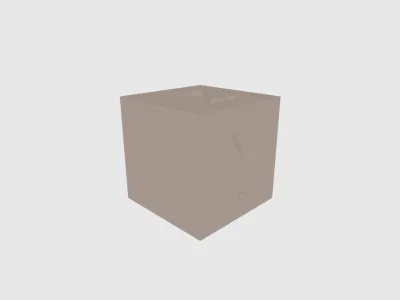 StandardCalibrationCube.stlDesigner
71.96 KB

2026-03-21
 CalibrationCube.scadDesigner
3.69 KB
2026-03-21


