






5

2
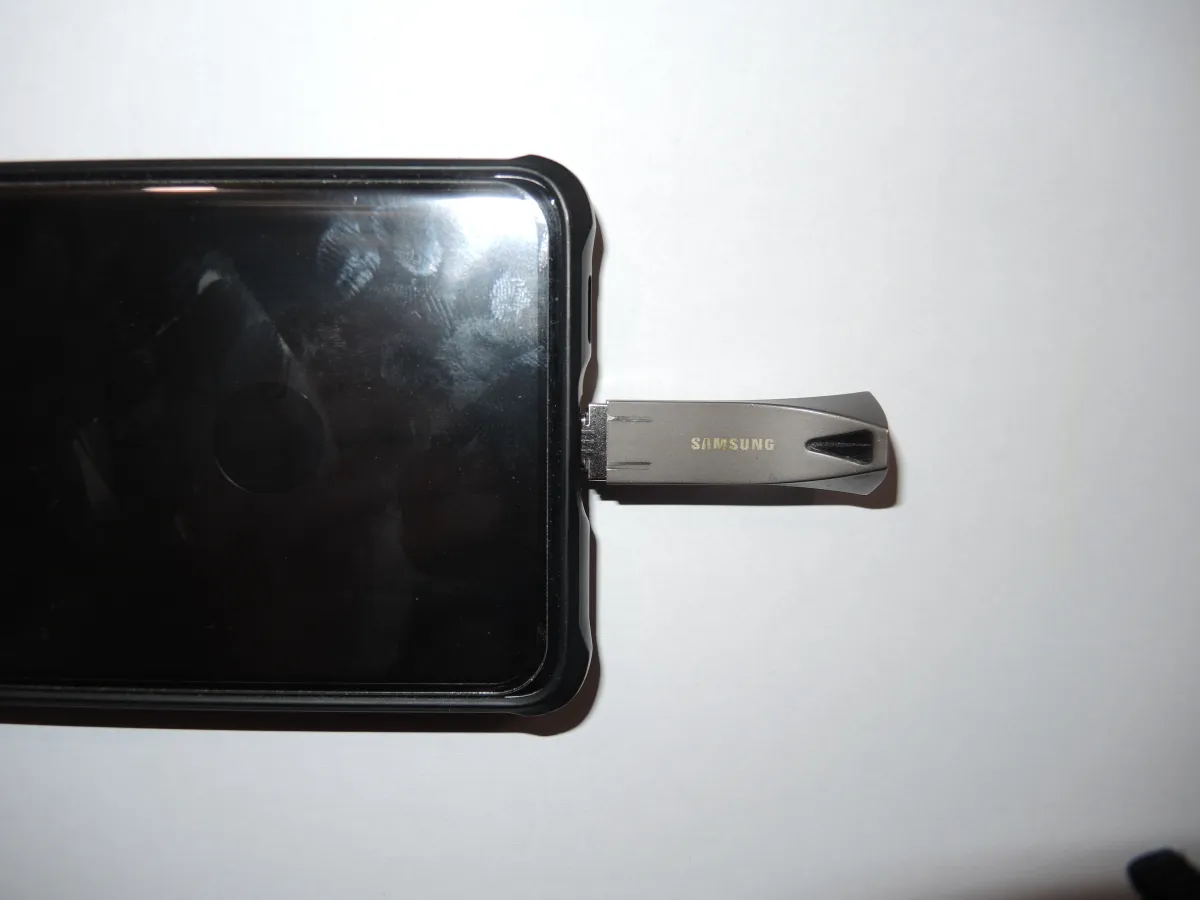
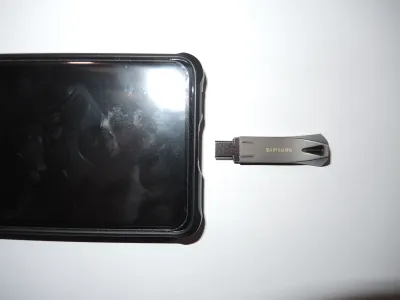
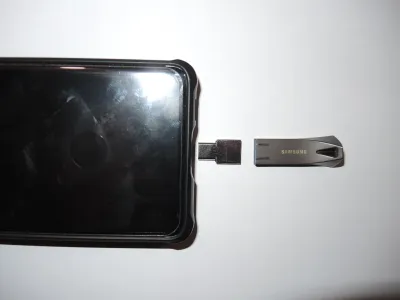
Usually mobile phones are equiped with a USB-C or Micro-USB interface. To connect USB-A peripherals you will need an OTG (On-the-go) USB-C or Micro-USB to USB-A adapter.
OTG is a technical standard to designate the mobileas the communication host and have it supply power to the peripheral (e.g. an USB memory stick, a mouse or an external keyboard). For this purpose there is an electronic component in the OTG adapter signalling to the mobile to switch to the OTG mode. There are also special OTG cables with the electronic component in one of their connectors.
The opposit to OTG - the default - is when you access your mobile's files from your PC via a regular cable lacking the OTG electronic component. In this mode the PC is the host and may simultaneously charge the mobile's battery.
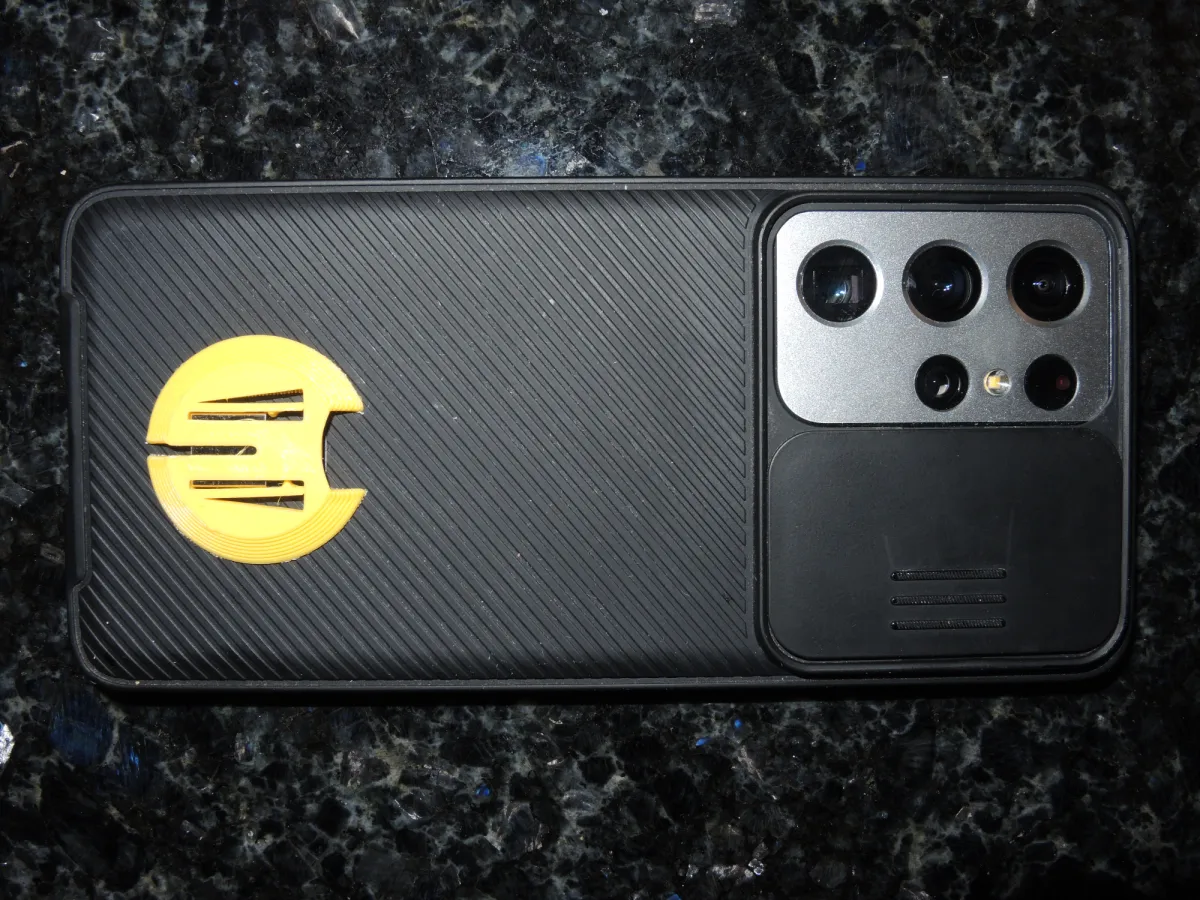
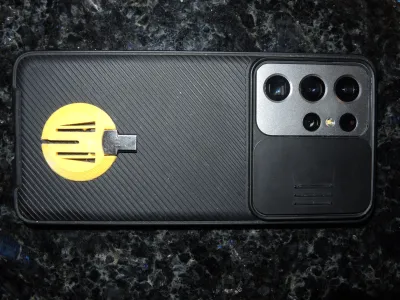
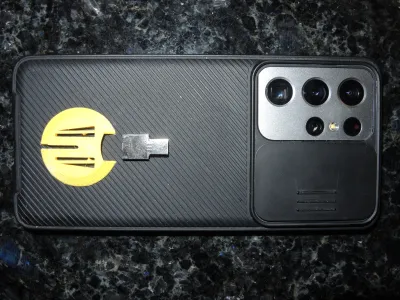
Having an OTG adapter at hand at any time is a nightmare for forgetful people like me. So why not simply attach it to the mobile phone?
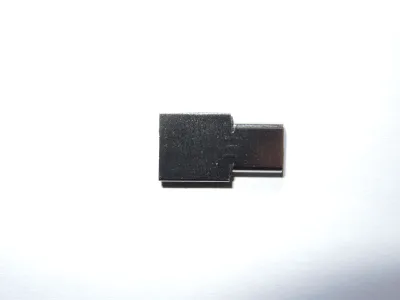
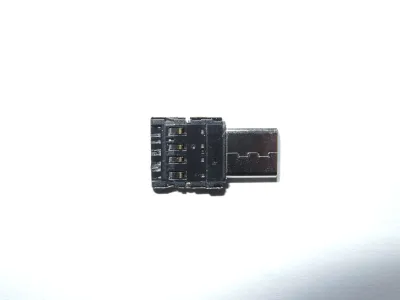
Fortunately there are tiny USB-C or Micro-USB to USB-A OTG adapters on the market with a thickness of only 2.5 mm, e.g. here
https://www.ebay.com/itm/194966811390
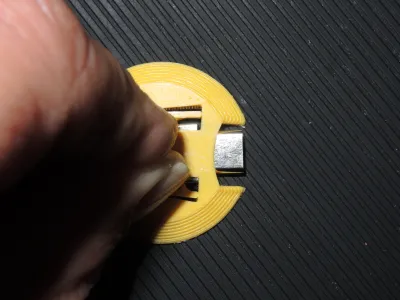
My enclosure adds another 0.5 mm. It is shaped not to get caught in your pockets and bags. Two springs hold the OTG adapter securely in place, with their hooks intentionally in steplike arrangement. Spread the springs with your finger nails to insert or remove the OTG adapater. There is a backside slot to push the adapter out. Install the enclosure on your mobile by thin double-sided sticker tape.
No supports required if you print it upside-down (as supplied in the .stl file).
Originality of the Model
The author declares that this work is their personally original model
This model is licensed under the following terms:
Credit must be given to the creator
Models(2)
 231212_OTG_Adapter_Enclosure.scadDesigner
2.65 KB

2026-03-13
- 231212_OTG_Adapter_Enclosure.stlDesigner
121.18 KB
2026-03-13


