




fallout
fallout 76
game
flag
banner
decoration
miniature
vault
vault 13
vault 33
movie
brotherhood of steel


28

2
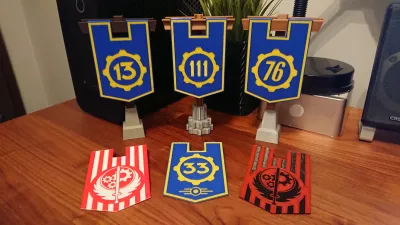
After I used blue and yellow combination on Arathi Basin Alliance Banner, I knew I had to use it again. This combination was so obvious I couldn’t resist :) Vault logo – perfect candidate to become a banner.
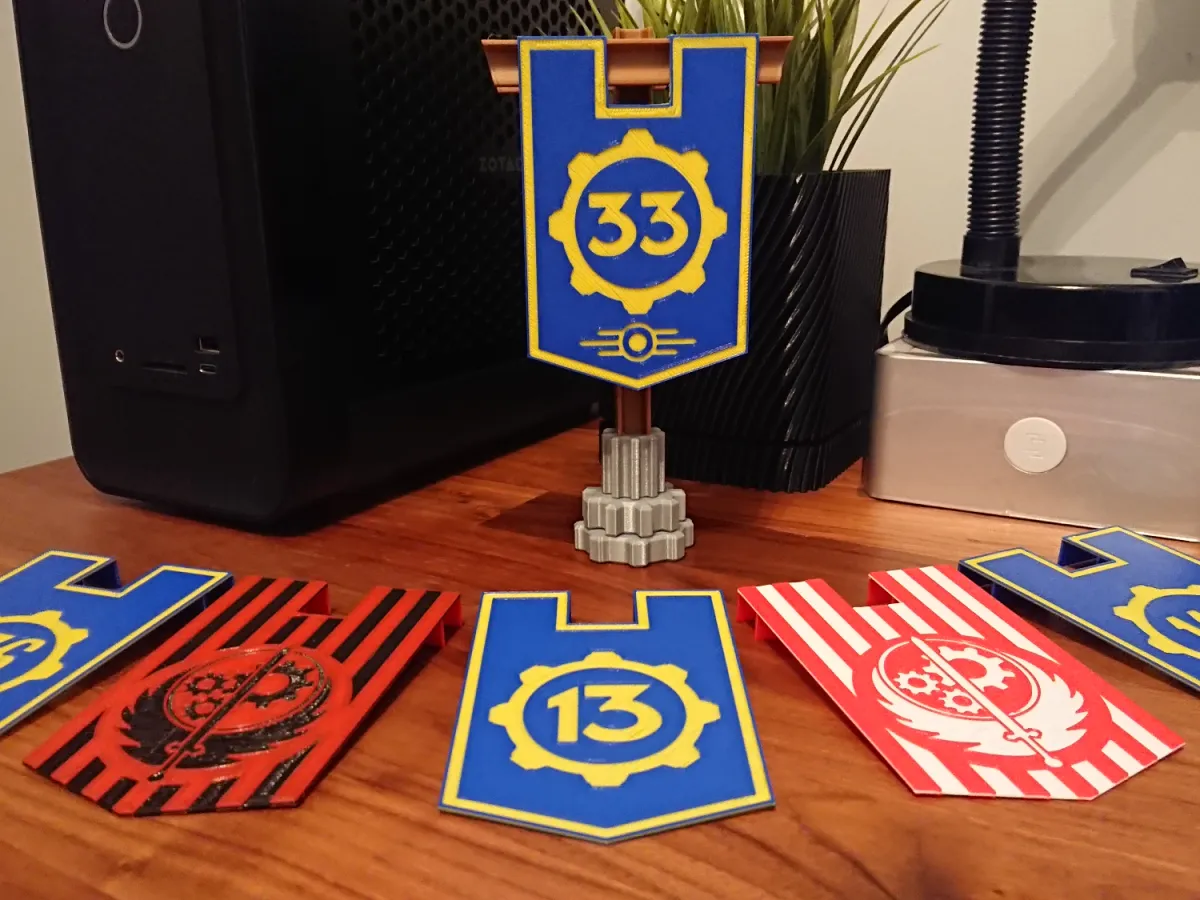
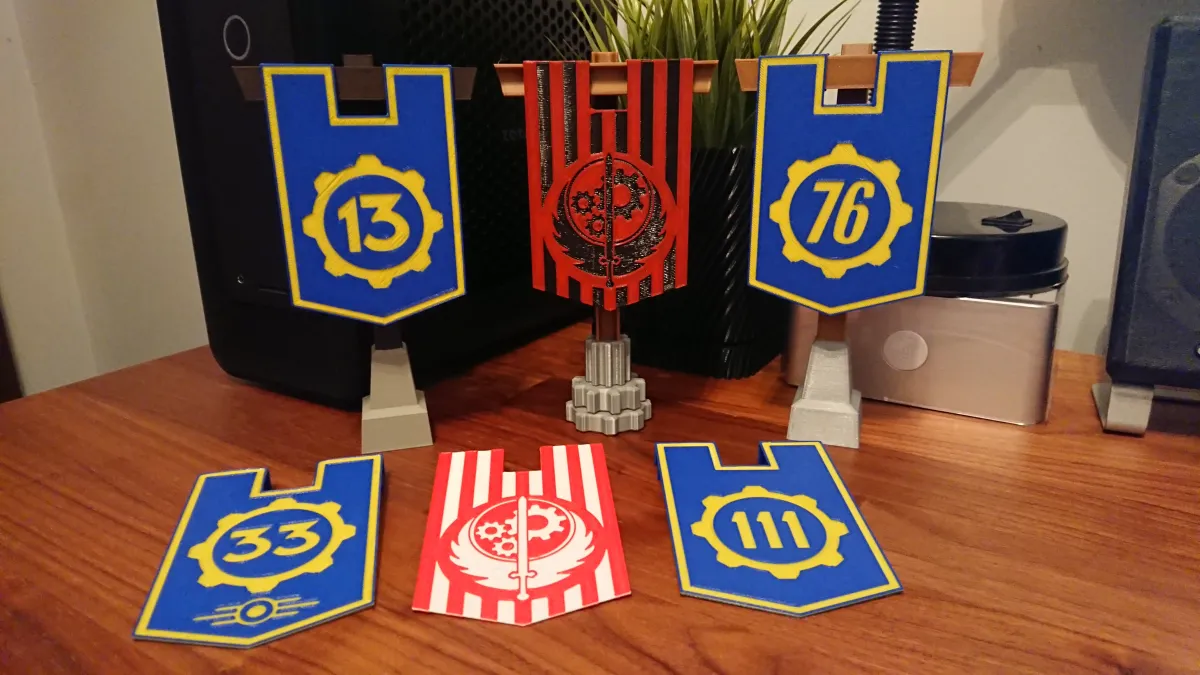
So here you go! World of Warcraft inspired Fallout Banners. Compatible, interchangeable. Both Blizzard and Bethesda are owned by Microsoft, so everything must match, right? ;)
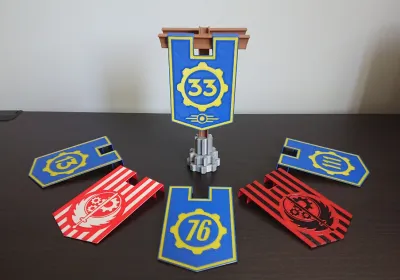
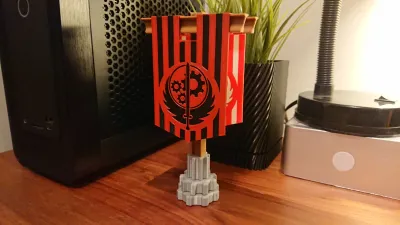
No matter you came from Vault 13 (yes, I’m that old!), Vault 101, 111, 76, you are scientist from Vault 4, hibernated boss from Vault 31 or you just left Vault 33 – I got something for you! I even got something for members of Brotherhood of Steel – in three different styles. Show where you belong!
There is more banners than you see on the pictures, just not all of them were printed! Check the download list please :)
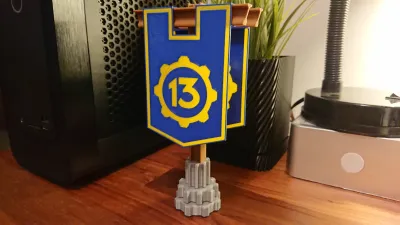
Banners fit Arathi Basin stand, but I decided to change the design. Instead of stone and wood I went for something more suitable – metal waste! Few big gears, construction girder and two peaces of rails should be fine :) My brown 100g filament sample plays the roles of its life – first as a wood, now as a rusty metal :D
Both stands are the same size – 18cm height and 9.7cm wide. Perfect desk size. No glue required. You may use one stand for any banner you like. Very easy to print in multicolor, even on printer without AMS/CF/ACE!
Tips for printing:
First of all, this model was designed for 0.4mm nozzle and 0.2mm layer height. Don’t go for bigger nozzles or higher layers. If you want increase quality you may use 0.2mm nozzle and 0.1mm layer but it’s not necessary. Print it in single color if you want to hand paint it or print in multicolor. My tips are for multicolor printing without AMS/CFS/ACE. I’ve done it on Prusa MINI.
CFS / ACE / AMS Users! Do not color recessed banner parts! Follow the guide and change filament at layer 3 and 6 of the banner using Bambu Studio or other slicer command for ACE AMS CFE.
All files are standard (not Bambu Studio, Prusa Slicer or other) 3mf files. Load them to slicer same as STL’s. I colored banners for easier determining how to paint.
As each part of the model require just 2 colors (hangers are single color) you may change filament manually on certain layer and continue your print.
Banner:
Prepare blue and yellow filament for the Vault banners. Red and white/black for Brotherhood of Steel.
In Bambu Studio (or your favourite slicer), set pause at layer 3 and at layer 6. Filament change will not work for printers without AMS, Bambu Studio not adding M600 command to gcode. M601 is good enough, so we change our filaments after pause manually :)
Set the speed for 1st layer really low for Brotherhood of Steel Banner. It is complicated, my printer likes to pull filament out of the heatbed on z-hop when printing too fast.
Set the walls to 2 loops. Frame around banner is 2 loops wide. If you set 3 loops, on 3rd layer printer will print bridges with nothing to grab on one side. 2 loops fix the problem.
DO NOT USE Elephant Foot compensation for banners.
Do not use any support.
During print start with blue filament, after pause at the beginning of layer 3 change it with yellow, continue for 3 layers and at the beginning of layer 6 (after pause) change it back to blue. Brotherhood of Steel will require red at the start and white/black for the middle 3 layers.
Stand:
Prepare silver/gray for gears and rusty red/brown filament for the stand. Set layer height at 0.2mm. 3 loop walls (might be 2 if it’s enough for your printer to not show infill marks on outside walls).
In Bambu Studio set pause at layer 226. During printing start with silver/gray and after pause change it with rusty red/brown filament and continue with it to the end.
Hangers:
Slice them without any filament change and print with rusty red/brown filament. Place them top side on heatbed using support only for connector. I set threshold angle to 27 degree.
Job done! I hope printing went well and you like the model :)
Fallout and all trademarks belongs to Bethesda. I’m just a fan who created this model to share with others for free. No commercial use.
Originality of the Model
The author declares that this work is their personally original model
This model is licensed under the following terms:
Credit must be given to the creator
Only noncommercial uses of the work are permitted
Remixes must be shared under the same license
Models(14)
 Fallout Banner Stand - Base.3mfDesigner
198.35 KB

2025-08-09
- Fallout Banner Stand - Hanger.3mfDesigner
222.66 KB
2025-08-09
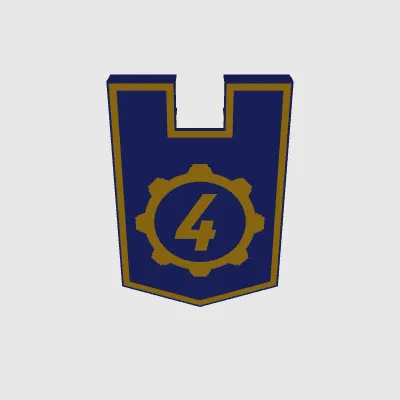 Vault 4 Banner.3mfDesigner
61.17 KB
2025-08-09
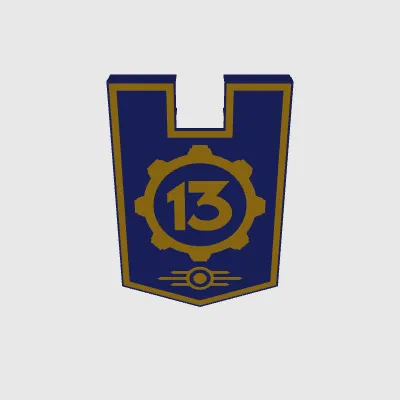 Vault 13 Banner - TEC.3mfDesigner
85.12 KB
2025-08-09
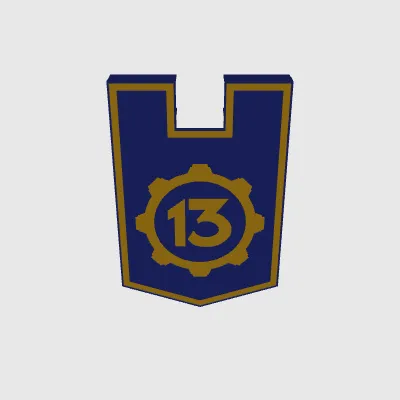 Vault 13 Banner.3mfDesigner
71.41 KB
2025-08-09
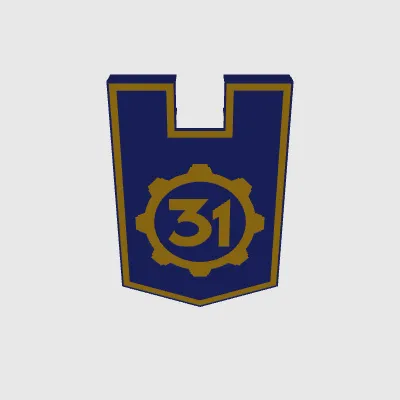 Vault 31 Banner.3mfDesigner
71.28 KB
2025-08-09
- Vault 33 Banner - TEC.3mfDesigner
90.17 KB
2025-08-09
- Vault 33 Banner.3mfDesigner
76.51 KB
2025-08-09
- Vault 76 Banner.3mfDesigner
81.56 KB
2025-08-09
- Vault 101 Banner.3mfDesigner
72.23 KB
2025-08-09
- Vault 111 Banner.3mfDesigner
61.53 KB
2025-08-09
- BoS Banner - Frame.3mfDesigner
140.37 KB
2025-08-09
- BoS Banner - No cut.3mfDesigner
134.48 KB
2025-08-09
- BoS Banner.3mfDesigner
133.84 KB
2025-08-09
View all(14)


