




dnd
necropolis
necromancer
openlock
dungeons and dragons

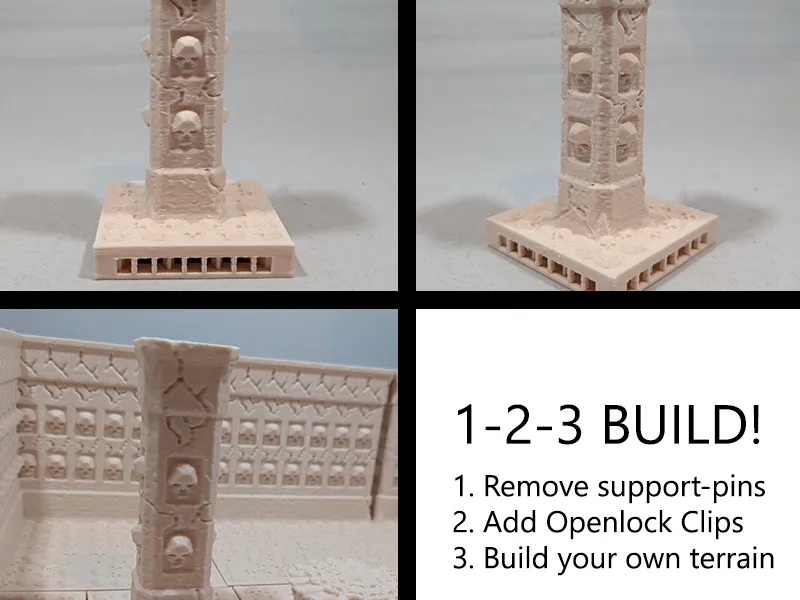
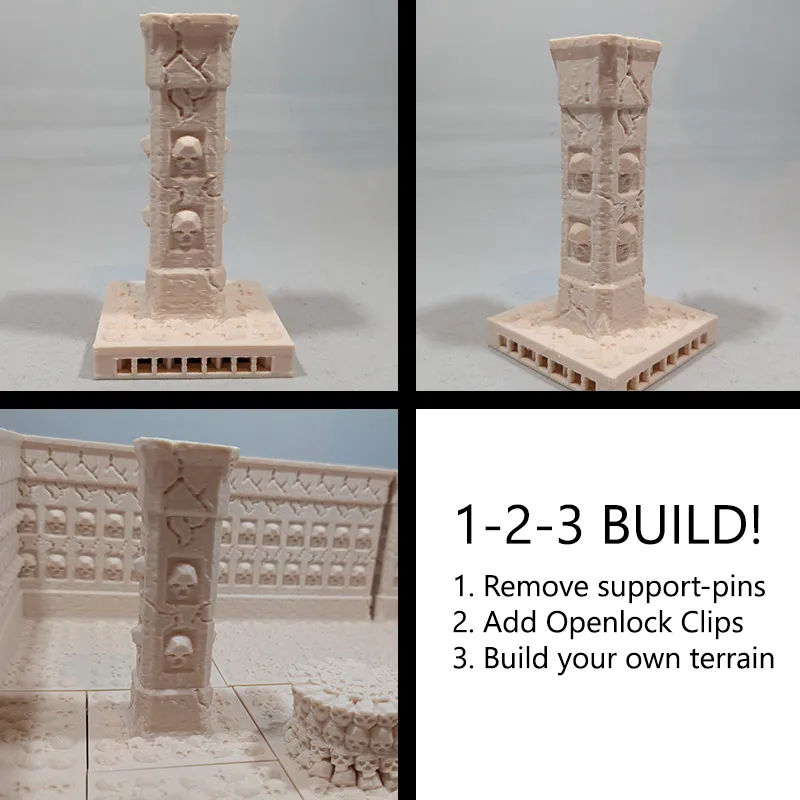
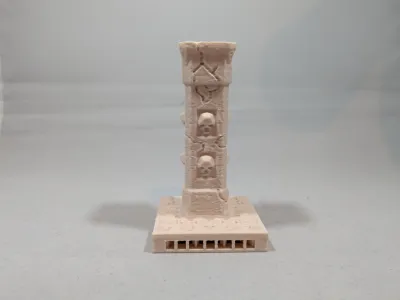
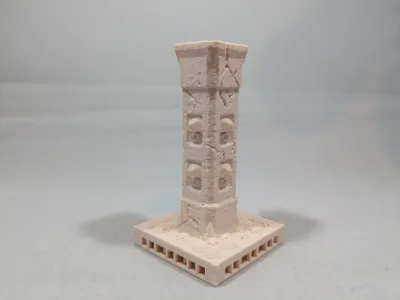
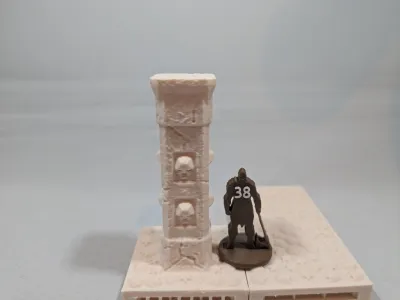
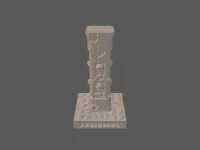
- Square pillar on necropolis tile

1-disc
PLA
Designer

10

6
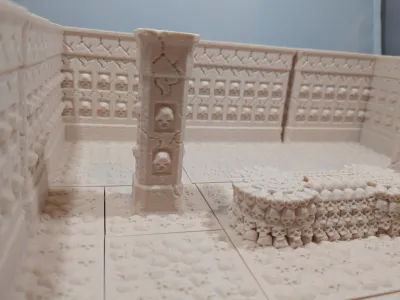
Set the scene of your necromancer lair with these square pillars (filled with skulls ofcourse).
An easy supportless print to scare your party!
Instructions:
- Print the tiles of your choice.

- Remove the small supporting pins on the sides.

- Print Openlock clips to connect the tiles.
- Push one or more Openlock clips into the tiles (depending on the size of the tile 1 can be enough, 2 works best with big tiles).
- Connect the tiles together.
Looking for the other designs to build your own necromancer lair? Use these components:
- Necromancer tiles
- Necromancer walls
- Necromancer corners
- Necromancer brazier
- Necromancer round altar
- Necromancer big altar
- Necromancer round big pillar
- Necromancer square pillar
- Scenery: pile of bones
I remixed the original tiles adding an Openlock triplex base you can click the tiles together in a limitless configuration of your choice. This way you can build the terrain easily and don't have to be scared the tiles get pushed around.
I added aditional beams, because I found that printing the big ones without them gives a very bad texture at the bottom. And if I put the time and money in tiles, I want them to be pretty and sturdy.
I also made the tiles bigger, and without a border to make the room more open.
I made the wall out of different pillars, and made them shorter because they were way to large, to save fillament.
Together 3D has a commercial license for using the OpenLOCK system. More info can be found on www.printablescenery.com
Originality of the Model
The author declares that this work is their personally remixed model

This model is licensed under the following terms:
Credit must be given to the creator
Only noncommercial uses of the work are permitted
Models(2)
 necropolis standard pillar on 2x2 tile.stlDesigner
1.87 MB

2025-10-31
- square pillar on tile.3mfDesigner
581.70 KB
2025-07-12


