




Crazy3DPrint
Cura settings guide
boundary
without seam
print seam
Crazy3DPrint CZ-300 Hotbed Sticker Alignment Tool

Print Profile(0)

8

2
Released 2025-05-10
Summary
Update: Added Cura settings guide pdf file for CZ-300
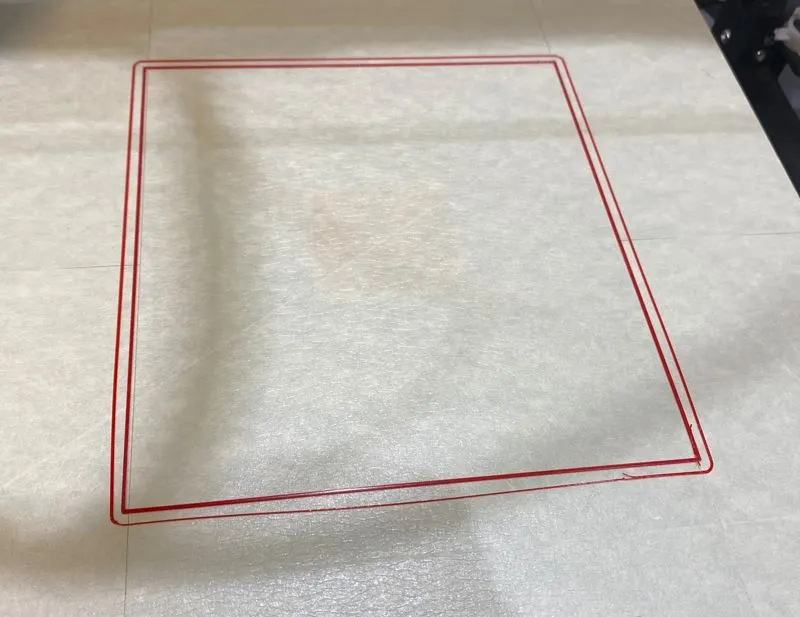
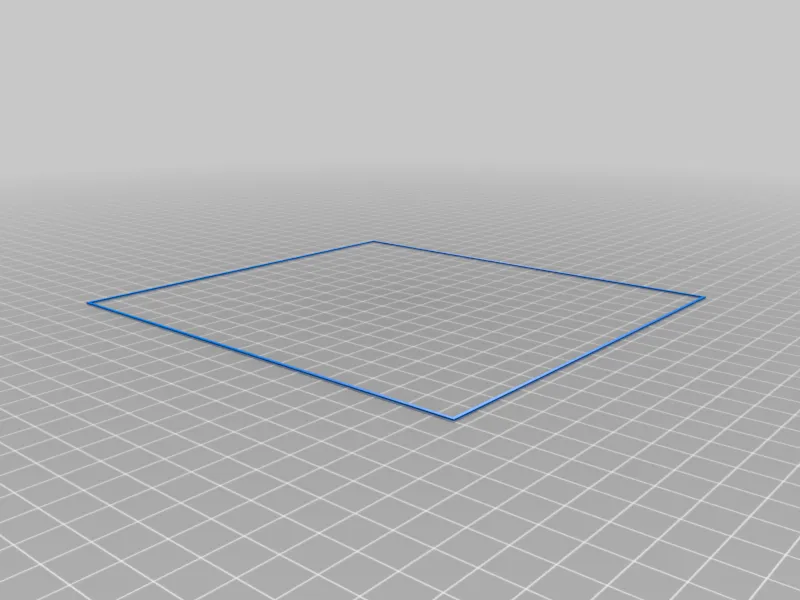
Print a boundary to place the included paper tape sticker correctly in the middle of the print area. Then place more pieces around to fill the whole area without any annoying seams thru the center.
The boundary also give a nice indication of bed levelling. Peel it off an study the line fusion around the perimeter.
Print Settings
Printer:
Crazy3DPrint CZ-300
Rafts:
No
Supports:
No
Resolution:
0.4
Infill:
10%
Filament brand:
Noname
Filament color:
Any
Filament material:
PLA
Notes:
With skirt.
Originality of the Model
The author declares that this work is their personally shared model
Original creator:

rosnet
Reprint source:https://www.thingiverse.com/thing:5772207
This model is licensed under the following terms:
No Copyright.
Models(2)
 cz-300_Hotbed_Sticker_Alignment_Tool_v1.stl
1.64 KB

2025-05-10
- CZ-300_Hotbed_Sticker_Alignment.gcode
6.65 KB
2025-05-10
No more


