



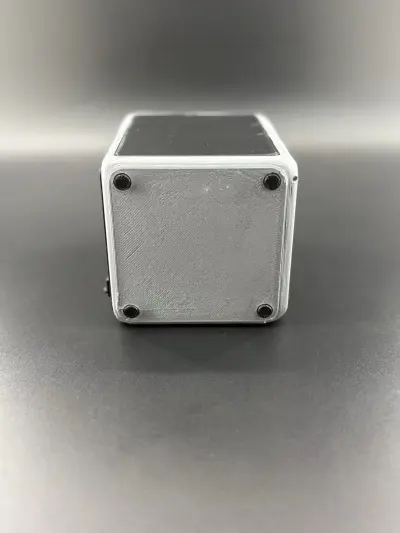

3D Printer
Creality K2 Plus
Creality 3D printer model
Printer model

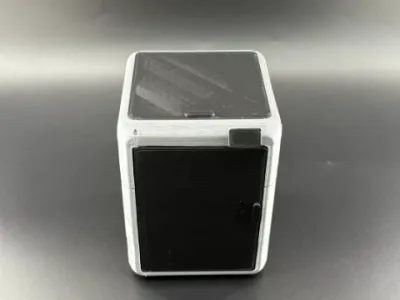 mm layer height, 2 wall thickness, 15% infill density
6-disc
PLA
Designer

10

0
Introduction to the Creality K2 Pro Combo Model
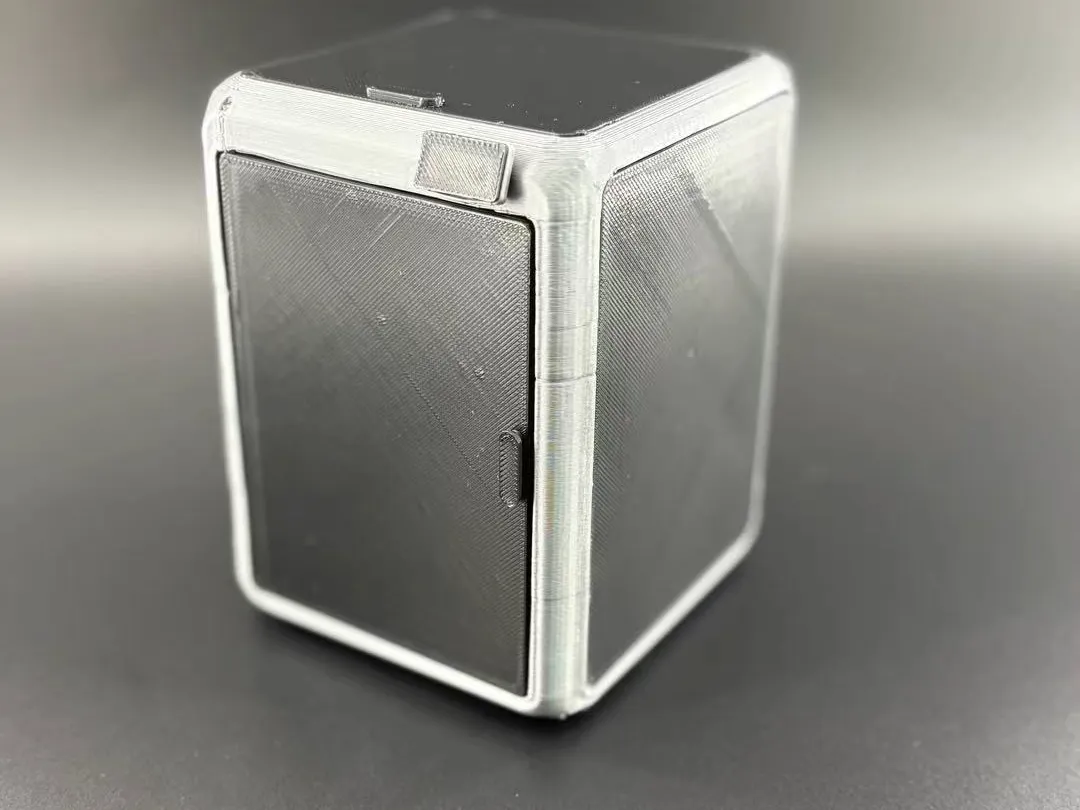
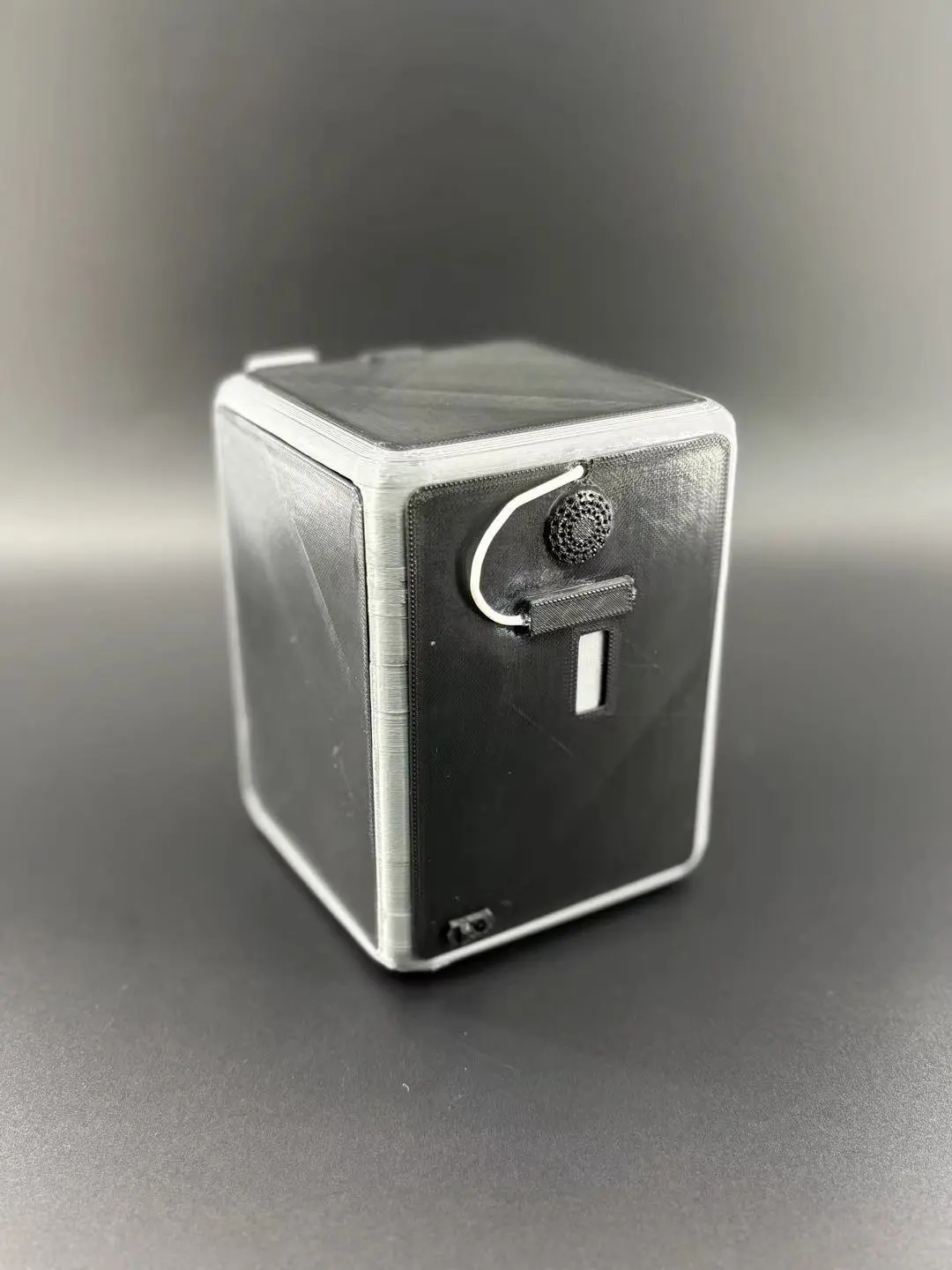
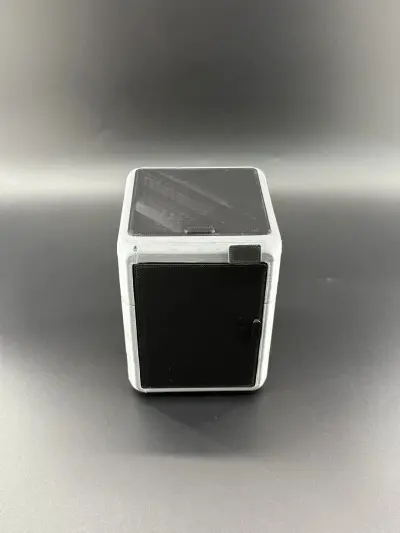
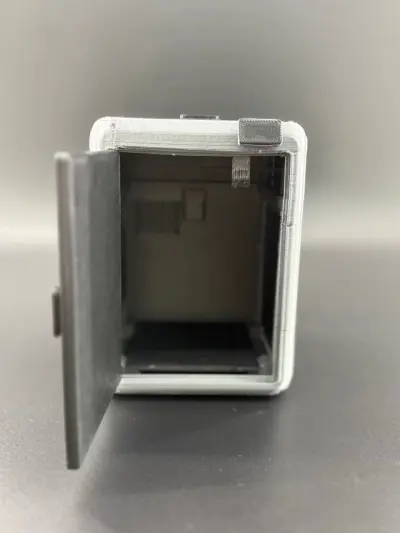
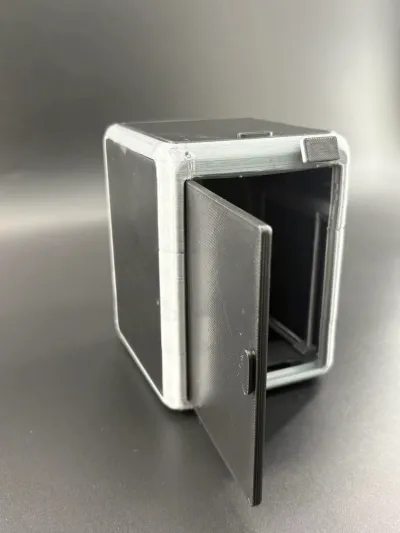
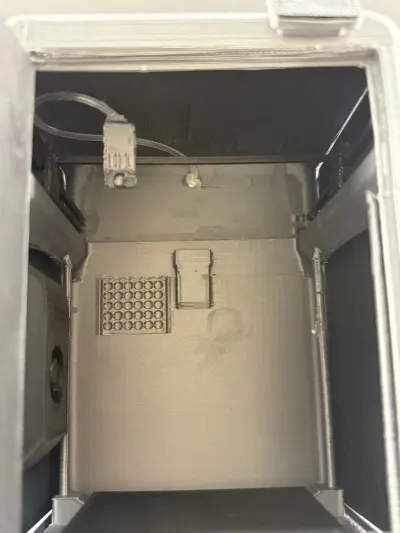
This model was entirely created from scratch using Blender, faithfully replicating the full-body design of the Creality K2 Pro Combo desktop 3D printer at a 1:1 scale. The entire build consists of single-color, part-by-part modeling and assembly with glue; it accurately reproduces the exterior appearance, including opening/closing doors, cooling grilles, and body interfaces. Inside, the print head is fully recreated with left–right movement capability, along with a simulated filament spool and a complete filament‑feeding system. Every internal and external detail is richly rendered, delivering a strong sense of mechanical precision. The model is compatible with Creality’s slicing software, featuring user-friendly settings that ensure easy printing. We will also soon release illustrated assembly instructions and a multi‑color CFS kit version—stay tuned!
Design Philosophy
1. Faithful Proportions and Extreme Detail Replication
The model strictly follows the real K2 Pro Combo’s exterior contours, body curvature, door shapes, rear cooling vents, and interface layouts. Even the four independent anti‑slip feet on the base are precisely modeled and replicated, capturing the original industrial design aesthetic.
2. Rational Part Division for Glue‑Based Assembly
The model is logically divided into components based on the printer’s structure, avoiding snap‑fit joints that require no adhesive. Instead, all parts are assembled using glue, ensuring precise alignment and simple post‑assembly sanding to smooth seams. The finished product exhibits excellent structural integrity and stability.
3. In-Depth Exploration of Internal Mechanics for Maximum Playability
Beyond merely replicating the outer shell, this model focuses on recreating the core mechanisms of the actual printer: built-in rails allow the print head to slide manually left and right, while the filament path—including the filament buffer and feed mechanism—is fully simulated, mirroring the real printer’s internal operating logic.
4. Optimized Modeling for Easy Printing Without Supports
During modeling, overhangs and sloped surfaces were carefully optimized to minimize the need for additional supports, significantly reducing printing complexity. Even standard desktop printers can easily produce this model, making it highly accessible for beginners.
Printing Parameters & Slicing Recommendations
We recommend opening this model in Creality’s slicing software:
• Scaling: Set the overall size to 170% for richer details and greater assembly tolerance.
• Bridge Flow: Adjust to 1.5 to ensure smooth bridge surfaces and reduce sagging or stringing.
• Add a Brim: This helps prevent warping at the base and ensures a more even bottom surface.
• No Manual Support Needed: Thanks to professional optimization, the model requires no additional supports throughout, saving materials and post‑processing time while boosting print success rates.
Feasibility Overview
1. Print Feasibility
The model has been meticulously optimized to print without supports. Paired with Creality’s recommended settings—170% scaling, a Brim, and a bridge flow of 1.5—it effectively minimizes issues like warping, stringing, and bridge collapse. With dimensions perfectly suited to most entry‑level desktop 3D printers, even beginners can achieve successful prints on their first attempt.
2. Assembly and Display Feasibility
All components are assembled using glue, with seams easily smoothed through sanding. Featuring a movable print head, opening/closing doors, and a complete filament buffer plus simulated filament system, this static model combines visual appeal with interactive mechanical elements, making it ideal for display on desks, in studios, or in model cabinets.
3. Post‑Production Customization Feasibility
As a single‑color model, it offers ample room for personalization: you can paint it in different colors, apply aging effects, add lighting, or affix decals to further enhance its realistic appearance. There’s plenty of scope for individual expression and creative modification.
Key Highlights
• Fully original modeling in Blender, faithfully recreating the Creality K2 Pro Combo at a 1:1 scale.
• An internally movable print head, with a fully simulated filament feeding system including a filament buffer.
• Entirely glued‑together component assembly, with no snap‑fit joints—perfectly aligned with real‑world manufacturing practices.
• Optimized modeling eliminates the need for supports, compatible with Creality’s slicing parameters, and ready for direct printing.
• Only four independent anti‑slip feet at the base, closely mirroring the real model’s structure without unnecessary added parts.
• Upcoming Updates: A wealth of illustrated assembly tutorials will be posted in the comments section, guiding users step by step through the building process. Meanwhile, we’re planning a full‑scale multi‑color CFS kit version of the K2 Pro Combo, which will be released separately later—stay tuned for more updates!
Originality of the Model
The author declares that this work is their personally original model
This model is licensed under the following terms:
This work is licensed under a Standard Digital File License. Digital files have a strict non-commercial, personal use only license.
You shall not share, sub-license, sell, rent, host, transfer, or distribute in any way the digital file or 3D printed versions of this object, nor any other derivative work of this object in its digital or physical format (including remixes of this object). You can not host these files on other digital platforms, web stores or cloud repositories. The objects may not be used in any way whatsoever in which you charge money, collect fees.
Models(7)
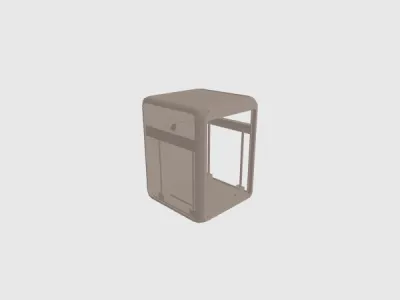 K2 PRO combo.stlDesigner
644.81 KB

2026-05-14
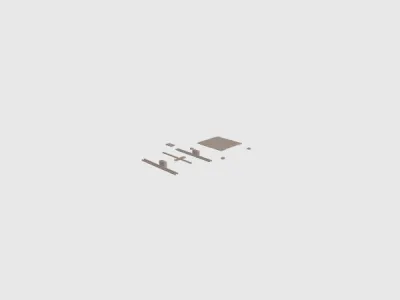 K2 hei se pei jian.stlDesigner
206.33 KB
2026-05-14
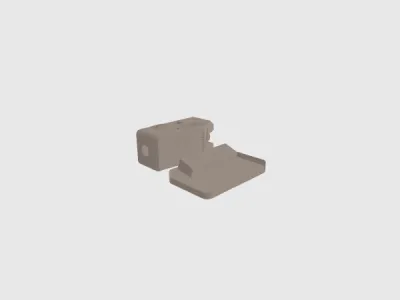 K2 bai se pei jian.stlDesigner
946.47 KB
2026-05-14
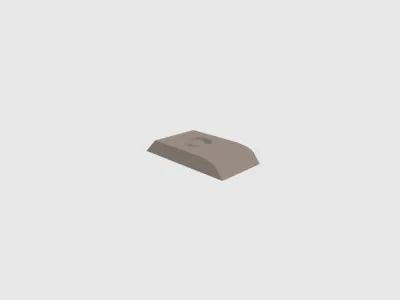 K2 hei se pei jian 2.stlDesigner
162.58 KB
2026-05-14
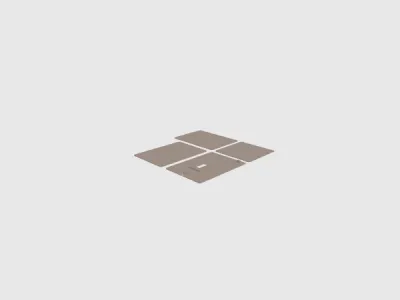 K2 buo li.stlDesigner
4.14 MB
2026-05-14
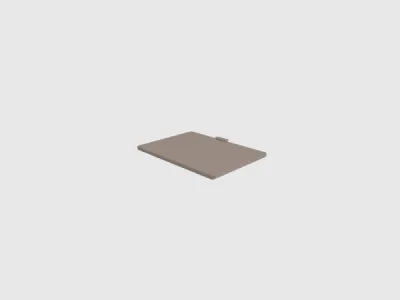 K2 men.stlDesigner
112.78 KB
2026-05-14
- K two.3mfDesigner
1.61 MB
2026-07-02
View all(7)


