




mikegyverminis
mgm
print ready
tabletop
miniature
figure
dnd
dungeons and dragons
final fantasy 8
one shot
FF8
Final Fantasy VIII
Cactuar
cactus
- 0.08mm layer, 2 walls, 15% infill

1-disc
PLA
Designer - 0.4 nozzle 0.08mm layer, 2 walls, 15% infill
1-disc
PLA
Designer

109

30
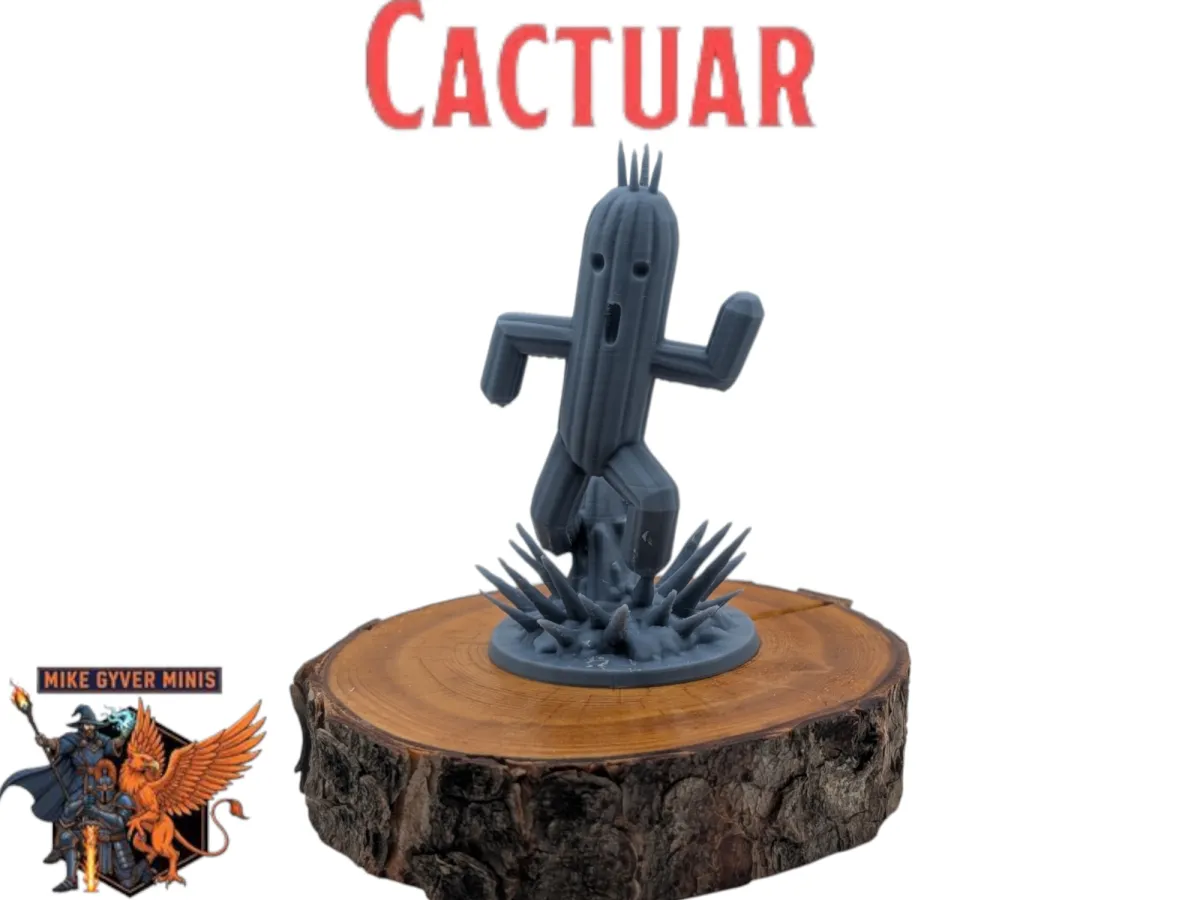
Cactuar (Final Fantasy VIII) - Print-Ready Figure by Mike Gyver Minis! ✨🎮
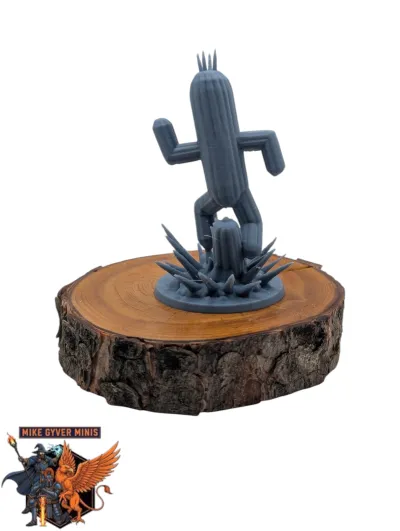
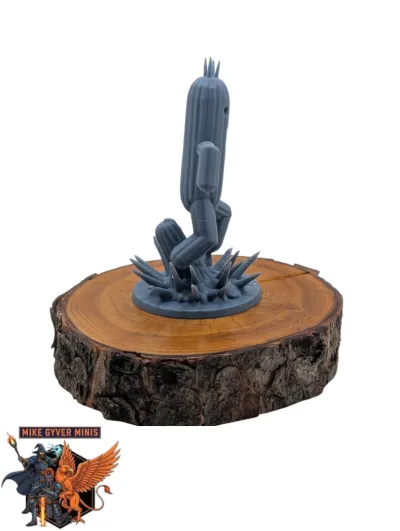
Capture the elusive speed of the iconic Cactuar from Final Fantasy VIII, frozen mid-sprint in its signature stiff-limbed pose. This prickly desert dweller is ready to unleash "1000 Needles" on your tabletop party—if they can catch it first!
A fun project, printed using the same rigorous optimization and testing process I apply to all my miniatures. 🔥
⭐ Why Mike Gyver Minis? ⭐
🎨 Designed for Printability: Sculpted and optimized for successful prints on common 3D printers.
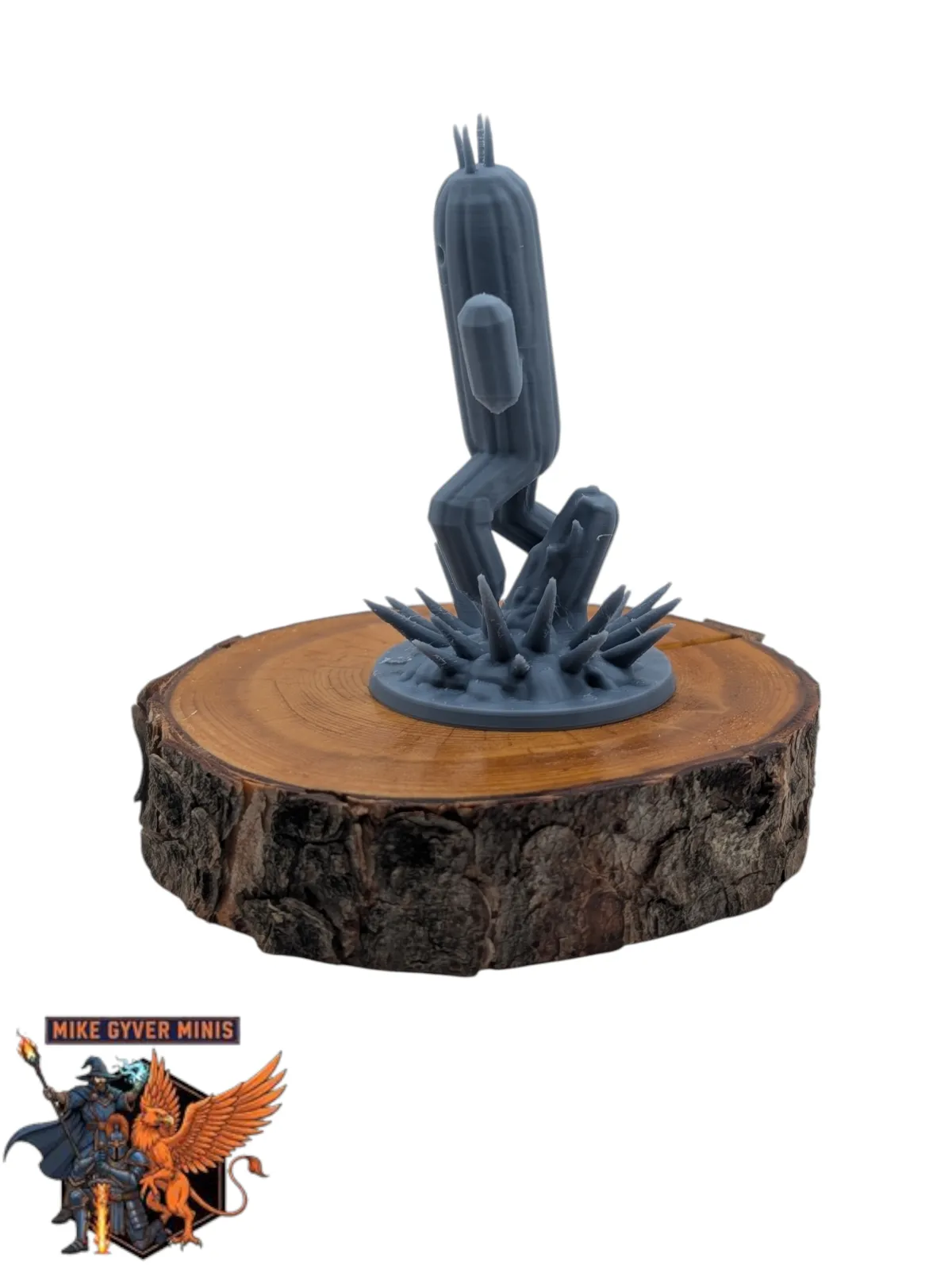
🔬 Rigorously Tested: Printed successfully multiple times on Bambu Lab X1C/P2S & K2 Plus (see photos for real print results!).
⚙️ Ready-to-Print Files (Multi-Slicer Support!): Includes TWO tuned `.3mf` project files!
1. For Bambu Studio / OrcaSlicer / PrusaSlicer (`..._FDMConfig.3mf`)
2. For Creality Print (`..._FDMConfig_CP.3mf`)
* Both have tested FDM support settings configured! Also includes an unsupported .stl.
💖 Enjoy this FREE Model? Check out my main D&D project! 💖
My passion is building a huge library of reliable, tested D&D miniatures. Appreciate quality prints? See my full, ever-growing collection of guaranteed models (and get 1-on-1 print support) on Patreon:
➡️ https://www.patreon.com/MikeGyverMinis ⬅️
Explore All My Free Model Sites:
➡️ https://linktr.ee/mikegyverminis 🔗
Spend less time troubleshooting, more time playing! 🎉
---
🛠️ Print Settings & Advice 🛠️
* Printer Used for Testing: Bambu Lab X1C / P2S / K2 Plus (CoreXY)
* Note: Tested extensively. Results may vary based on your printer type, calibration, and filament.
* Supports: Yes - Use the included `.3mf` file for your slicer! (Recommended!)
* Some models have a small square below them. This is by design, to generate better supports around feet/capes/tails
* Layer Height: 0.08mm
* Infill: 15% Gyroid
* Filament: PLA (Tested with Bambu PLA Basic Blue Grey)
🔥 Important Printing Advice:
1. *Prep Matters! 🔑: A Calibrated printer, Clean build plate (🧼 soap & water!), and Dry filament (💧➡️🔥) are essential for success!
2. Support Removal:
* COOL DOWN COMPLETELY first! 🥶
* Use tweezers/cutters ✂️ carefully, starting at the base/brim. Pull supports *down & away*.
* Be extra gentle on thin parts like spikes. 👀 Slow is a smooth removal!
* Minor cleanup (light sanding) where supports touch is normal. ✨
⚙️ .3mf File Info (Please Read!):
* This download includes TWO project files for your convenience:
* 1. ..._FDMConfig.3mf: For Bambu Studio, OrcaSlicer, & PrusaSlicer.
* 2. ..._FDMConfig_CP.3mf: For Creality Print.
* Both files contain the model pre-oriented with my tested FDM support settings.
---
Originality of the Model
The author declares that this work is their personally original model
This model is licensed under the following terms:
This work is licensed under a Standard Digital File License. Digital files have a strict non-commercial, personal use only license.
You shall not share, sub-license, sell, rent, host, transfer, or distribute in any way the digital file or 3D printed versions of this object, nor any other derivative work of this object in its digital or physical format (including remixes of this object). You can not host these files on other digital platforms, web stores or cloud repositories. The objects may not be used in any way whatsoever in which you charge money, collect fees.
Models(3)
 FF8_Cactuar_Unsupported.stlDesigner
163.11 MB

2025-12-21
- FF8_Cactuar_FDMConfig.3mfDesigner
42.22 MB
2025-12-21
- FF8_Cactuar_FDMConfig_CP.3mfDesigner
42.21 MB
2025-12-21
View all(3)


