




Mini
Mini
Dagger
Dagger
All have been obtained.
Short Knife
Xiao Jian
Small Knife
Sword
Knife
Editor
Unzip
Toys
Weapons
Lightsaber
Mecha
Mechanical
High‑Definition Printing
Hard Surfaces
Machine
Handsome
Hollowed-out design
Source Plan
Zongzi
Zongzi
Dragon Boat Festival
Wishing you a safe and healthy Dragon Boat Festival!
Dragon Boat
Dragon
Claw
Three companies
Triangle
Triangle
Telescopic
Telescopic Sword

- 0.2 mm layer height, 2-wall structure, 8% infill density

1-disc
PLA
Designer

65

20
Introduction:
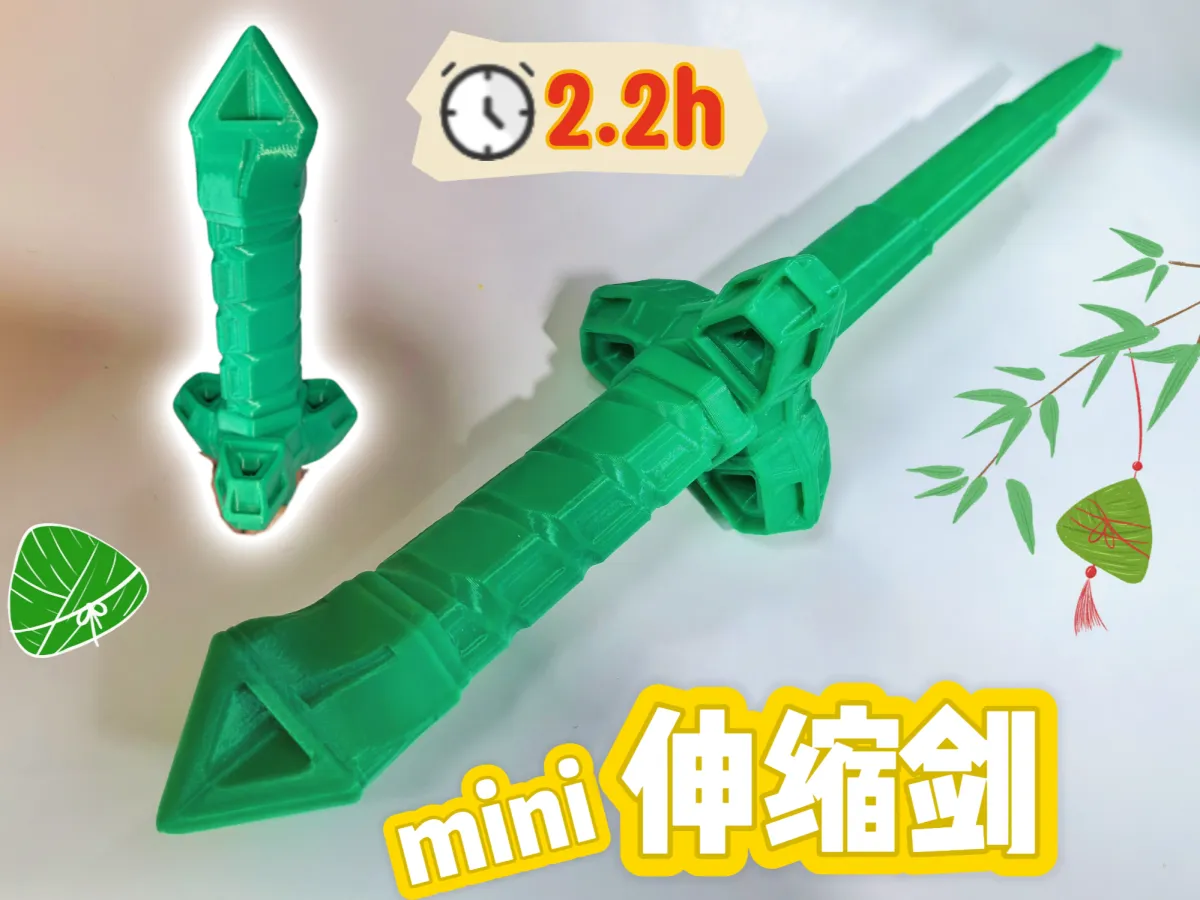
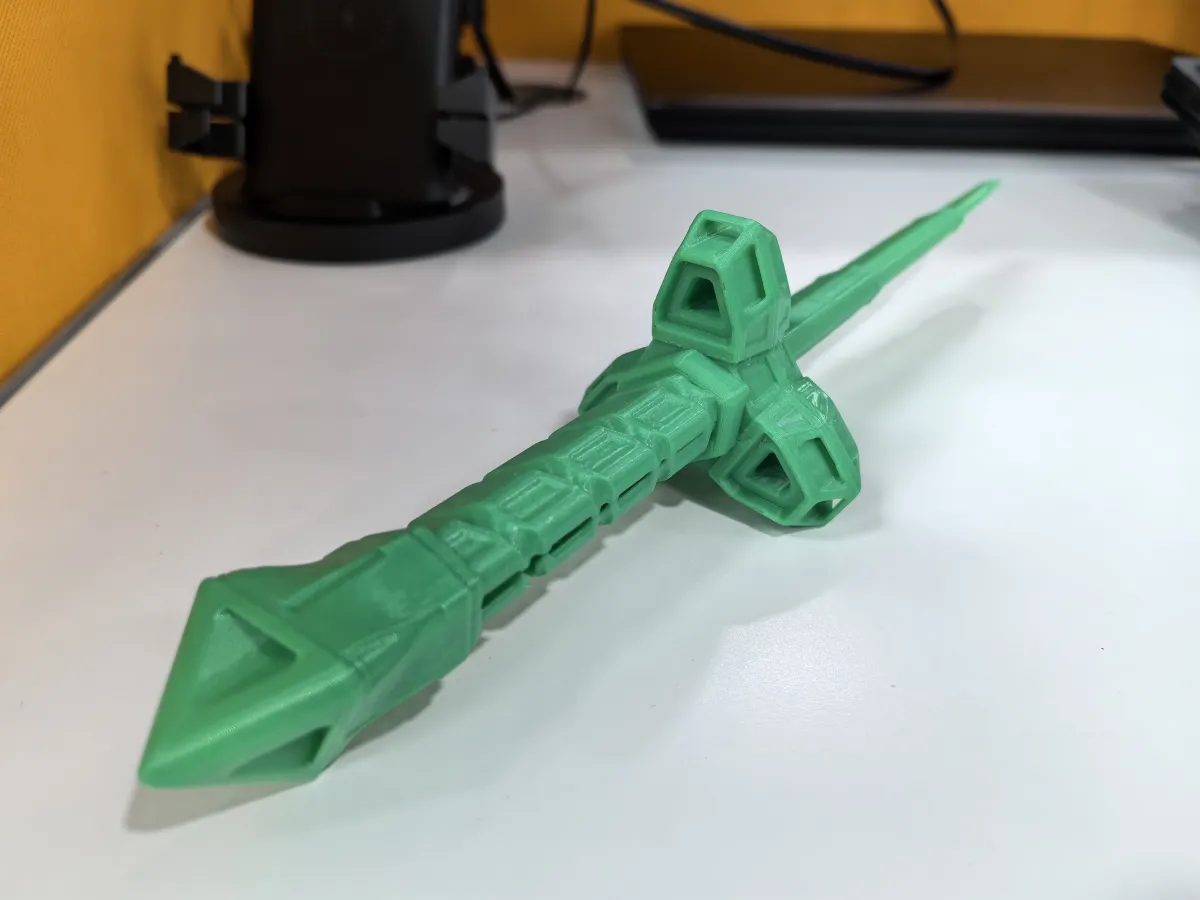
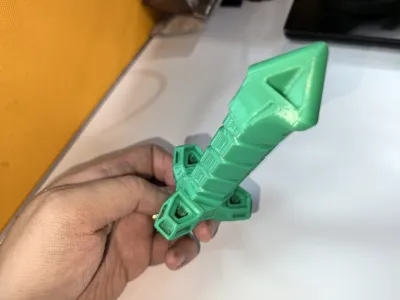
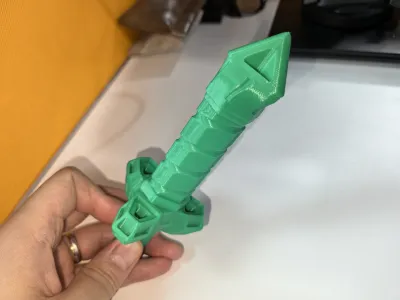
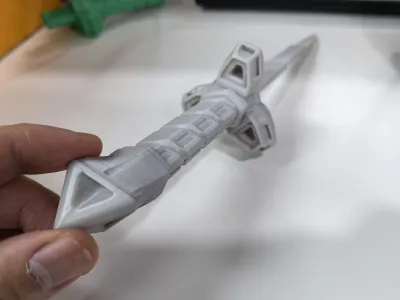
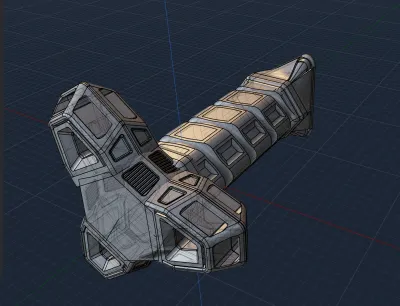
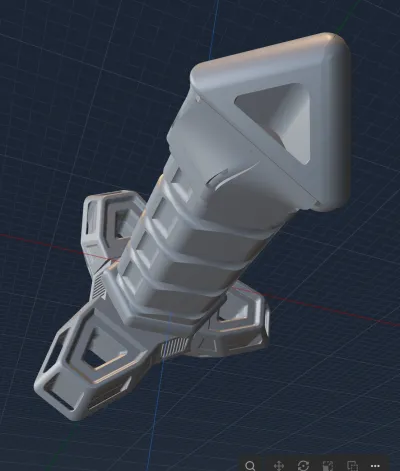
Mini Telescopic Sword 11 – Mech Sword 4 – Zongzi: Inspired by the traditional Chinese zongzi of the Duanwu Festival, this design incorporates triangular shapes, zongzi motifs, and bamboo leaf elements, seamlessly blending them into a futuristic mecha aesthetic. Since there was no original concept to follow, I took a freestyle approach—another result born from creative improvisation. The sword’s blade adopts a sleek, space‑station–like silhouette with a touch of sci‑fi flair, while the handle’s intricate patterns draw inspiration from the delicate lines of bamboo leaves. A small triangular pyramid serves as the finishing touch, giving the overall form a hint of ceremonial elegance—almost like a scepter or a fingertip spinner. Extensive hollowing-out techniques were employed to accentuate depth and dimensionality. To ensure safe play for children, all edges have been carefully rounded for a smooth, comfortable grip.
🎉🎇 Wishing all friends a healthy and peaceful Duanwu Festival~! 🎉🐉🐲🚣♂️
This is the 12th piece in my mini telescopic sword series. Modeled in PL (Plasticitys Plastic City), it’s fully printed in one piece—no assembly required. Printing takes about 2 hours, and the dimensions are perfectly suited for both adults and kids to enjoy. I plan to continue developing this series.
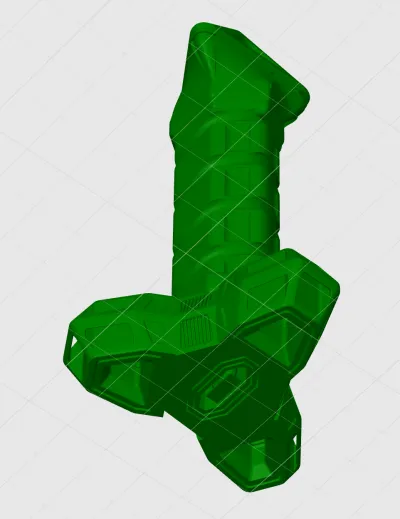
Recently, I’ve been diving deep into learning and practicing with PL. This software handles hard‑surface models exceptionally well—its tools for offsetting faces, chamfering edges, cutting, and creating symmetrical geometry are incredibly intuitive and responsive, with zero lag during operation. At first, I found it quite unfamiliar compared to Fusion 360, where I was accustomed to precise control; sizing and positioning often relied heavily on visual estimation. To make matters worse, my Blender skills were still pretty rudimentary—many keyboard shortcuts felt like learning them all over again. Plus, PL lacks a timeline-based undo feature, which initially left me feeling a bit uncertain. However, its flexible post‑processing capabilities actually made me less reliant on time‑based corrections—and that turned out to be a perfect fit for someone like me who spends hours tweaking just one tiny detail. For models that don’t require exact dimensional accuracy but place greater emphasis on artistic expression—especially hard‑surface models—PL is truly an ideal choice. I’ll keep exploring and refining my skills with this software, honing my ability to create more complex hard‑surface designs. If you’re interested, why not join me in learning and experimenting together?
Parameter Notes: 8% spiral infill, seam alignment, no brim, no supports—standard settings otherwise.
Notes:
1. It’s best not to print multiple swords at once—increasing the risk of printing failures.
2. The base of the telescopic sword model is relatively small. To prevent warping or shifting during printing that could lead to layer misalignment, we recommend: cleaning the build plate, applying a light coat of adhesive or primer, and heating the bed to +5°C above the recommended temperature.
3. If the first few layers fail to adhere properly and the model starts to detach mid‑print, you can gently use a craft knife to carefully slice through the adhesion points before attempting to extend the print.
4. If a particular section of the telescope doesn’t extend smoothly, it may be due to slight material extrusion issues or minor layer misalignment. Try extending and retracting the mechanism several times—it should become smoother with each attempt.
5. We’ve only tested PLA printing so far. When using PETG, there’s a chance of adhesion issues or overly tight gaps that could hinder smooth extension. We recommend drying your filament thoroughly and adjusting the hole compensation settings according to your specific printing conditions.
Recommended PL Channels by Our Upstreams (Thanks to these creators for guiding me into the world of PL): :
[TIEZHU Classroom – TIEZHU Classroom Personal Page – Bilibili Videos]
[Bai Ze 2012 – Bai Ze 2012 Personal Page – Bilibili Videos]
[Captain C4D – Captain C4D Product Rendering Personal Page – Bilibili Videos]
[YA Workshop – YA Workshop Personal Page – Bilibili Videos]
[Three Years and Beyond w – Three Years and Beyond w Personal Page – Bilibili Videos]
[Quan Dian Studio – Quan Dian Studio Video Sharing – Bilibili Videos]
Blender Hacker – Blender Hacker Personal Page – Bilibili Videos (Reposted PL videos)
Originality of the Model
The author declares that this work is their personally original model
This model is licensed under the following terms:
This work is licensed under a Standard Digital File License. Digital files have a strict non-commercial, personal use only license.
You shall not share, sub-license, sell, rent, host, transfer, or distribute in any way the digital file or 3D printed versions of this object, nor any other derivative work of this object in its digital or physical format (including remixes of this object). You can not host these files on other digital platforms, web stores or cloud repositories. The objects may not be used in any way whatsoever in which you charge money, collect fees.
Models(1)
- 机甲剑4-定稿.3mfDesigner

2.83 MB

2025-09-03


