




3D Printer
HP
hp

- 0.2 mm layer height, 3‑layer walls, 15% infill density

1-disc
PLA
Designer

13

3
Paper Holder for HP Laser Printer CP1025
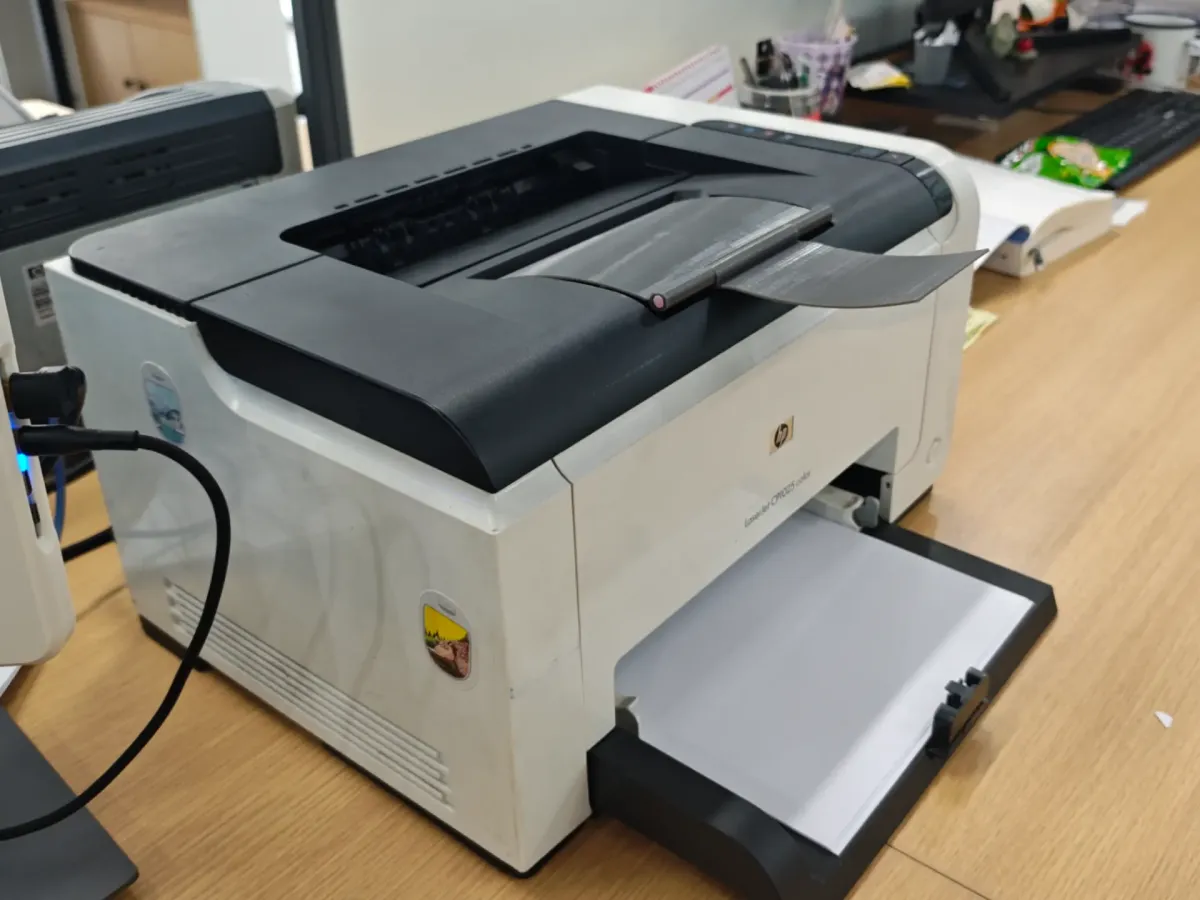
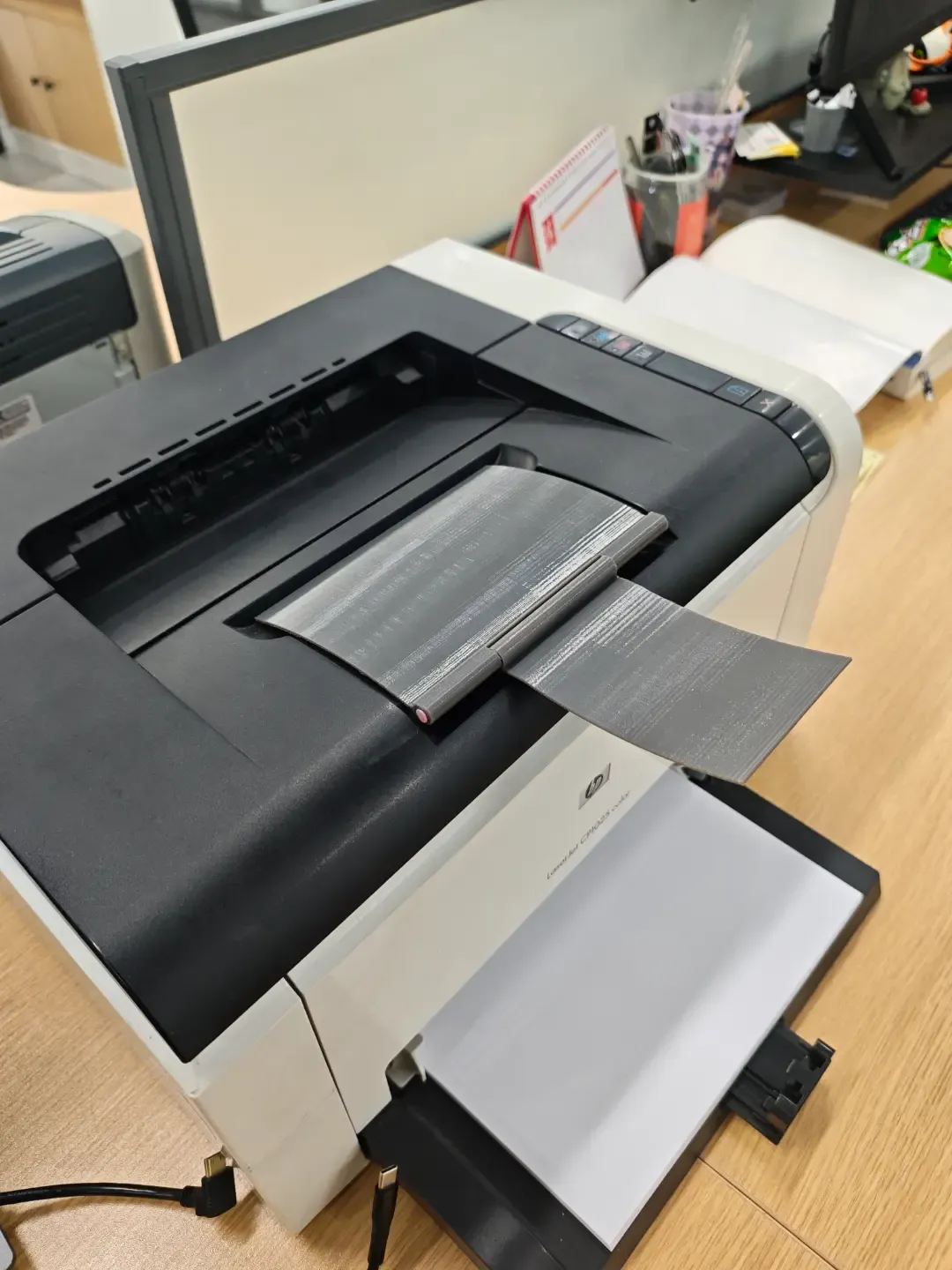
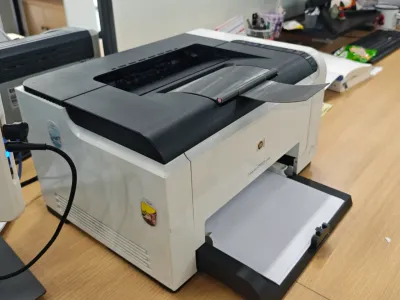
The paper holder on this printer is prone to damage or loss; without it, printed sheets may fall back into the machine, leading to paper jams. You can print a replacement holder using a 3D printer—just prepare some double-sided adhesive and a length of filament. After printing, insert the filament, leaving about 5 mm of excess at each end. Gently heat the ends with a lighter and carefully bend them to create a secure fit, preventing the filament from slipping out. Actual testing has shown that this replacement holder functions reliably in everyday use.
The shaft pin hole measures 2.2 mm in diameter; if the holder is difficult to insert, you can make minor adjustments as needed.
------------------------------------------------------
Paper Holder for HP Laser Printer CP1025
The paper holder for this printer is easily damaged or lost, and failing to have a proper holder can result in printed sheets falling back into the machine, causing paper jams. To replace the holder, simply print a new one using a 3D printer—be sure to have some double-sided tape and a section of filament ready. Once printing is complete, insert the filament, leaving approximately 5 mm of extra length at both ends. Lightly heat the ends with a lighter and gently bend them to form a secure, non‑slip fit, ensuring the filament stays firmly in place. Practical testing confirms that this replacement holder performs reliably in daily operation.
The shaft pin hole has a diameter of 2.2 mm; if the holder doesn’t slide in smoothly, you can fine‑tune the dimensions as necessary.
Originality of the Model
The author declares that this work is their personally original model
This model is licensed under the following terms:
Credit must be given to the creator
Only noncommercial uses of the work are permitted
Models(1)
- HP+CP1025+color+bambu.3mfDesigner

1.04 MB

2026-02-02


