




USB Connector Pair Enclosure Factory (Customizable)

Print Profile(0)

9

2
Released 2026-03-14
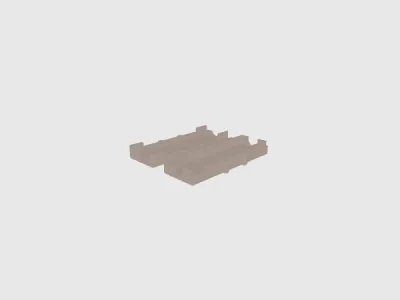
You have two options for creating a customized .stl file matching the dimensions of your specific USB connectors:
- Download the enclosed OpenSCAD source file, open it in OpenSCAD and adapt the xyz_male, xyz_female, d_male_cable and d_female_cable parameters at the top and create a customized .stl file. You must have OpenSCAD already installed on your computer or install it now according to the instructions below. Installing OpenSCAD and editing the parameters is not difficult or time-consuming.
- Or use the Thingiverse Customizer (see the link below the main picture's lower left) to adapt the dimensions to your specific USB connector pair. Using the Customizer requires a Thingiverse account, but downloading the OpenSCAD source file and installing OpenSCAD is not necessary in this case. The Customizer will access my uploaded OpenSCAD source file and create a new thing according to your parameter inputs and put it into your personal Thingiverse profile, from where you can download the customized .stl file and print it. To remove the Customizer-created thing from your profile: Select your thing in your profile and click the "Edit Thing" button, scroll down to the end, acknowledge the "Delete Thing" tickbox and click the "Delete Thing* button.
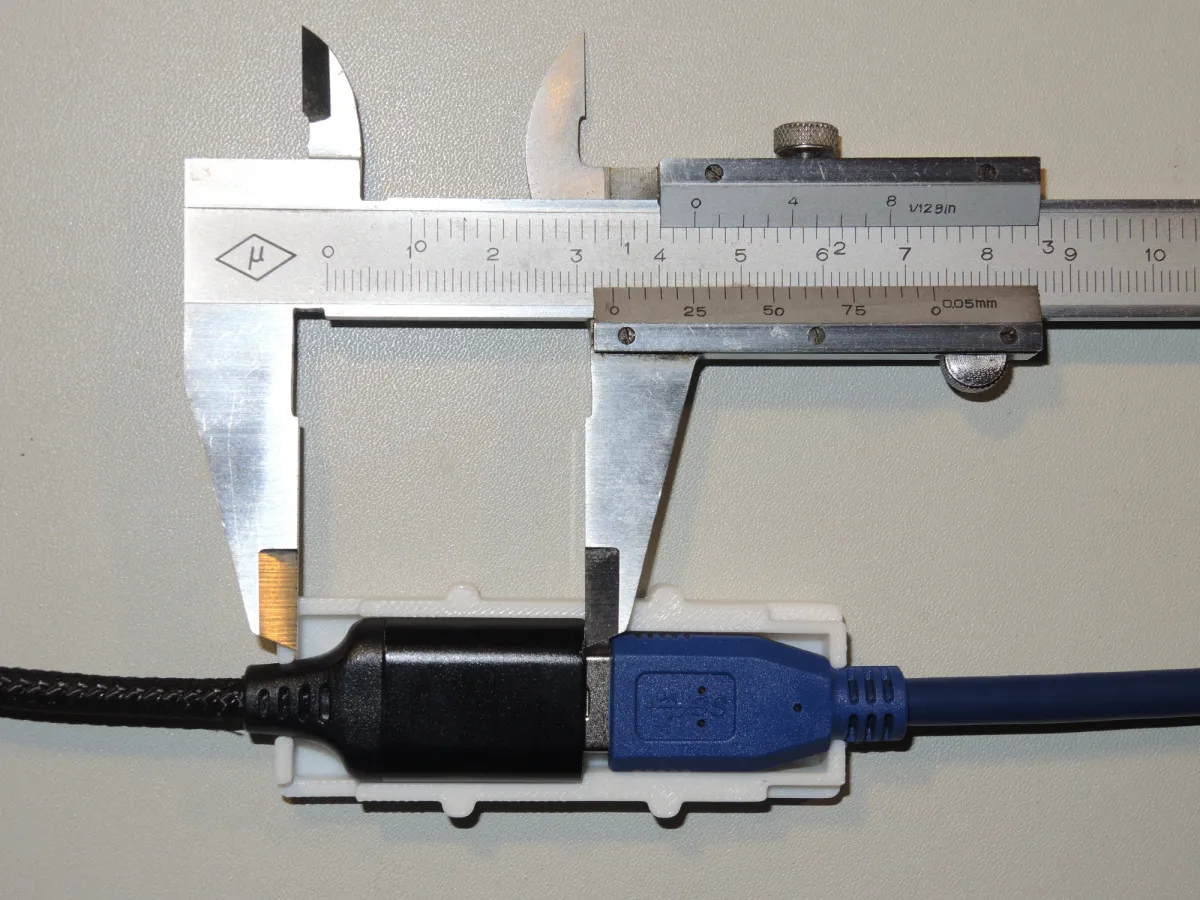
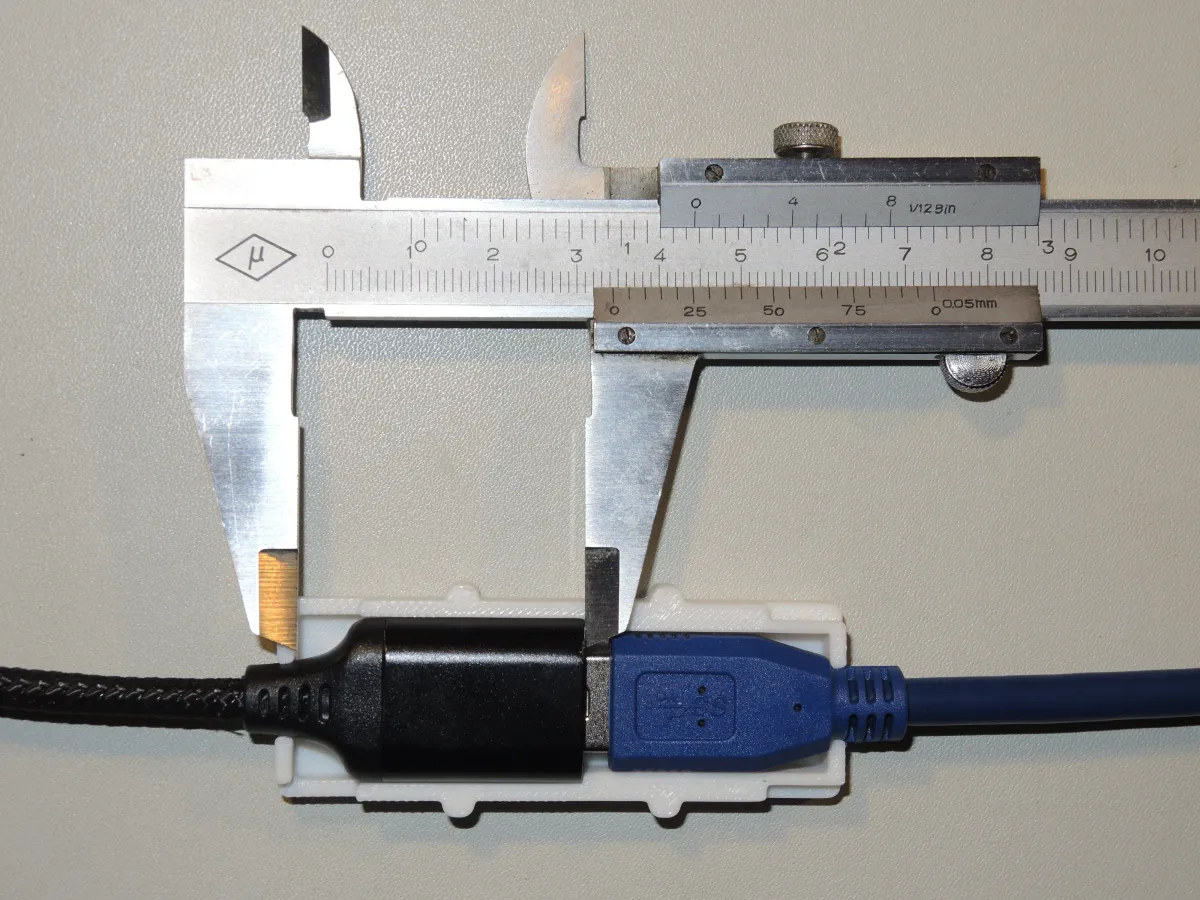
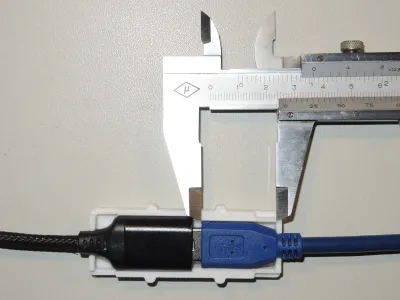
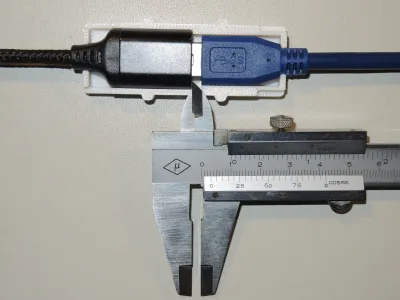
The x-dimensions are along the length of the USB connector's shell (see pictures with the caliper), y-dimensions are perpendicular to x and z-dimensions are the height (thickness) of the shell.
Originality of the Model
The author declares that this work is their personally original model
This model is licensed under the following terms:
Credit must be given to the creator
Models(2)
 251207_USB-Pair_Enclosure.stlDesigner
1.37 MB

2026-03-13
 251212_USB-Pair_Enclosure.scadDesigner
3.23 KB
2026-03-13
No more


