


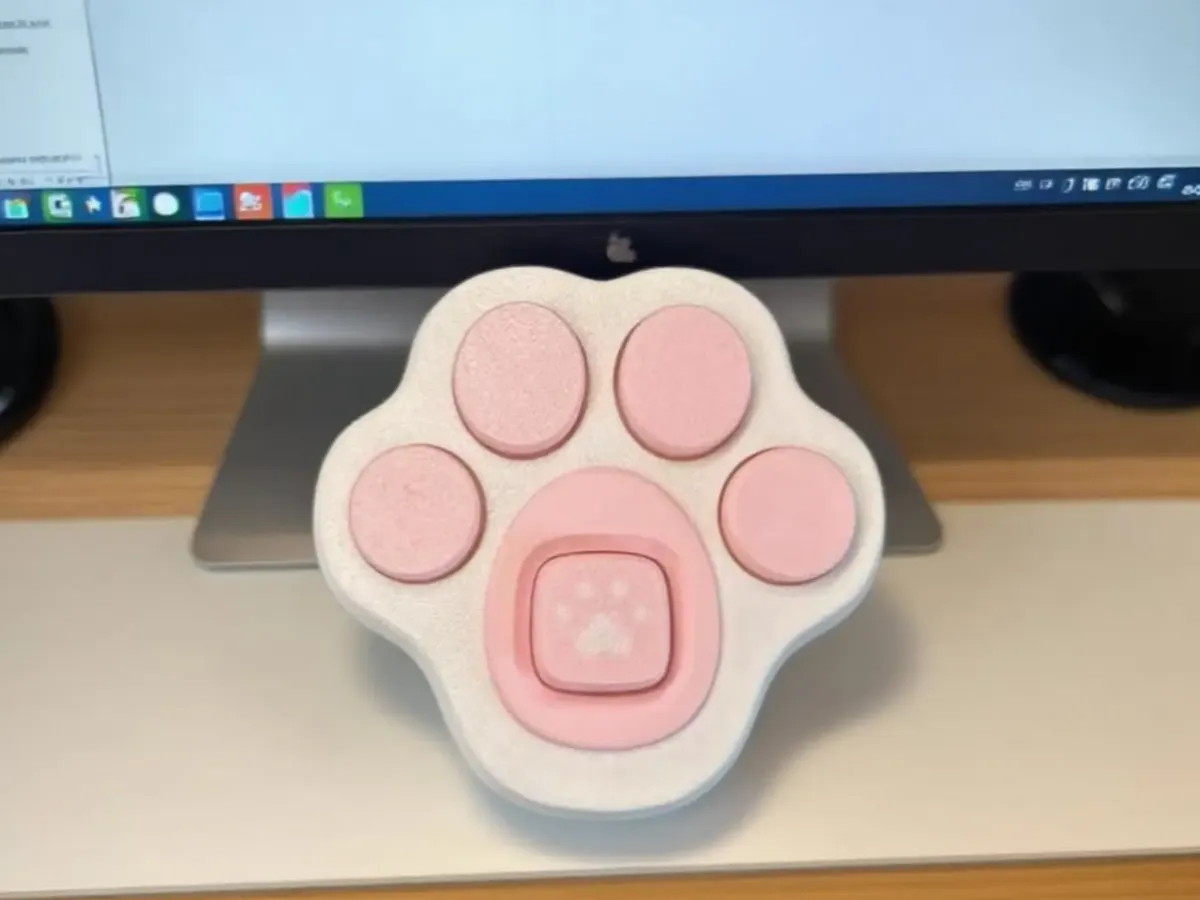
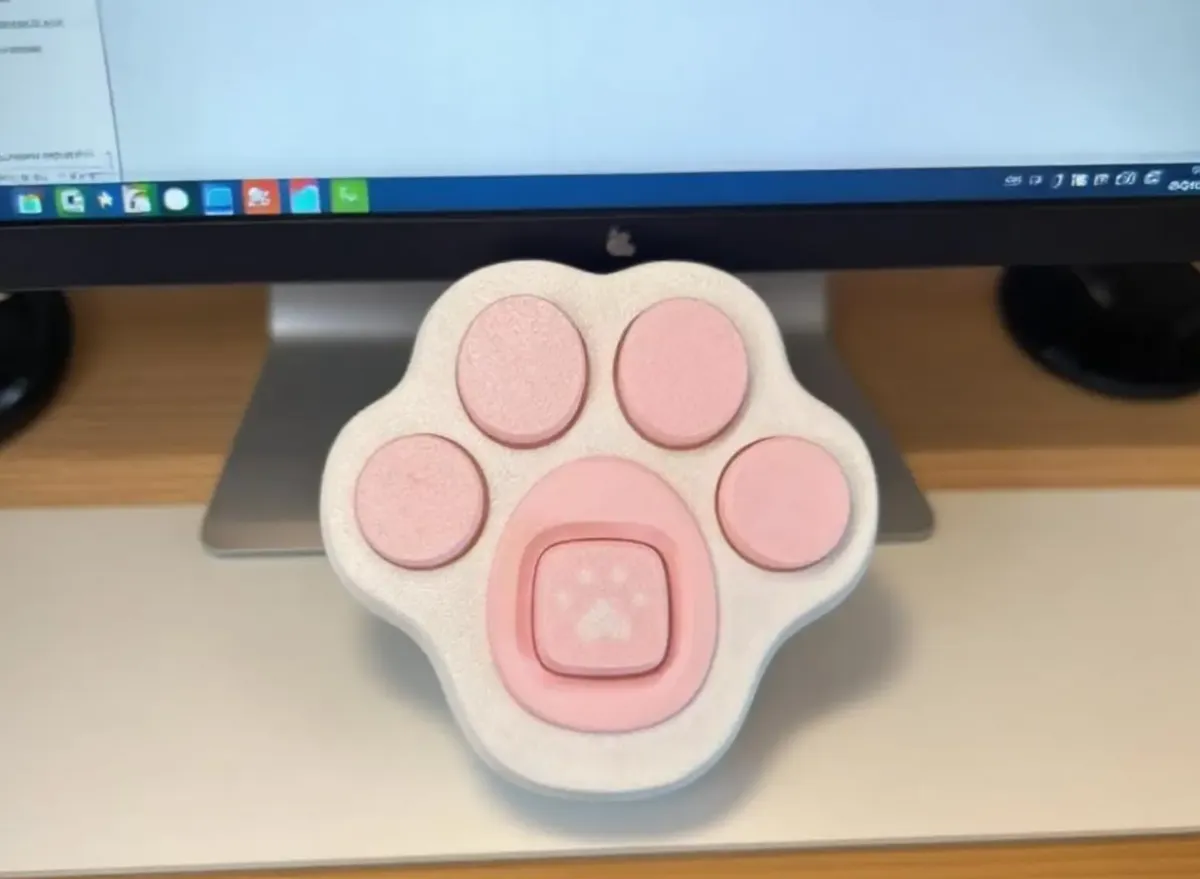

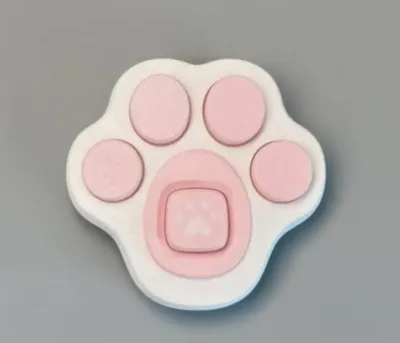
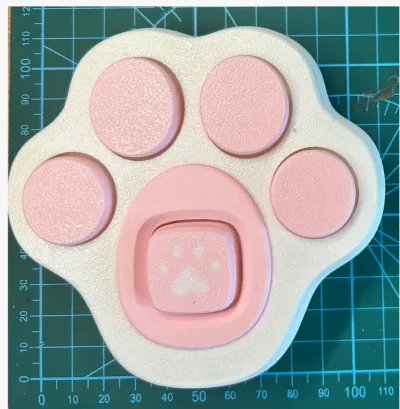

Keyboard
Test Connector

- 0.2 mm layer height, 2‑wall walls, 15% infill density

4-disc
PLA
Designer

12

0
Cat Paw Keyboard Decompression Toy – featuring a snap‑lock design that eliminates the need for screws, this keyboard axis tester is perfect as a desktop accent piece. If you’re looking to hot‑swap mechanical keyboard switches, here’s how to install them:
1. Use quick‑drying adhesive to bond the components—just apply a few small dots around the perimeter.
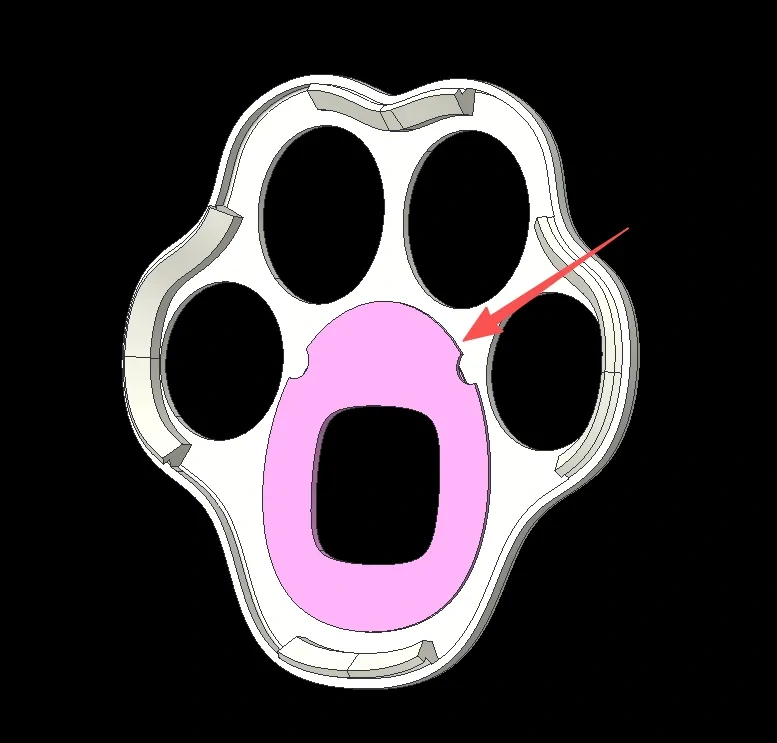
2. The top and bottom sections are designed with a snap‑lock mechanism; simply press down to secure the pieces in place.
Originality of the Model
The author declares that this work is their personally original model
This model is licensed under the following terms:
This work is licensed under a Standard Digital File License. Digital files have a strict non-commercial, personal use only license.
You shall not share, sub-license, sell, rent, host, transfer, or distribute in any way the digital file or 3D printed versions of this object, nor any other derivative work of this object in its digital or physical format (including remixes of this object). You can not host these files on other digital platforms, web stores or cloud repositories. The objects may not be used in any way whatsoever in which you charge money, collect fees.
Models(7)
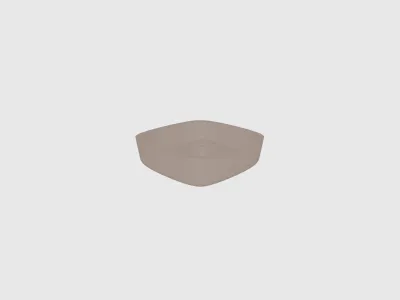 5.stlDesigner
446.47 KB

2025-10-24
- 3mf-alk.3mfDesigner
1.16 MB
2025-10-24
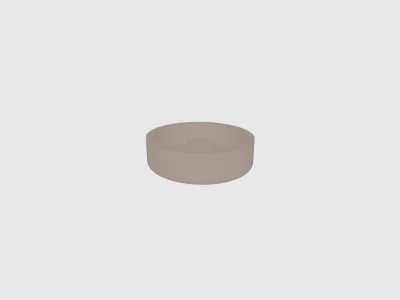 1.stlDesigner
216.98 KB
2025-10-24
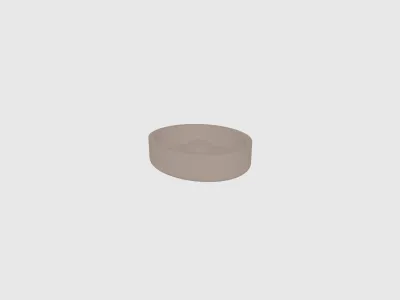 2.stlDesigner
225.86 KB
2025-10-24
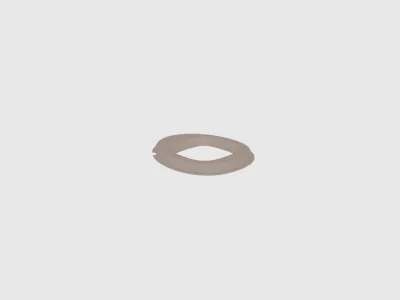 4.stlDesigner
375.08 KB
2025-10-24
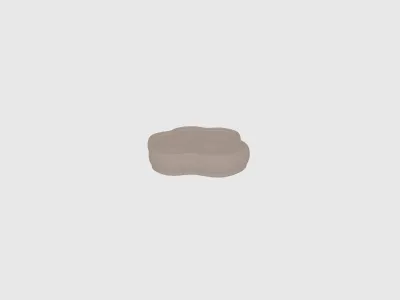 down.stlDesigner
1.16 MB
2025-10-24
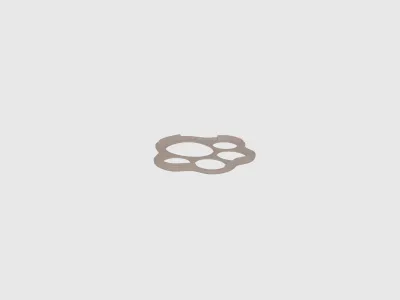 top.stlDesigner
1.29 MB
2025-10-24
View all(7)


