




Black Myth
black myth
Zhu Bajie
Bajie
Button
fidget
clicker
tapper
Unboxing toys
Pig Nose
Pig Nose
Marshal Tianpeng

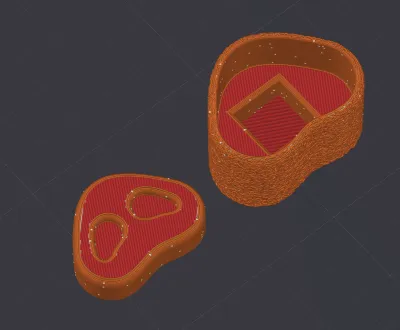
 0.2 mm layer height, 2‑wall walls, 15% infill density
1-disc
PLA
Designer

2

0

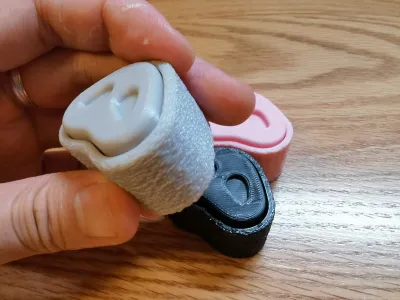
Looking at Bajie’s adorable nose just makes me want to pinch it—and what better way to channel that cuteness than by crafting a soft, velvety‑textured fidget button? The tactile experience is truly delightful: you can place it on your desk for quick, satisfying presses, or hold it in your hand for a more hands‑on, stress‑relieving session.
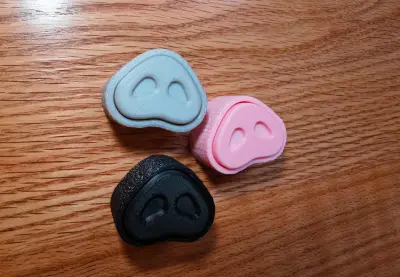
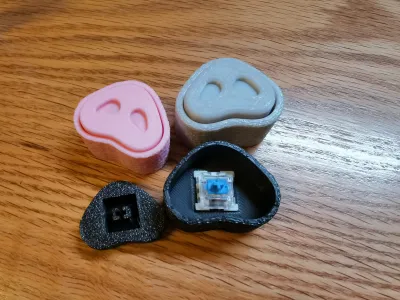
Each piece takes only about 40 minutes to print. I created two versions—one with a plush, fuzzy surface and one with a smooth finish. I highly recommend trying out pink, gray, or black; but feel free to get creative and mix and match different color combinations—think “Roasted Suckling Pig,” “Braised Pork,” or even “Curry Pork”… yum! (๑´•ω • `๑) Whether you’re liking, bookmarking, downloading the file, or sharing your thoughts in the comments, I’d love to hear from you—thank you so much for your support!
Switch Recommendations:
1. Please note: the model does not include mechanical keyboard switches—you’ll need to purchase them separately. From my own testing, both clicky switches and silent switches deliver excellent sound quality—whether you prefer tactile, crisp clicks or smooth, linear actuation. Personally, I’m a fan of either type; if you enjoy a bright, snappy sound, go for blue switches or other clicky tactile switches, while those who prefer a deeper, more mellow tone might lean toward black‑red switches. Just head over to Taobao or Pinduoduo to snag some affordable options.
2. Be sure to use standard cross‑shaped switches—switches with dust‑guards may be tricky to install or could lead to inconsistent key travel.
Installation Tips:
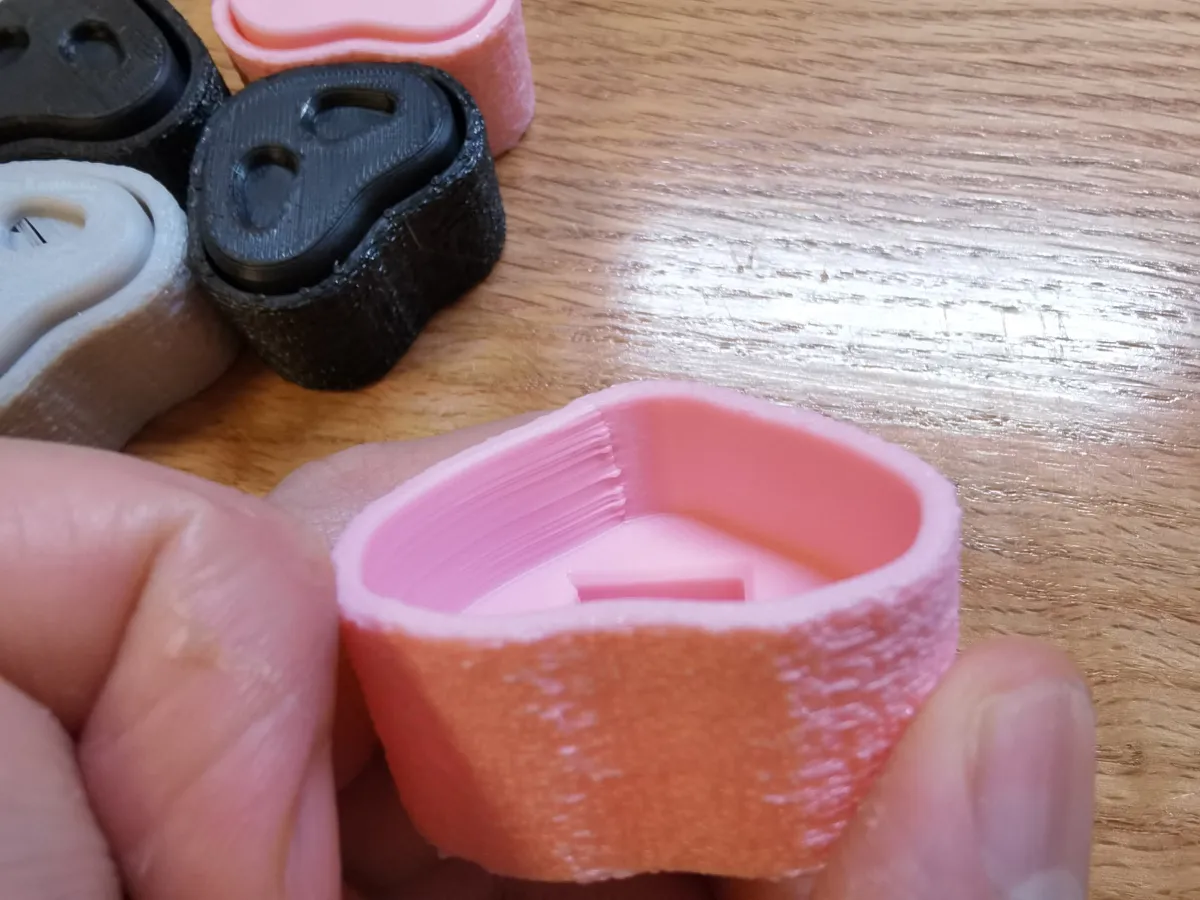
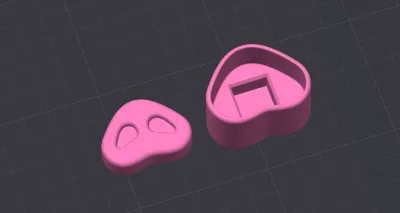
1. Carefully trim off the four small, long, slender protrusions inside the top cover.
2. Pay close attention to the installation direction: the cross‑shaped structure features one longer side that aligns with the long edge of the switch. I recommend first assembling the top cover with the switches without attaching the base—test the mechanism to ensure it pops up smoothly, then secure it onto the base once everything’s working perfectly.
3. If the fit isn’t quite right, feel free to slightly enlarge or fill in any gaps—but if the issue persists despite your adjustments, I apologize for any inconvenience and suggest tweaking the print settings for better results.
Material Selection:
I tested printing with PLA; I haven’t yet experimented with PETG. If you encounter issues like oversized or undersized holes, please adjust the hole compensation settings accordingly.
This is my 14th model since I started learning 3D modeling using Fusion 360—and while my modeling skills are still evolving, I sincerely apologize if you run into any challenges during printing. Your patience and understanding mean the world to me; thank you so much for your support—I’m incredibly grateful!
Originality of the Model
The author declares that this work is their personally original model
This model is licensed under the following terms:
This work is licensed under a Standard Digital File License. Digital files have a strict non-commercial, personal use only license.
You shall not share, sub-license, sell, rent, host, transfer, or distribute in any way the digital file or 3D printed versions of this object, nor any other derivative work of this object in its digital or physical format (including remixes of this object). You can not host these files on other digital platforms, web stores or cloud repositories. The objects may not be used in any way whatsoever in which you charge money, collect fees.
Models(1)
- 猪鼻-八戒(绒毛).3mfDesigner

911.95 KB

2025-09-18


