




handle
printer
accesories
upgrade
magnets


26

2
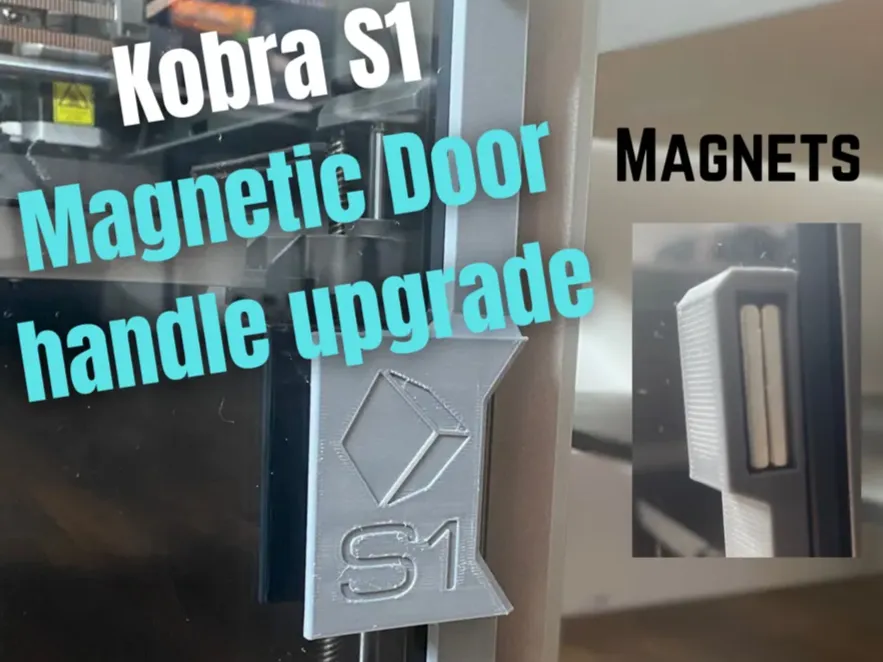
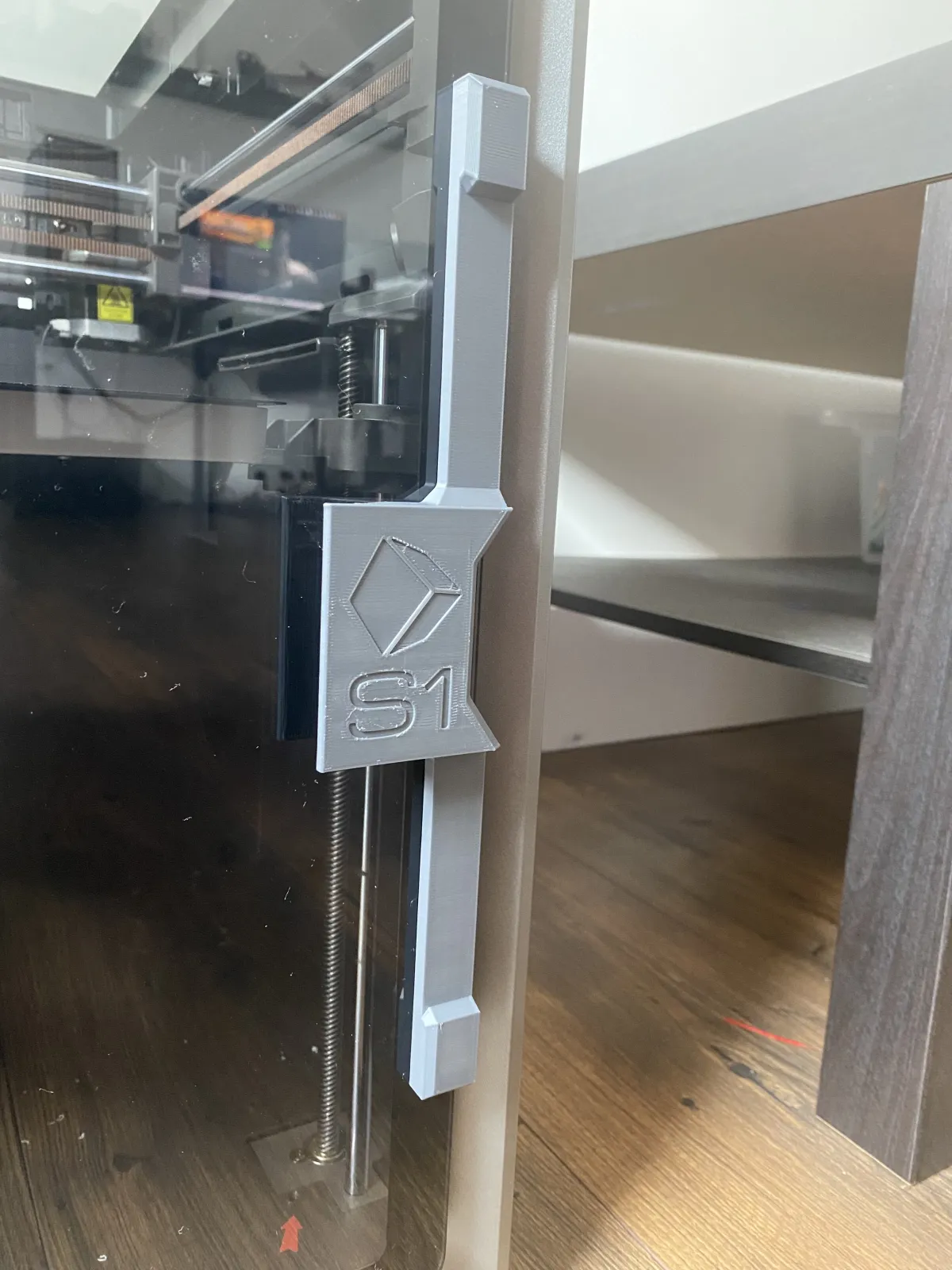
Kobra S1 door handle with Built-in magnets
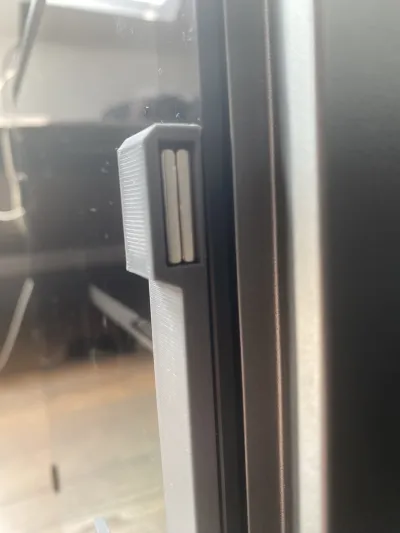
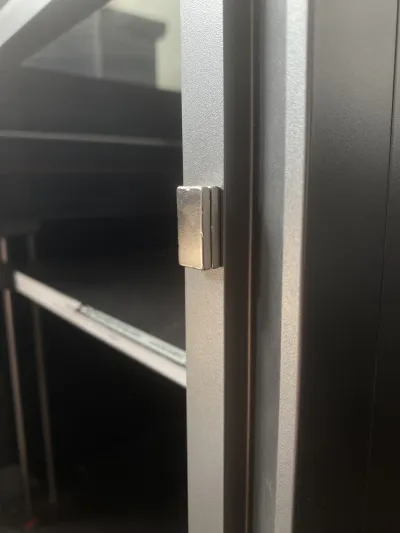
I designed this model after having the original door magnets fall out many times
This Slide-on Handle Fixes this problem by integrating magnets into the model
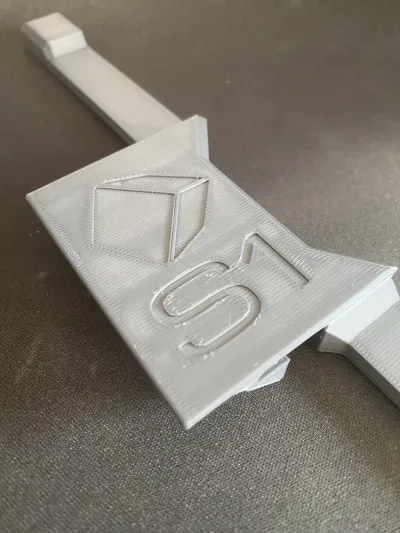
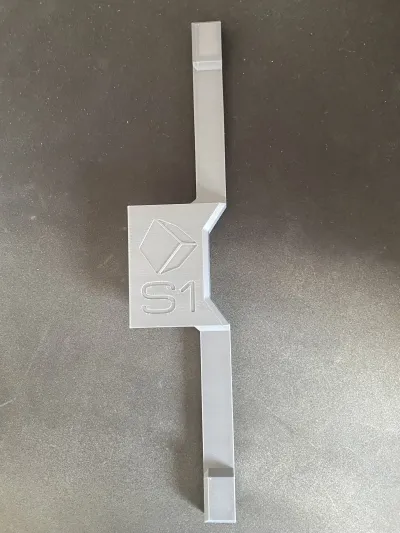
The handle features the anycubic logo & S1 lettering
no need to replace/remove the original handle just slide it over
Supports are required ( make sure to use Tree supports otherwise they will be hard to remove )
Parts -
Only hardware required is 4 20x10x3mm rectangular magnets ( or 2 20x10x6mm ) and a bit of glue ( I used superglue )
Assembly / Directions -
Simply print the model then remove the supports
Glue in the magnets, Making sure to orientate them the right way otherwise the door will be stuck open
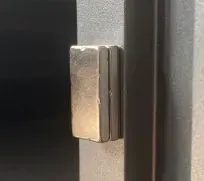
( you can simply stack the 2 magnets together then place them over the location of the Existing magnets and they should orientate themselves )
Then slide the handle over the existing door handle. no additional modification to the printer is required
Bill of materials
- NameQuantityNotes
- 1Rectangular magnet 20x10x34
Originality of the Model
The author declares that this work is their personally original model
This model is licensed under the following terms:
This work is licensed under a Standard Digital File License. Digital files have a strict non-commercial, personal use only license.
You shall not share, sub-license, sell, rent, host, transfer, or distribute in any way the digital file or 3D printed versions of this object, nor any other derivative work of this object in its digital or physical format (including remixes of this object). You can not host these files on other digital platforms, web stores or cloud repositories. The objects may not be used in any way whatsoever in which you charge money, collect fees.
Models(1)
 Handle.stlDesigner
61.80 KB

2025-09-12


