





9

1
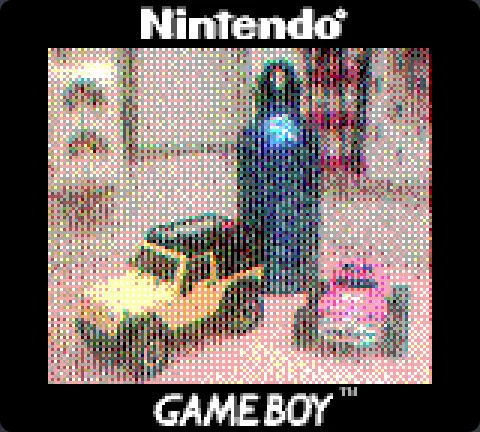
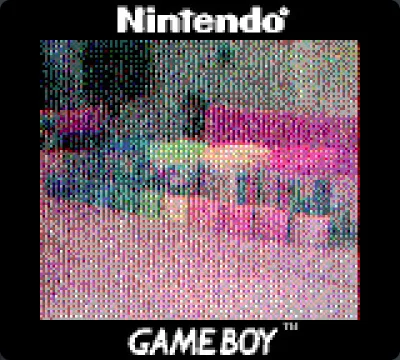
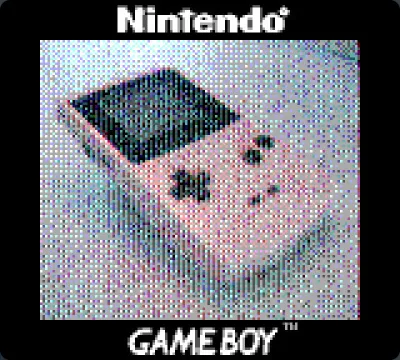
The GameBoy camera is an awesome piece of technology. The look of it's photo's have a very distinct character, and although it's usually pretty hard to even see what is on the photo, I really like shooting photo's with it.
The camera only shoots pictures in 4 shades of gray, but with some trickery you can also create real color photo's with it.
The steps in a nutshell:
- Take 3 photo's, one through a red color filter, one through a green color filter and one through a blue color filter.
- Download these photo's to your computer. There are a couple of ways to do this. Please use google on this subject. I am using a simple arduino with a link cable.
- Use Photoshop or Gimp to merge the three images as color chanels to create a color photo. In Gimp open the 3 photo's and make sure their color mode is Greyscale (Image -> Mode -> Grayscale). Then while one of the grayscale images is open click Color -> Components -> Compose and choose the images in the right order from the dropdowns.
The results may vary, but I think it's really cool.
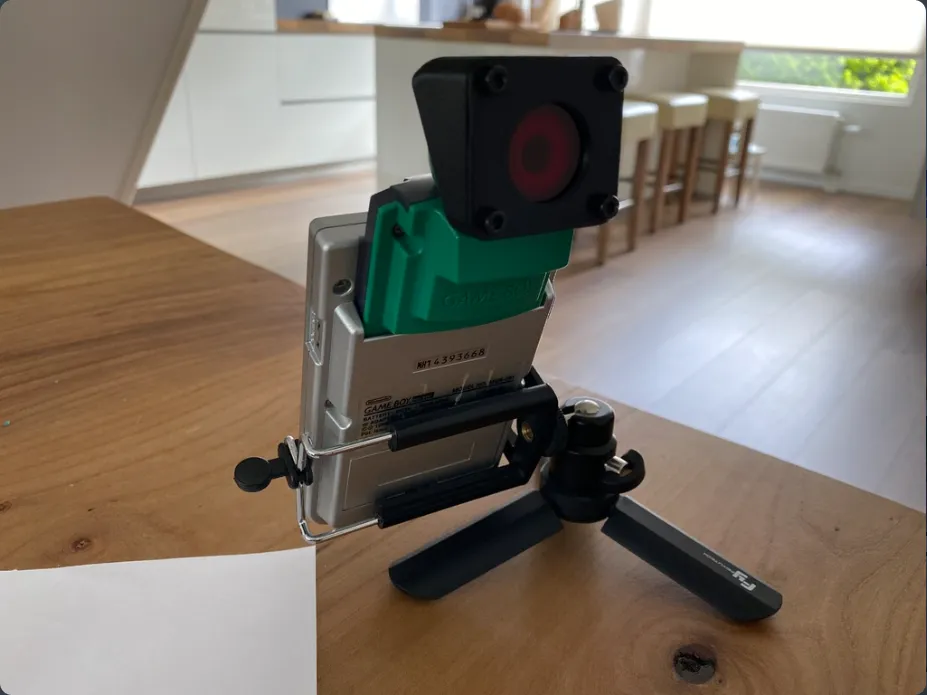
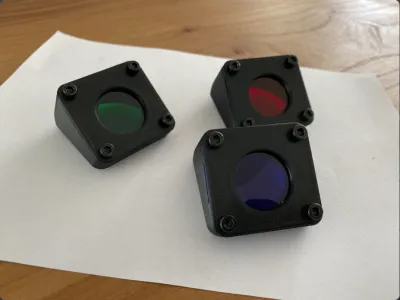
Obviously you can just hold a color filter in place by hand, or you print 3 of the holders I designed to lightly clamp the filters on the lens. Be careful not to move the camera in between shots though.
You need 4 x M3 (max 12mm long, but I would use 6 or 8mm) to mount the frontplate on the body.
Originality of the Model
The author declares that this work is their personally shared model

This model is licensed under the following terms:
Credit must be given to the creator
Models(2)
 Body.stl
305.55 KB

2025-07-29
- plate.stl
158.09 KB
2025-07-29


