




pavement
ttrpg
graveyard
square
modular
openlock
city
street
tile
rpg
dungeon
stone

- 0.2mm layer, 2 walls, 15% infill

7-disc
PLA
Designer

30

12
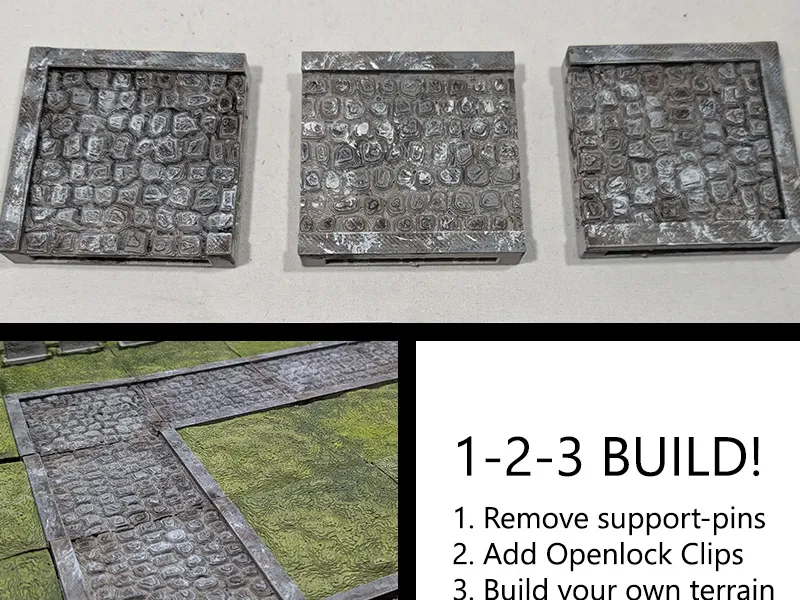
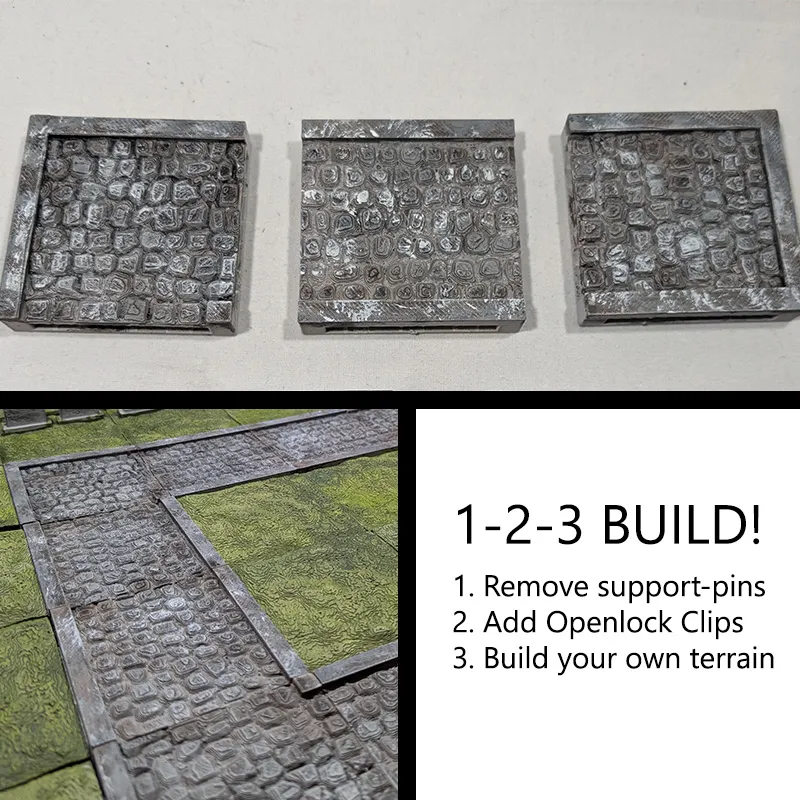
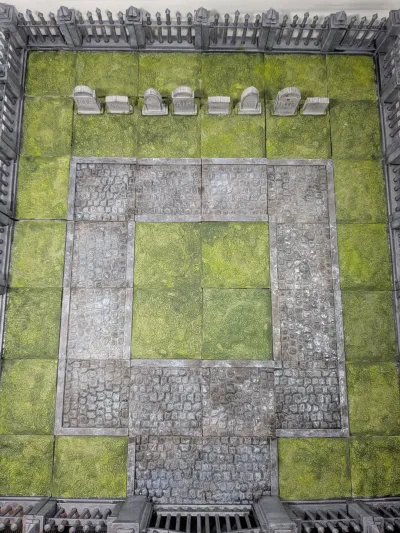
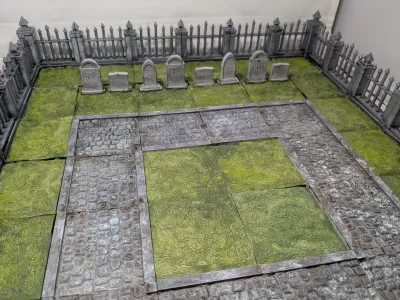
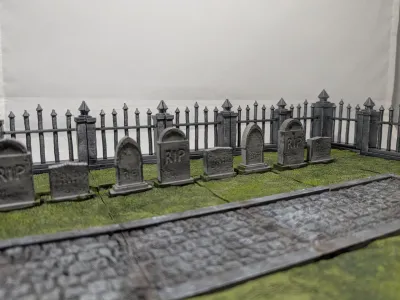
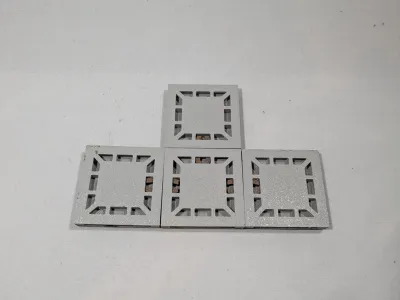
Form a path in your (graveyard) terrain using these pavement tiles. With the different options you can have multiple paths leading your adventurers to their next quest!
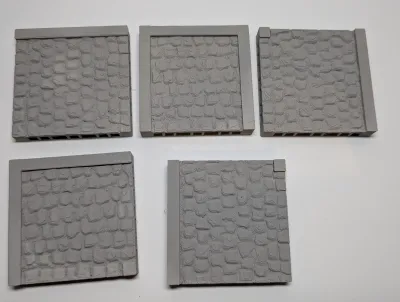
I created other varients of the existing pavement tiles and put it on the Openlock system, making it possible to click the parts together and don't be afraid your players push your scene away.
I also added aditional beams, because I found that printing the big ones without them gives a very bad texture at the bottom. And if I put the time and money in tiles, I want them to be pretty and sturdy.
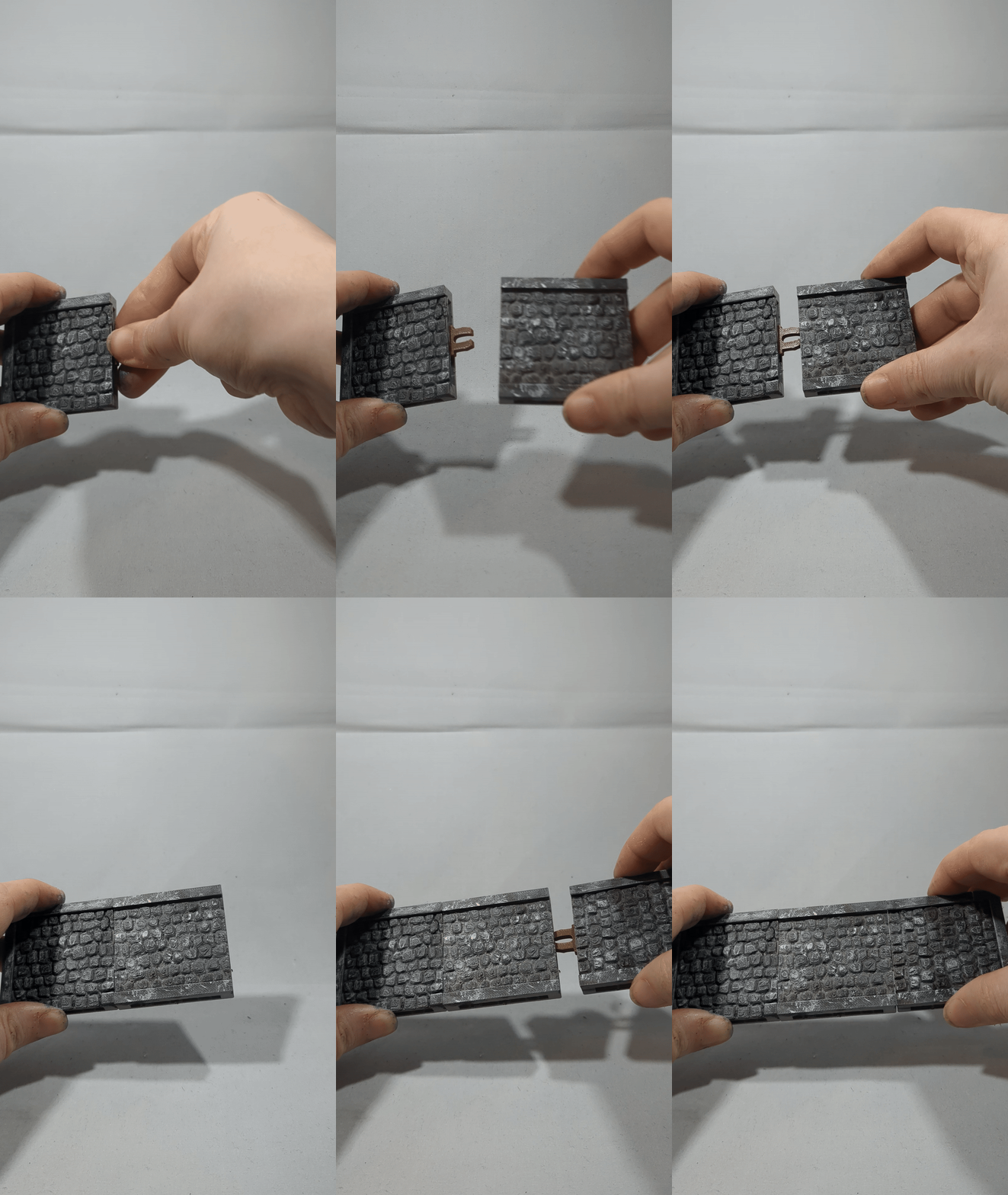
Instructions:
- Print the tiles of your choice.
- Remove the small supporting pins on the sides.
- Print Openlock clips to connect the tiles.
- Push one or more Openlock clips into the tiles (depending on the size of the tile 1 can be enough, 2 works best with big tiles).
- Connect the tiles together.
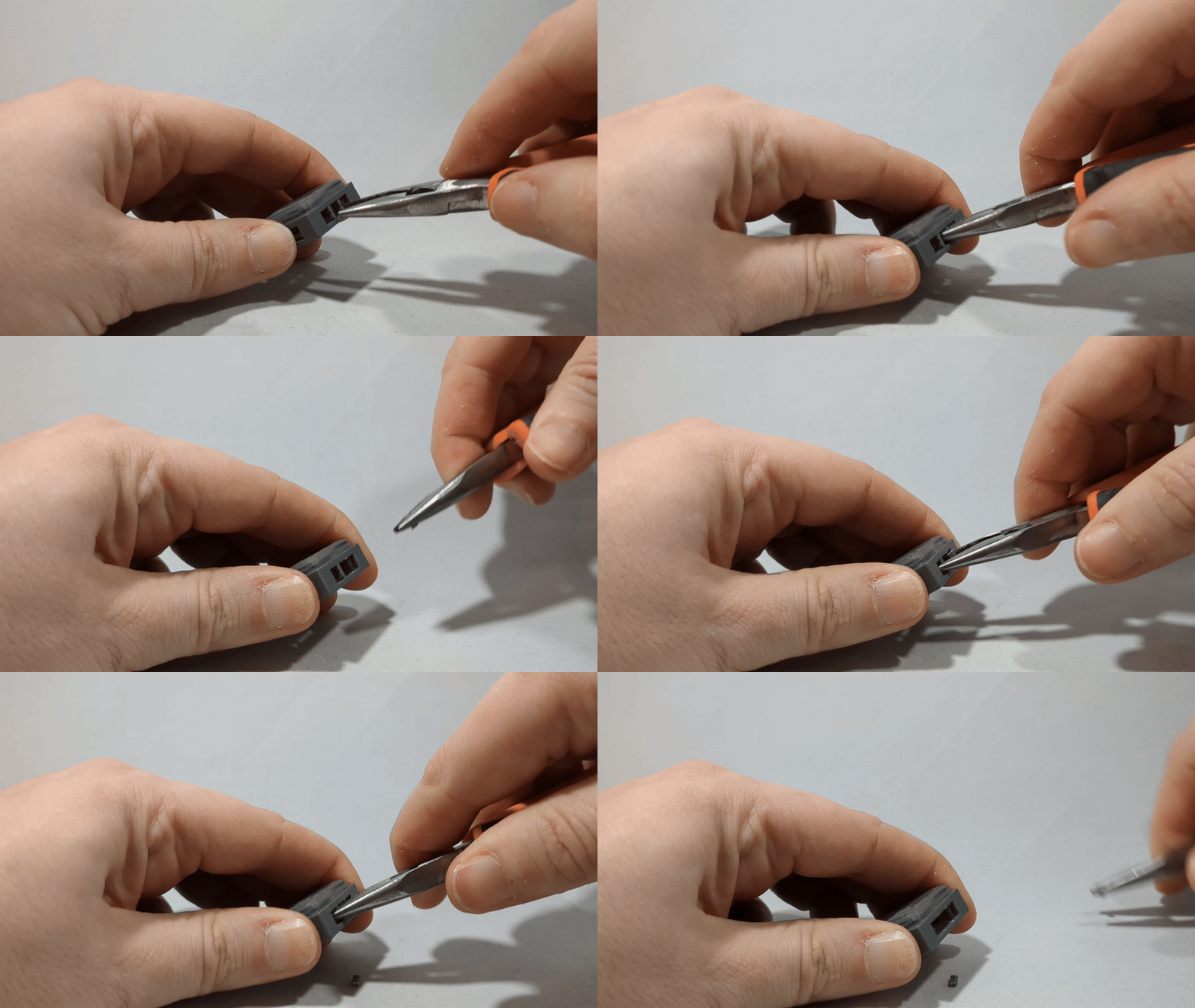
Building your own graveyard/cemetery scene? Use these components!
Originality of the Model
The author declares that this work is their personally remixed model

This model is licensed under the following terms:
Credit must be given to the creator
Only noncommercial uses of the work are permitted
Models(7)
 Graveyard tiles- corner pavement.stlDesigner
336.41 KB

2025-11-01
- Graveyard tiles- path side border.stlDesigner
1.58 MB
2025-11-01
- Graveyard tiles- pavement dead end.stlDesigner
421.66 KB
2025-11-01
- Graveyard tiles- side pavement connector left.stlDesigner
1.50 MB
2025-11-01
- Graveyard tiles- side pavement connector right.stlDesigner
1.50 MB
2025-11-01
- Graveyard tiles- side pevement straight.stlDesigner
2.42 MB
2025-11-01
- Graveyard tiles- pavement.3mfDesigner
2.61 MB
2025-06-04
View all(7)


