









antistud
stud
danish blocks
blocks
bricks
building toy
calibration
parametric

- 0.2mm layer, 6 walls, 25% infill

3-disc
PLA
Designer

14

1
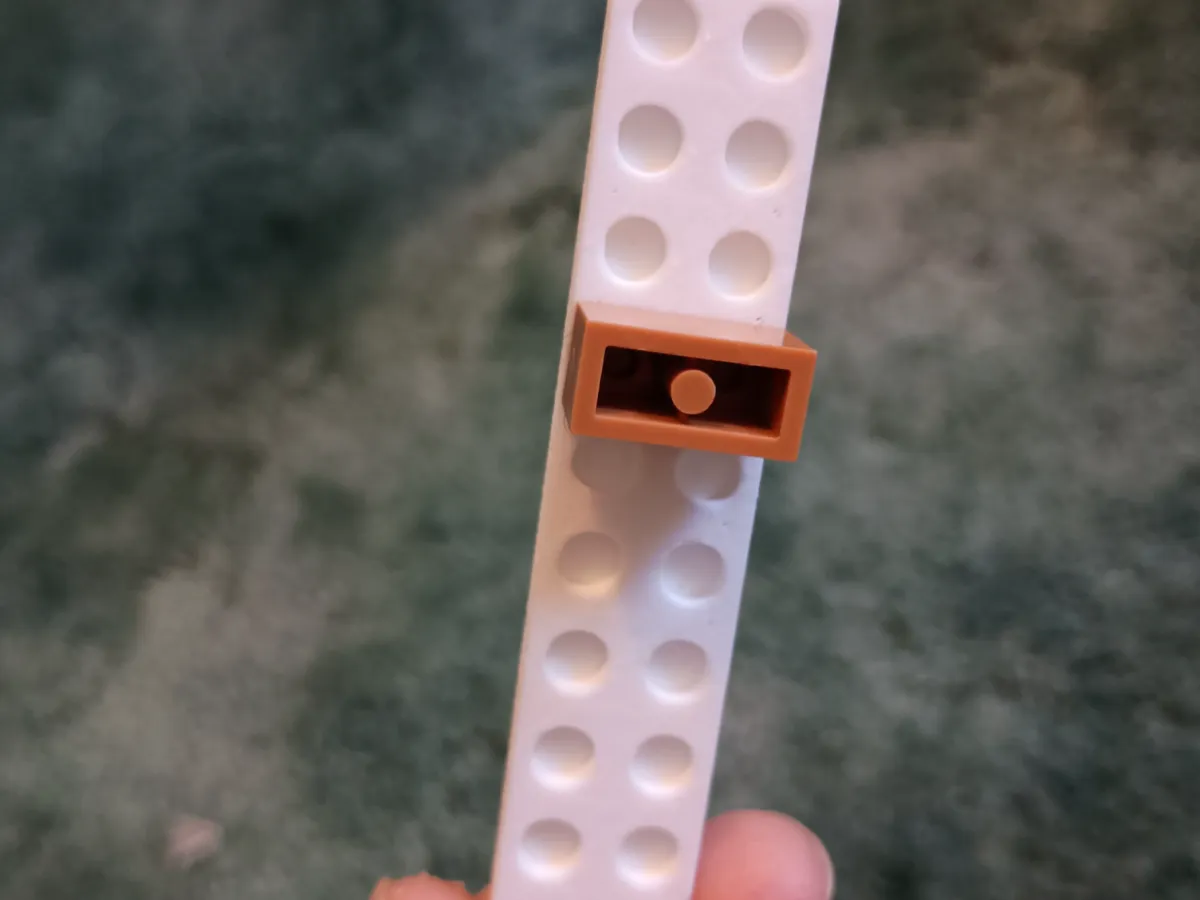
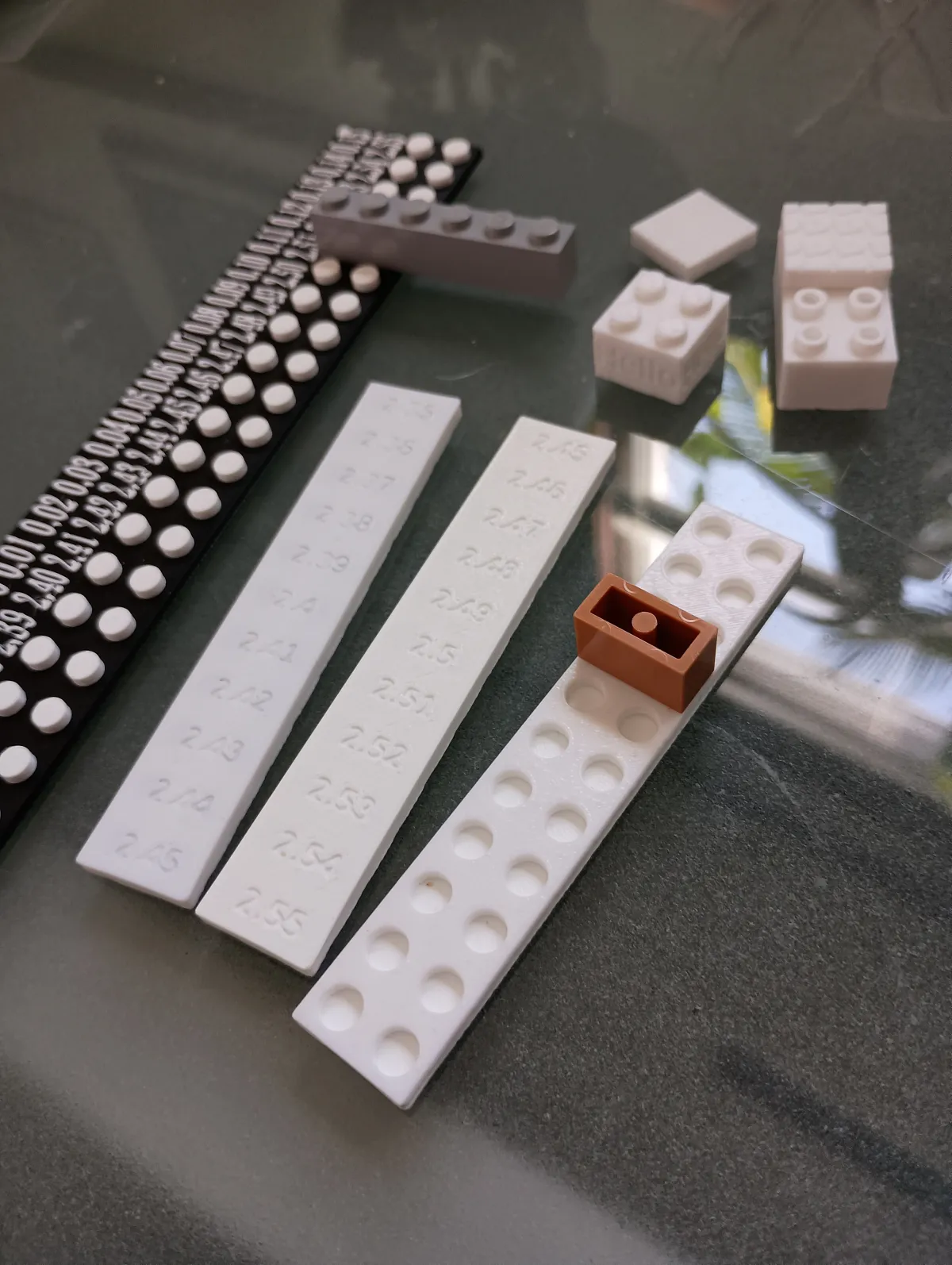
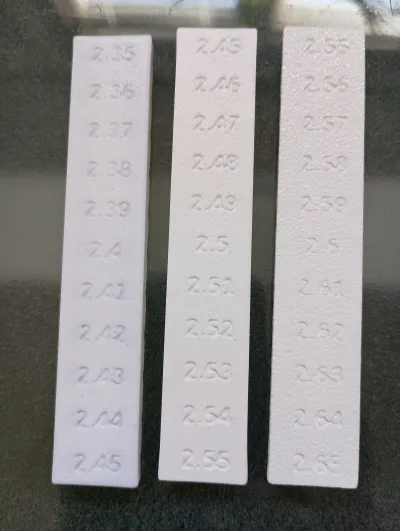
This model is a companion to my other Danish blocks calibration tool. Whereas my other calibration tool was created to help you find the perfect radius (in mm) for the studs on your 3D printed Danish blocks (based on your printer's specific settings), this one is built for the anti-stud underneath. There are multiple designs for anti-studs, but for models that use a simple cylinder or square for the anti-stud region, this model will work for you.
I am starting a collection of Danish blocks that are parameterized such that you can easily input the perfect measurements you find with these tools. The collection is called Calibrix. I am excited to be able to share the future of 3D printed plastic building blocks that are compatible with the Danish ones.
Usage:
1.) Print out one of each calibration tool on the printer you plan to use to print the blocks. You should print the holes up and print down unless you are confident in your printer's bridging abilities. Print down will make your print less clear, but it makes cleaner holes to calibrate with. Important: It needs to be the same printer because each printer puts an ever so slightly different amount of squish on the filament when extruded. In fact, if you do a nozzle change or something else like that, you might need to print a brand new calibration tool to use, even if you already previously printed one.
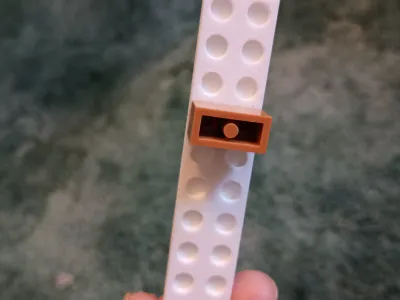
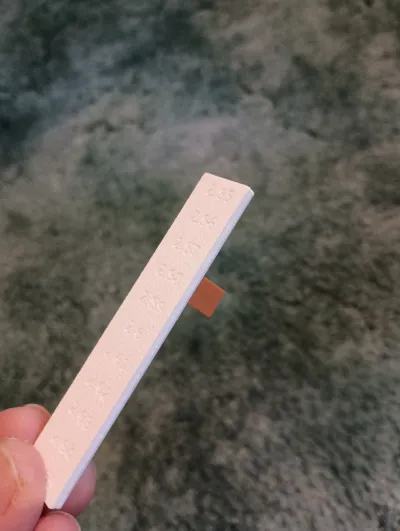
2.) Start with the 2.40 mm hole and try it. The label corresponds to the hole directly behind it. If it's too tight, keep moving up in size. DO NOT FORCE IT. If it's too loose, move to a smaller measurement. Move one hole at a time until you get a snug fit.
3.) You found the perfect fit for the stud and anti-stud? Dial them into your model. My Calibrix models will have parameters for you to modify. With other models, you can scale them in the slicer and verify my using the measuring tool.
Note: I have three different ranges on my .STL calibration tools, so you can pick the one closest to how your printer performs. If one doesn't work, use the next one up. If you don't know which one to pick, print the smallest one first. The SCAD file allows you to create a calibration tool of other sizes and choose a custom range, so feel free to check it out.
I am open to any feedback or suggestions, so feel free to leave comments. Definitely post your makes -- especially if you can show me what you are working on that is using this tool.
Originality of the Model
The author declares that this work is their personally original model
This model is licensed under the following terms:
Credit must be given to the creator
Models(5)
- Calibrix Antistud Calibration Tool.3mfDesigner

363.37 KB

2026-02-13
 Antistud Calibration Tool Bigger.stlDesigner
499.89 KB
2026-02-13
 Antistud Calibration Tool Biggerer.stlDesigner
528.60 KB
2026-02-13
 Antistud Calibration Tool.stlDesigner
513.56 KB
2026-02-13
 Antistud Calibration Tool.scadDesigner
2.88 KB
2026-02-13
View all(5)


