




phixfeiss
thinkspace
brainrot
funny
meme
ninja
coffe

- 0.2mm layer, 2 walls, 15% infill

1-disc
PETG
Designer

11

3
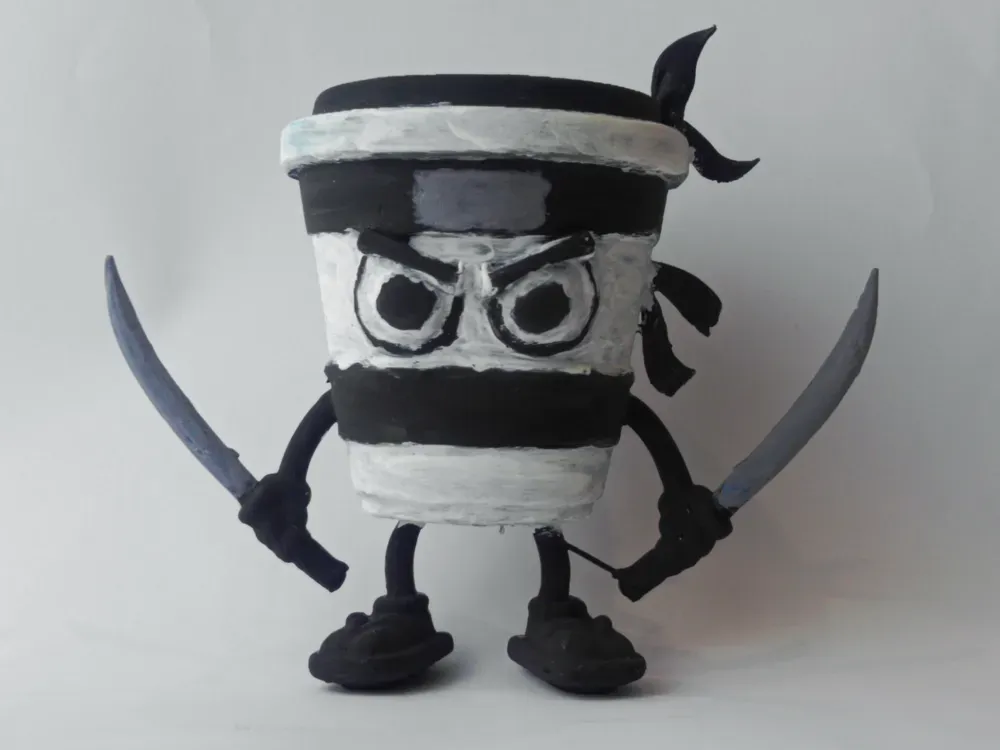
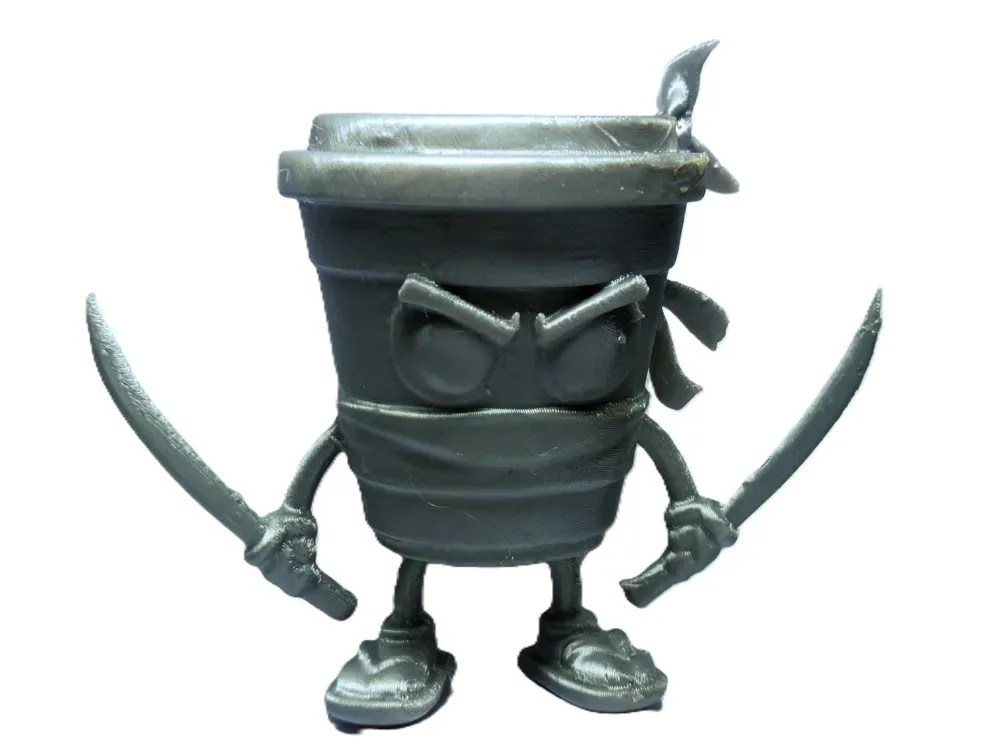
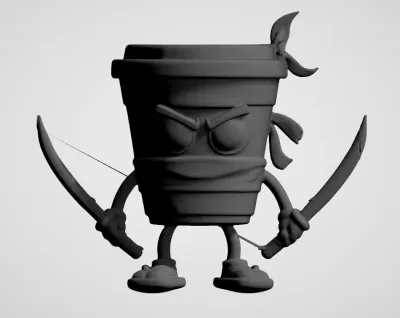
AI-Generated Cappuccino Assassin
- Image used to generate the 3D model via AI: https://en.namu.wiki/w/Italian%20Brainrot/Character%20Appearances#s-2.1.3
- Background removed using: Adobe Lightroom—or you can also use Microsoft’s Image Editor, which features an automated background removal tool.
- AI generation performed on: https://huggingface.co/spaces/tencent/Hunyuan3D-2
- Do not randomize the seed; use a single, fixed seed whenever possible. While this approach takes more time, it yields superior results.
- Optimize the mesh to between 200,000 and 500,000 triangles—this is more than sufficient for most applications.
The models do contain minor imperfections; we’ll refine them further in Blender during our free time.
PRINTING TIPS:
- Be sure to verify the scale—smaller models can be more challenging to print, especially given that the knife blades are quite thick.
- Pre‑generate supports manually; automatic support structures tend to be overly dense, and they can easily damage the model during removal.
- For best results, consider using SLA, SLS, DLP, or MJF printing processes.
Originality of the Model
The author declares that this work is their personally original model
This model is licensed under the following terms:
This work is licensed under a Standard Digital File License. Digital files have a strict non-commercial, personal use only license.
You shall not share, sub-license, sell, rent, host, transfer, or distribute in any way the digital file or 3D printed versions of this object, nor any other derivative work of this object in its digital or physical format (including remixes of this object). You can not host these files on other digital platforms, web stores or cloud repositories. The objects may not be used in any way whatsoever in which you charge money, collect fees.
Models(3)
- capuccino+assassino.3mfDesigner

2.63 MB

2026-02-05
 capuccino+assassino+without+errors.stlDesigner
2.77 MB
2026-02-05
 capuccino+assassino+orignal+model.stlDesigner
11.66 MB
2026-02-05
View all(3)


