




Centauri Carbon
Centauri Carbon Accessories
Accessories
flash
flash drive
usb drive
3d printer Accessories
3d printer
clip
Centauri Carbon mod
Centauri Carbon plugin
Centauri Carbon addon
cc mod
cc
cc Accessories
ecc
3d printer mods
mod

- 0.2mm layer, 2 walls, 15% infill

1-disc
PLA
Designer5(2)

908

151
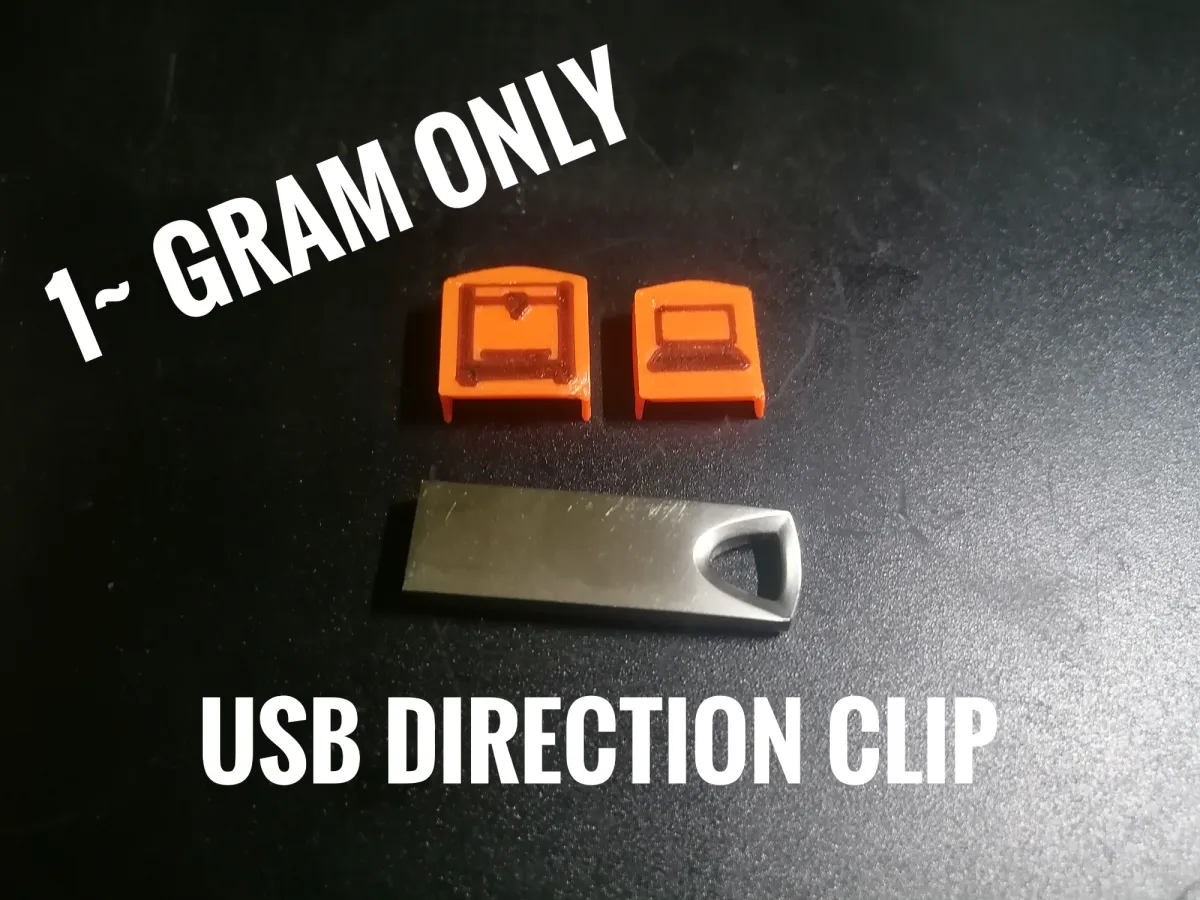
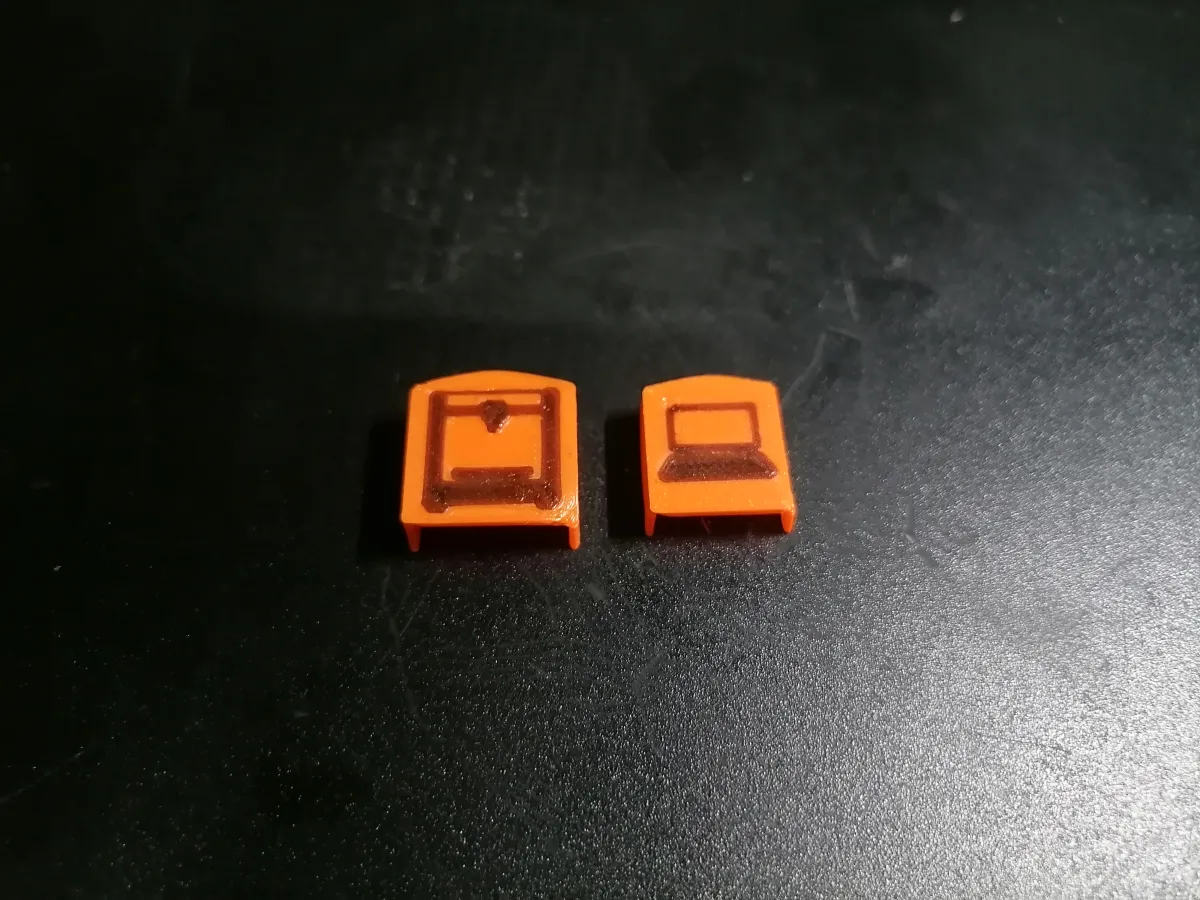
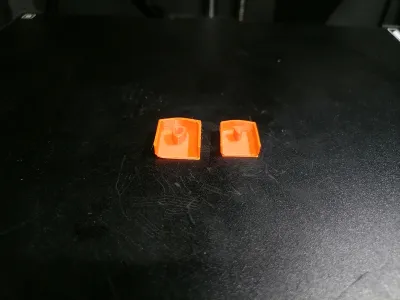
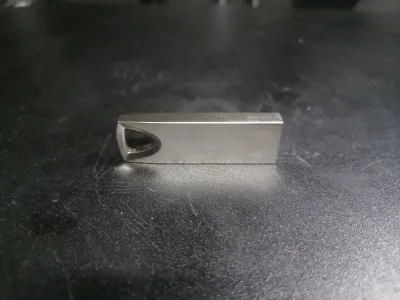
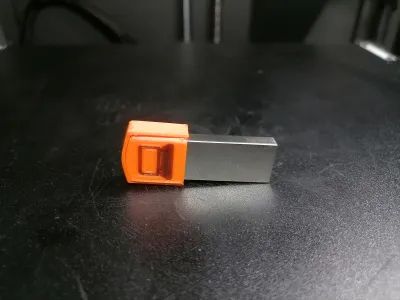
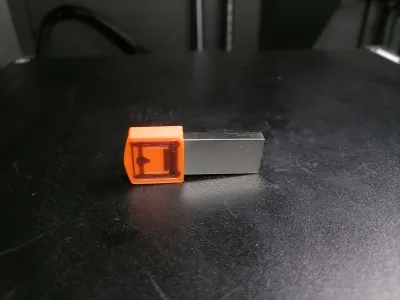
It’s super annoying when the USB drive slot on the printer is flipped, making it hard to plug in your drive the right way. This 3D-printed clip snaps onto the Centauri Carbon USB drive, showing exactly which side goes into a laptop and which side goes into the printer. It also gives a better grip, so the drive isn’t slippery and easier to handle.
- How to Use:
Insert the USB drive between the two 3D-printed parts, then snap them together.
Make sure the icons face the correct direction, or they’ll be upside down!
The print requires a single manual filament change. The printer will pause automatically after printing it. When it pauses:
1. Remove the current filament spool.2. Insert the next filament.
3. Hit “Load” on your printer to load the new filament.
4. Resume the print.
print settings:
First layer width: 0.2mm
Originality of the Model
The author declares that this work is their personally original model
This model is licensed under the following terms:
Credit must be given to the creator
Only noncommercial uses of the work are permitted
Models(1)
- USB Direction Clip.3mfDesigner

18.44 MB

2025-11-22


