




truck
hitch receiver
hitch
ford
chev
chevrolet
ram
dodge
dodge ram
advertising
hitch cap
cap

- 0.2mm layer, 3 walls, 30% infill

6-disc
PETG
Designer

103

23
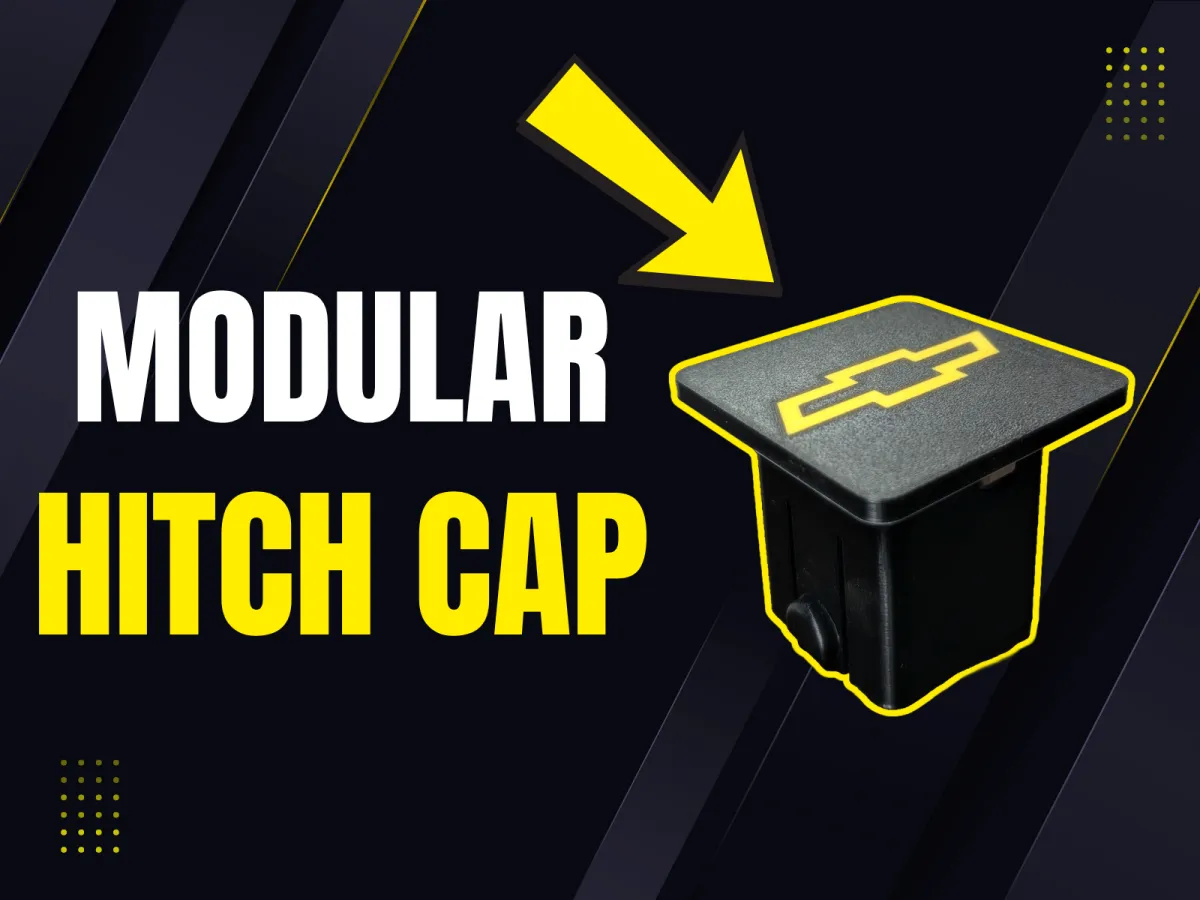
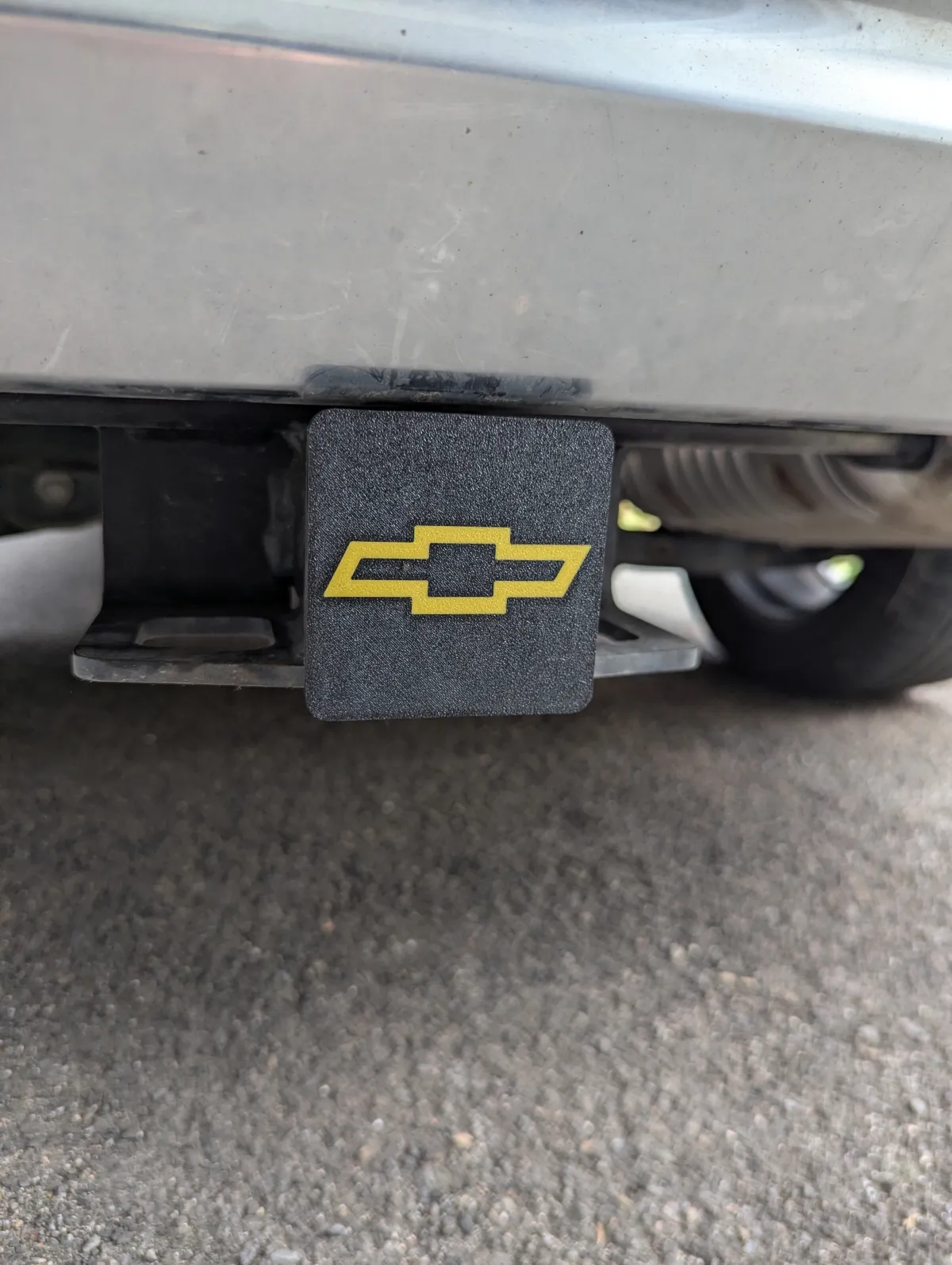
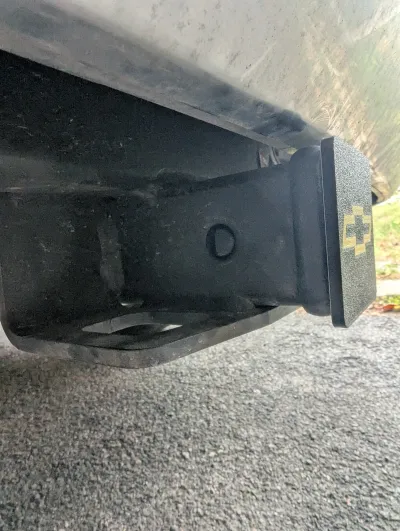
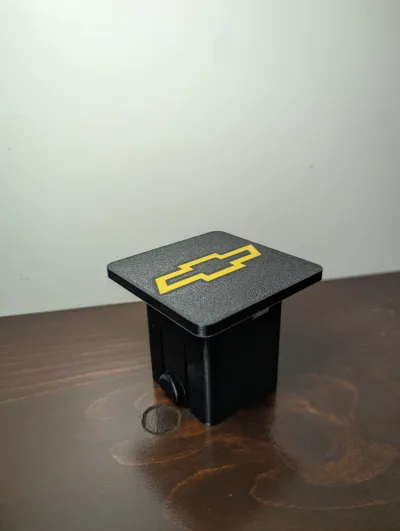
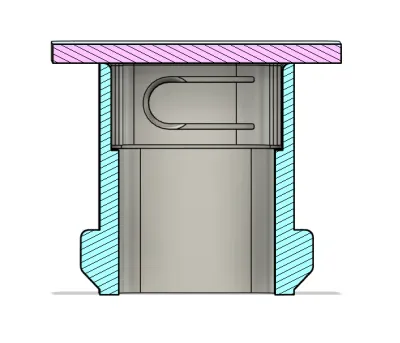
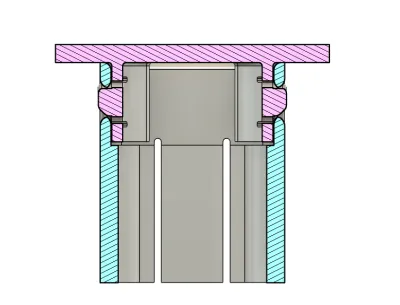
Add some flare to your vehicle with this highly customizable hitch cap model!
Features
Parametrizable
Parameters/Dimensions can be edited to your liking by downloading the .f3d file and selecting the “Change Parameter” interface in Fusion 360.

Modular
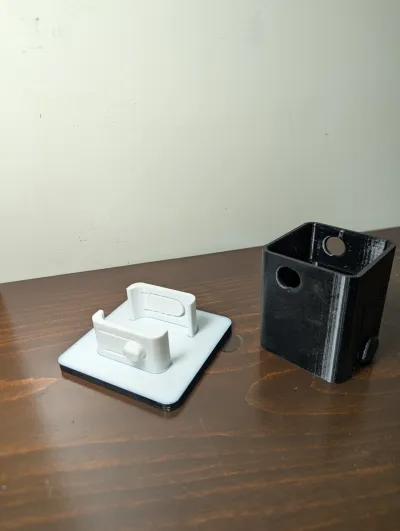
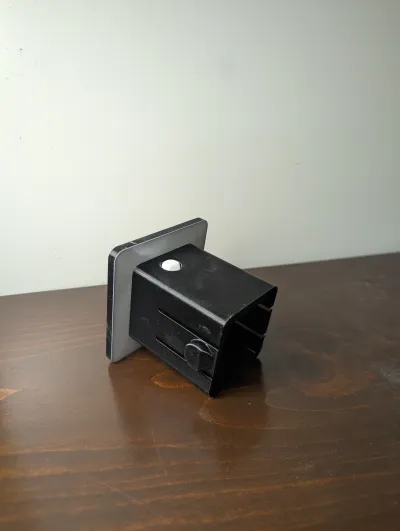
The Hitch_Cover can be easily removed and swapped out without removing or reprinting the main Hitch_Interface, saving both time and materials.

Customizable
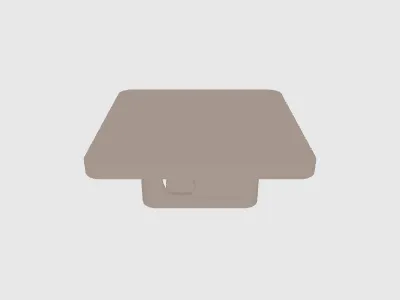
A blank version of the Hitch_Cover is included in the .f3d and .stl files so you can add your own logo. Advertise your company, rep your favourite sports team, sky's the limit.
Instructions
Printing as-is
1. Download the 3MF file and import it into your slicer. I'm using Bambu Studio.

2. Measure the distance from the rear-edge of your hitch pin hole, to the rear face of your hitch receiver, then choose the correct hitch interface file.
- Hitch_Interface_Short: Supports 43mm (and smaller) distances from hitch face to pin hole
- Hitch_Interface_Long: Supports 59mm (and smaller) distances from hitch face to pin hole
- Everything else: See “Modifying Parameters” section below to learn how to make a custom Hitch_Interface for your vehicle

3. If you're using Bambu Studio, my slicing settings should have carried over from the 3MF. Otherwise, review the Print Settings section to set your slicing settings accordingly, then paint the logos as needed and hit print!
Modifying Parameters before Printing
1. If your hitch face to pin distance and hitch depth aren't compatible with the two options I've provided, modify the hitch_depth and face_to_pin_dist parameters (in that order) in Fusion360 to suit your needs. You can also adjust the hitch_side_length parameter if you don't have a 2 inch hitch receiver.

2. Once you've made your changes, right-click the Hitch_Interface component in Fusion 360 and select ‘Save As Mesh’

3. Import the resulting stl file into my 3mf project in your slicer, and replace the stl's with the ones you've just created. Bambu Studio has a “Replace with STL” option in their right click context menu.

4. If you're using Bambu Studio, my slicing settings should have carried over from the 3MF. Otherwise, review the Print Settings section to set your slicing settings accordingly, then paint the logos as needed and hit print!
Notes
- This is not licensed for commercial use. Subscribe to my Patreon for the commercial license to all my models.
- Share your custom designs in the comments section below!
Originality of the Model
The author declares that this work is their personally original model
This model is licensed under the following terms:
Credit must be given to the creator
Only noncommercial uses of the work are permitted
Remixes must be shared under the same license
Models(8)
 Blank_Cover_Plate.stlDesigner
279.96 KB

2025-11-02
 Chevrolet_Cover_Plate.stlDesigner
293.83 KB
2025-11-02
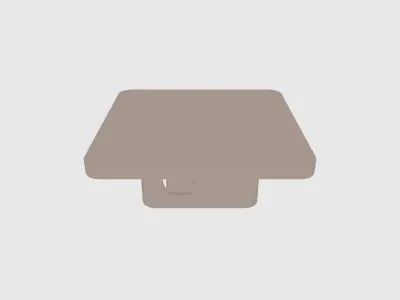 Ford_Cover_Plate.stlDesigner
521.47 KB
2025-11-02
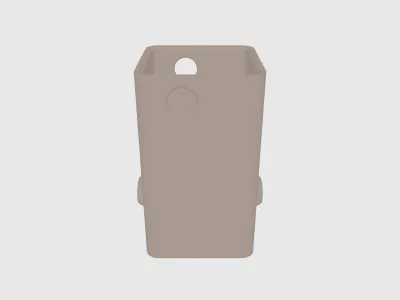 Hitch_Interface_Long.stlDesigner
288.36 KB
2025-11-02
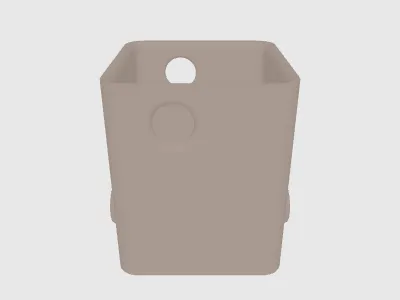 Hitch_Interface_Short.stlDesigner
334.07 KB
2025-11-02
 Modular_Hitch_Cover.f3dDesigner
3.63 MB
2025-11-02
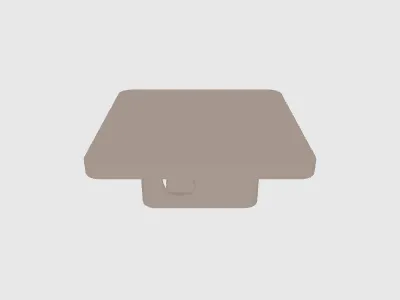 RAM_Cover_Plate.stlDesigner
629.87 KB
2025-11-02
- Modular_Hitch_Cover.3mfDesigner
598.66 KB
2025-10-19
View all(8)


