




Everyday Print Helpers 🛠️
first layer test
full bed test
bed calibration
first layer calibration
calibration print
printer calibration
stress test
full plate test
Elegoo test print
bed leveling test
3D printer test print
first layer quality
Elegoo Centauri Carbon
Centauri Carbon2
bed leveling calibration
Z-offset test
extrusion check
calibration model
3D printer calibration

- 0.2mm layer, 0 walls, 15% infill

1-disc
PLA
Designer - 0.2mm layer, 0 walls, 15% infill
1-disc
PLA
Designer

33

3
The Very First Print – Your Elegoo Centauri Carbon & Carbon2 First-Layer Health Check
Hi fellow Elegoo enthusiasts!
If you’re like me, you love your Centauri Carbon (or the Carbon2) and want to get the very best out of it right from the first layer. That’s exactly why I created “The Very First Print” – a simple but powerful full-bed test model designed specifically for these printers.
What is it?
This model comes in two versions:
- One-layer version – perfect for a quick check
- Two-layer version – gives you a slightly more stable print while still showing the first layer clearly
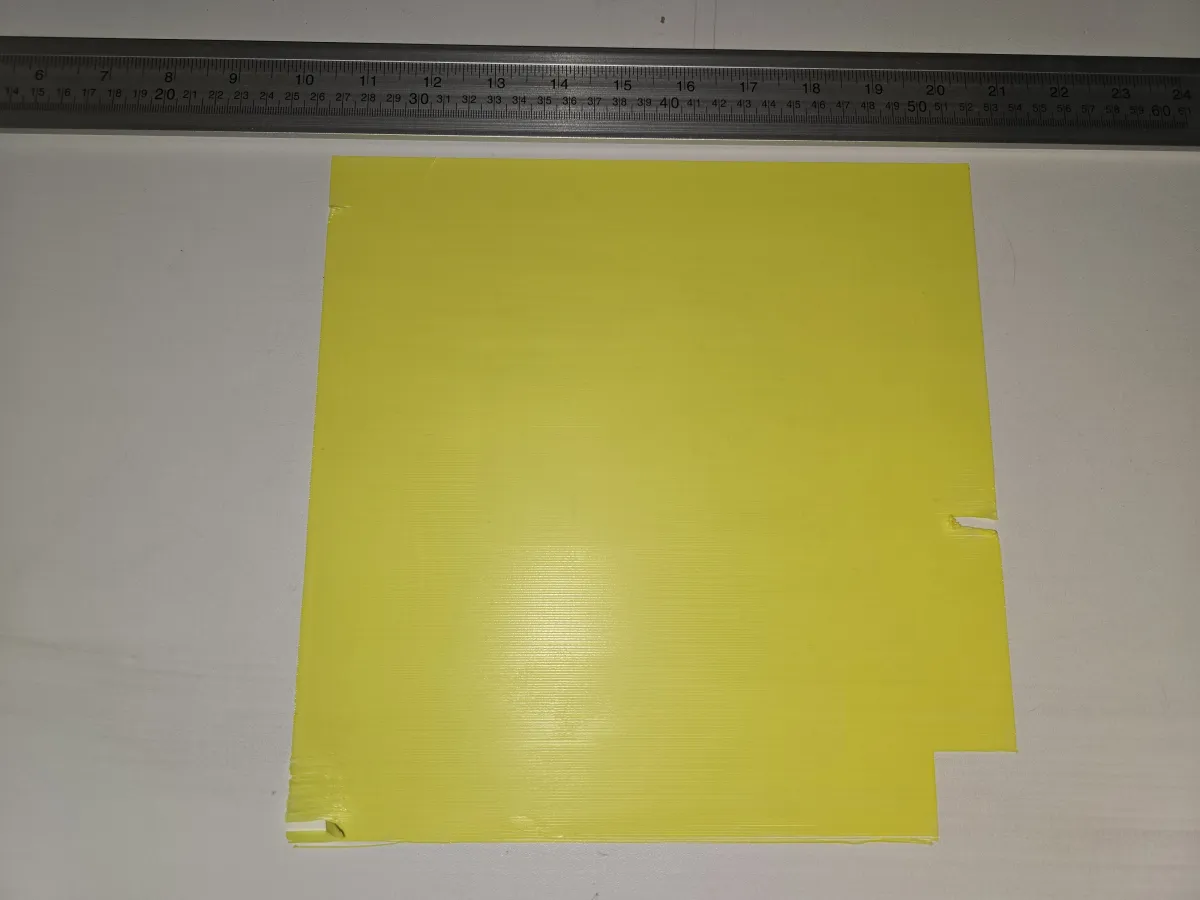
It prints across almost the entire build plate (leaving out the small reserved area at the bottom right that the printer normally protects). Instead of the usual diagonal infill pattern most slicers use, this model deliberately forces the printer to lay down each line from left to right, line by line. This creates a real stress test for your first layer across the whole bed.
Why should you print it?
Even excellent printers like the Centauri series have natural tiny variations in first-layer quality across a full bed. Normal everyday prints rarely cover the entire plate, so you often don’t see these small differences. “The Very First Print” reveals them in a clear, visual way:
- Lines that aren’t perfectly connected
- Areas with slight under- or over-extrusion
- Spots where the first layer looks strongest and where it’s a bit weaker
Important: Seeing some imperfections is completely normal and not a defect of your printer. Every machine has its own character. This test simply helps you get to know your Centauri better so you can dial in your settings with confidence and get consistently great results on your regular prints.
How to use it
- Download the model as printfile
- Slice with the print file don't change anything (but the filament if others than PLA)
- Print and take a close look at the first layer
- Use the results to fine-tune your bed leveling, Z-offset, flow rate, or temperature if desired
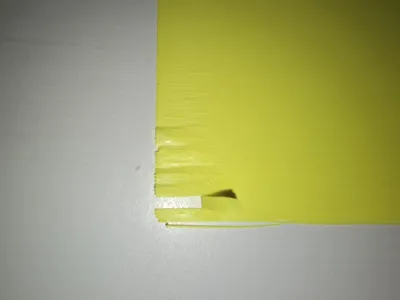
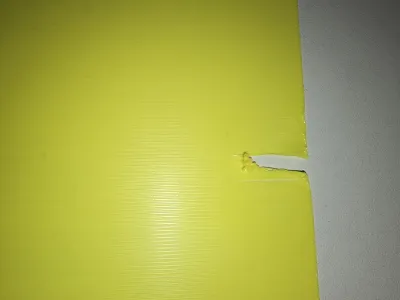
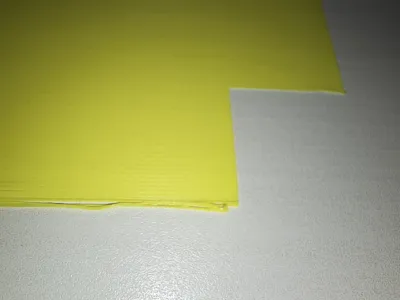
Don’t be alarmed if your print isn’t 100 % perfect – mine certainly isn’t! That’s the whole point of this stress test. The attached photo shows a real print with all its honest little imperfections so you know what to expect.
I hope this model helps you enjoy your Centauri Carbon even more. Happy printing, and feel free to share your results – I’d love to see how your printer performed!
Originality of the Model
The author declares that this work is their personally original model
This model is licensed under the following terms:
Credit must be given to the creator
Remixes must be shared under the same license
Models(2)
- ES_CentauriCarbon-FirstPrint_1_layer.3mfDesigner

27.00 KB

2026-07-04
- ES_CentauriCarbon-FirstPrint_2_layers.3mfDesigner
27.00 KB
2026-07-04


